 ▶
▶
 ▶
▶Savings Challenge Vault
Pick a challenge. Watch it fill.
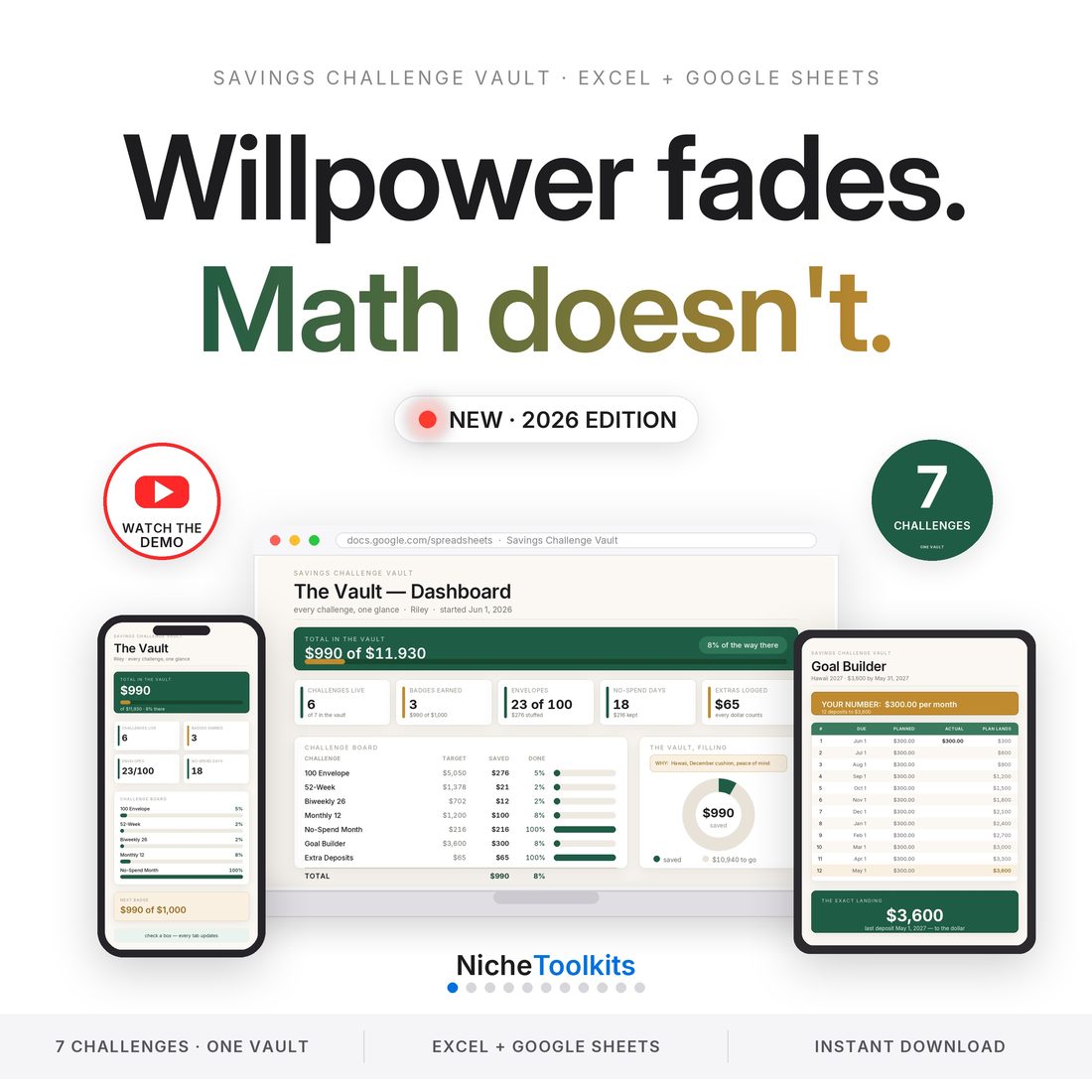
5.0shop rating · 6 Etsy reviewsThe savings challenges everyone loves — envelopes, 52-week, no-spend — finally with math that does itself. One spreadsheet holds seven challenges and a live dashboard, and a printable A6 binder pack ships in the same box. Undated, with no annual reset: start any day.
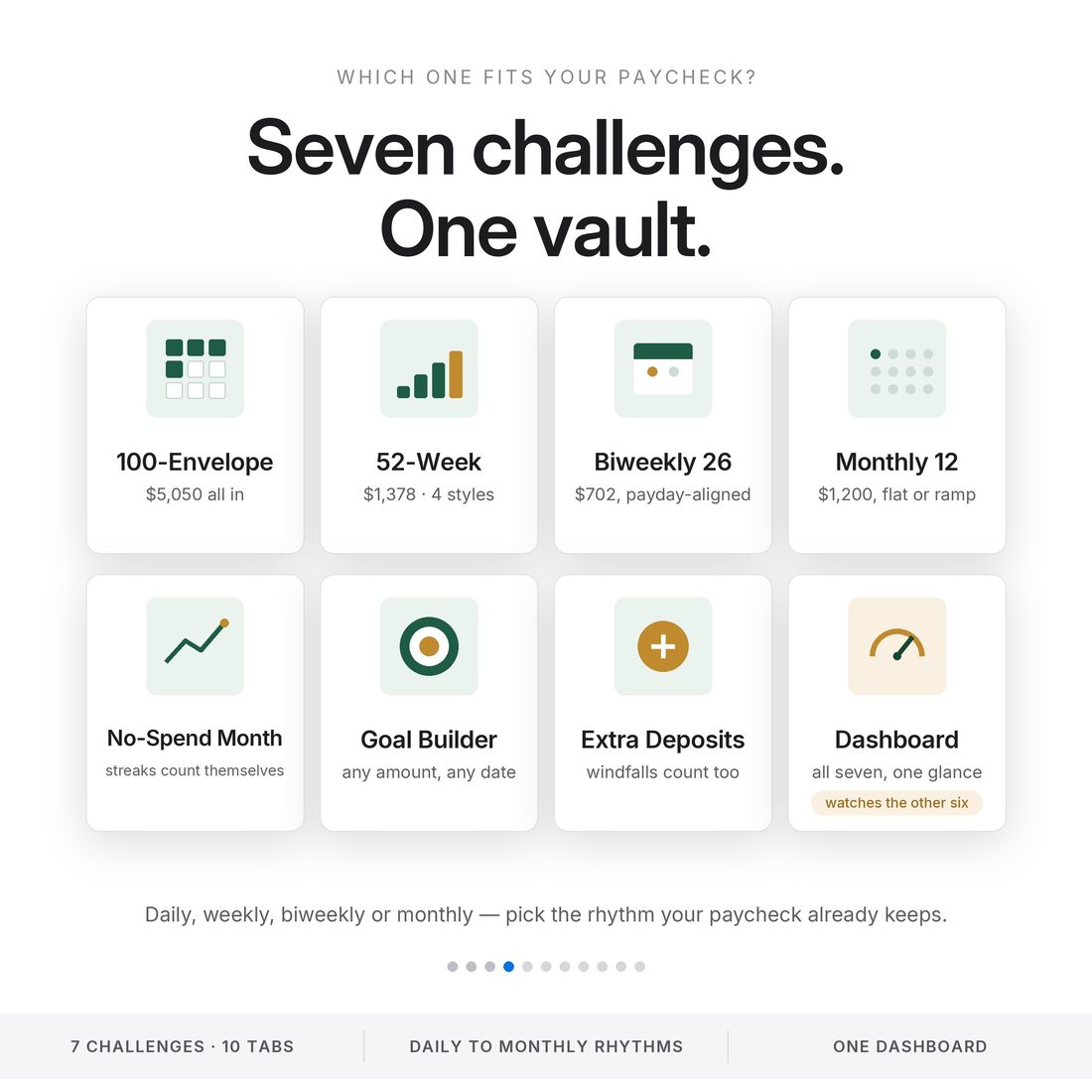
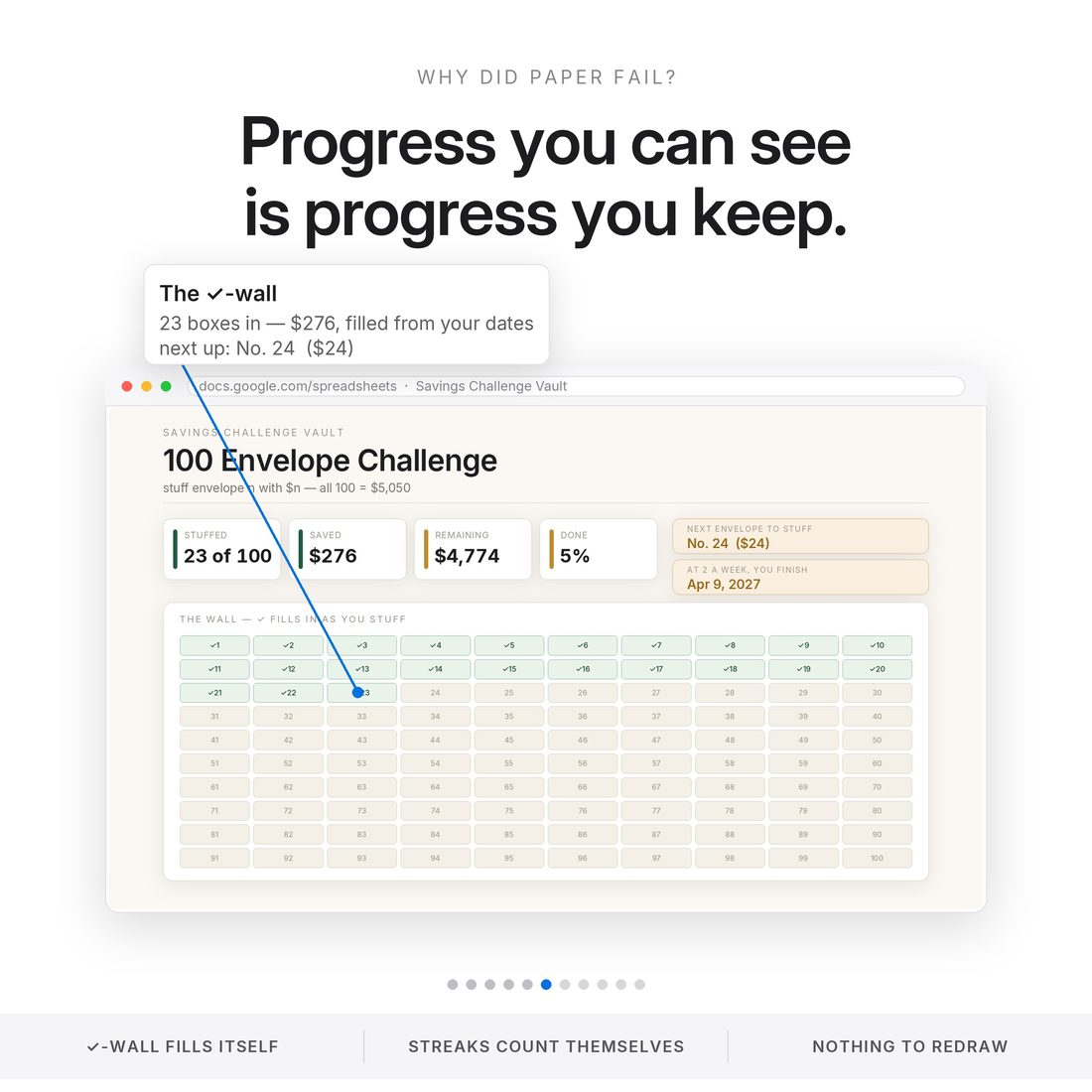
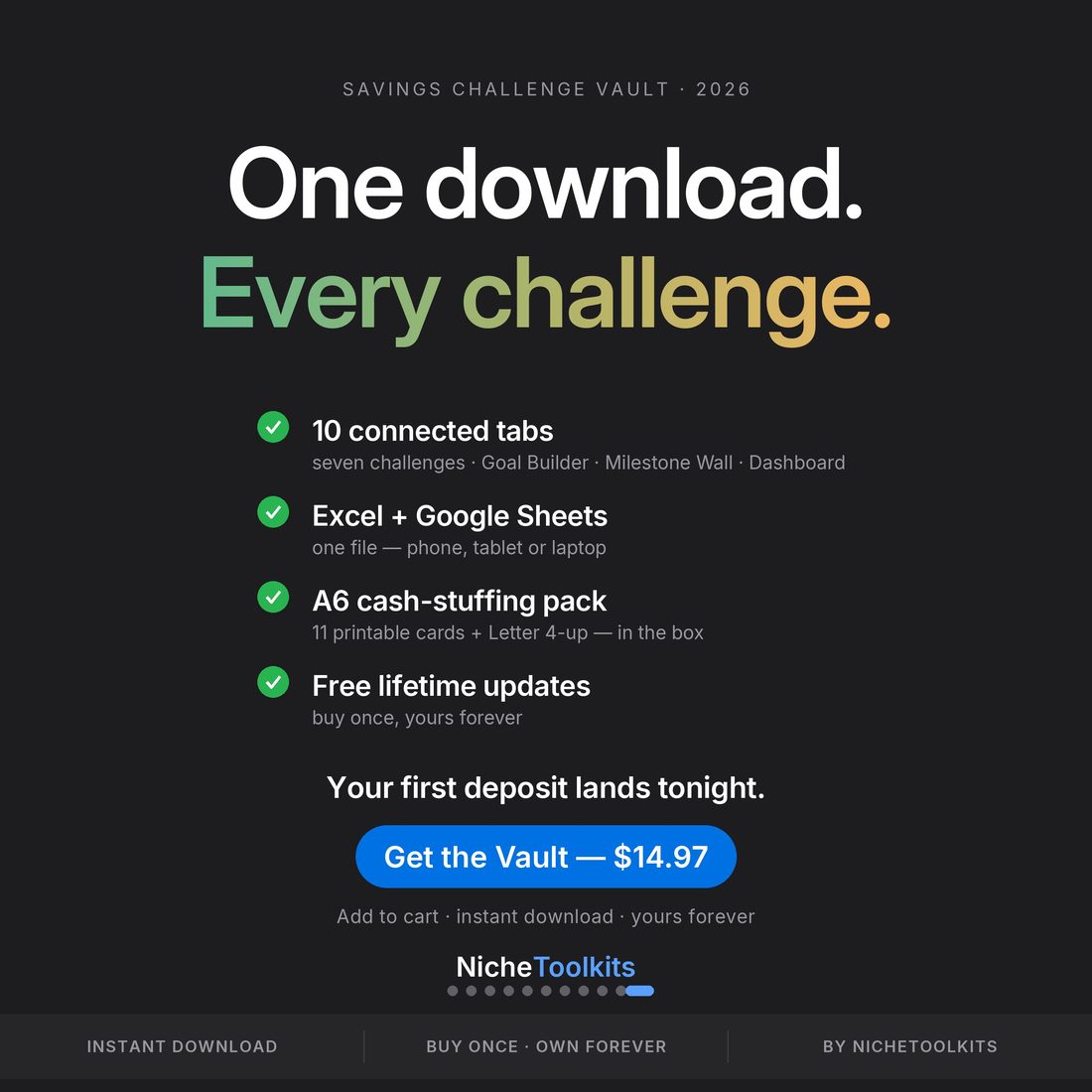
- Seven challenges in one 10-tab engine — 100 Envelope, 52-Week, Biweekly, Monthly, No-Spend and more
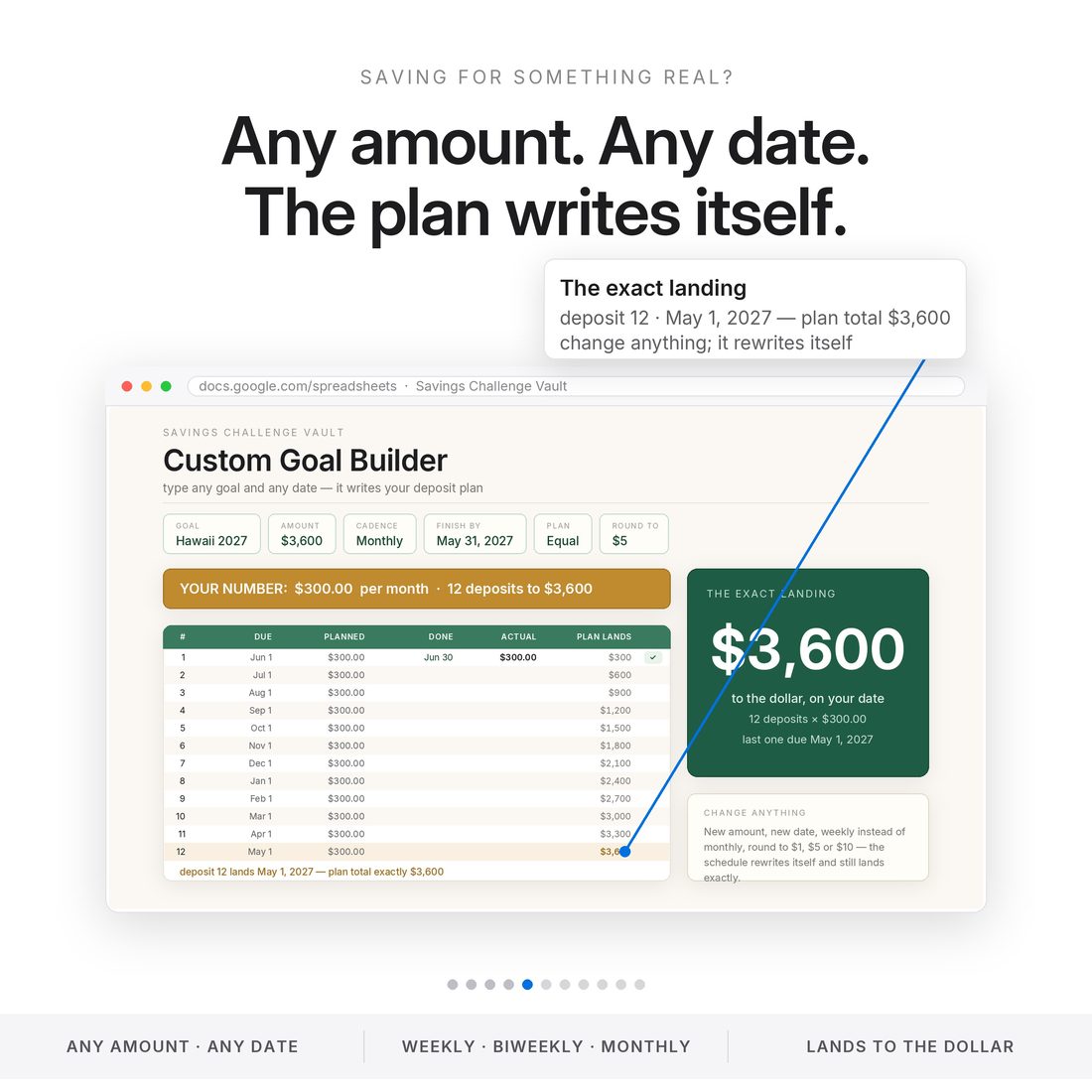
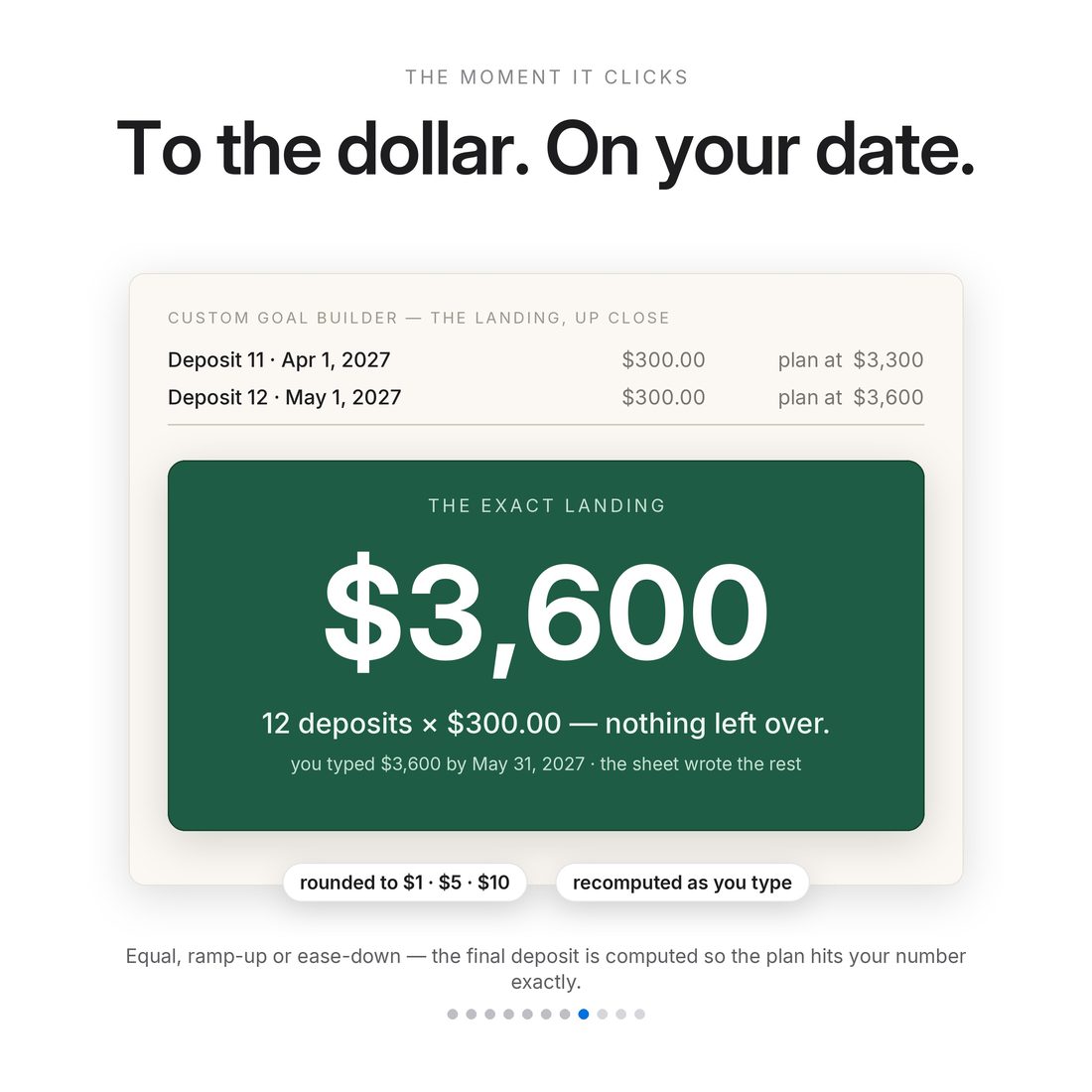
- Custom Goal Builder: type any amount and any date — it writes your deposit schedule and lands the last deposit exactly
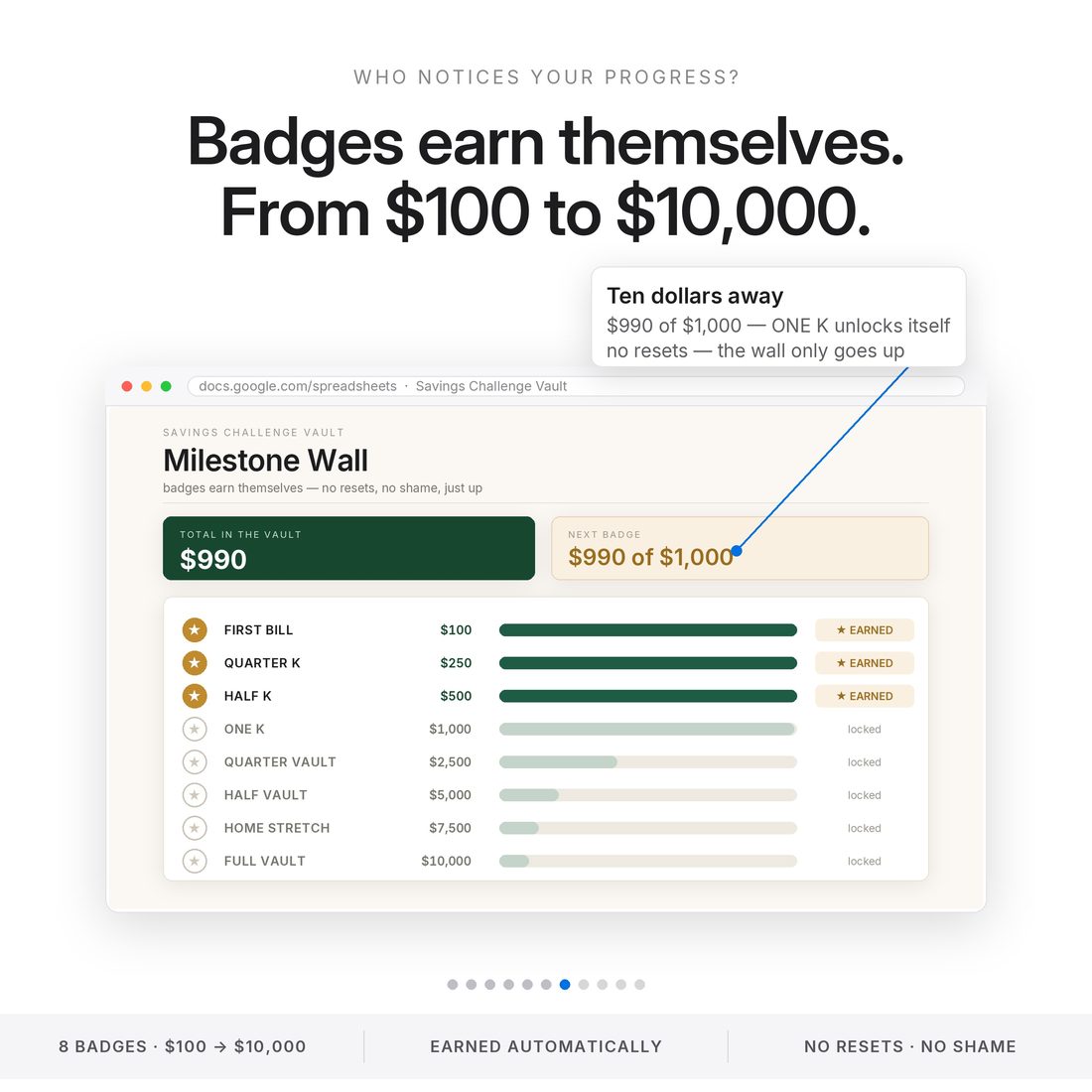
- Live dashboard + Milestone Wall badges that earn themselves from $100 to $10,000
- Printable A6 cash-stuffing pack included: 11 binder-size cards + a Letter 4-up version
- Works in Excel AND Google Sheets — undated, no annual reset, start any day
Overview
Pick a challenge. Watch it fill.
The savings challenges everyone loves — envelopes, 52-week, no-spend — finally with math that does itself. One spreadsheet holds seven challenges and a live dashboard, and a printable A6 binder pack ships in the same box. Undated, with no annual reset: start any day.
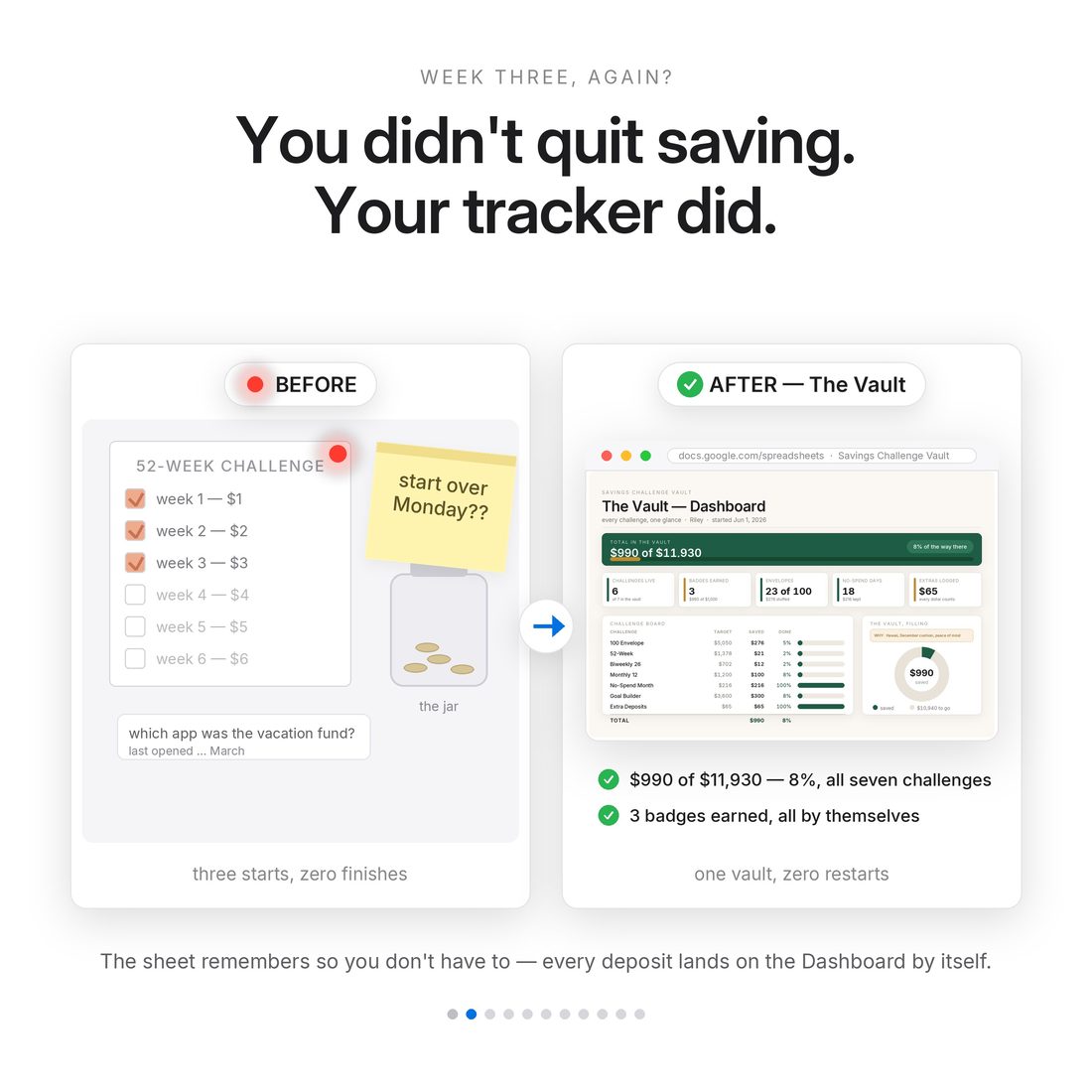
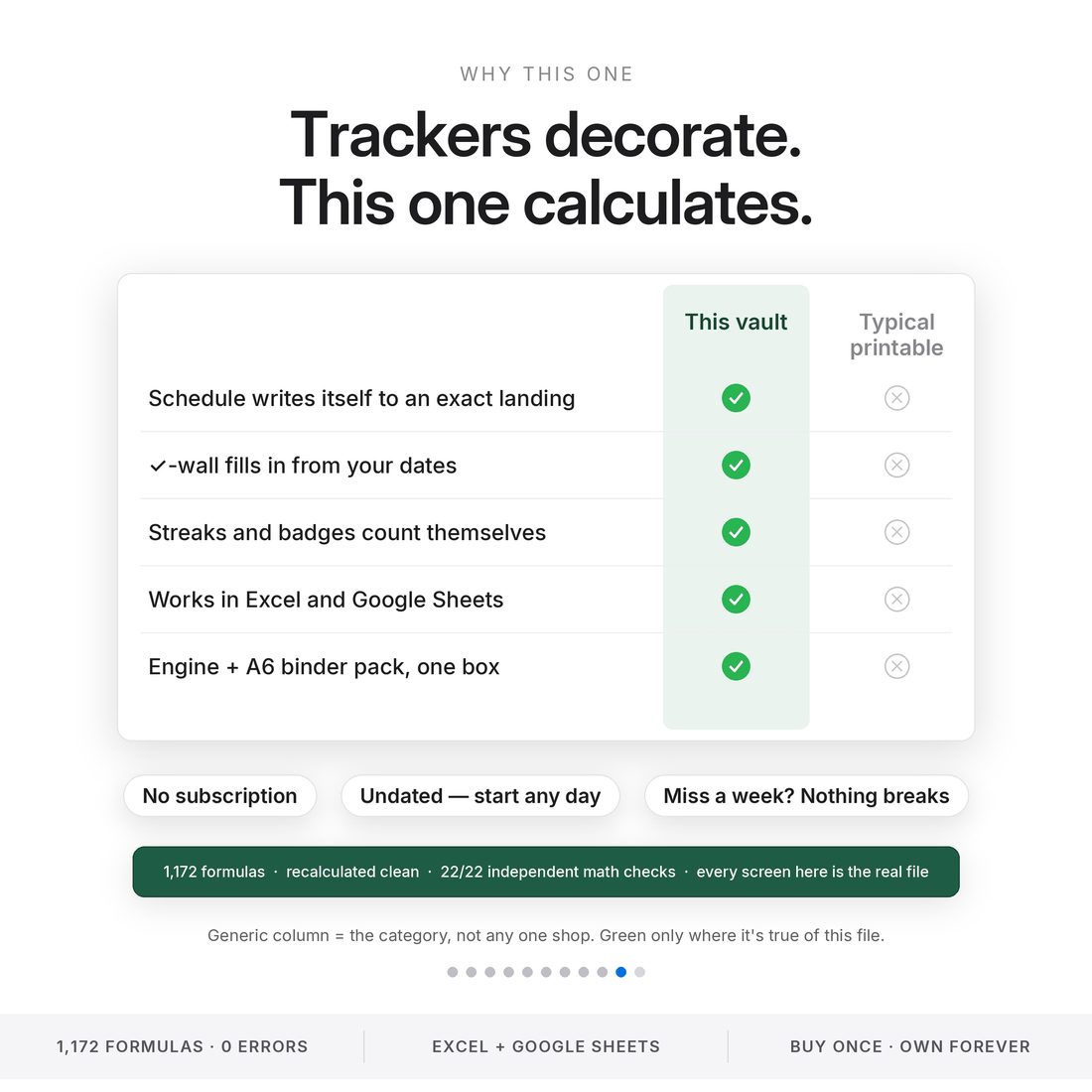
Most challenge trackers are a single printable page — pretty, but you do all the math.
What's Included
Inside the toolkit
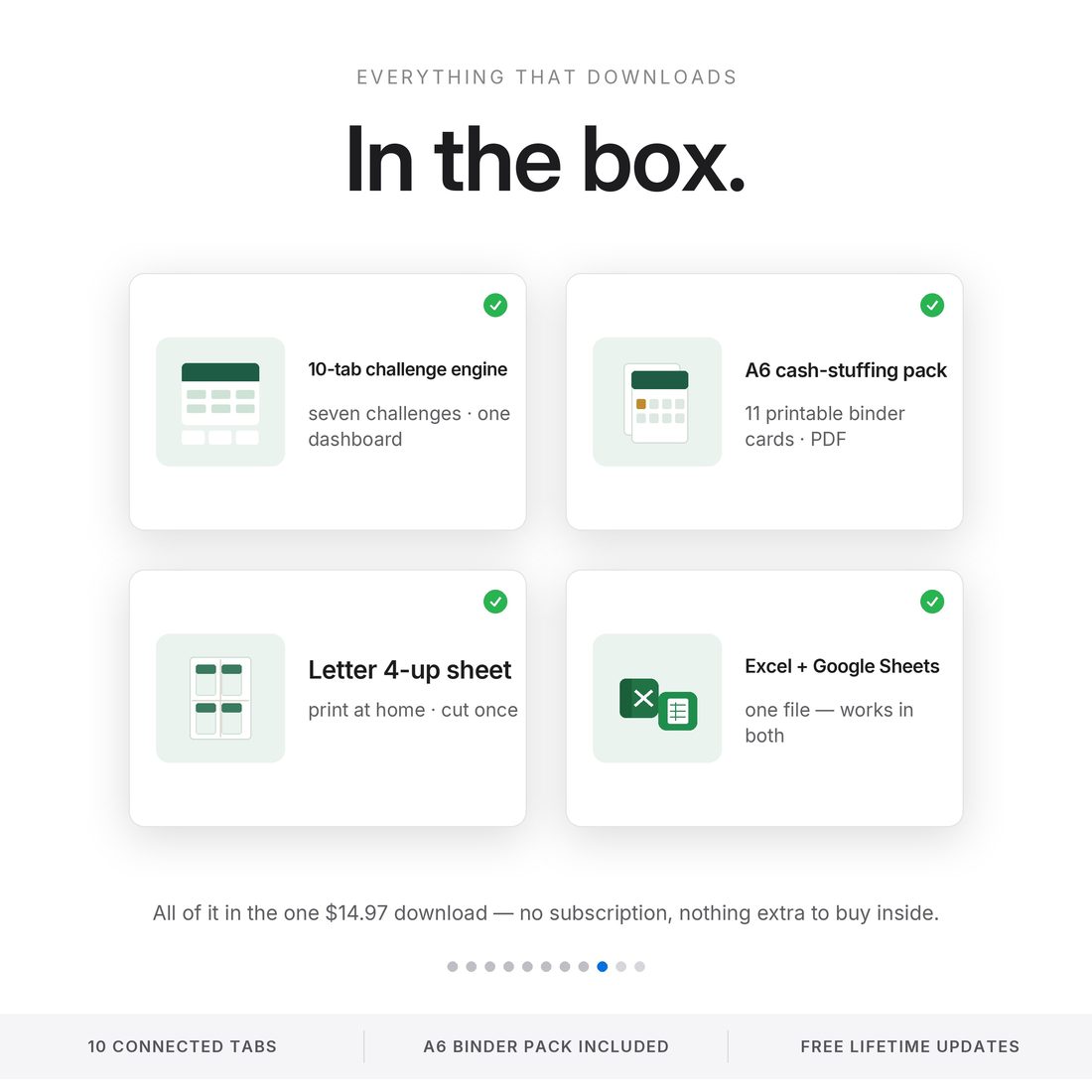
- Savings-Challenge-Vault-NicheToolkits.xlsx in all three colors (Colorful, Light & Dark) — the 10-tab challenge engine (Excel + Google Sheets)
- Printable-A6-Challenge-Pack.pdf — 11 cash-stuffing cards, A6 binder size
- Printable-Letter-4up.pdf — the same 11 cards, four per US-Letter page with trim lines
- README.txt + LICENSE.txt — plain-English setup for Excel and Google Sheets
- Delivered as one ZIP — instant download
Key Benefits
Why this one
You only type in the warm near-white cells; every total, streak and progress bar calculates itself.
Envelopes, ladders, no-spend, biweekly, monthly — switch challenges without buying another tracker.
The Goal Builder writes a deposit schedule that corrects the last deposit to hit your goal exactly.
The Milestone Wall lights up from $100 to $10,000 as your balance climbs.
No annual reset and no printed year — start any day and reuse it for every goal after this one.
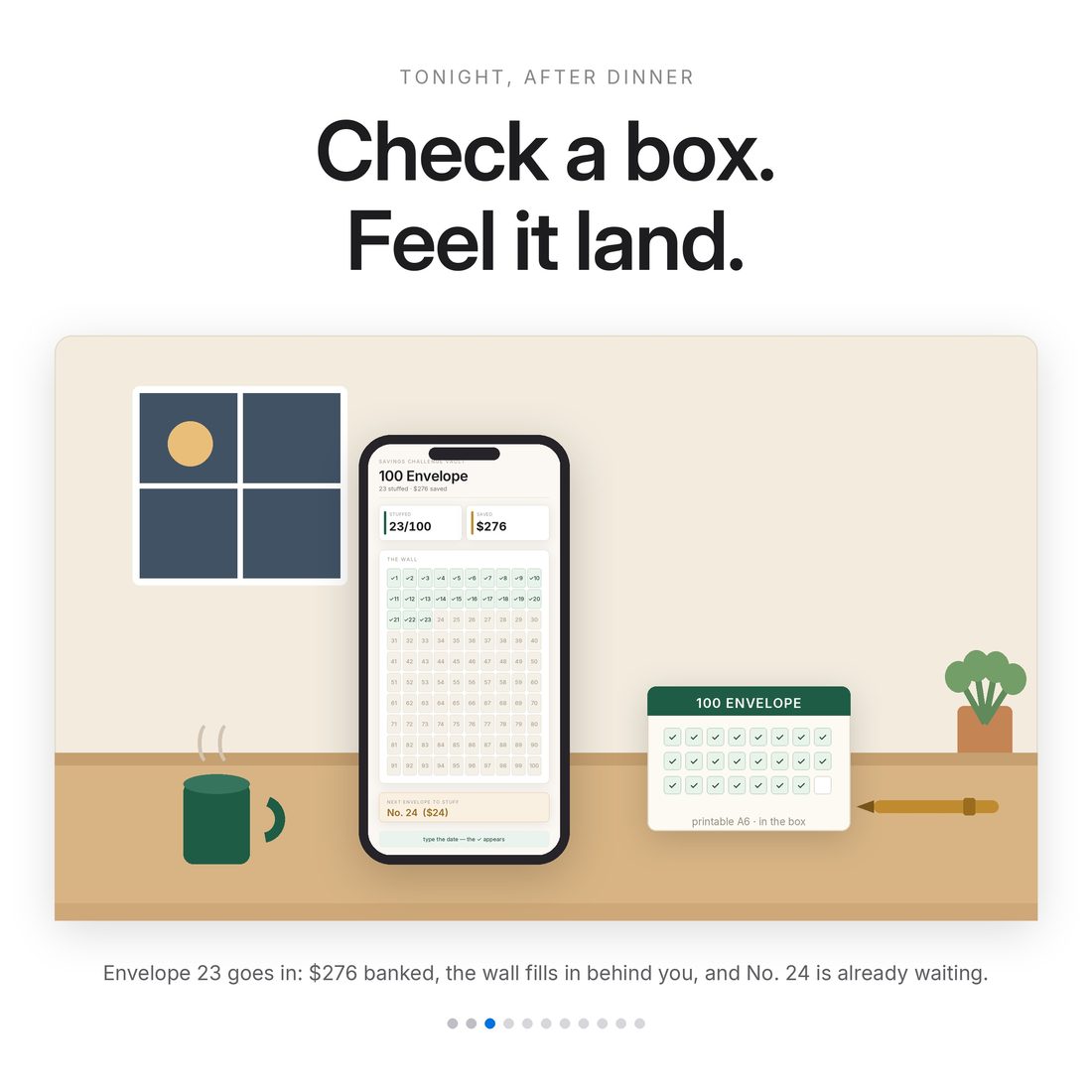
Track in the spreadsheet, stuff cash with the printable A6 binder cards — or do both.
Who It's For
Built for
- Cash stuffers with an A6 binder habit
- 100 Envelope and 52-Week challenge fans
- Anyone saving toward a specific amount and date
- People who quit spreadsheets because of the formula upkeep
How It Works
Up and running in minutes
Unzip and open the spreadsheet in Excel, or import it into Google Sheets (steps in the README)
On Start Here, type your name, start date and what you're saving for
Open any challenge tab and log your first deposit
Watch the Dashboard and Milestone Wall update themselves
Print the A6 pack (or the Letter 4-up) if you like cash stuffing on paper
Why It's Different
Not another template
Most challenge trackers are a single printable page — pretty, but you do all the math. The Vault is a working engine: seven challenges wired into one dashboard, a Goal Builder that writes custom deposit schedules, and badges that award themselves. One rule the whole file obeys: you only ever type in the warm near-white cells. And because it's undated with no annual reset, it's the last savings tracker you need to buy.
Delivery & Compatibility
Instant, and works with what you use
As soon as your order is complete you get instant access to download your files. Prefer Google Sheets for real-time updates and dropdowns? It's fully optimized. More comfortable in Excel? It works just as well.
Built and tested in the latest Excel (Office 365). On Mac we recommend the Google Sheets version — the template is not compatible with Apple Numbers. Available in English. The template is delivered blank; the images and video show sample data to demonstrate how it looks once filled in.
FAQ
Questions, answered
Does it work in Google Sheets?
Yes — Excel and Google Sheets both. Upload the .xlsx to Drive, open with Google Sheets, and everything works; the README walks you through it step by step.
Does it come in different colors?
Yes — every purchase includes three color versions of the spreadsheet: Colorful, Light and Dark. Preview them with the color switch near the top of the page; you receive all three in your download (each works in both Excel and Google Sheets).
Is it tied to a calendar year?
No. It's undated — you set your own start date, and there's no annual reset. Start any day and reuse it for the next goal.
What if my goal isn't one of the seven challenges?
That's the Custom Goal Builder: type any amount and any target date and it writes your deposit schedule — weekly, biweekly or monthly; equal, ramp-up or ease-down; rounded to $1, $5 or $10 — and lands the last deposit exactly.
What sizes are the printables?
Two files: an A6 pack (105 × 148 mm, standard cash-stuffing binder size) and a US-Letter version with four cards per page and trim lines.
Can I get a refund on a digital download?
Because delivery is instant, all sales are final — but message us with any issue and we'll make it right.
For personal use only. © 2026 NicheToolkitHub — no resale or redistribution.