 ▶
▶
 ▶
▶Savings & Sinking Funds
Fund the future before it bills you.
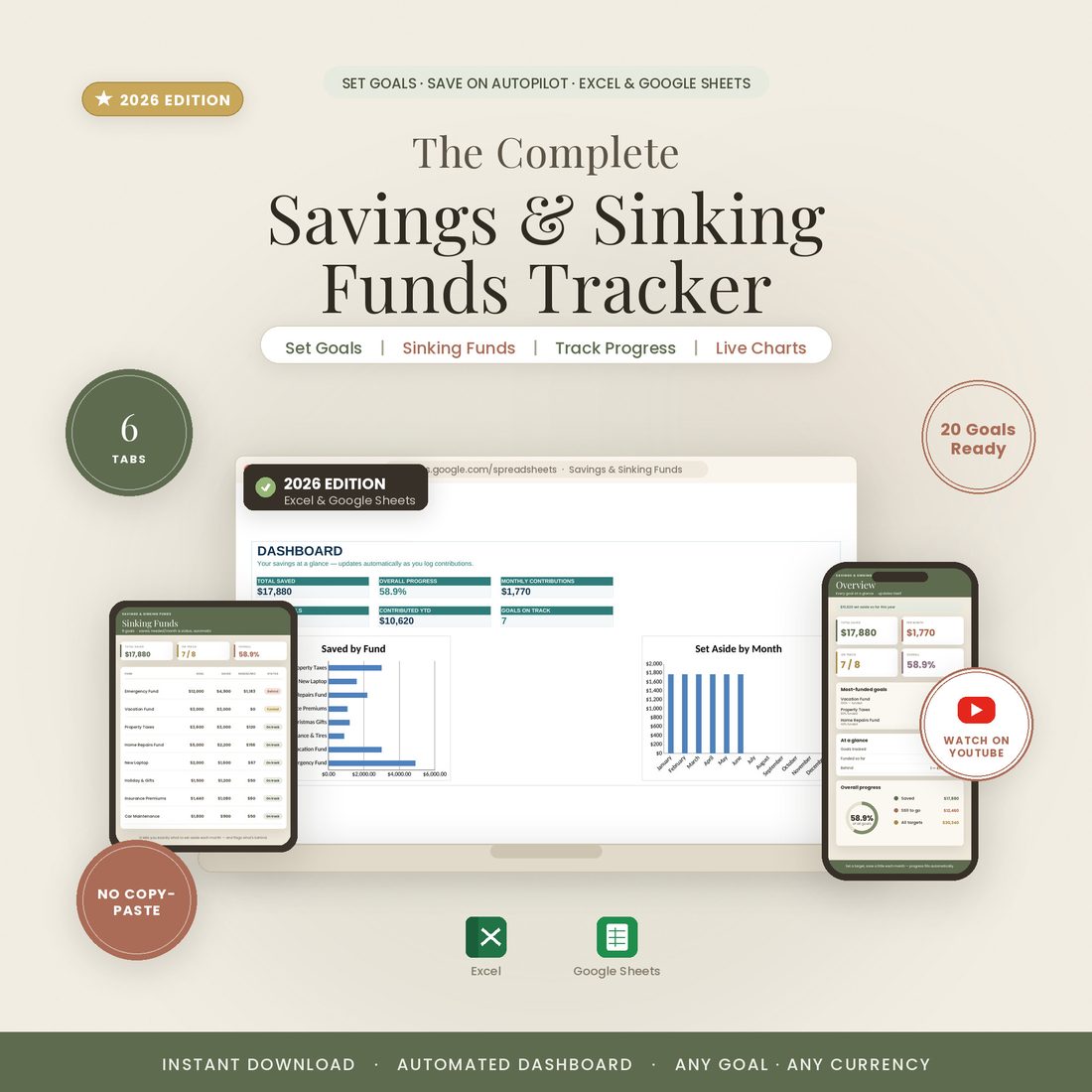
5.0shop rating · 6 Etsy reviewsCar repairs, the holidays, insurance, property taxes — they aren't surprises, they're just bills you haven't saved for yet. Set money aside a little at a time for every goal and see exactly how close you are, in both Excel and Google Sheets.
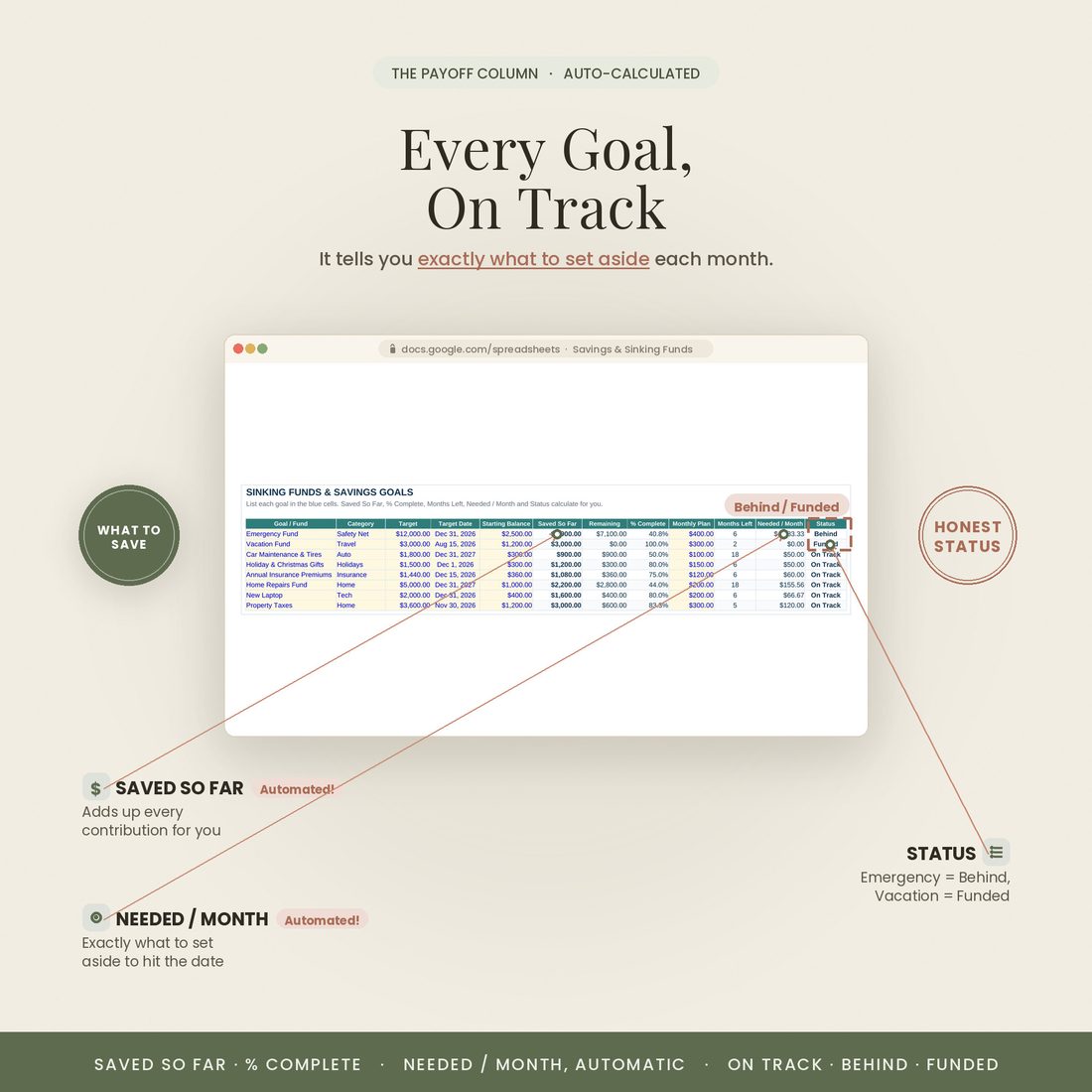
- Saved So Far, % Complete and Remaining for every goal — automatic
- Needed / Month tells you exactly what to set aside to finish on time
- On Track / Behind / Funded flag on every fund, so nothing slips
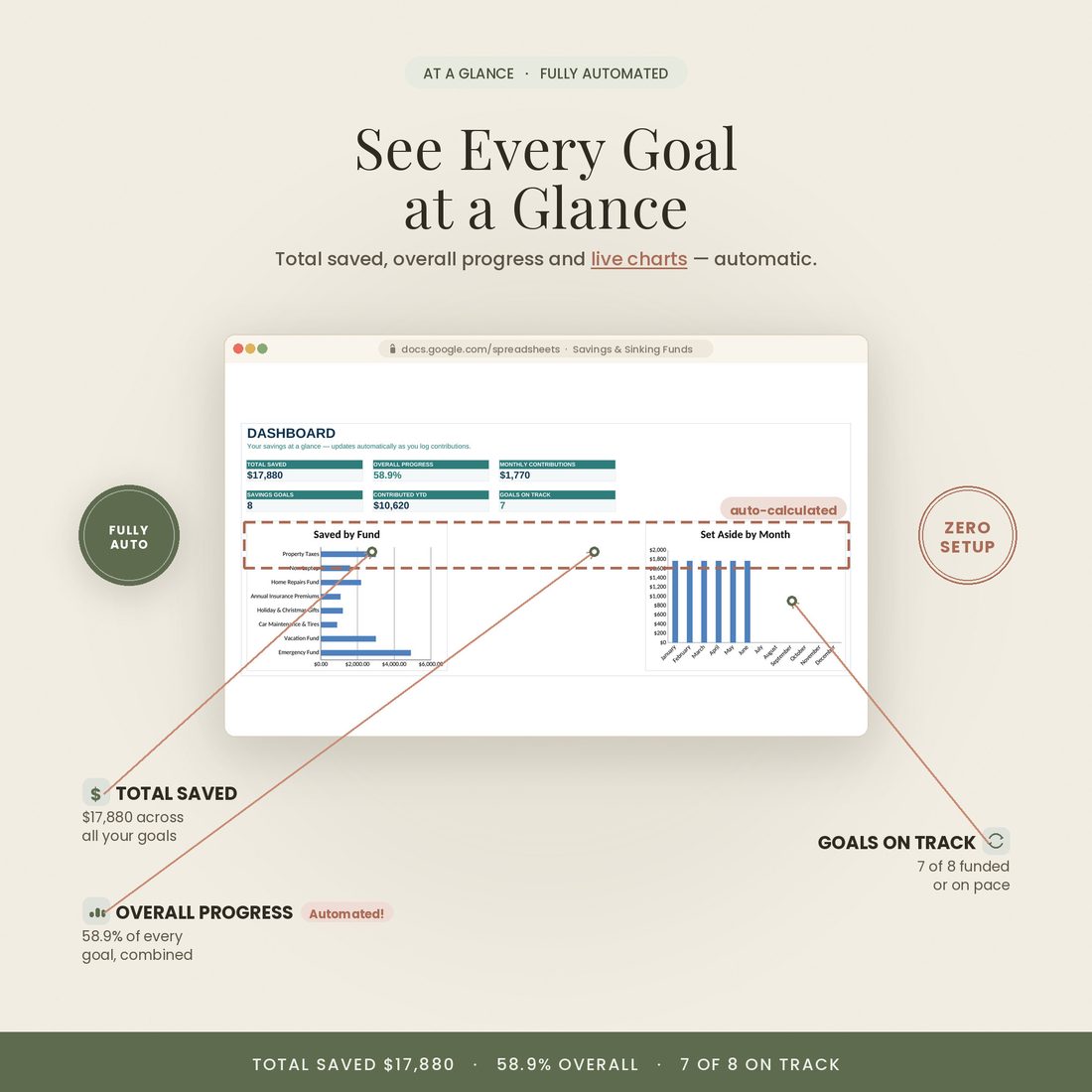
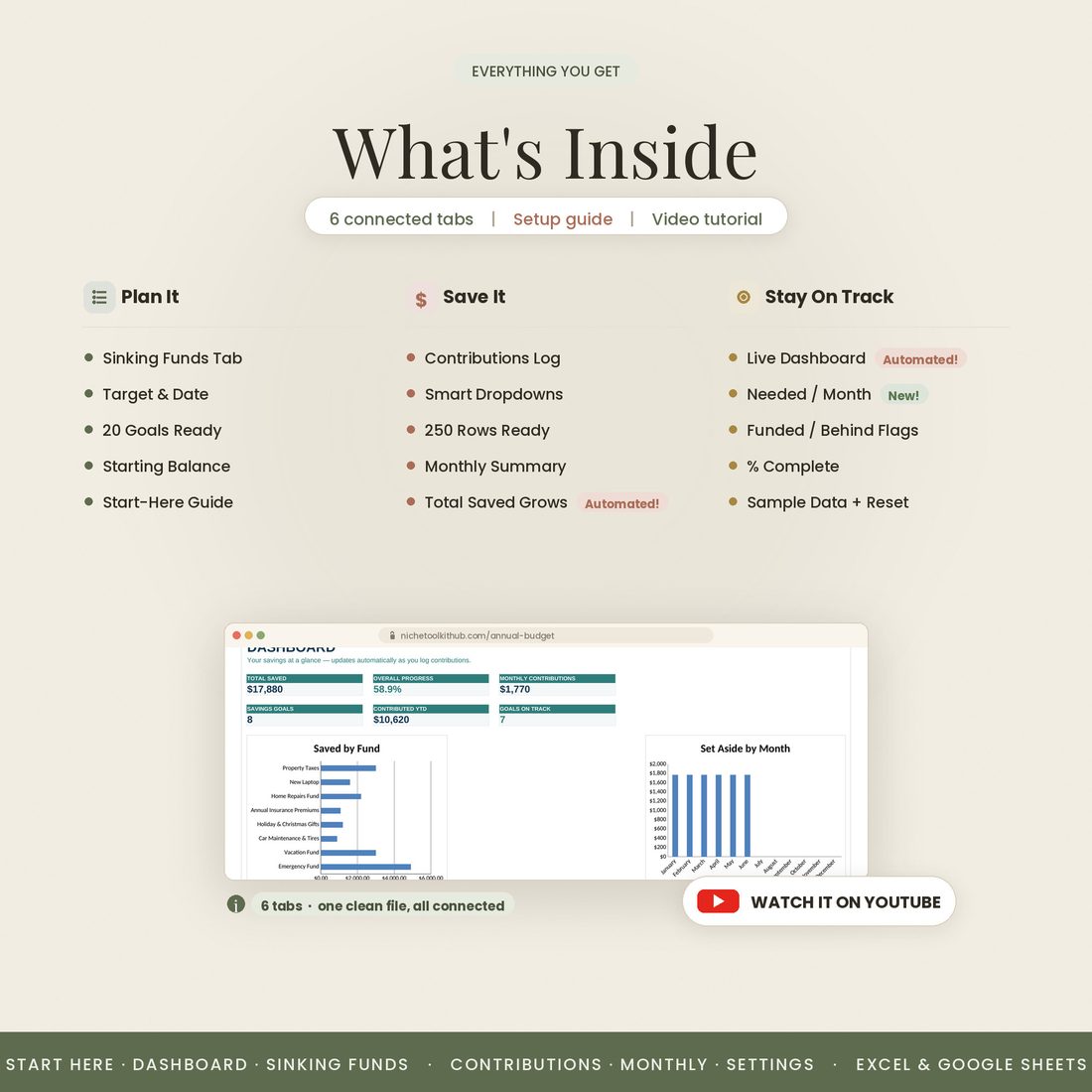
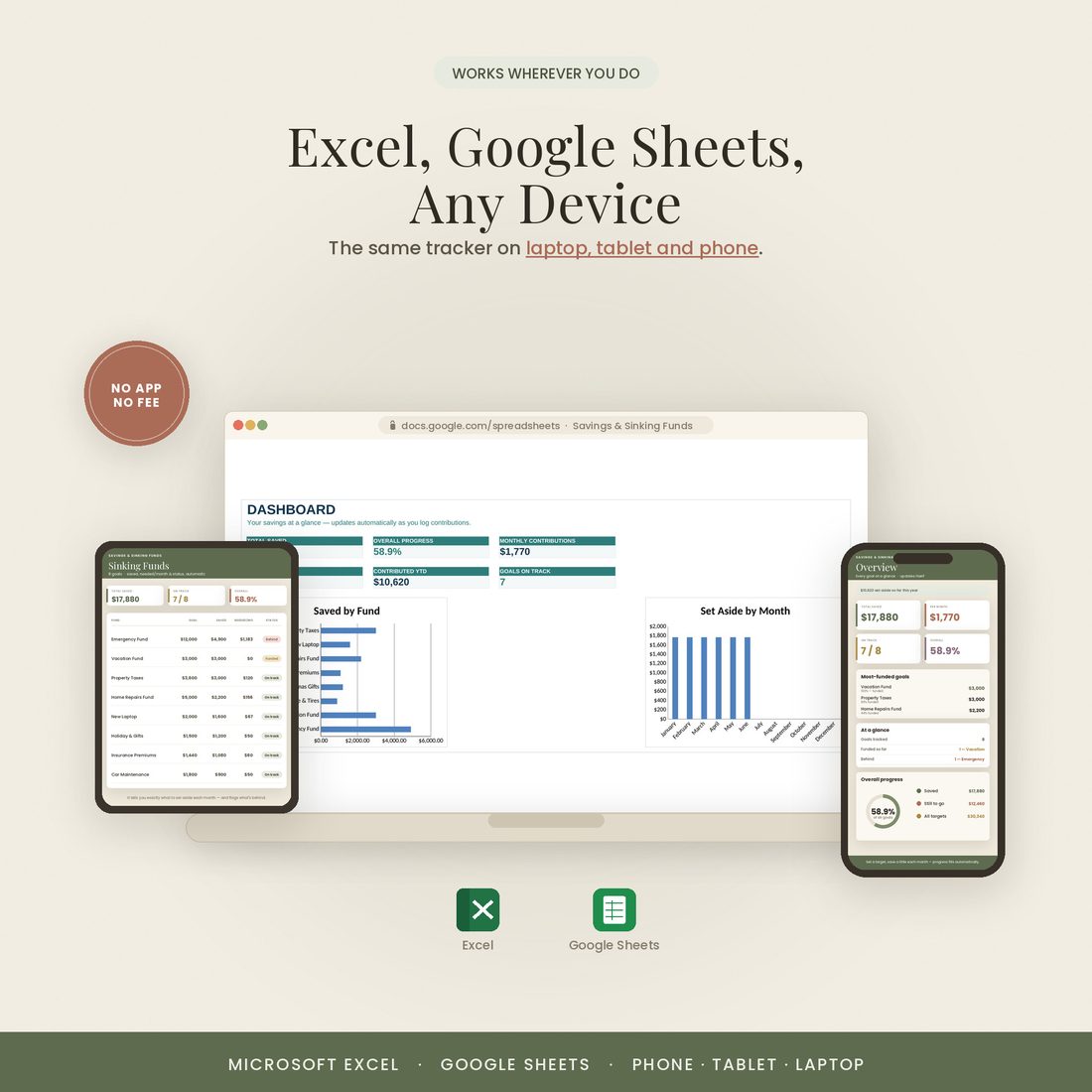
- A live dashboard — total saved, overall progress and charts
- Comes in Colorful, Light & Dark — all three included
Overview
Fund every goal before it bills you
Car repairs, the holidays, insurance, property taxes — they aren't surprises, they're just bills you haven't saved for yet. This spreadsheet helps you set money aside a little at a time for every goal, and shows you exactly how close you are.
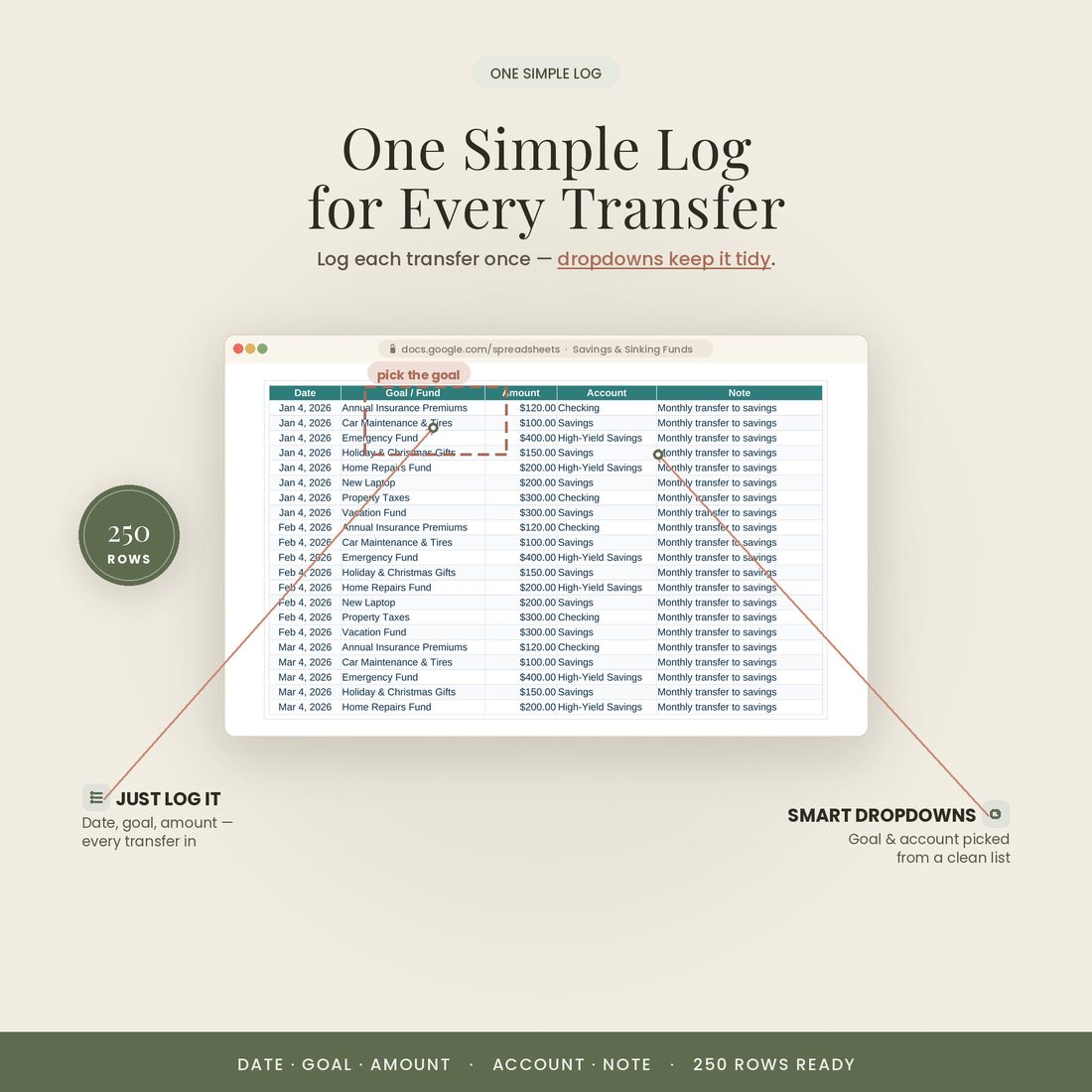
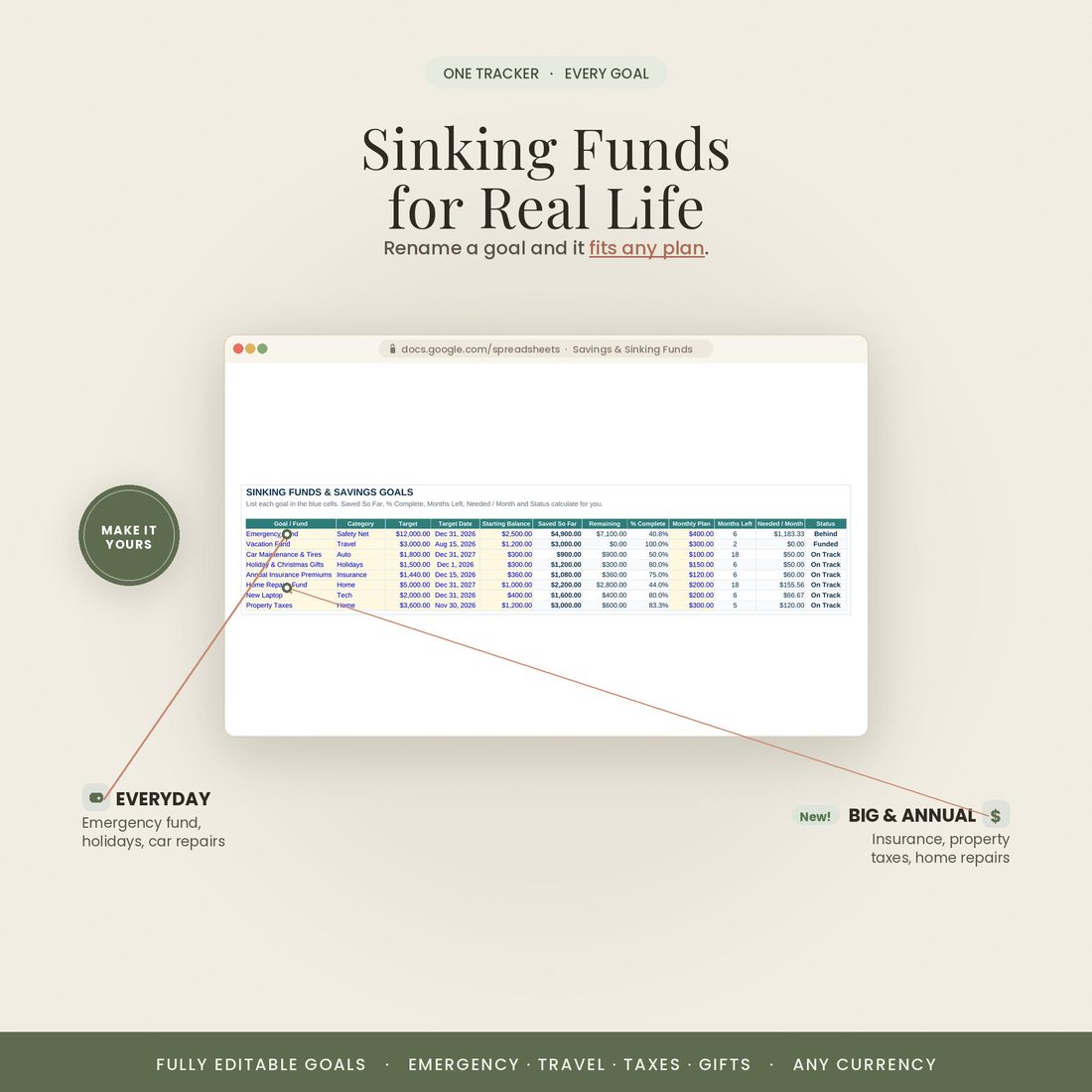
Set a target and a date, log what you save, and the sheet does the rest: Saved So Far, % Complete and Remaining fill in, Needed / Month tells you what to set aside, and an On Track / Behind / Funded flag keeps nothing from slipping. Excel or Google Sheets.
It also comes in three looks — Colorful, Light and Dark. Use the color switch on this page to preview each one; every purchase includes all three, so you can pick the style that fits you.
What's Included
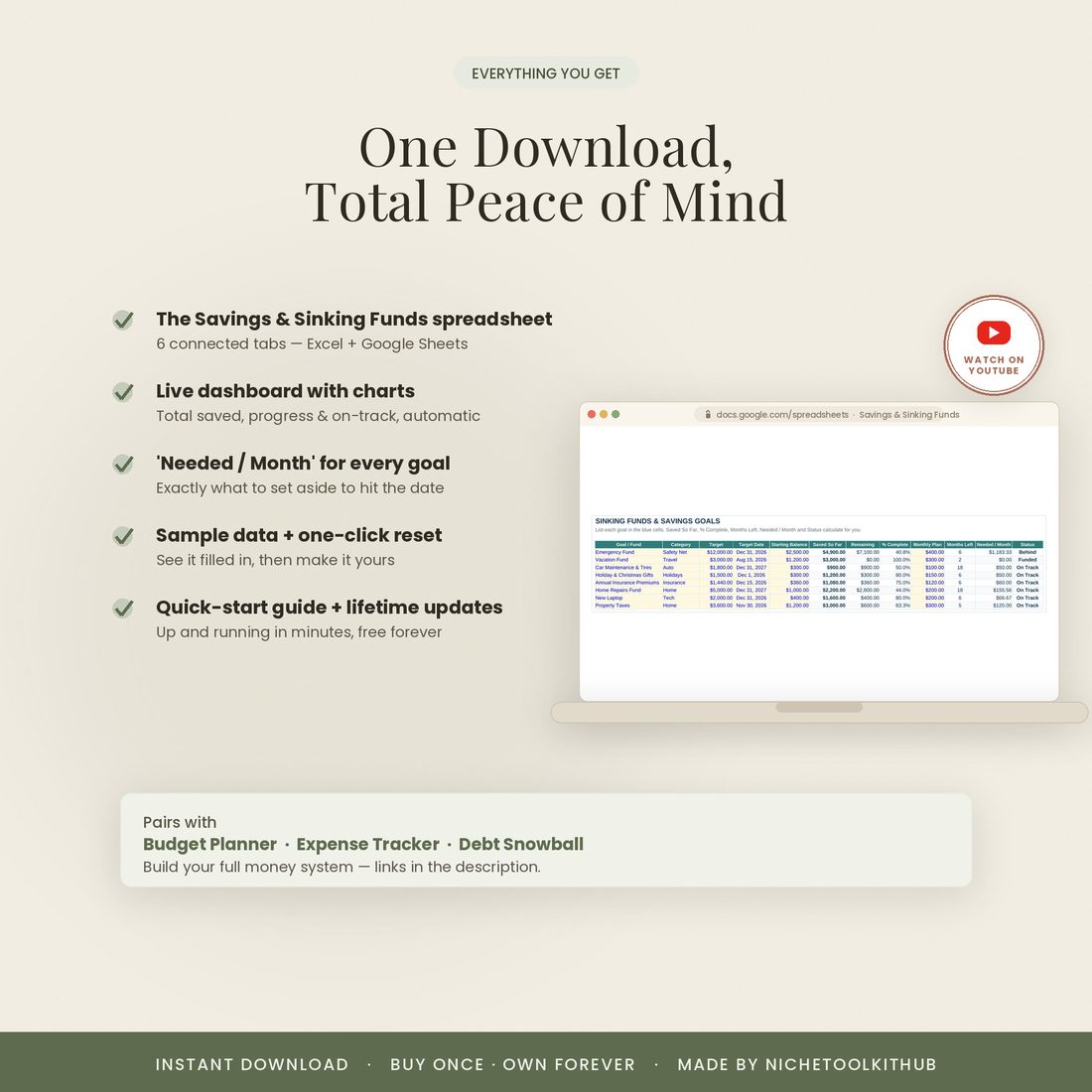
6 connected tabs that do the math for you
- The Excel workbook (.xlsx) in all three colors — Colorful, Light & Dark — each also opens in Google Sheets
- A 2-page step-by-step Quick-Start guide (PDF)
- A link to a video walkthrough on YouTube
- Free lifetime updates & friendly support — message anytime
Key Benefits
Why this one, not a free template
Save a little at a time for the holidays, car repairs, insurance and taxes.
Needed / Month tells you what it takes to finish each goal on time.
On Track / Behind / Funded, so nothing slips through the cracks.
You only ever type in the blue cells; everything else calculates.
Works in both, with no monthly fee and nothing extra to buy.
Colorful, Light or Dark — all three included in every purchase.
Who It's For
Built for real people, not accountants
- Anyone who dreads the holidays, insurance or property-tax bill
- Savers juggling several goals at once
- Households building an emergency fund
- Anyone who wants every big expense planned, not a surprise
How It Works
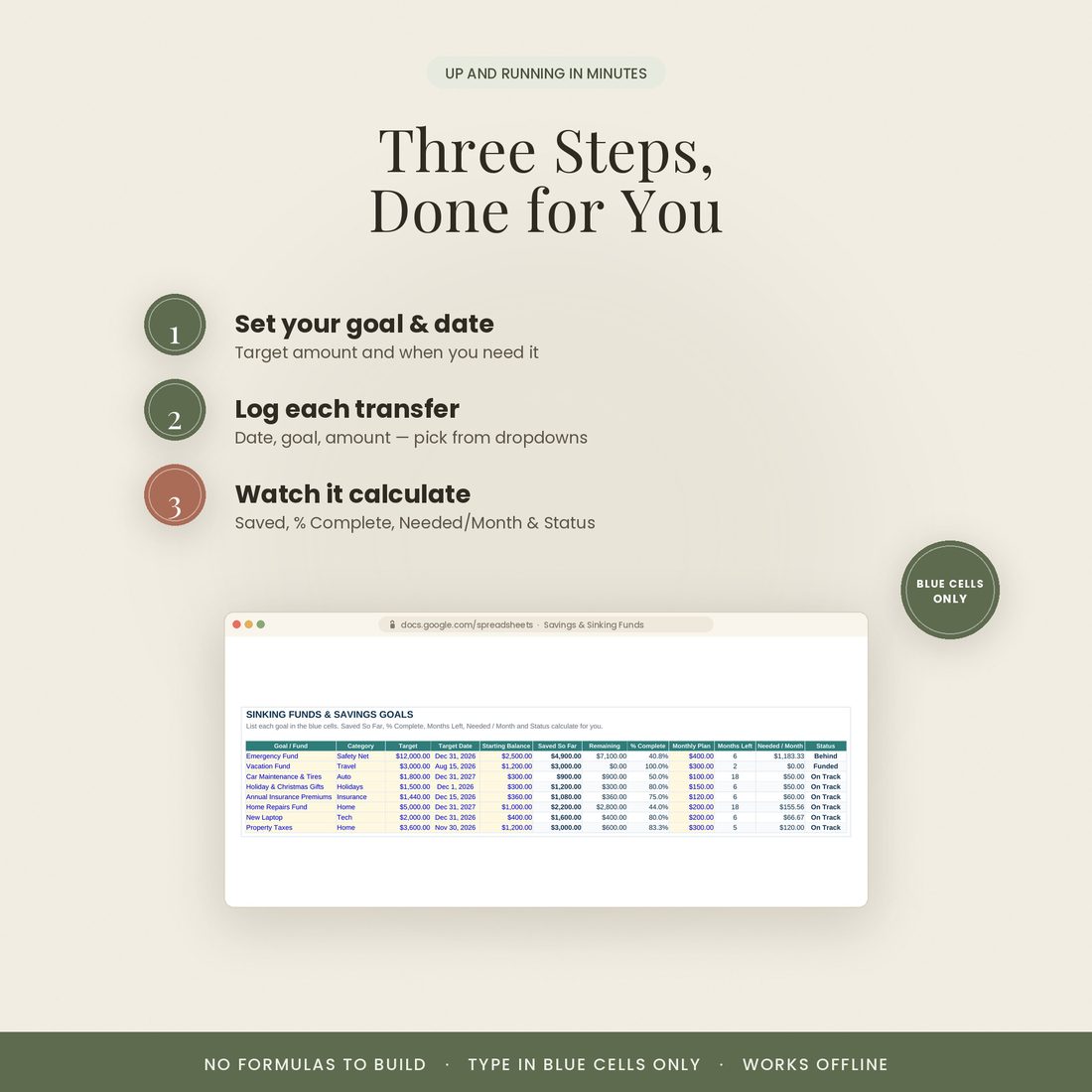
Three steps to get going
Open the .xlsx in Excel, or upload to Google Drive and open with Google Sheets.
On Settings and Sinking Funds, add each goal with a target and a date.
Enter each transfer — Saved So Far, % Complete and the status flags do the rest.
Why It's Different
Sinking funds, made automatic
Big expenses feel like emergencies only because nobody set the money aside in advance. Sinking funds fix that — but tracking them by hand is fiddly. This sheet does the math: set a target and date, log what you save, and every planning column and status flag updates itself.
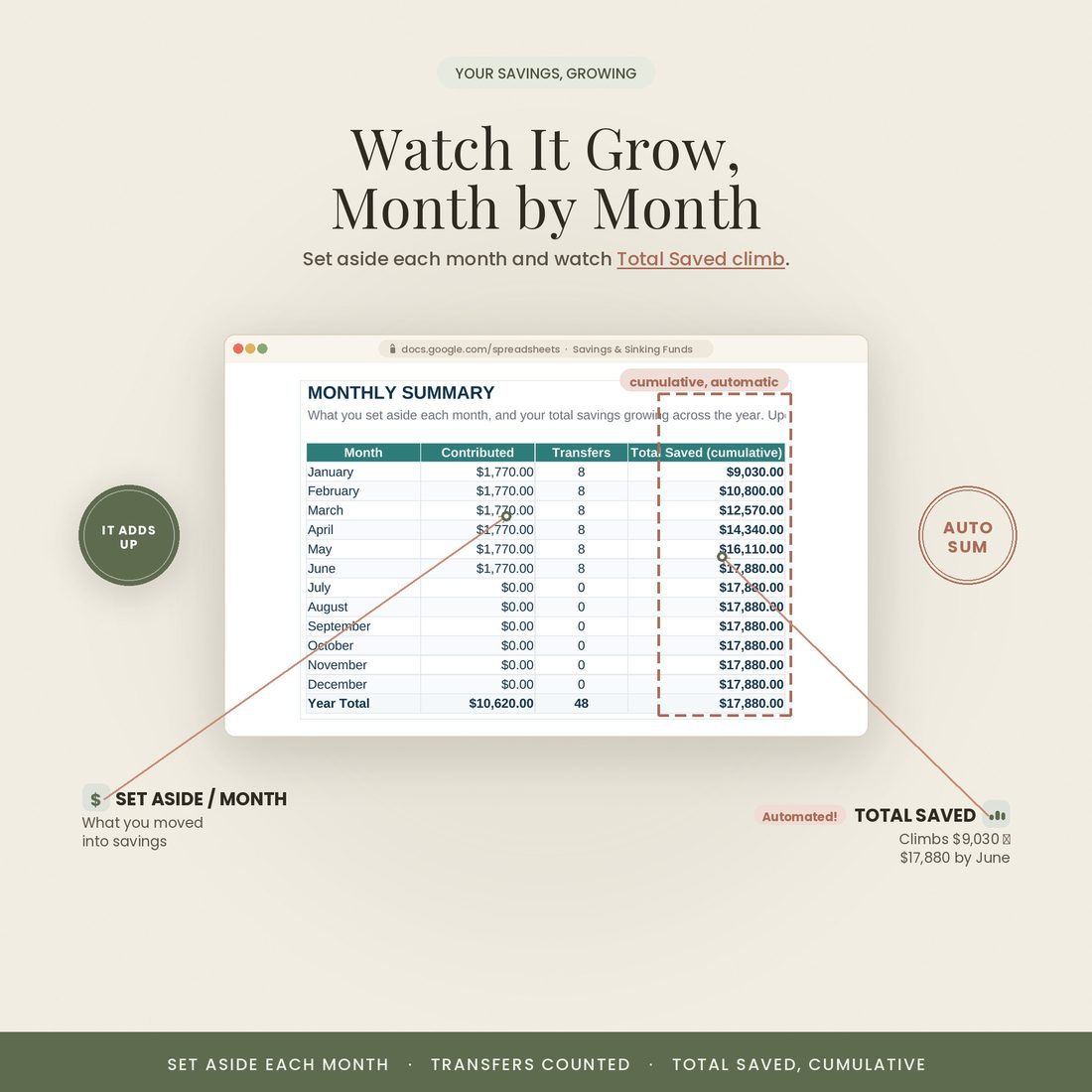
It comes filled with sample goals so you can see it working, then resets to make it yours. It's fully editable where you need it, works offline, and shows your total savings growing month by month.
Delivery & Compatibility
Instant, and works with what you use
As soon as your order is complete you'll get instant access to download the spreadsheet, plus a copy by email. Prefer Google Sheets for real-time updates and dropdowns? It's fully optimized. More comfortable in Excel? It works just as well.
Built and tested in the latest Excel (Office 365). On Mac we recommend the Google Sheets version — the template is not compatible with Apple Numbers. Available in English. The template is delivered blank; the images and video show sample data to demonstrate how it looks once filled in.
FAQ
Questions, answered
What formats does it come in?
Both Excel (.xlsx) and Google Sheets. If you're on a Mac, note that Apple Numbers isn't supported — use Excel for Mac or the Google Sheets version.
Does it come in different colors?
Yes — every purchase includes three color versions: Colorful, Light and Dark. Preview them with the color switch near the top of the page, and you'll receive all three in your download (for both Excel and Google Sheets).
Do I need a subscription or special software?
No. It's a one-time purchase with no subscription. It works in Excel or in free Google Sheets — nothing else to install.
How do I receive it after purchase?
Instantly. After secure Stripe checkout you're taken to a download page, and you also receive an email with your download link.
Are there instructions or a tutorial?
Yes — a Quick-Start PDF is included, plus a video walkthrough on our YouTube channel. You can message us anytime with questions.
Do I have to build any formulas?
Never. Type only in the highlighted cells; every dashboard, report and chart calculates itself.
Can I resell or use it commercially?
It's licensed for personal use only. Reselling, sharing or redistributing the file isn't permitted. See our Terms for details.
What's your refund policy?
Because it's an instant digital download, please review the details above before buying. Full details are on our Refunds page.
For personal use only. This spreadsheet is for informational purposes and is not financial, tax or legal advice. © 2026 NicheToolkitHub — no resale or redistribution.