▶
▶


 ▶
▶Pregnancy and Baby First-Year Planner
Type the due date once. Weeks and days, the visit schedule, every to-do, the bag, the registry and the first year all follow from it.
5.0shop rating · 6 Etsy reviewsEvery pregnancy comes with the same arithmetic: how many weeks am I, when is the glucose test, what is overdue, how many bag items are packed. Most planners give you pretty pages to fill in by hand. This one does the arithmetic.
- Weeks and days, the trimester, days to go and full term, all worked back from the one due date you type; change the date and every date in the file moves
- The standard visit schedule drafted from the due date, with days until, questions to ask and results on the same row; type the booked date and the draft steps aside
- Every to-do dated by the week it belongs to and marked Overdue, Due today or Due by when; the hospital bag counted by group as you pack it
- Baby names scored 1 to 5 by both of you, totaled, ranked and shortlisted; the registry and shower guest list counted, with thank-yous still owed
- Portable formulas that open in Excel 2016 and later, Google Sheets and Apple Numbers, when the bestselling planner on this shelf is Google-Sheets-only
Overview
Type the due date once. Weeks and days, the visit schedule, every to-do, the bag, the registry and the first year all follow from it.
Every pregnancy comes with the same arithmetic: how many weeks am I, when is the glucose test, what is overdue, how many bag items are packed. Most planners give you pretty pages to fill in by hand. This one does the arithmetic.
You type one date: the day the baby is due. From it the file works out how many weeks and days pregnant you are today, drafts the sixteen standard visits most US practices follow, dates every to-do by the week it belongs to and flags what is overdue, counts the hospital bag and the registry, scores the names you both like, and drafts the first year of well visits and milestone windows. The day the baby arrives you type one more date, and the second half of the file wakes up. In the shipped sample an invented couple is 24 weeks and 6 days along on September 5 with a December 20 due date: 106 days to go, the next visit in three days, one to-do overdue, 10 of 36 bag items packed, and 15 of 40 registry items received.
What's Included
One workbook, 13 connected tabs, in four color editions:
- One ZIP with the workbook in four color editions plus the three-color bundle
- A two-page Quick-Start PDF: the four things to do first, what every tab is for, and the honest warnings
- A START-HERE file naming which file to open and how the colorways work
- A worked sample pregnancy in every tab, so nothing is blank until you replace it
- A link to the narrated video tutorial that walks every tab of the real file
Key Benefits
Why this one
The last period date is worked back 280 days from the due date you type, and from those two dates the file knows how many weeks and days you are today, which trimester, how many days to go, and the day you reach full term. If your provider moves the due date, change it on Setup and every week, every visit, every to-do and every milestone window moves with it. Nothing else to retype.
The sixteen standard visits most US practices follow, from the first prenatal visit to the weekly checks at the end, are dated from your due date the moment you type it. When one is booked, type the real date and time and the draft steps aside. Every visit shows the days until it, and carries the questions you want to ask and the results you were given, so the whole conversation is on one row.
Type a task and the week it belongs to. The file turns that into a date and says Overdue, Due today or Due by when, and the Dashboard lists what to do next, overdue first. Twenty-eight tasks come typed in, from the first prenatal appointment to installing the car seat; edit them, add your own. The hospital bag sits below, counted by group as you pack.
Hospital bag items packed against items listed. Registry items received against items asked for, and thank-yous still to write. Shower guests coming and the heads to cater for, from the RSVP column. Kick-count minutes averaged over your sessions. Weight gained from the weight you typed before you were pregnant. Every count reads the tab it belongs to.
Each of you scores every name from 1 to 5 in your own column. The file totals the two scores, ranks every name, breaks ties, marks the ones you both scored 4 or more as Both like it, and lists the top three. Sixty rows, with origin and meaning beside each name.
Seven well visits and forty milestone windows are drafted from the due date now and re-drafted from the birth date the day you type it. The Baby Log takes feeds, diapers, sleep and the longest stretch by day and averages them by week, and the growth log shows the gain since birth. The Dashboard says Baby is here and its baby half fills in.
Who It's For
Built for
- Expecting parents who want the weeks, the visits and the to-dos in one file that opens on a phone
- Couples who want to score baby names side by side instead of arguing from memory
- Anyone planning a shower or running a registry who wants the thank-yous counted, not guessed
- Parents who want the first year drafted before the baby arrives, and re-dated the day it does
How It Works
Up and running in minutes
Open Setup and type your names, the due date and the weight you started at. The sample has a date typed in so the numbers hold still; clear it and the file uses today.
The Appointments tab is already drafted from the due date. When a visit is booked, type its real date and time.
To-dos by week, the hospital bag, the registry, the shower guests, the names you both like. Every count follows.
Weeks and days, days to go, the next appointment, what is overdue, the bag, the registry, and the week you are in.
Well visits, milestones and the Baby Log wake up, and the Dashboard shows the first year.
Why It's Different
Not another template
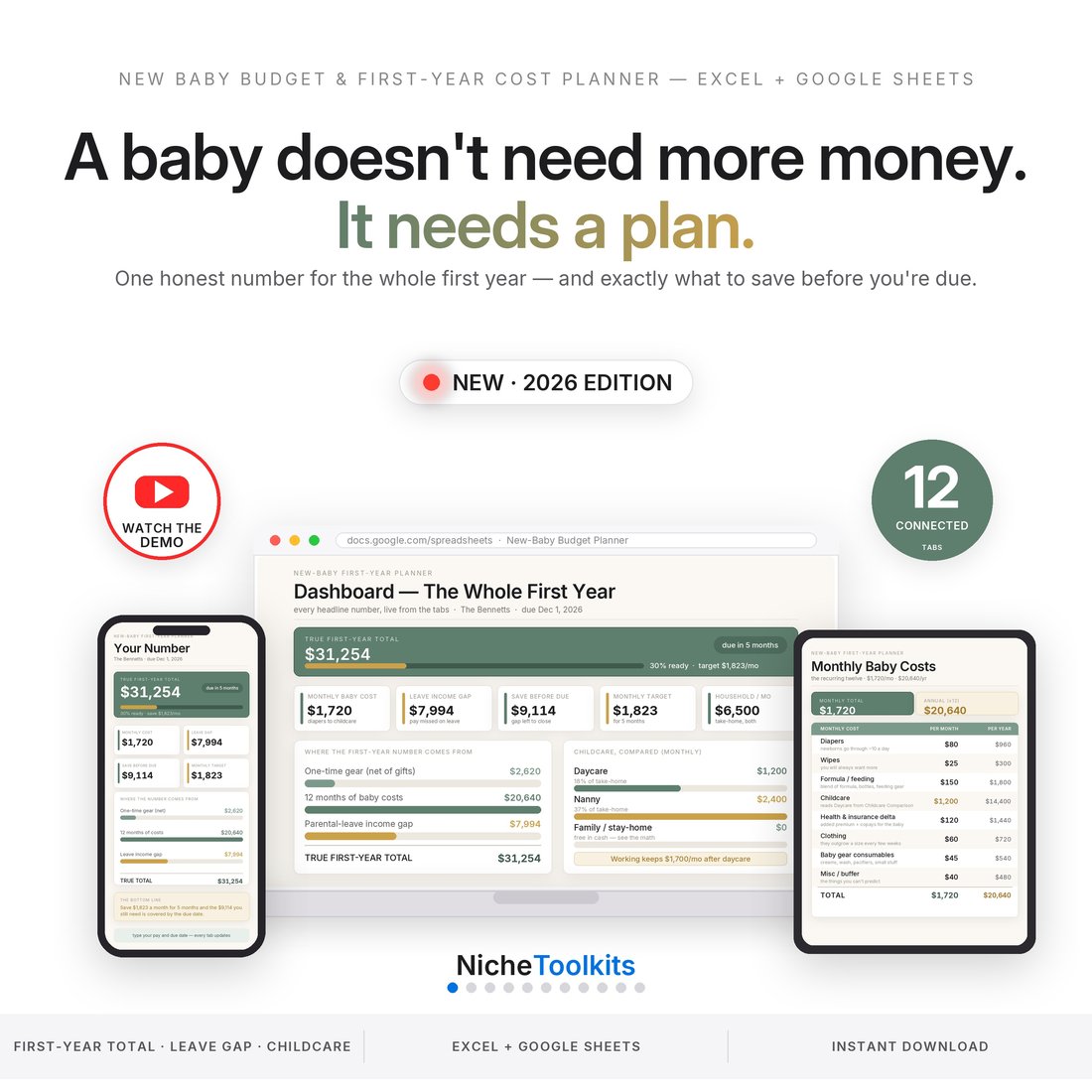
The shelf sells pregnancy planners that are pretty pages: a week-by-week you fill in by hand and a checklist nobody dates, most of them Google-Sheets-only or a printable PDF. This one works every date back from the one you type, drafts the visits and the first year for you, counts the bag, the registry and the guest list, and opens in Excel 2016, Google Sheets and Numbers without asking for an account. The money side is deliberately left to its own file, the New Baby Budget Planner; this one keeps the dates and the lists.
Delivery & Compatibility
Instant, and it opens in what you already use
As soon as your order is complete you get instant access to download the ZIP: the workbook in four color editions, the three-color bundle, a two-page Quick-Start PDF and a START-HERE file.
One ZIP, instant download. Portable formulas only — no macros, no add-ons, no account and nothing to cancel. Opens in Microsoft Excel (2016 or later, Mac or PC) and Google Sheets; to use Sheets, upload the .xlsx to Drive and open it with Sheets. Apple Numbers opens it too. The four colorways are the same workbook: pick one and stay in it.
FAQ
Questions, answered
Is this medical advice?
No. It keeps your dates and your lists. Your provider and your pediatrician decide your schedule, your tests and your care; when they disagree with this file, they are right.
What if my due date changes?
Change it on Setup. Every week, visit, to-do and milestone window is worked from that one cell and moves with it.
Will it work in Google Sheets?
Yes. Every formula is portable. Upload the .xlsx to Google Drive and open it with Sheets; formulas, dropdowns and conditional colors carry over.
What happens after the birth?
Type the birth date on Setup. The seven well visits and forty milestones re-date from it, the Baby Log starts counting, and the Dashboard shows the first year.
A planning and record-keeping tool that calculates from the dates and lists you enter. It is not medical advice and does not replace your provider's or your pediatrician's guidance; the drafted visit schedule is the pattern most US practices follow and yours may differ. Shots are recorded here, not scheduled. The workbook ships with an invented sample family so every tab has something in it; delete it and type your own.