▶
▶


 ▶
▶Zero-Based Budget Spreadsheet
Give every dollar a job before the month starts, then watch the envelopes empty as you spend.
5.0shop rating · 6 Etsy reviewsMost budgets fail the same way. You list the bills, the total comes to less than your income, and you tell yourself the rest will sort itself out. It never does, and at the end of the month the difference is simply gone.
- A Plan tab with both paychecks across the top and every category down the page, so each check is fully assigned on its own and nothing waits on money that has not landed
- LEFT TO ASSIGN sitting in red until it reads zero, the one number that tells you the plan is finished
- Category envelopes that carry the remainder forward, so nothing is lost at the end of the month
- One transaction log with a category on every row, and every other tab reads from it
- A Month tab showing planned against actual for every category, with the difference between them
- A 50/30/20 lens over what you assigned, so needs, wants and savings are a fact rather than a feeling
- Sinking funds with target, saved so far and the amount per month that makes the date, and a debt tab that orders the payoff
- A Year tab with twelve months across, so a thin November shows up while it is still October
- Three hundred and sixty three formulas across twelve tabs, all of them named, with a Help tab that says what each one does
Overview
Give every dollar a job before the month starts, then watch the envelopes empty as you spend.
Most budgets fail the same way. You list the bills, the total comes to less than your income, and you tell yourself the rest will sort itself out. It never does, and at the end of the month the difference is simply gone.
A zero based budget closes that gap on purpose. Income minus every assigned dollar equals zero, not zero in the bank but zero left unassigned, because savings, sinking funds and debt payments are jobs too. This workbook does the arithmetic so the only thing you do is decide.
What's Included
One ZIP, 4 files:
- One ZIP holding the workbook in four color editions, plus a Quick-Start PDF
- Twelve connected tabs: Start Here, Setup, Plan, Envelopes, Transactions, Month, Lens, Sinking Funds, Debts, Year, Dashboard and Help
- A worked household paid twice a month, 2,340 and 2,340, with eighteen categories that add to the last dollar
- Amber input cells everywhere you type and calculated cells everywhere you do not
- A link to the narrated video tutorial that walks the whole workbook end to end
Key Benefits
Why this one
Move an assigned category from 300 to 450 and LEFT TO ASSIGN drops to minus 150 and turns red. That dollar already had a job, so take the 150 back out of a want and the plan returns to zero. Nothing else has to be touched, because the plan, the envelopes, the lens and the dashboard all read the same numbers.
Rent is due on the first and the second paycheck lands on the fifteenth. The Plan splits every category across both checks and shows each one fully assigned on its own, which is the difference between a budget that balances on paper and one that survives the month.
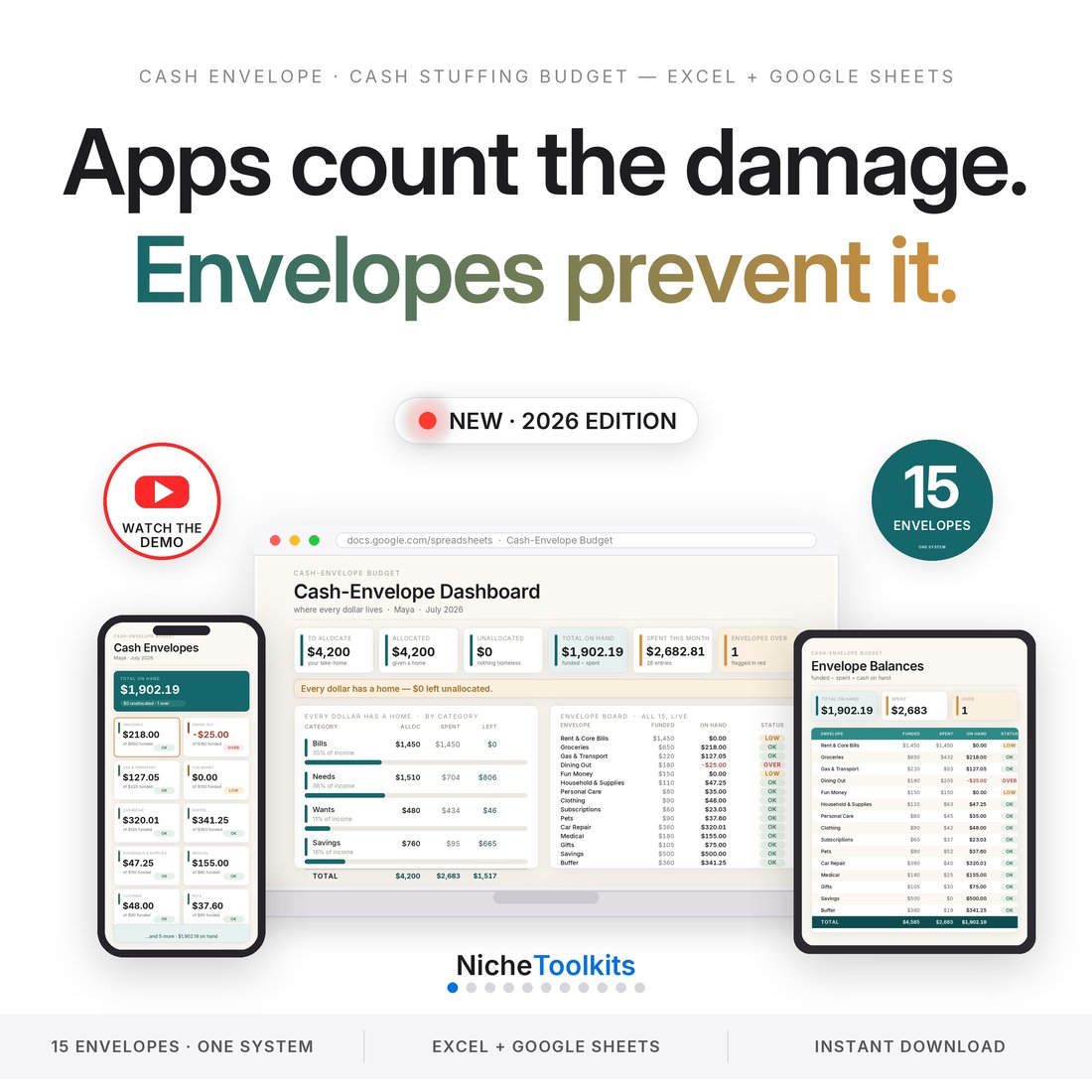
Every category shows what is left right now: carried in from last month, planned, spent from your log, and the remainder. Groceries under by forty in October start November with forty already in the envelope.
Assign the month and the 50/30/20 split falls out of it: needs, wants and savings as a share of what you actually assigned, not a rule someone else set. If savings is thin, the number says so before the month starts rather than after it ends.
Eighteen sample categories, two sample paychecks and a whole month of sample transactions arrive already filled in. Type over them and the file is yours. There is no template to assemble first.
Who It's For
Built for
- Anyone who has read about zero based budgeting and wants the file rather than the theory
- Households paid twice a month who need each check assigned on its own
- People coming off an app subscription who want the numbers in a file they own
- Anyone whose money keeps vanishing between a budget that balances and a month that does not
How It Works
Up and running in minutes
Replace the sample amounts with what you actually take home. Setup takes weekly, every two weeks, twice a month or monthly, and the Plan follows.
Work down the category list and assign until LEFT TO ASSIGN reads zero. Savings, sinking funds and debt payments are categories too, so assign them before the fun money.
One row per purchase with its category. Envelopes, Month, Lens, Year and the Dashboard all update themselves from that one table.
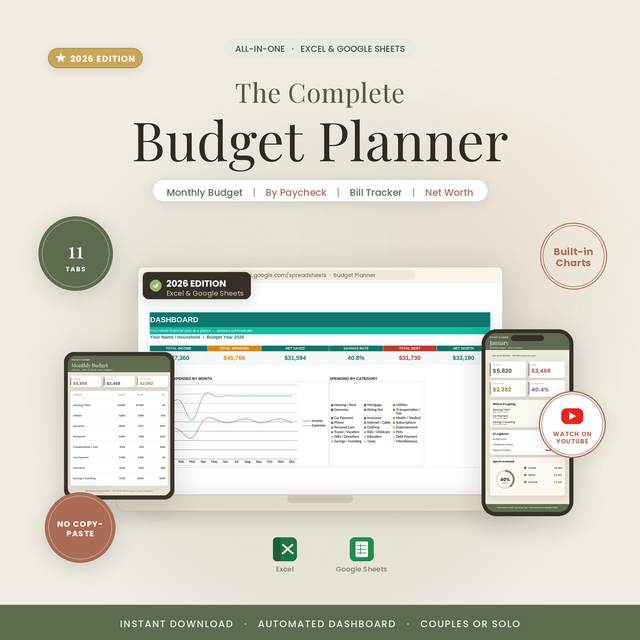
Six numbers and no scrolling: left to assign, income, assigned, spent, savings rate and the month against the plan.
Why It's Different
Not another template
The shelf sells a bare month grid, or a template you have to build before you can use it. This is a finished zero based system: two paychecks that each balance on their own, envelopes that roll over, one transaction log that feeds nine other tabs, and a single red cell that will not go quiet until the plan is actually done. It is the method, not a blank sheet with the word budget at the top.
Delivery & Compatibility
Instant, and it opens in what you already use
As soon as your order is complete you get instant access to download the ZIP: the workbook in four color editions and a Quick-Start PDF. Nothing ships.
One ZIP, instant download. Opens in Microsoft Excel 2016 or later on Windows and Mac, Google Sheets, Apple Numbers and LibreOffice Calc. No macros, no add-ons, no account and no subscription. A laptop or desktop is recommended for typing; the phone apps are fine for looking.
FAQ
Questions, answered
Do I have to build anything first?
No. Twelve tabs arrive connected and already filled in with a worked household. You type over the sample numbers.
Does it work if I am paid every two weeks?
Yes. Setup gives each earner their own row and their own schedule, weekly, every two weeks, twice a month or monthly, and counts the real paydays in the month. A weekly earner and an every-two-weeks earner in one household works, and so does the month with a third check.
Will it open in Google Sheets?
Yes. Upload the file and open it. There is no FILTER, TEXTJOIN or MAXIFS in it, which is why it also opens cleanly in Excel 2016, Numbers and LibreOffice.
What actually happens when I change a number?
LEFT TO ASSIGN moves. Assign 150 more to one category and it goes to minus 150 in red until you take that 150 back out of another. That is the whole method.
Is my old spending in here?
No, and nothing connects to your bank. You type what you spend on the Transactions tab, which is what makes the categories mean something.
Is there a video?
Yes. A narrated walkthrough on YouTube goes through every tab. Every screen in it is a page of the real file.
This is a budgeting worksheet, not financial advice. It does not connect to a bank, does not move money and does not know your balances until you type them in. Digital product; because the files are delivered instantly, all sales are final.