 ▶
▶
 ▶
▶Kindle Scribe Planner 2027 + Templates
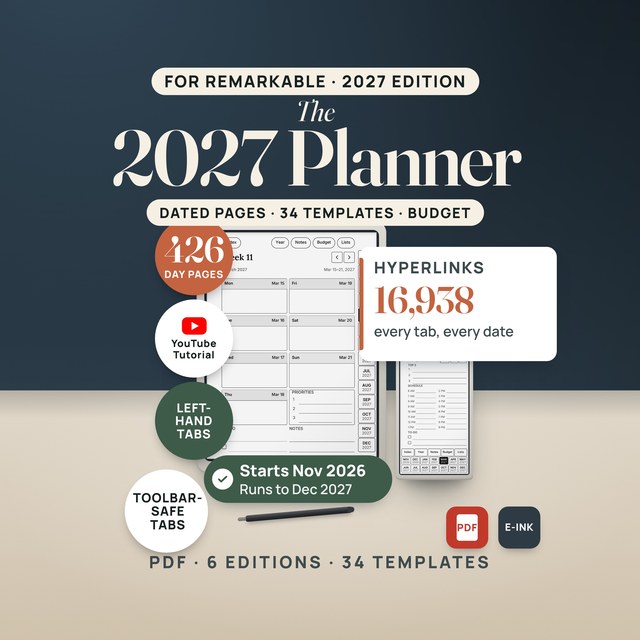
A dated planner for Kindle Scribe from November 2026 to December 2027, in black and white or with Colorsoft accents, plus 34 templates.
5.0shop rating · 6 Etsy reviewsWrite your 2027 on the Kindle Scribe. Every day, week and month has its own page, and month tabs run down every page.
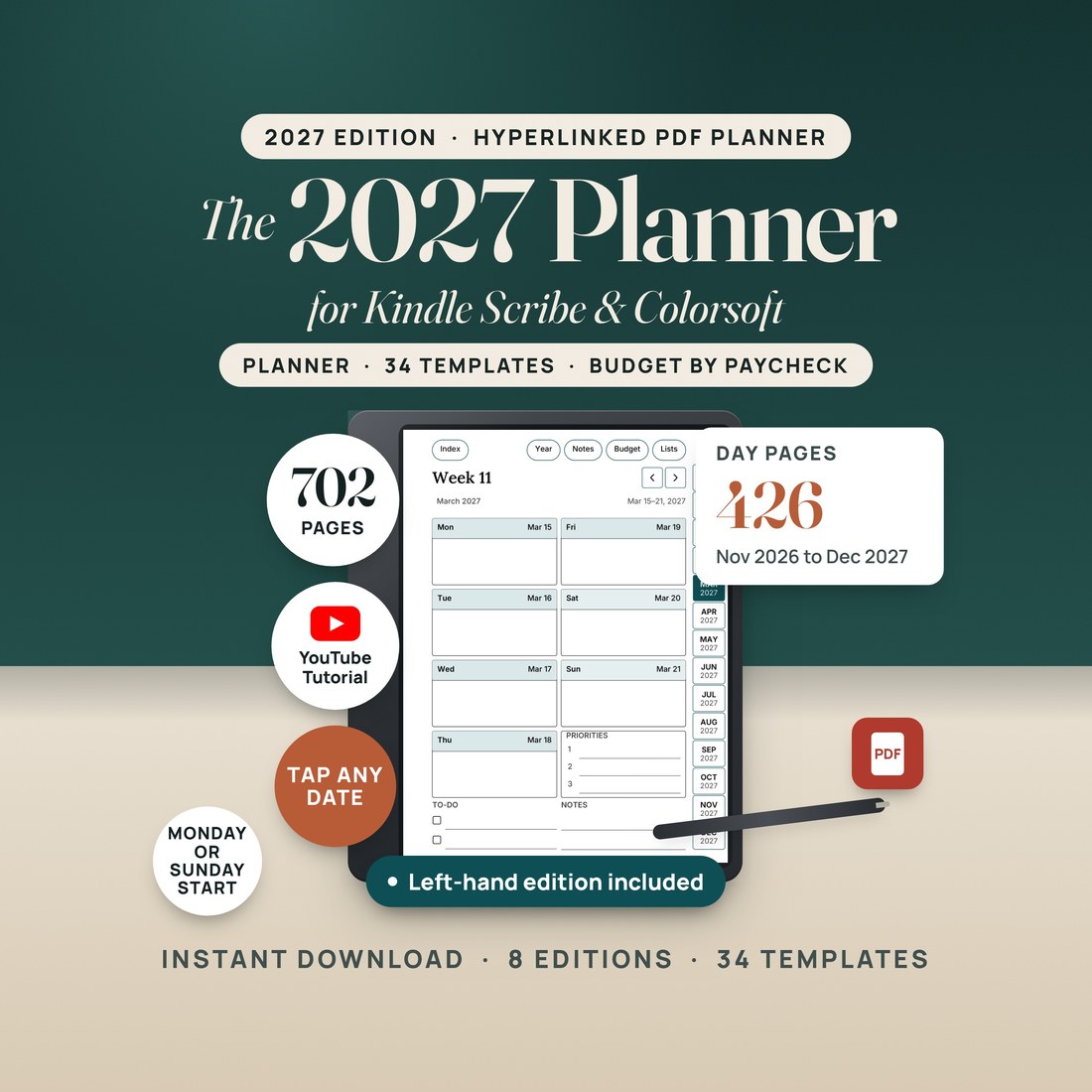
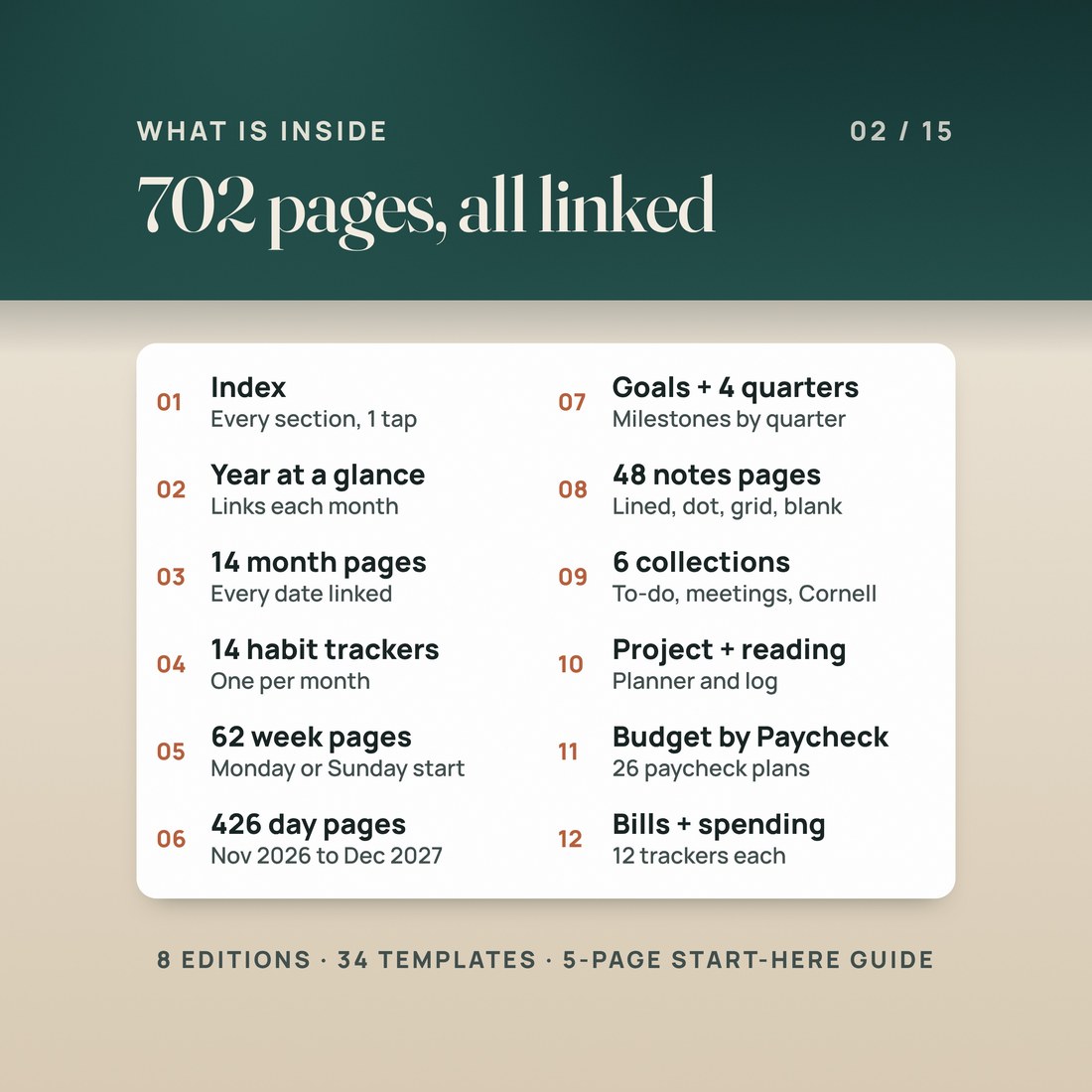
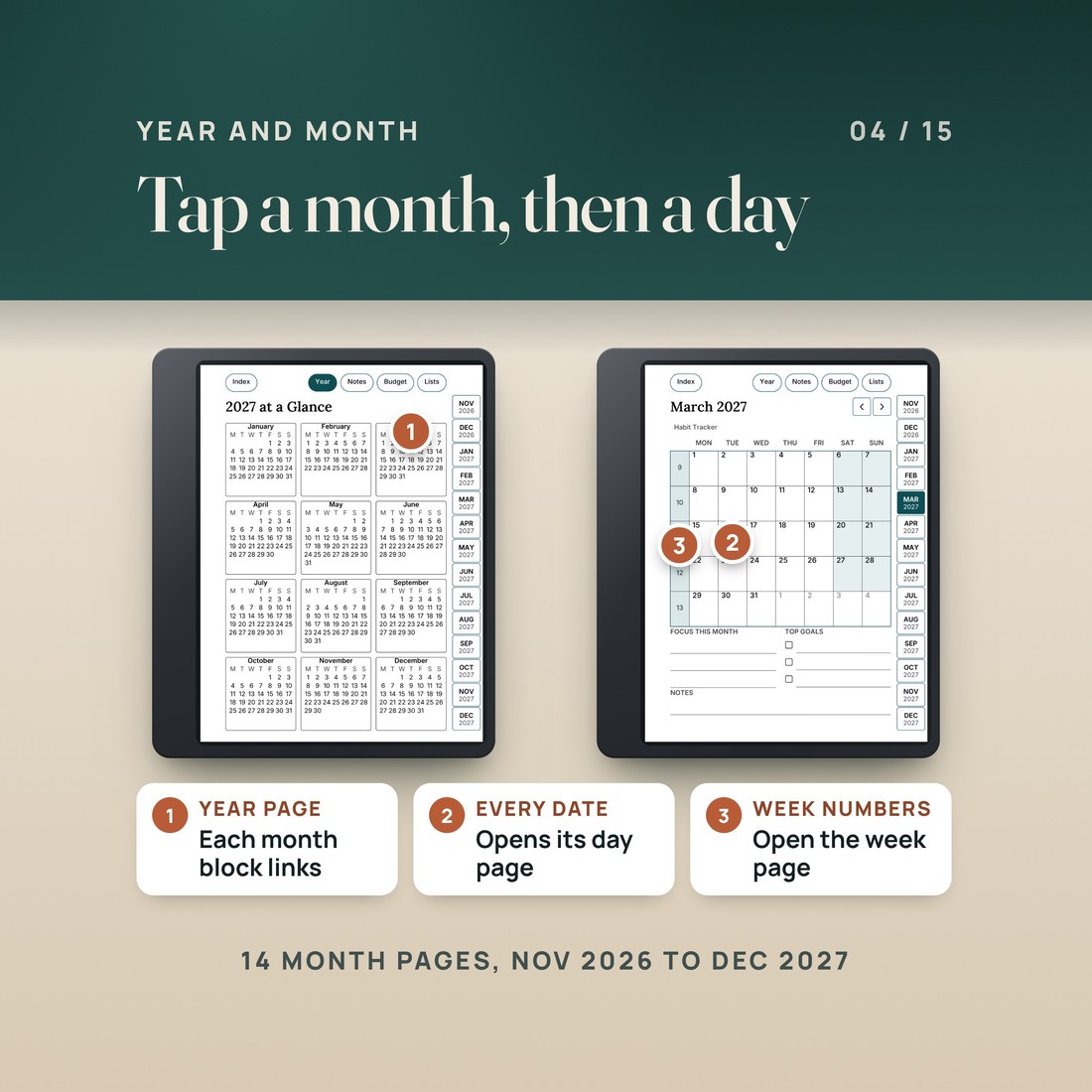
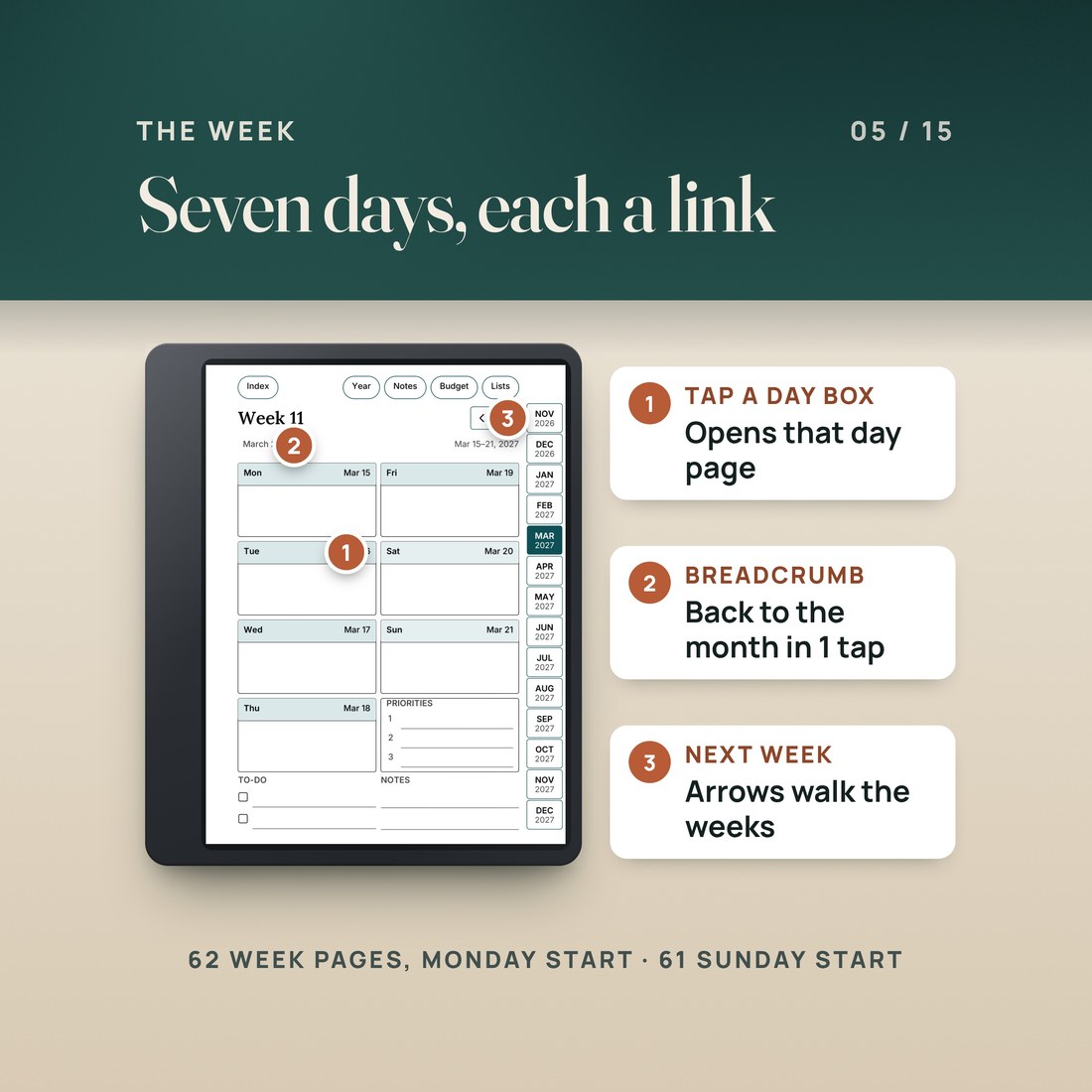
- A dated planner from November 1, 2026 to December 31, 2027: 426 daily pages, 62 weekly pages (61 in the Sunday-start edition), 14 month pages and 14 habit trackers
- A year at a glance, a goals page and four quarter plans; each month on the year page links to its month page
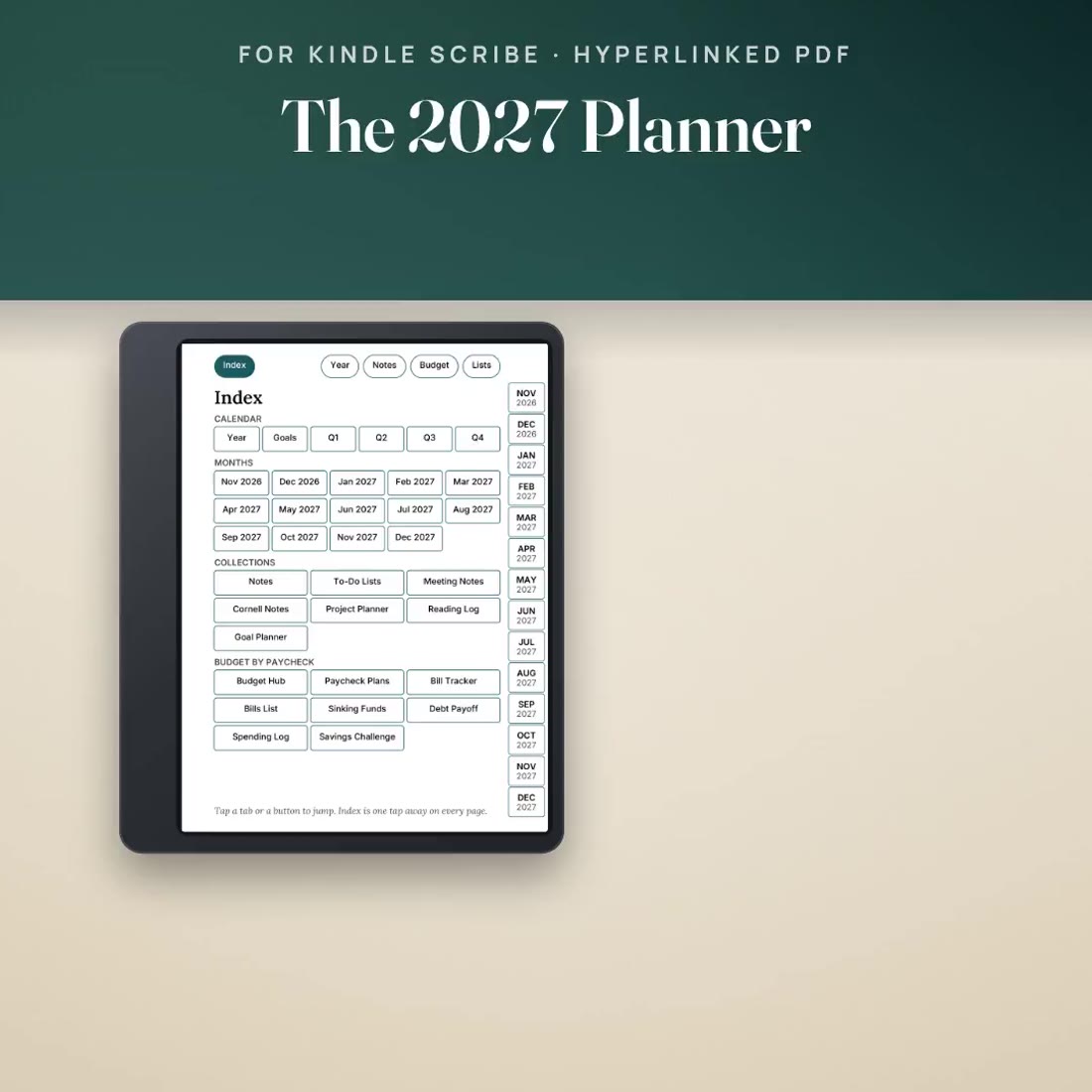
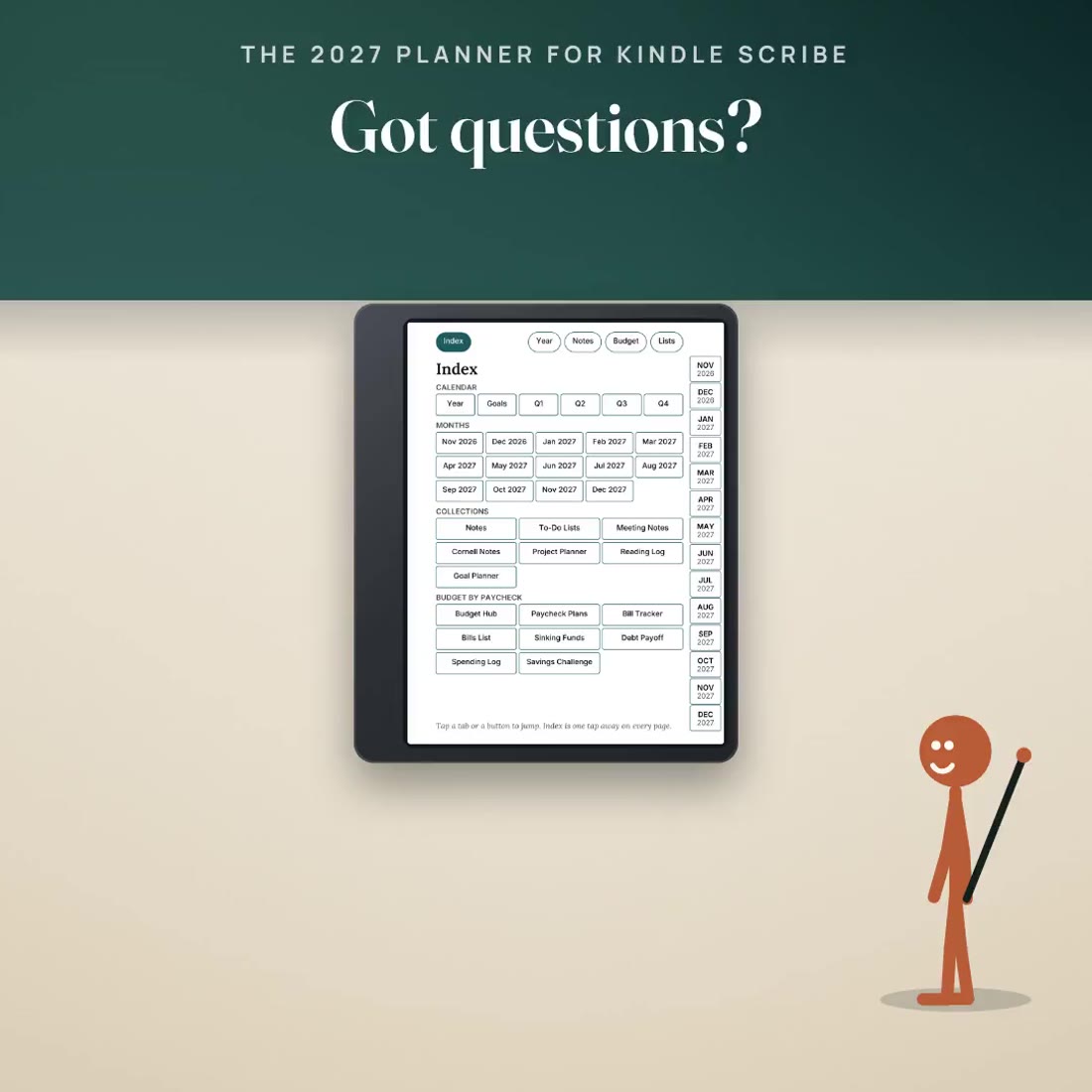
- Month tabs down the side of every page, plus Index, Year, Notes, Budget and Lists buttons at the top
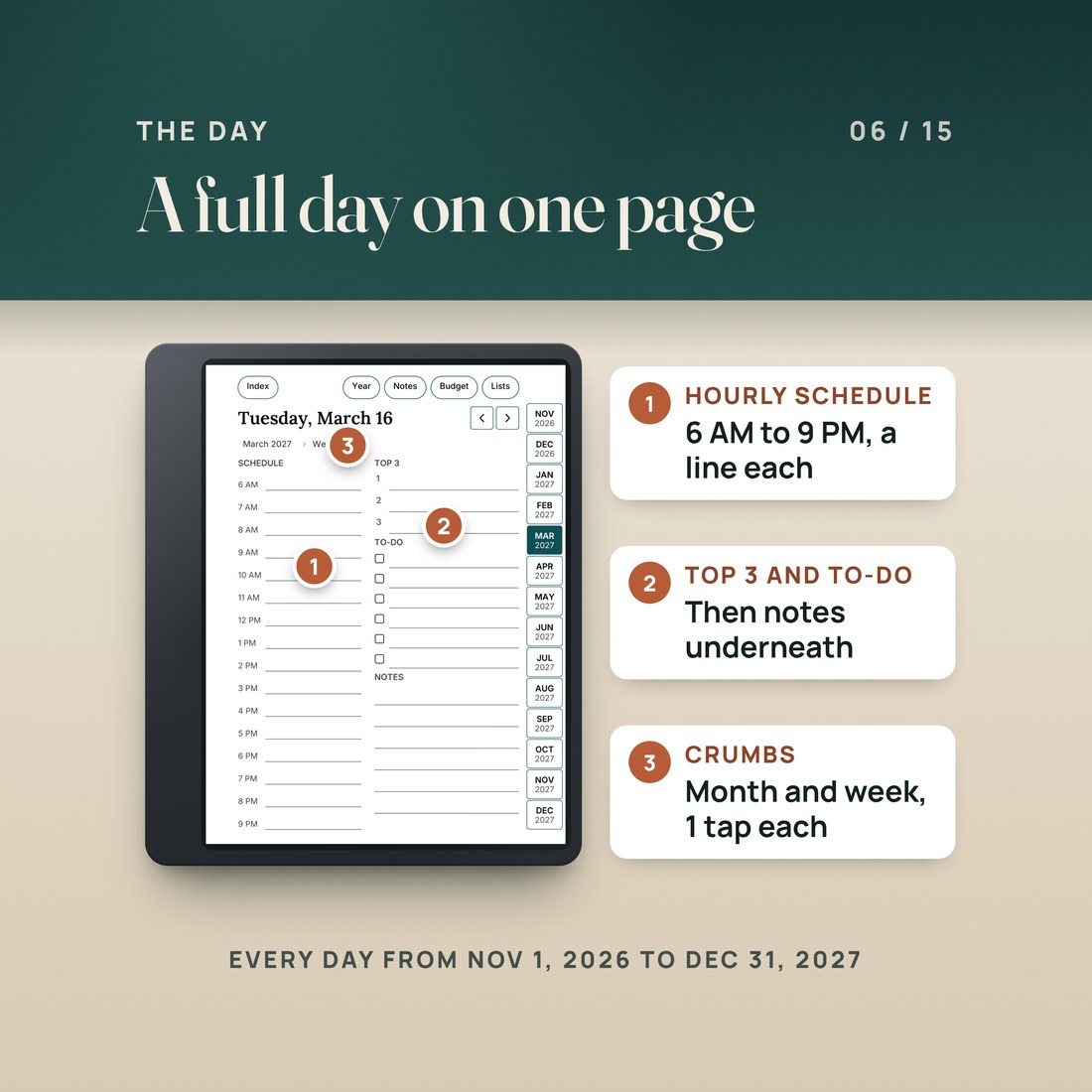
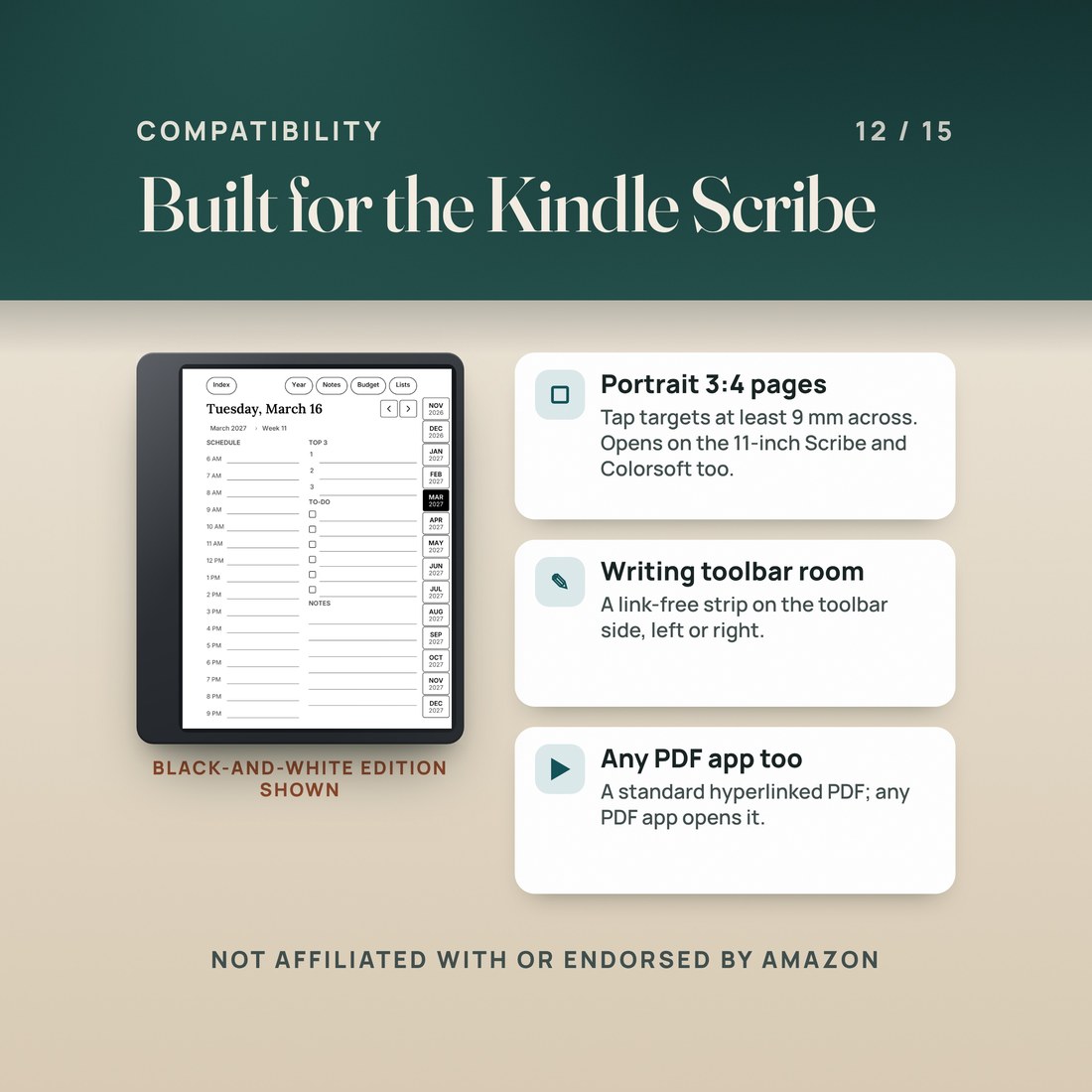
- Daily pages with an hourly schedule from 6 AM to 9 PM, a Top 3, a to-do list and notes; weekly pages with all seven days, priorities, a to-do list and notes
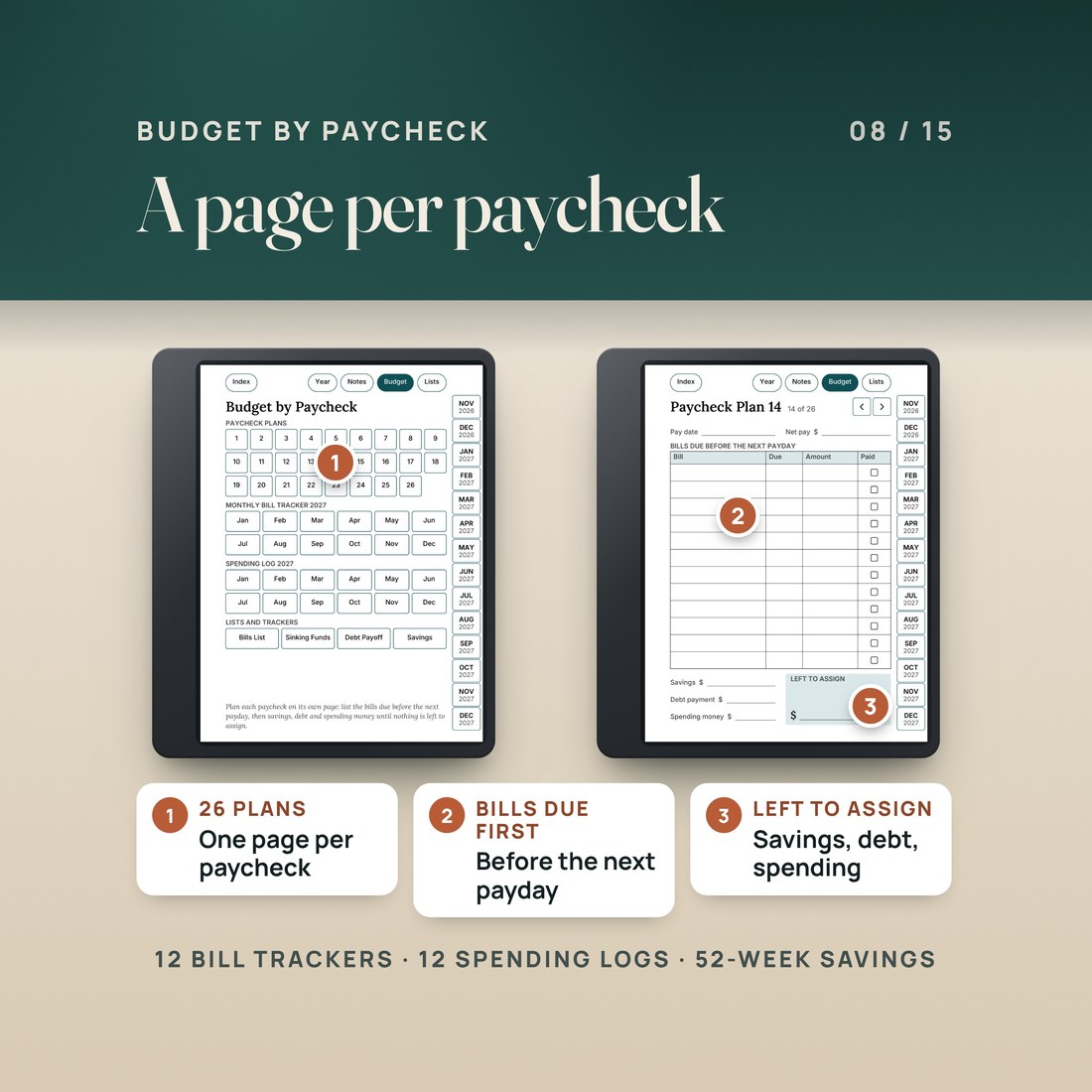
- Budget by Paycheck pages: 26 paycheck plans, 12 monthly bill trackers, a bills list, sinking funds, debt payoff, 12 spending logs and a 52-week savings challenge
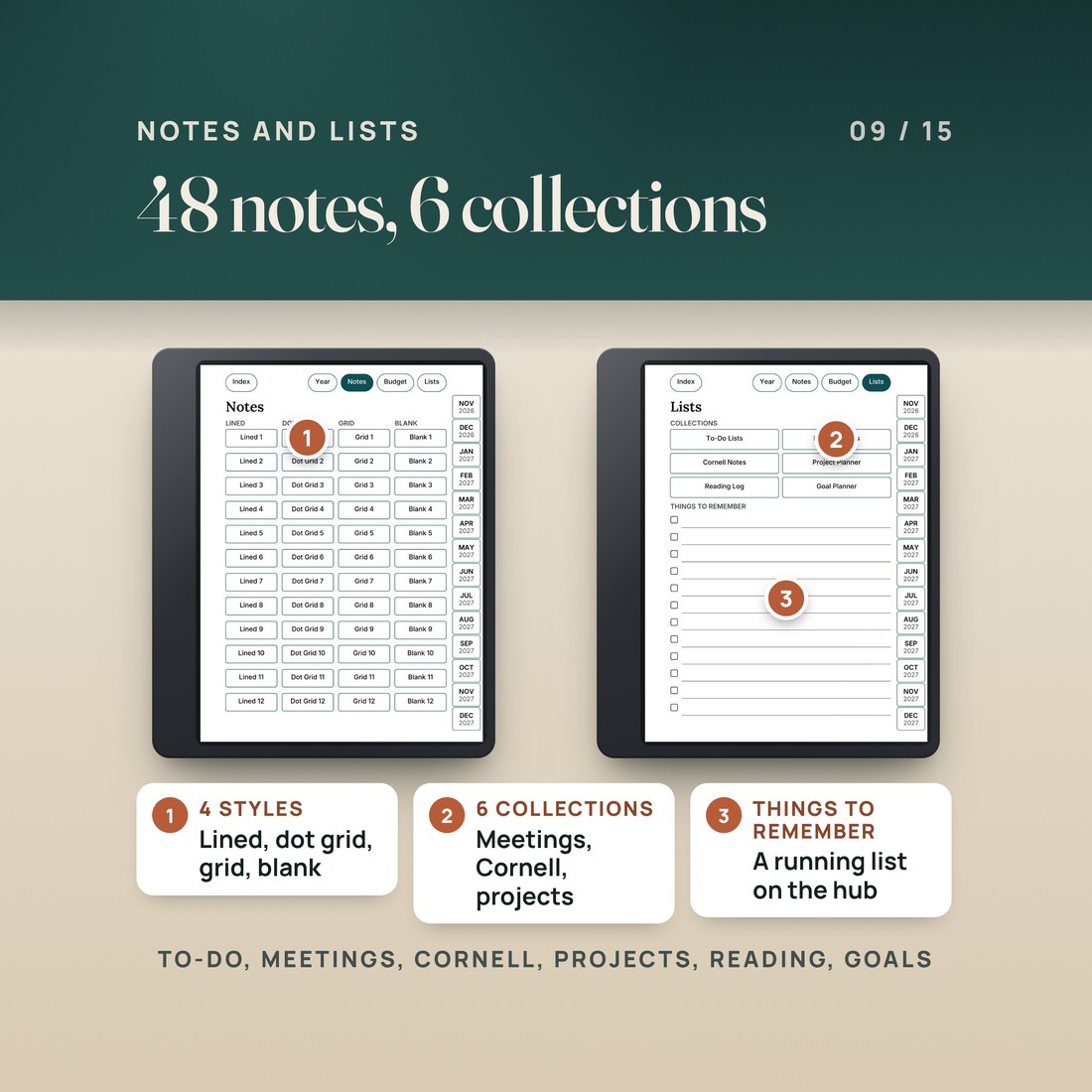
- 48 notes pages in lined, dot grid, grid and blank, and six list collections: to-do lists, meeting notes, Cornell notes, project planner, reading log and goal planner
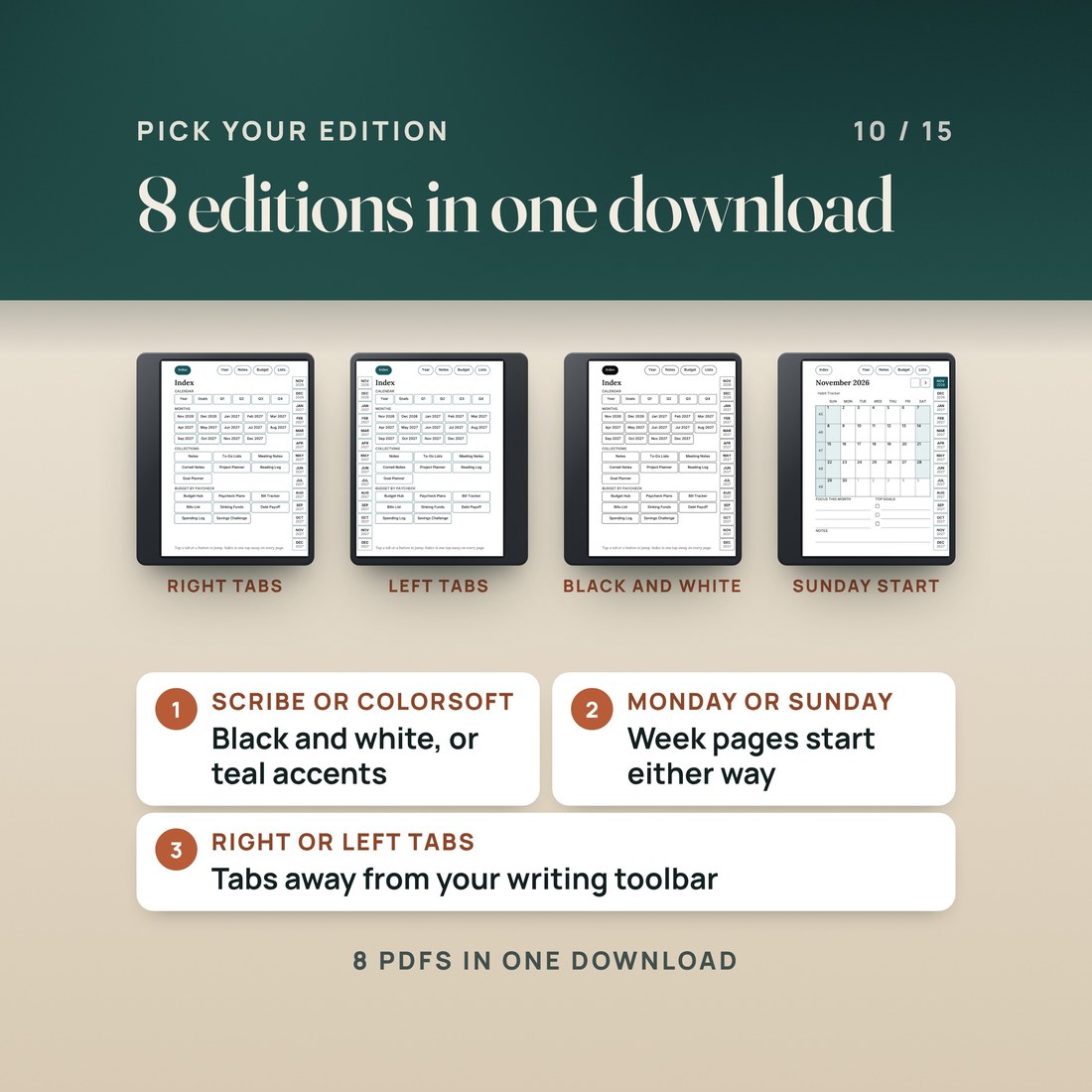
- Black and white editions for every Kindle Scribe and Colorsoft editions with a muted teal accent: 8 planner PDFs with Monday or Sunday start and right-hand or left-hand tabs
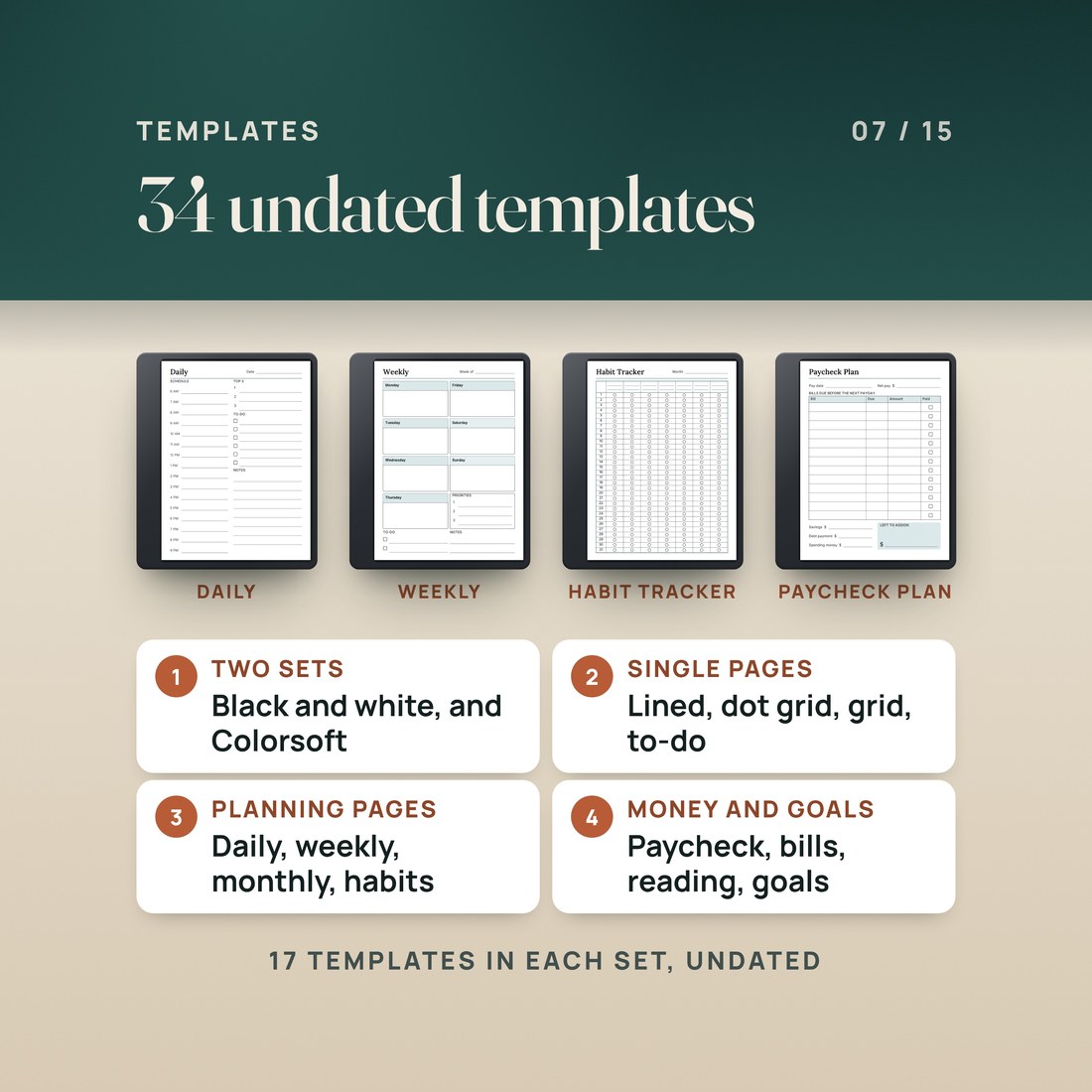
- 34 single-page templates, 17 in black and white and 17 with the Colorsoft accent, plus a 5-page START-HERE guide
Overview
A dated planner for Kindle Scribe from November 2026 to December 2027, in black and white or with Colorsoft accents, plus 34 templates.
Write your 2027 on the Kindle Scribe. Every day, week and month has its own page, and month tabs run down every page.
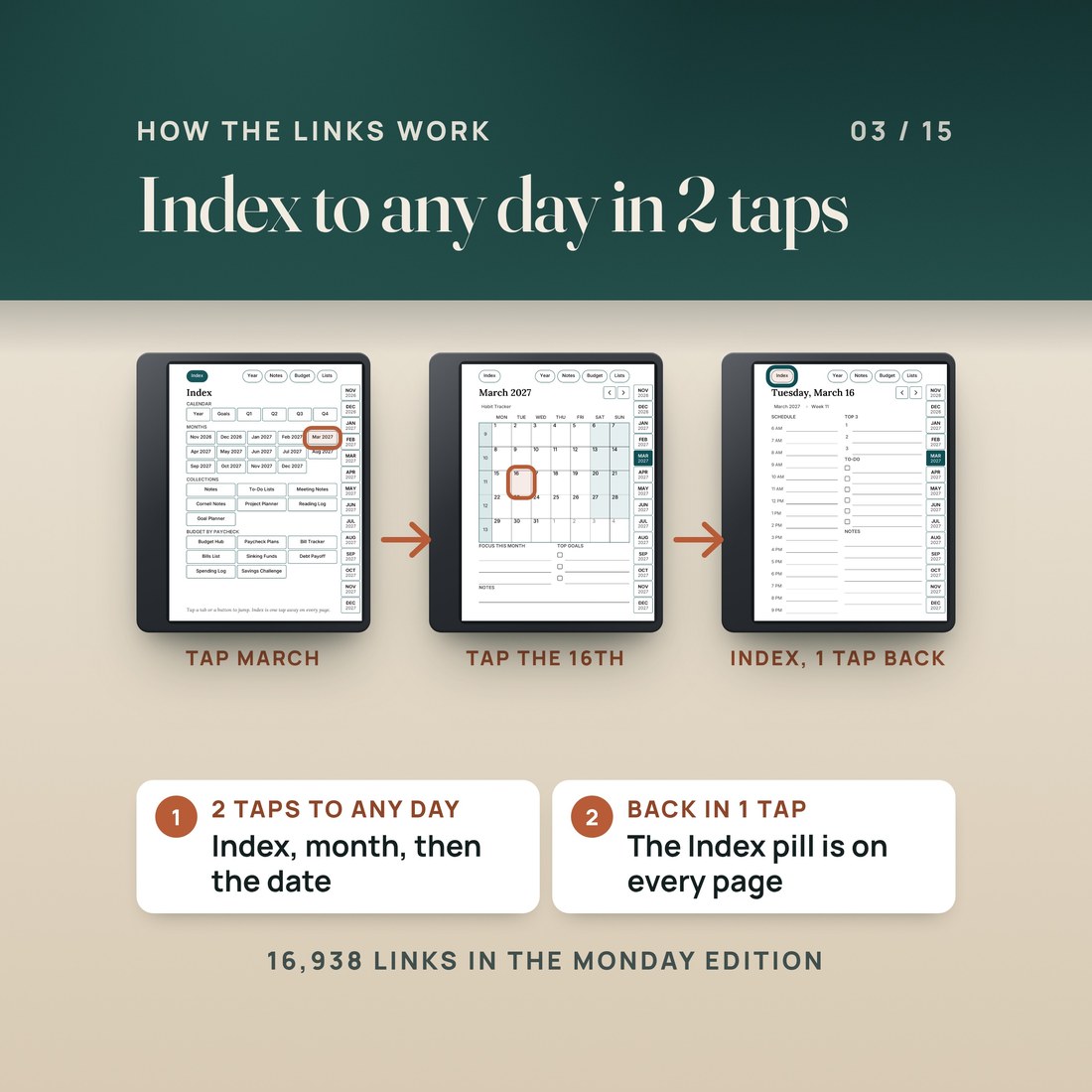
Kindle Scribe Planner 2027 + Templates is a dated planner built as one standard hyperlinked PDF. It starts on November 1, 2026, so you can begin now, and runs through December 31, 2027. The Index lists every month, collection and budget page, each month page carries links to its days and its weeks, and day, week and month pages have previous and next arrows. The black and white editions suit every Kindle Scribe; the Colorsoft editions add one muted teal accent for the color screen. Every file uses the same 3:4 portrait page.
What's Included
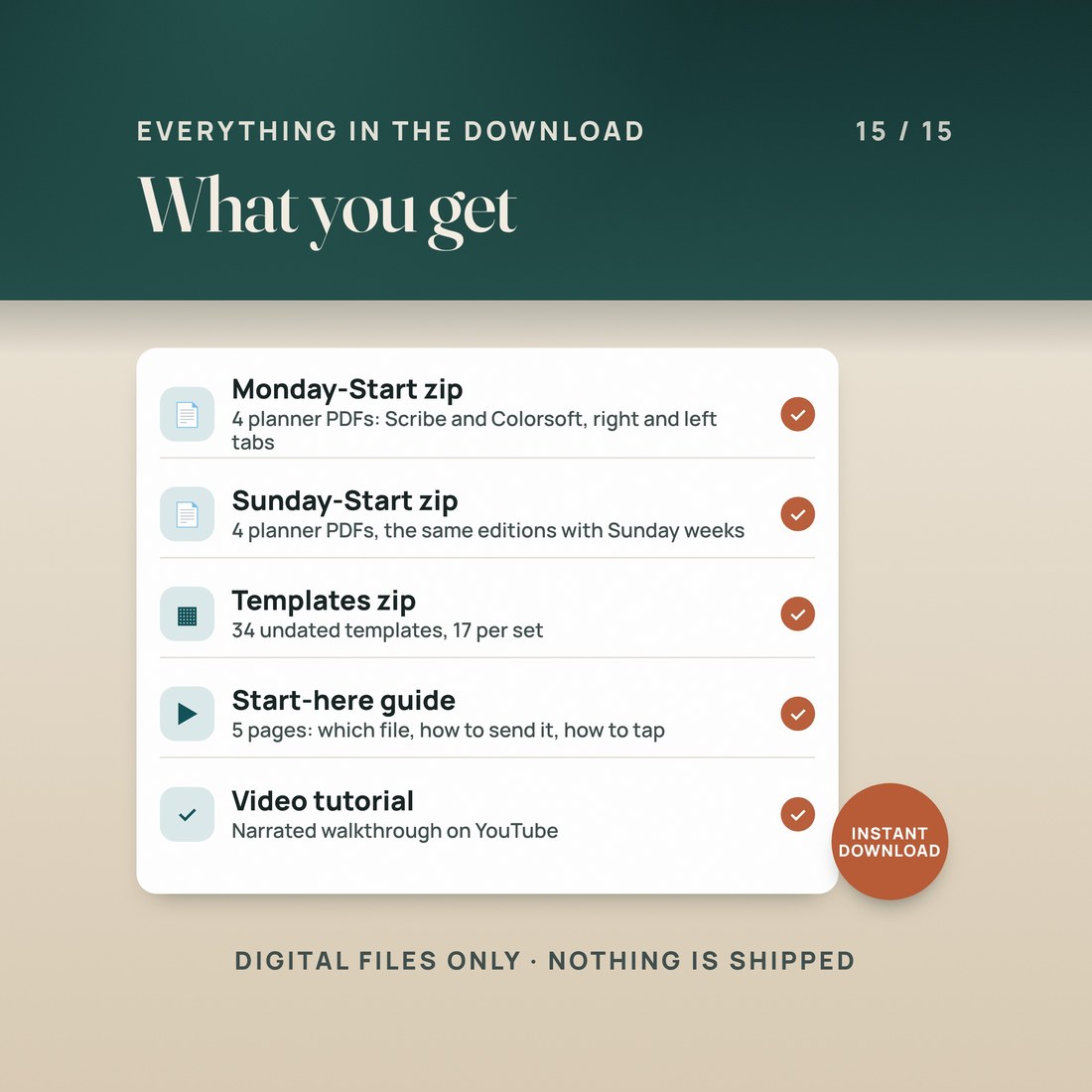
One ZIP, 44 files:
- Monday-Start folder: the black and white planner with right-hand tabs (702 pages) and with left-hand tabs, and the same two in the Colorsoft edition
- Sunday-Start folder: the same four planners with weeks that start on Sunday (701 pages each)
- Templates folder: 17 single-page templates in black and white and 17 with the Colorsoft accent, each in the planner's page size
- START-HERE-Kindle-Scribe-Planner-2027.pdf: which file to use, how to send it with Send to Kindle and how the tabs and links are laid out, plus LICENSE.txt
Key Benefits
Why this one
426 daily pages with an hourly schedule, a Top 3, a to-do list and notes, 62 weekly pages and 14 month pages, all in one PDF with an Index, month tabs on every page and bookmarks.
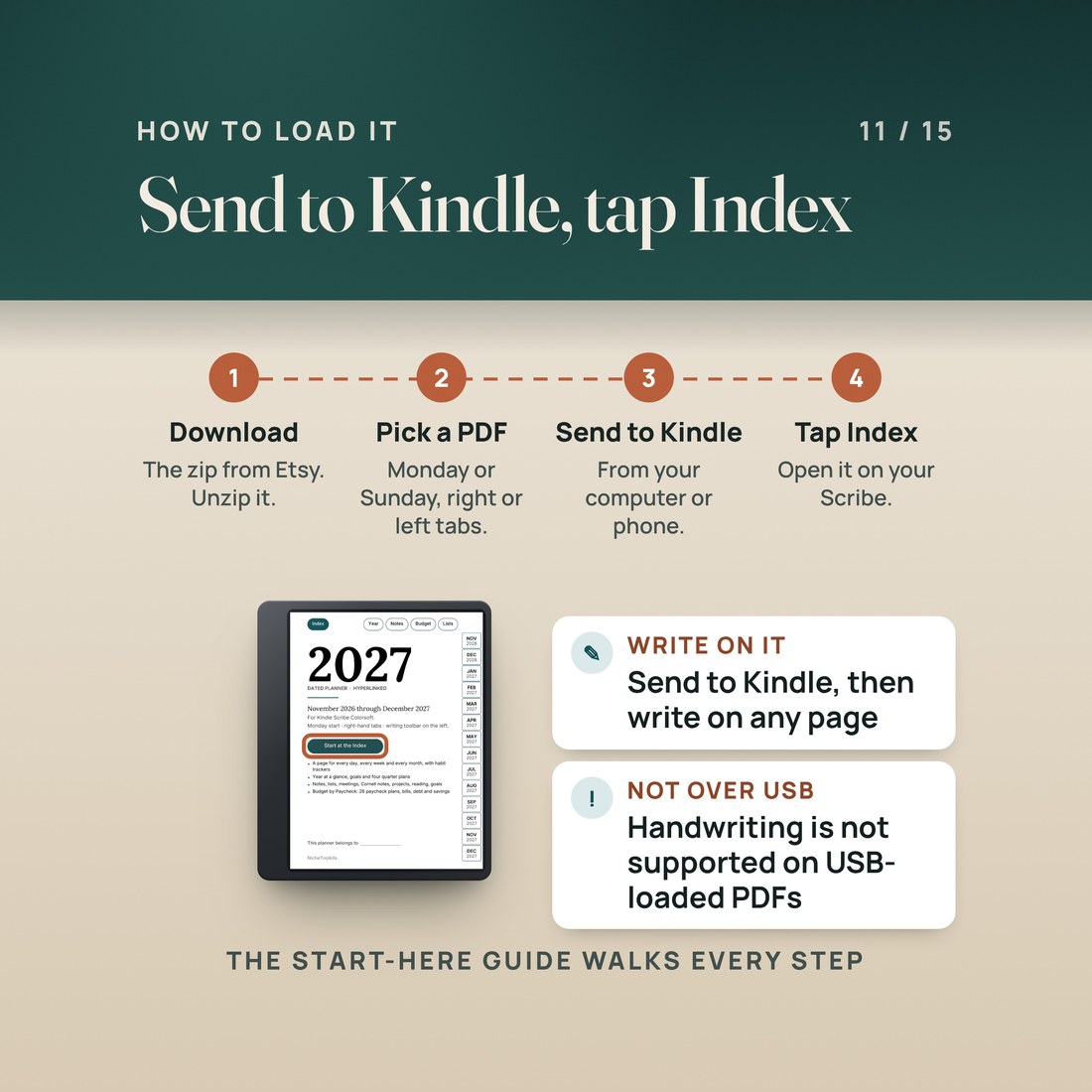
Amazon's help pages say you can write directly on PDF documents sent to Kindle Scribe with Send to Kindle. Send the planner that way, not over USB-C, where handwriting in PDFs is not supported.
Choose right-hand or left-hand tabs and keep the writing toolbar on the other side. Kindle Scribe lets you place the toolbar on the left or right side of the screen, or hide it.
Plan each paycheck on its own page: list the bills due before the next payday, then savings, a debt payment and spending money until nothing is left to assign. Monthly bill trackers, a bills list, sinking funds, debt payoff, spending logs and a savings challenge sit behind the Budget tab. You write the numbers in; nothing is calculated.
The planner opens on November 1, 2026, so the rest of this year is already in it, and runs to December 31, 2027. Weeks follow ISO 8601 numbering in the Monday edition and US numbering, where week 1 holds January 1, in the Sunday edition.
Who It's For
Built for
- Kindle Scribe and Kindle Scribe Colorsoft owners who want a dated 2027 planner on the device they already write on
- Left-handed writers, with a left-hand tab edition
- Anyone who wants a daily page, a weekly page and a monthly page in one file
- Anyone who budgets by paycheck and wants the plan next to the calendar
How It Works
Up and running in minutes
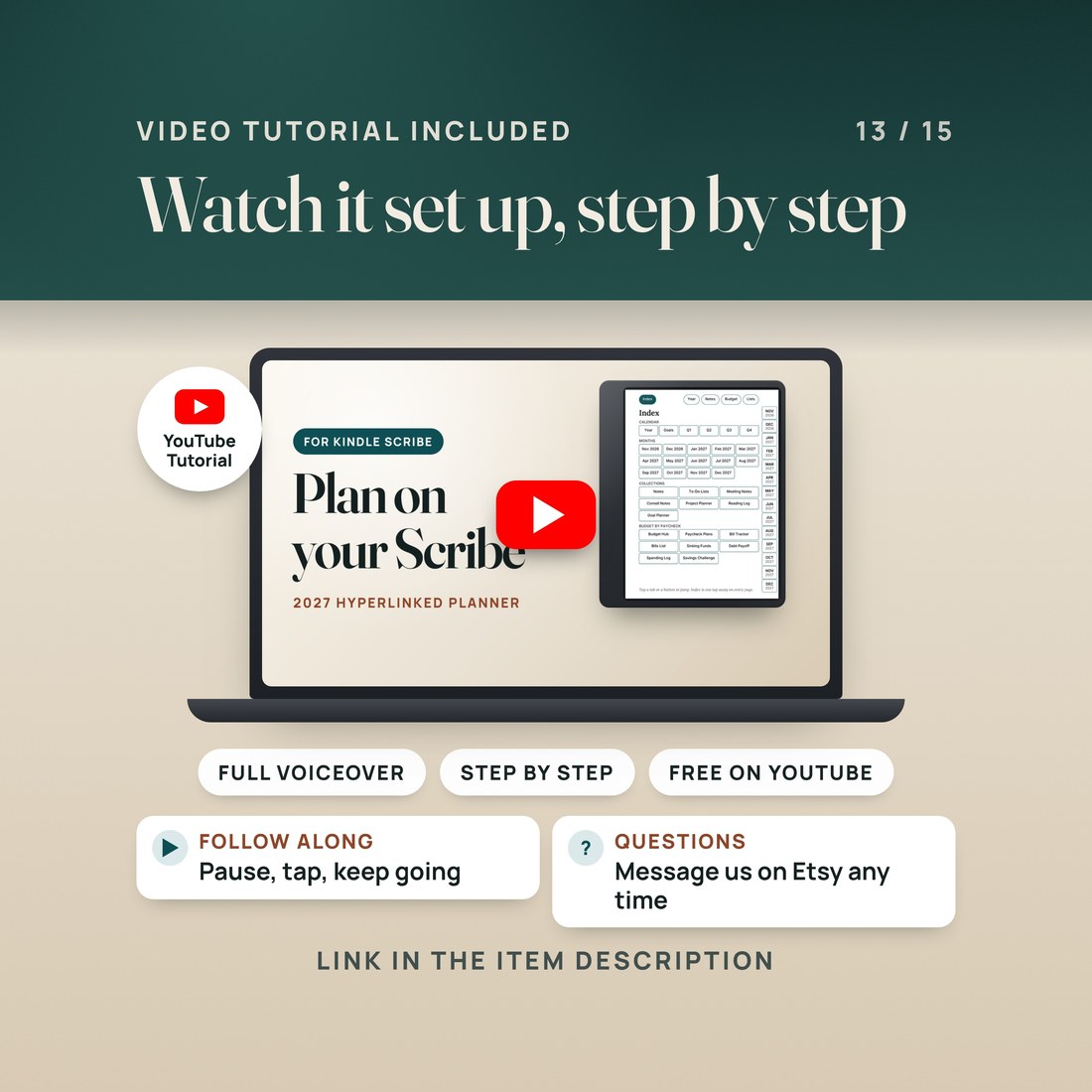
Unzip the download on a computer or phone and open the START-HERE guide. It shows which planner fits your Scribe and which tab side to choose.
Send the PDF you chose with Send to Kindle from a web browser or the Kindle app on your phone, then open it from your library on the Scribe.
Tap the Index button on the cover. The tabs, dates and buttons are standard PDF links; if one does not respond, update the Scribe's software and make sure the file came in through Send to Kindle.
Write on any page with your pen, and send any template with Send to Kindle when you want a fresh page.
Why It's Different
Not another template
This planner is laid out for the Kindle Scribe from the start: one 3:4 portrait page, black and white editions for every Scribe and Colorsoft editions with a single muted accent for the color screen, right-hand and left-hand tabs so the writing toolbar can sit on the other side, and tabs and buttons at least 28 points on each side. It starts in November 2026, so it is useful the day you load it, and it brings Budget by Paycheck pages and 34 templates in the same download.
Delivery & Compatibility
Instant, and it opens in what you already use
As soon as your order is complete you get instant access to download the ZIP: 8 planner PDFs in a Monday-start and a Sunday-start folder, the Templates folder and the START-HERE guide. Start with the START-HERE guide; the video tutorial shows the setup step by step. Nothing ships.
One ZIP, instant download. Unzip it first, then send only the planner you will use with Send to Kindle; the other files are spares. The planners have 702 pages (Monday start) and 701 pages (Sunday start). Amazon's help pages say handwriting is not supported in PDFs loaded over USB-C, so use Send to Kindle. The pages are sized for the screen, not for paper.
FAQ
Questions, answered
Which Kindle Scribe is it for?
The black and white editions are for every Kindle Scribe, and the Colorsoft editions add a muted teal accent for Kindle Scribe Colorsoft. Every file uses the same 3:4 portrait page.
Is it hyperlinked?
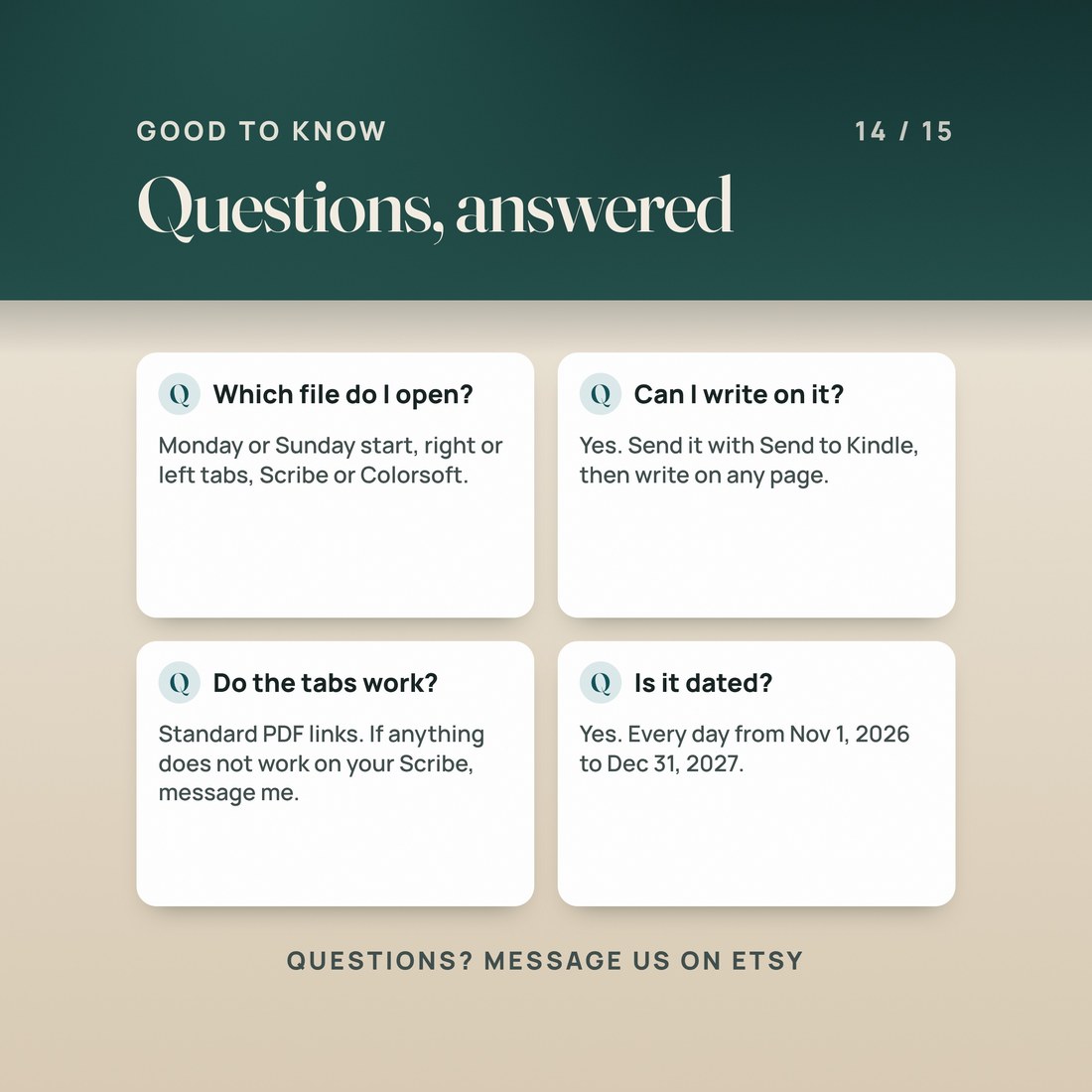
Yes. It is a standard hyperlinked PDF: the month tabs, the Index, every date and week number and the previous and next arrows are PDF links, with bookmarks that mirror the tabs. Tap the Index button on the cover first to check that your Scribe follows them; if a link does not respond, update the Scribe's software and send the file through Send to Kindle.
Can I write on the pages?
Yes, when the PDF comes in through Send to Kindle. Amazon's help pages say you can write directly on PDF documents sent to Kindle Scribe that way; handwriting is not supported in PDFs loaded over USB-C.
Can I start before January?
Yes. The planner opens on November 1, 2026, with every day of November and December 2026, and runs through December 31, 2027.
Monday or Sunday start? Right or left tabs?
Both, in one download. Pick the week start you like, and put the tabs on the side opposite your writing toolbar; Kindle Scribe lets you place the toolbar on the left or right side of the screen.
Is it dated, and does it show holidays?
It is dated, from November 1, 2026 to December 31, 2027, with real weekdays and week numbers. Holidays are not printed, so the pages stay neutral. The 34 templates are undated.
Digital product: one ZIP of PDF files, and nothing ships. Because the files are delivered instantly, all sales are final. This planner is a standard hyperlinked PDF; device features such as links, writing and importing depend on the device and its software, so keep your Kindle Scribe updated. Licensed for your personal use on your own devices; please do not share, resell or upload the files. NicheToolkits is not affiliated with or endorsed by Amazon. Kindle and Kindle Scribe are trademarks of Amazon.com, Inc. or its affiliates. AI disclosure: this item was created with the help of AI tools, which NicheToolkits uses to help design the files, write the copy and make the images and films.