 ▶
▶
 ▶
▶Notion Life Planner
One page for your whole week, and a money hub that knows what is safe to spend from this paycheck.
Habits in one app, bills in a spreadsheet, goals in a notebook, and the grocery list on the back of an envelope: six places for one life, and none of them knows when the next paycheck lands.
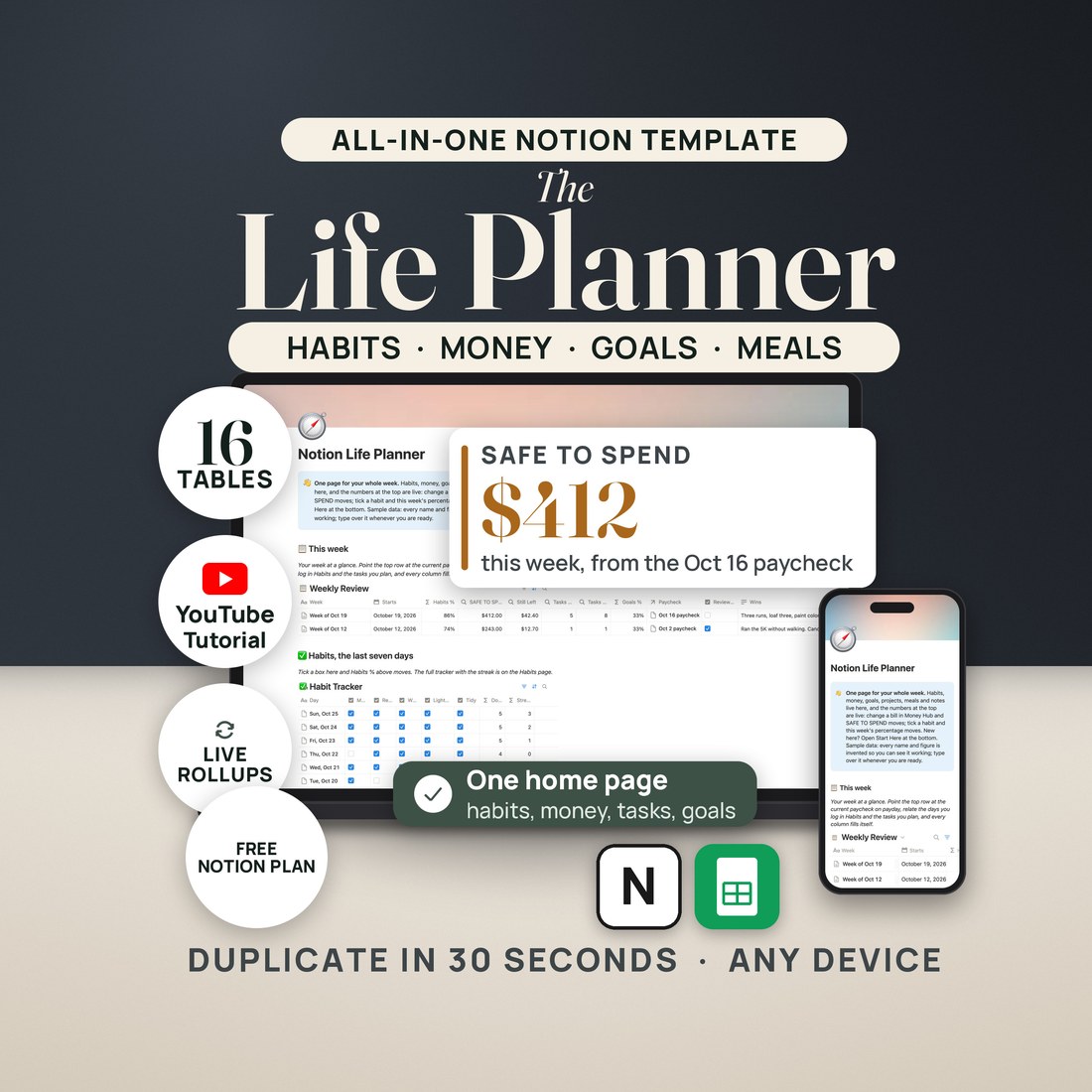
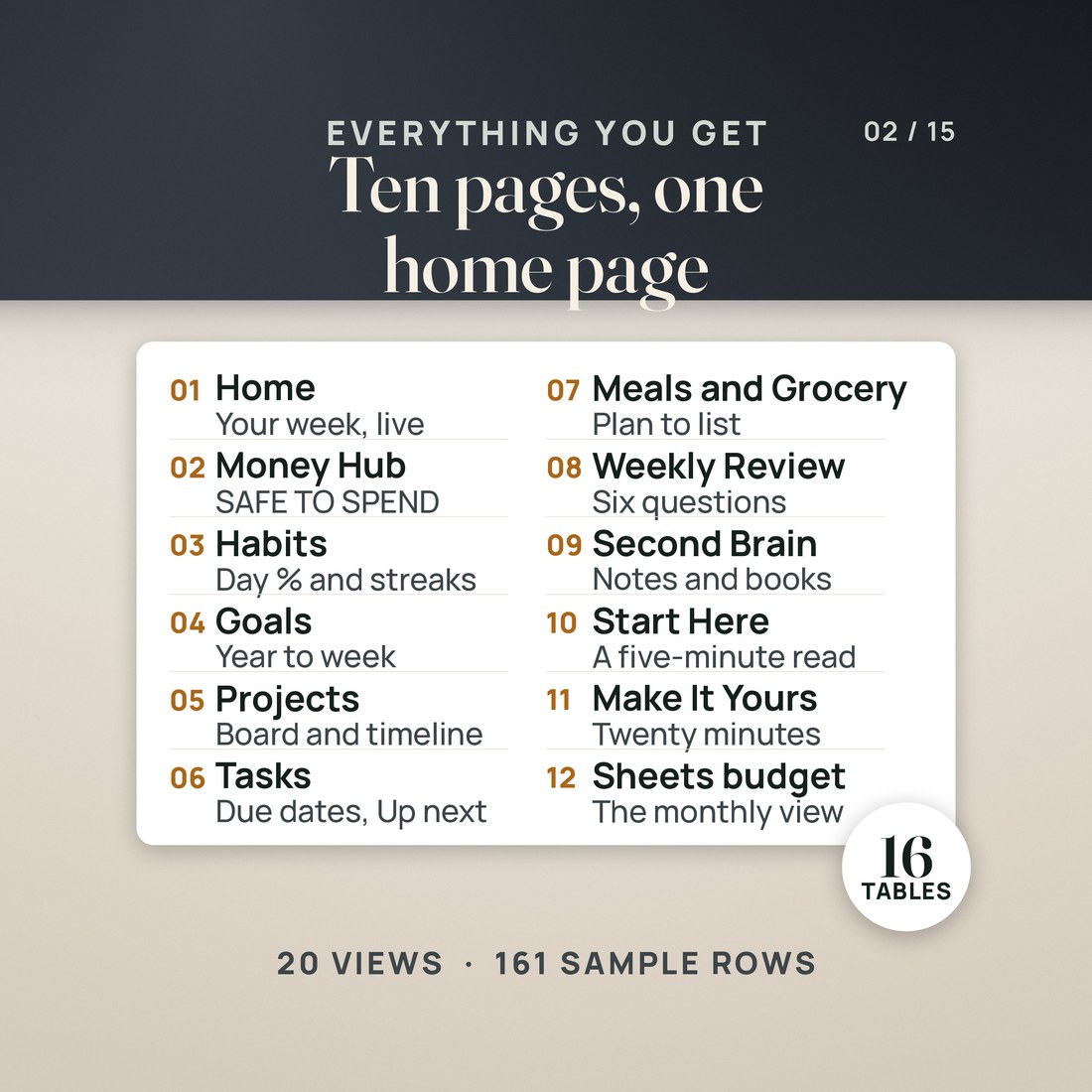
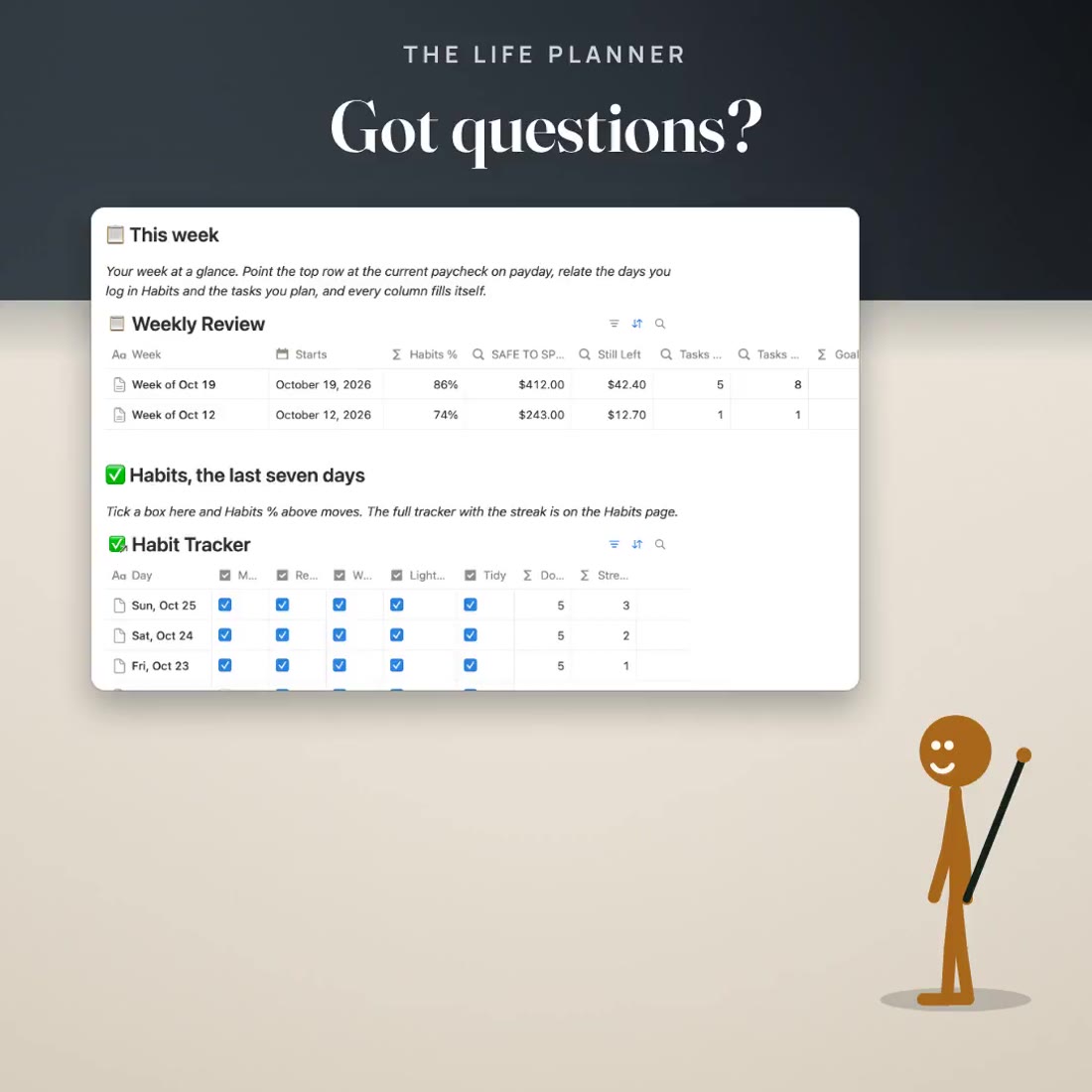
- A Home dashboard: this week's habits %, SAFE TO SPEND, tasks done and goal progress, the last seven days of habits, and Up next
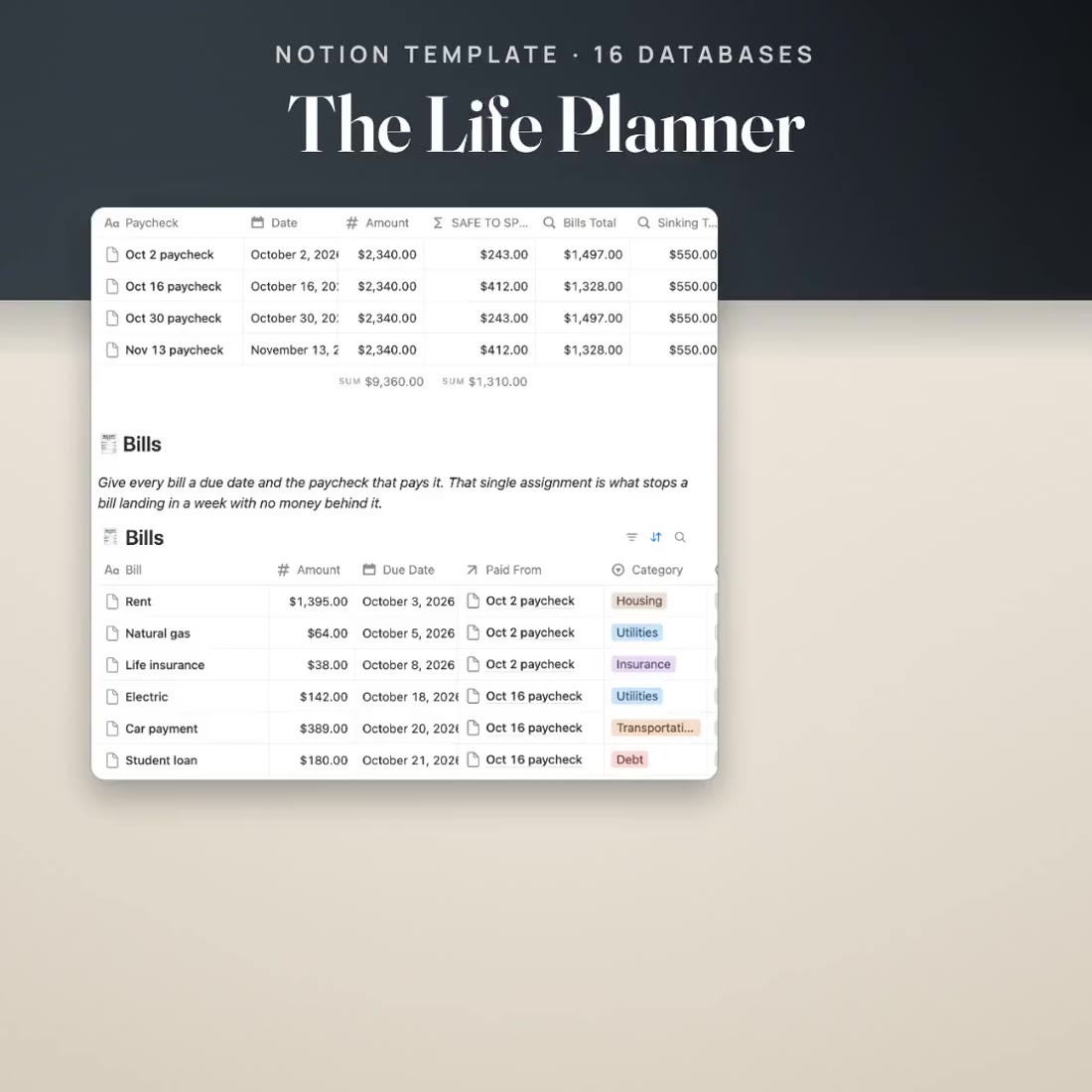
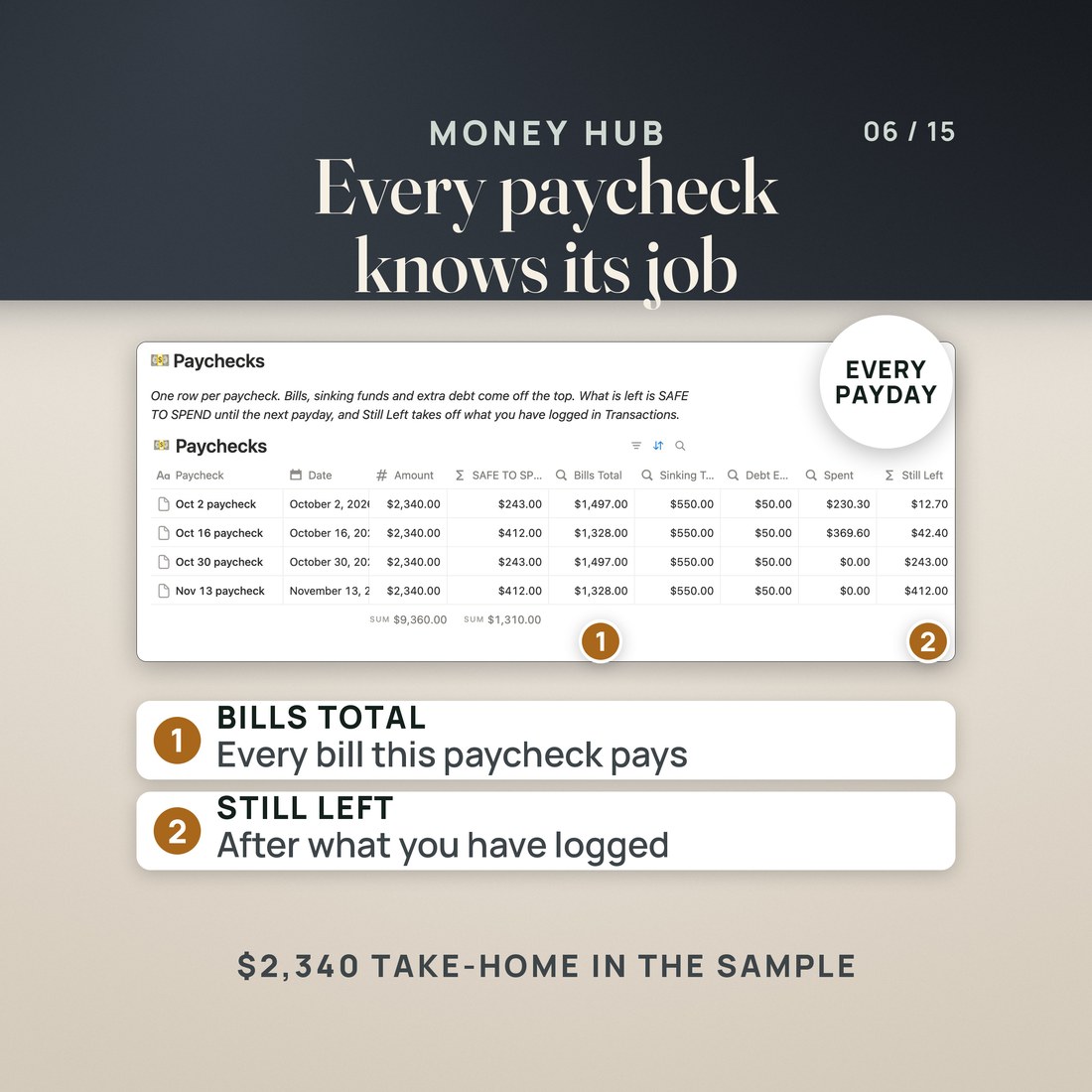
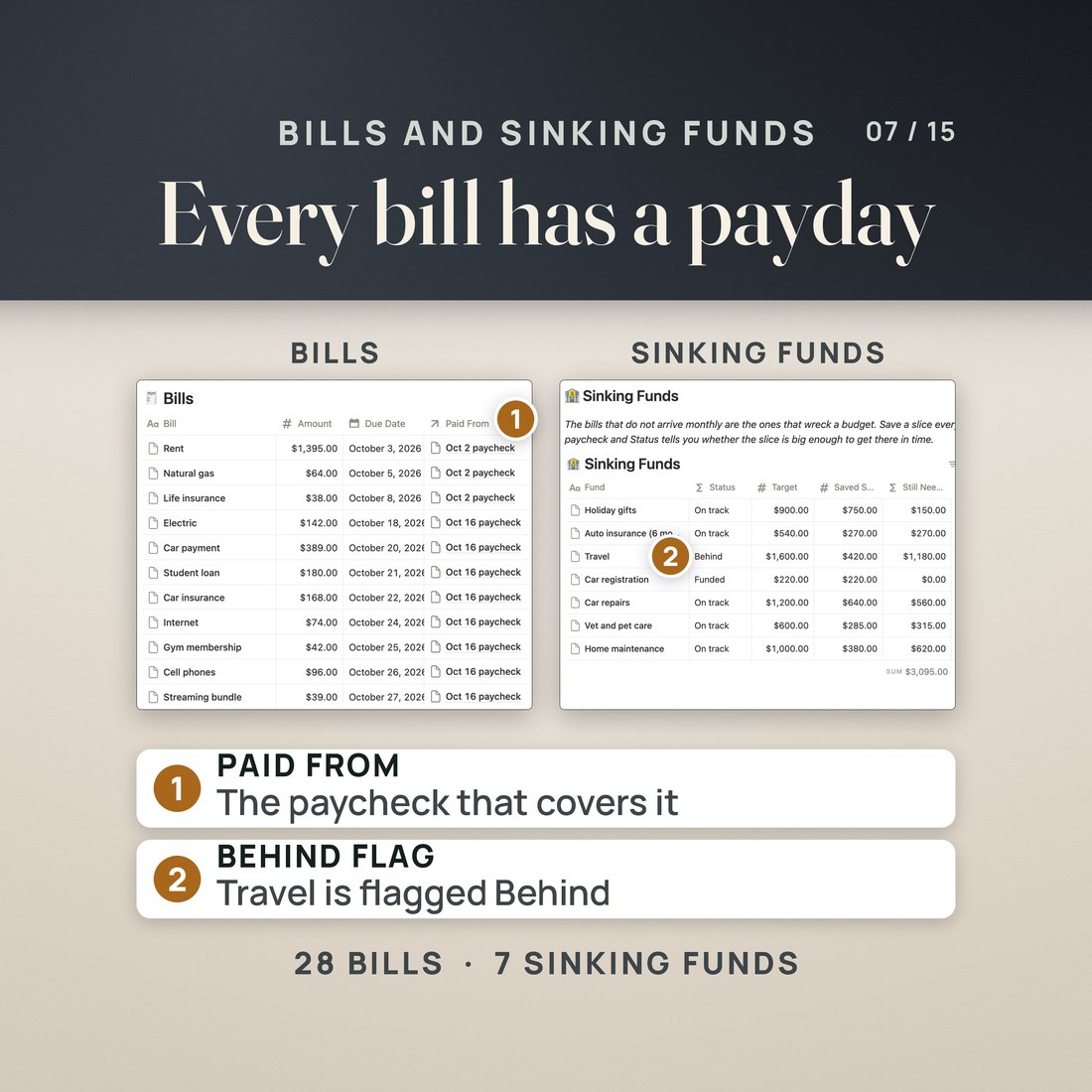
- A Money Hub with Paychecks, Bills, Sinking Funds, Debts and Transactions, and SAFE TO SPEND as a formula on every paycheck
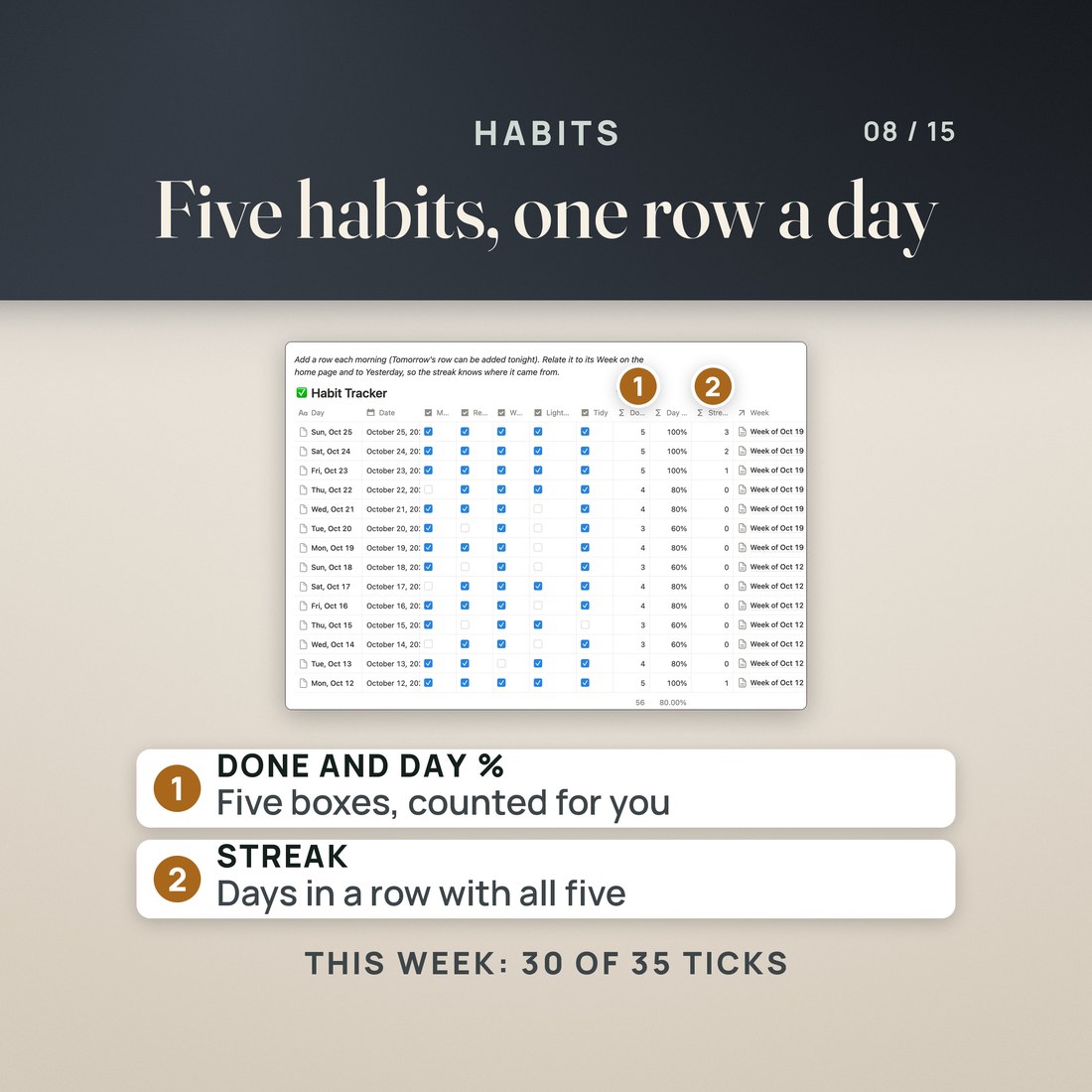
- Habits with a daily Done count, a streak and a weekly % that rolls up to Home
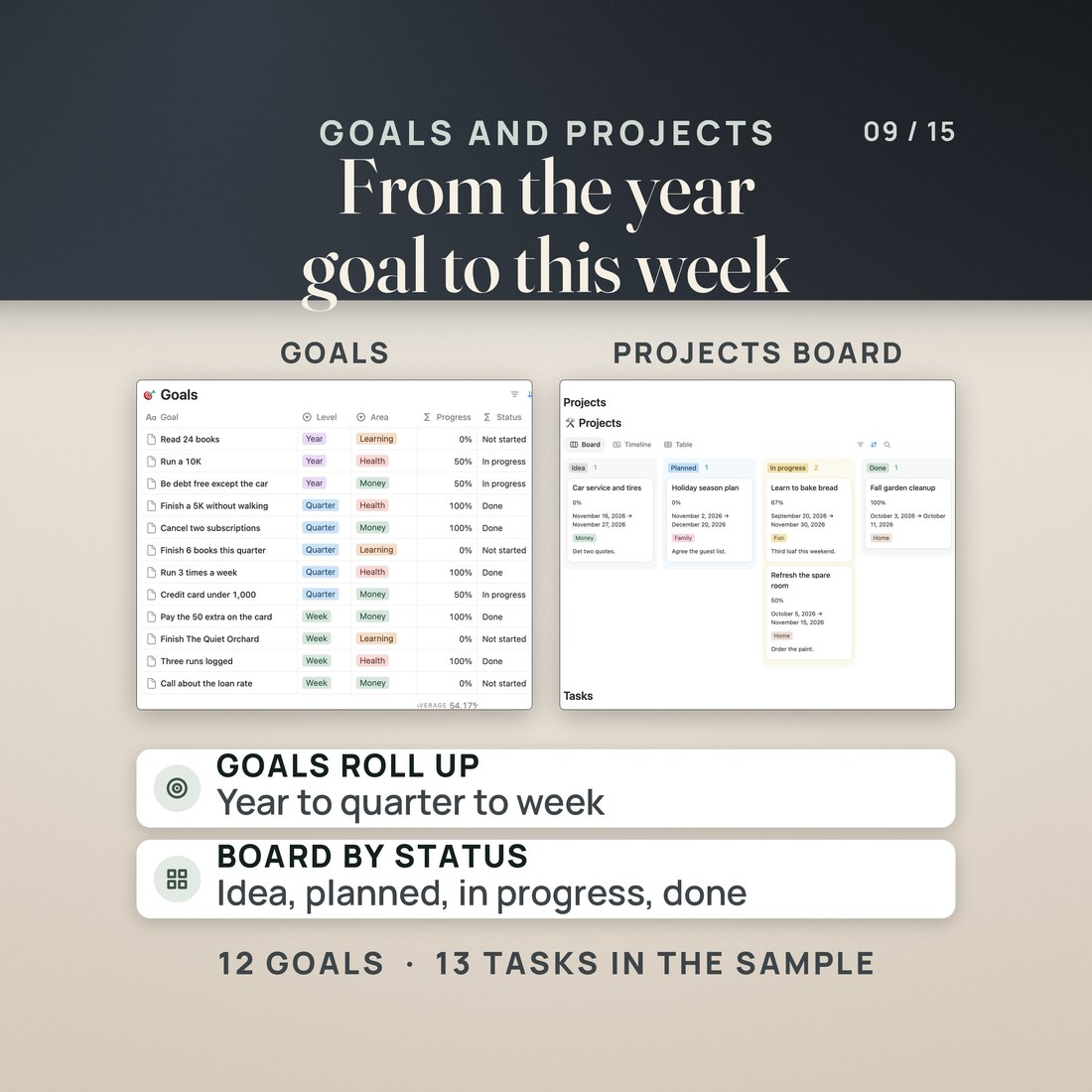
- Goals from year to quarter to week, with progress and status rolled up
- Projects on a Board by status and a Timeline, with tasks, due dates and priorities
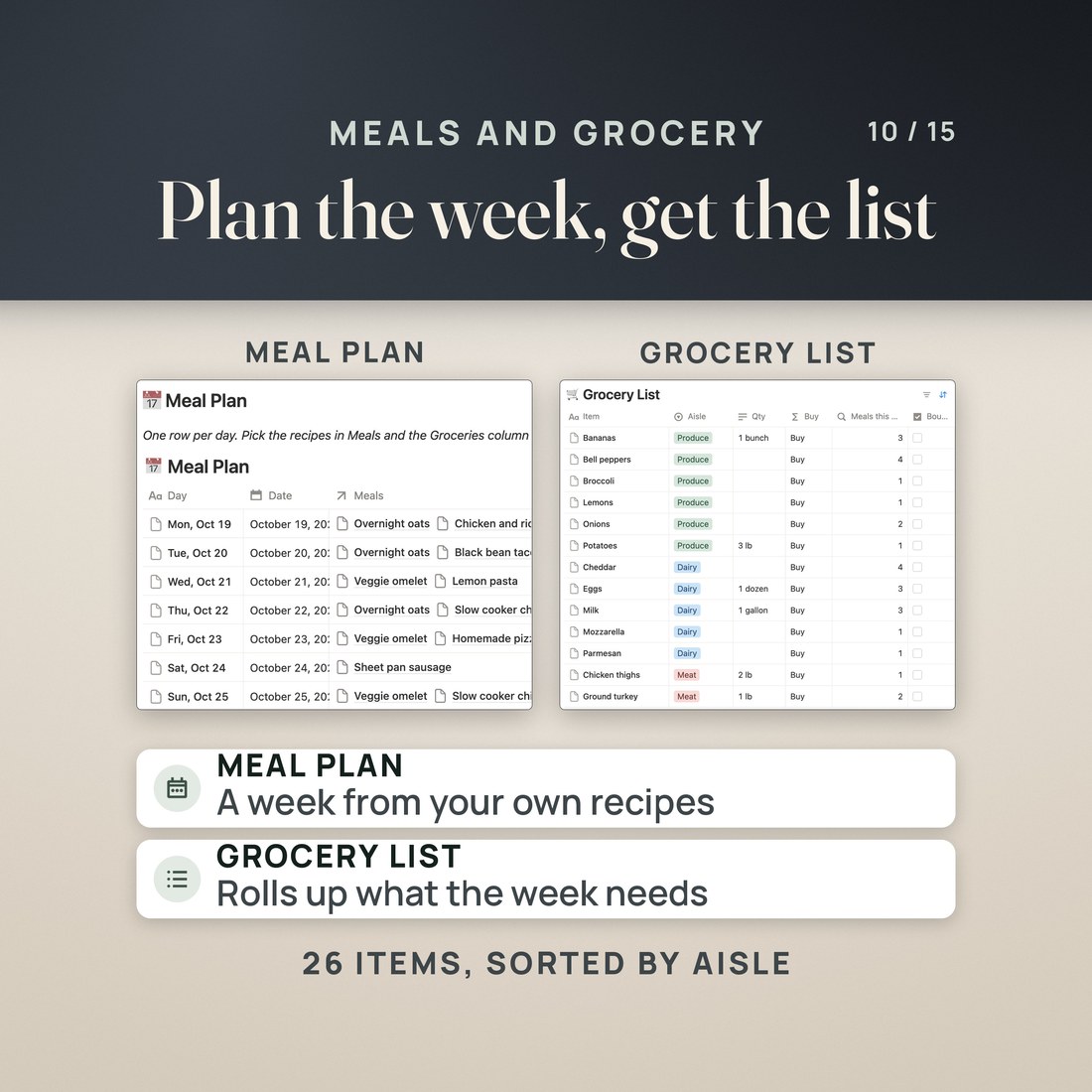
- Meals and Grocery: a week of meals from your recipes, and a grocery list that rolls up what the week needs
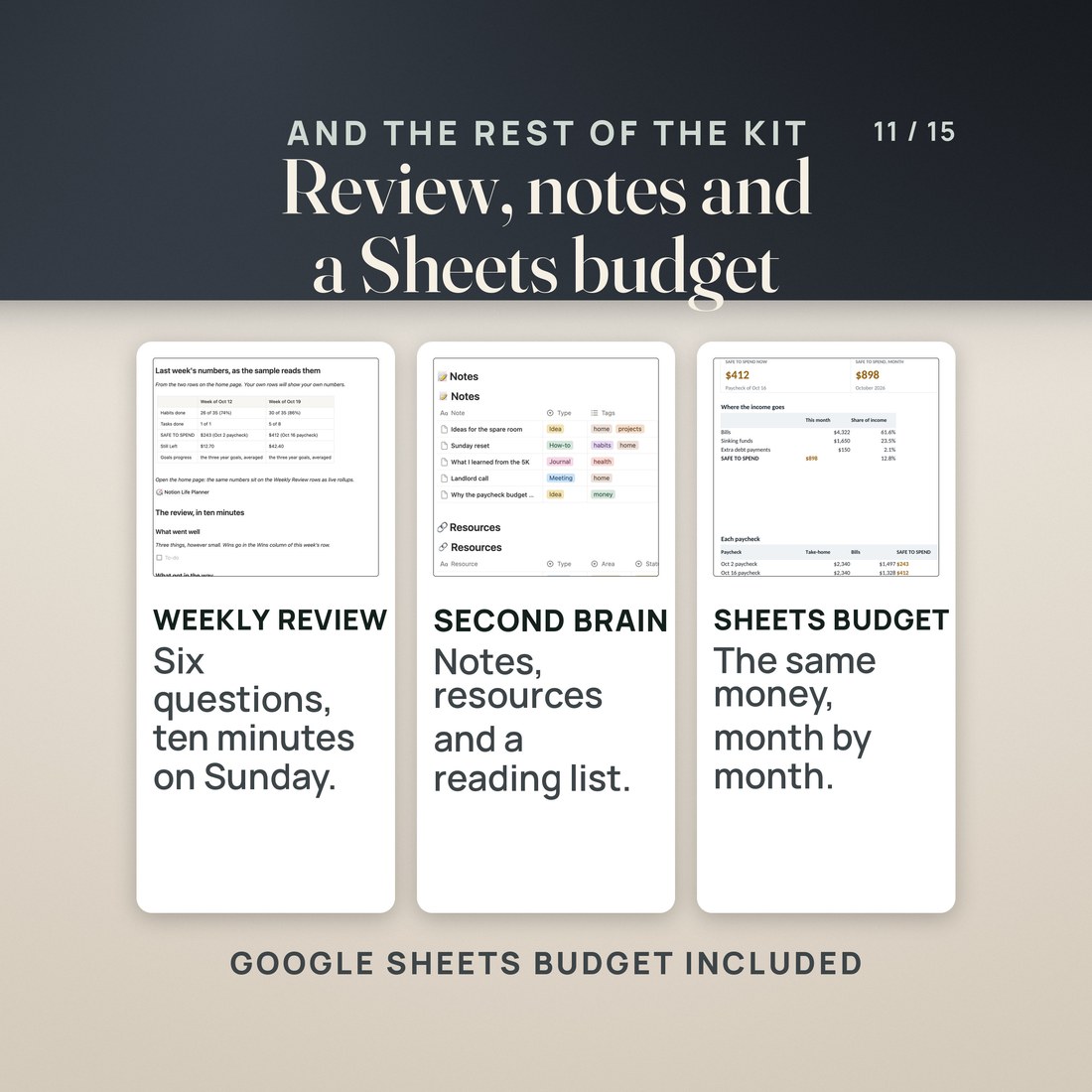
- A Weekly Review with six questions and last week's numbers, and a Second Brain for notes, resources and reading
- A monthly budget workbook for Google Sheets and Excel that reads a pasted export of your Notion transactions
Overview
One page for your whole week, and a money hub that knows what is safe to spend from this paycheck.
Habits in one app, bills in a spreadsheet, goals in a notebook, and the grocery list on the back of an envelope: six places for one life, and none of them knows when the next paycheck lands.
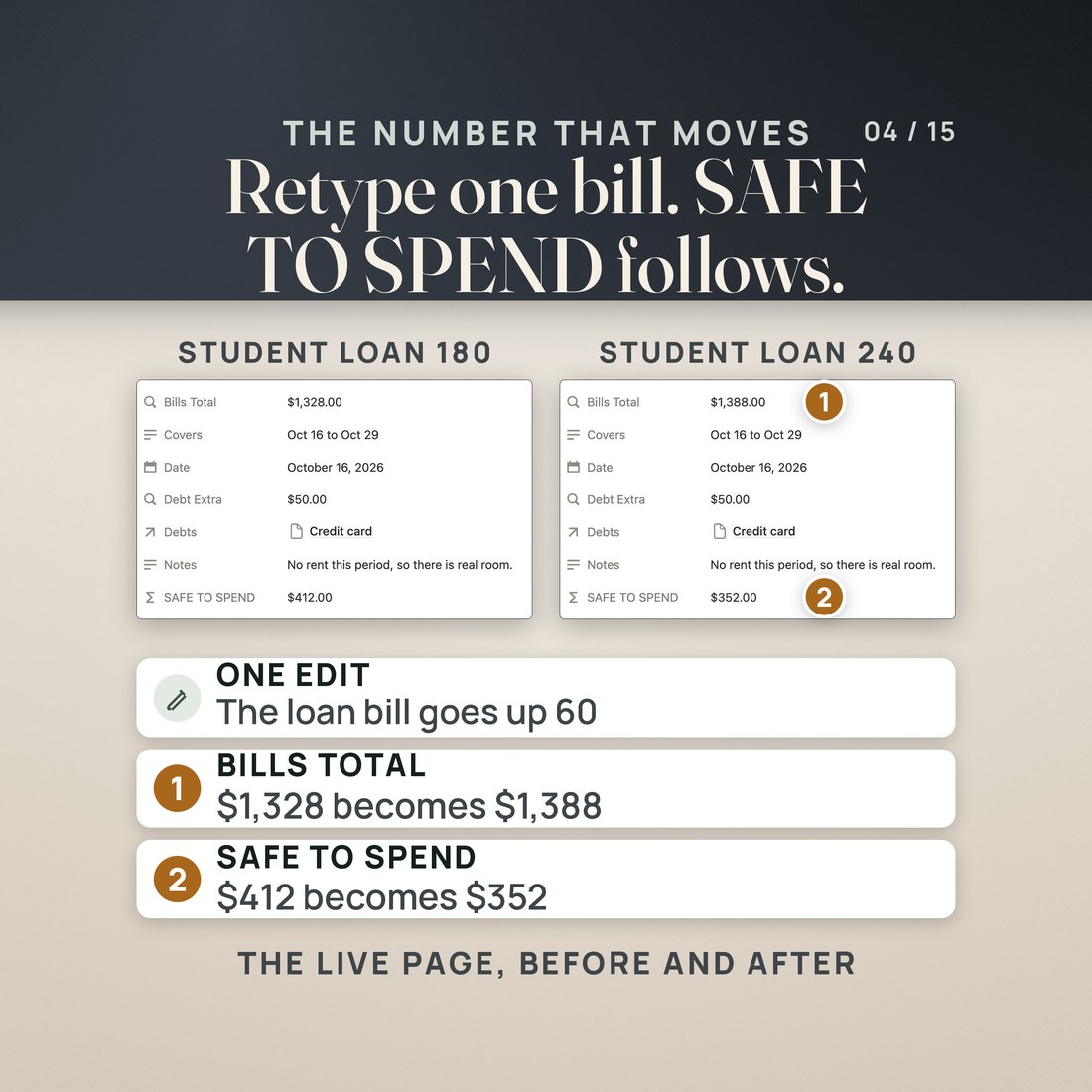
This planner puts the week on one page, and its money hub knows the paycheck. In the invented sample, a $2,340 paycheck leaves SAFE TO SPEND of $412 after its bills, its sinking fund slices and an extra debt payment. Change one bill from 180 to 240 and it reads $352, on the paycheck and on the home page.
What's Included
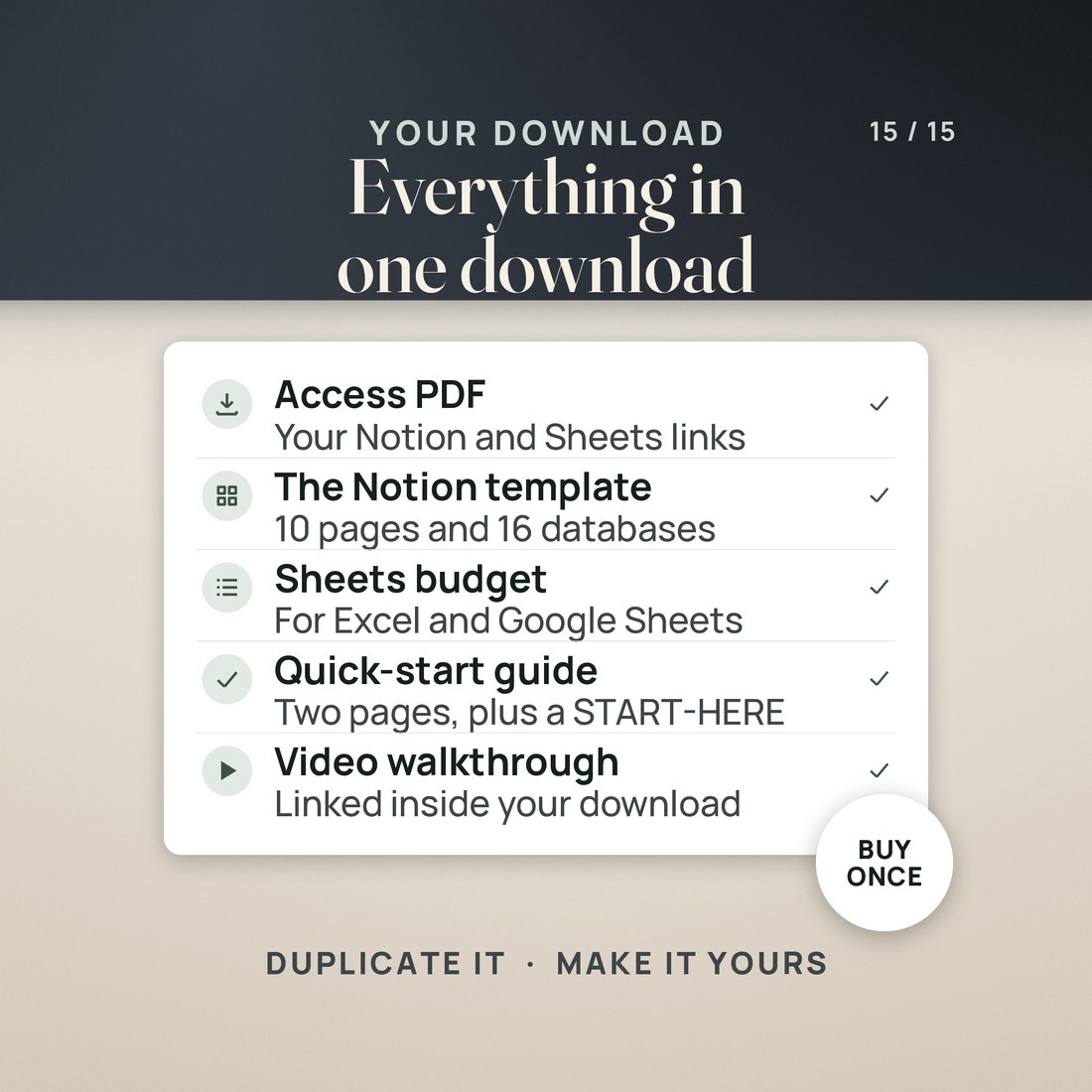
One ZIP, 6 files:
- A PDF with the Notion template link (click it, then Duplicate) and the Google Sheets copy link for the budget, with ten setup steps
- The Notion Life Planner Budget workbook, Colorful edition, with five tabs: Start Here, Monthly Budget, Paste Your Notion Export, Dashboard and Help; the same workbook in the Editorial palette, and a zip holding the Colorful, Light and Dark editions
- A two page Quick-Start PDF and a START-HERE file
Key Benefits
Why this one
Assign each bill to the paycheck that pays it. SAFE TO SPEND is take-home minus those bills, the sinking fund slices and the extra debt payment, and it rolls up to the home page.
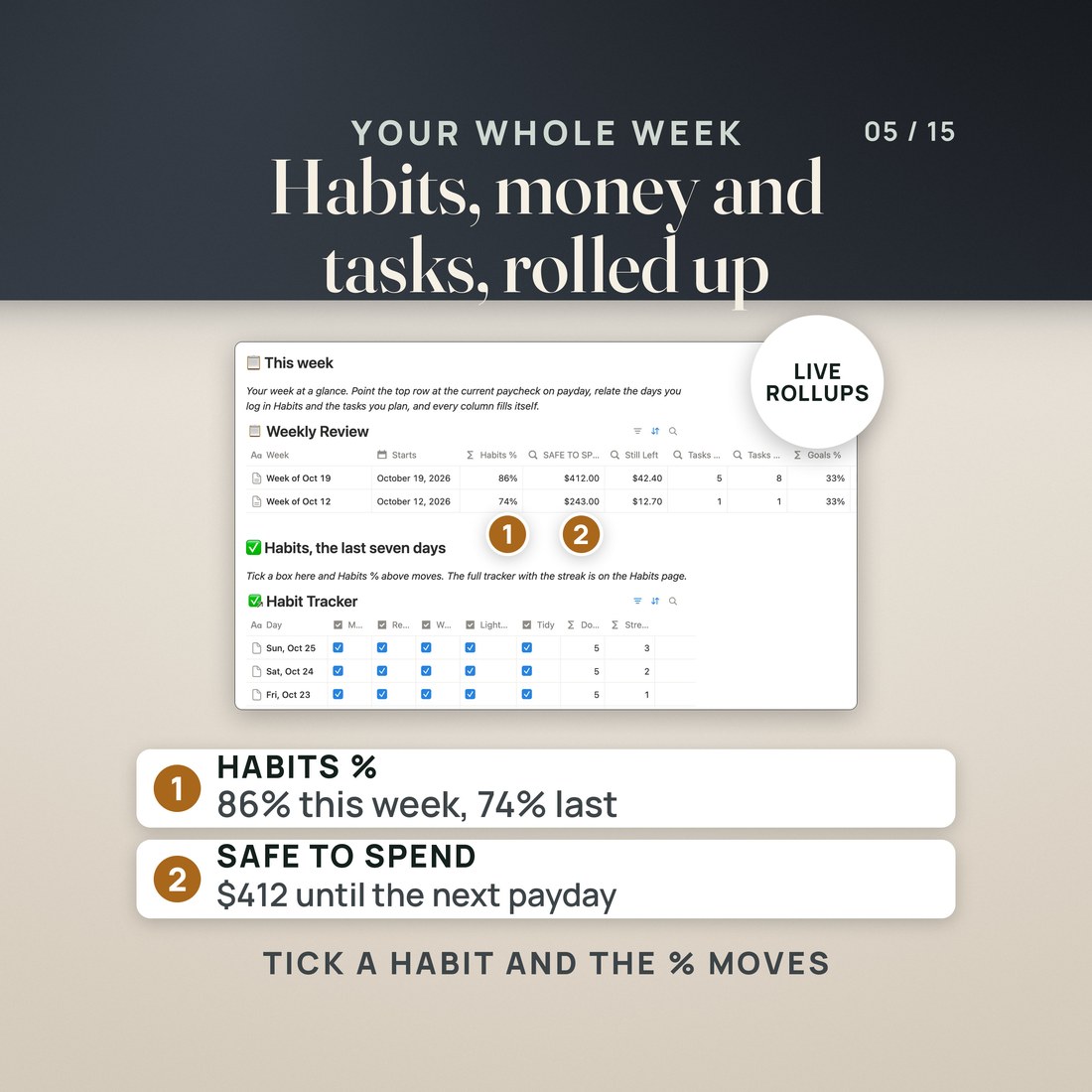
This week's row on Home rolls up habits %, SAFE TO SPEND, tasks done and goal progress from the pages that own them. You never type a total.
One row a day for five habits you rename. Done, Day % and the streak are formulas, and the week's % rolls up to Home.
Formulas, rollups, relations, linked views and the phone apps all run on Notion's Free plan. No Notion paid plan and no Notion AI are needed.
The included workbook shows the same money by month, SAFE TO SPEND per paycheck and for the month, and spending by category from a pasted export of your transactions.
Who It's For
Built for
- Someone with habits, bills and goals spread across different apps
- Someone paid every week or every other week who wants to know what is safe to spend
- A Notion user who wants a life dashboard without building the databases
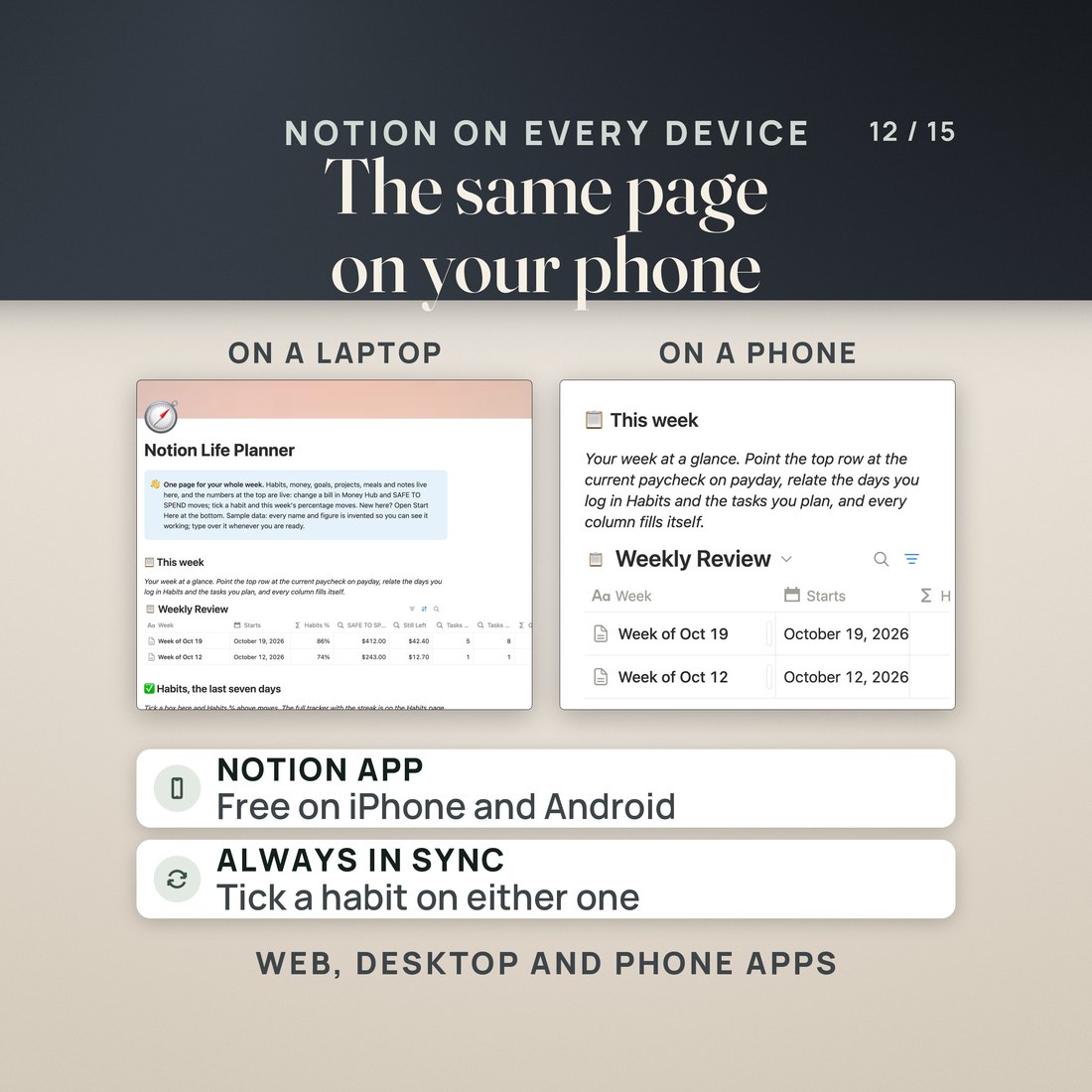
- Anyone who wants the planner on a computer and a phone
How It Works
Up and running in minutes
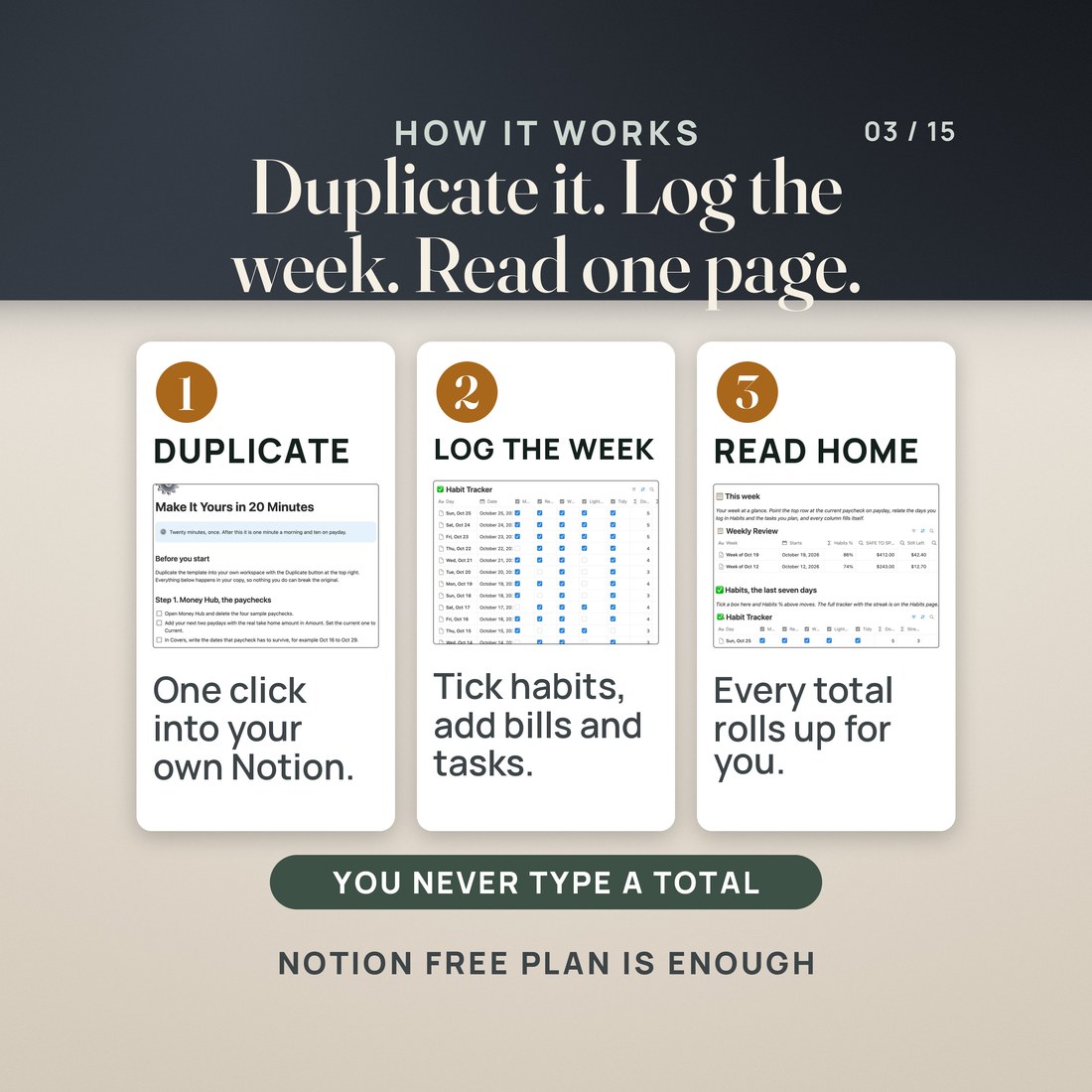
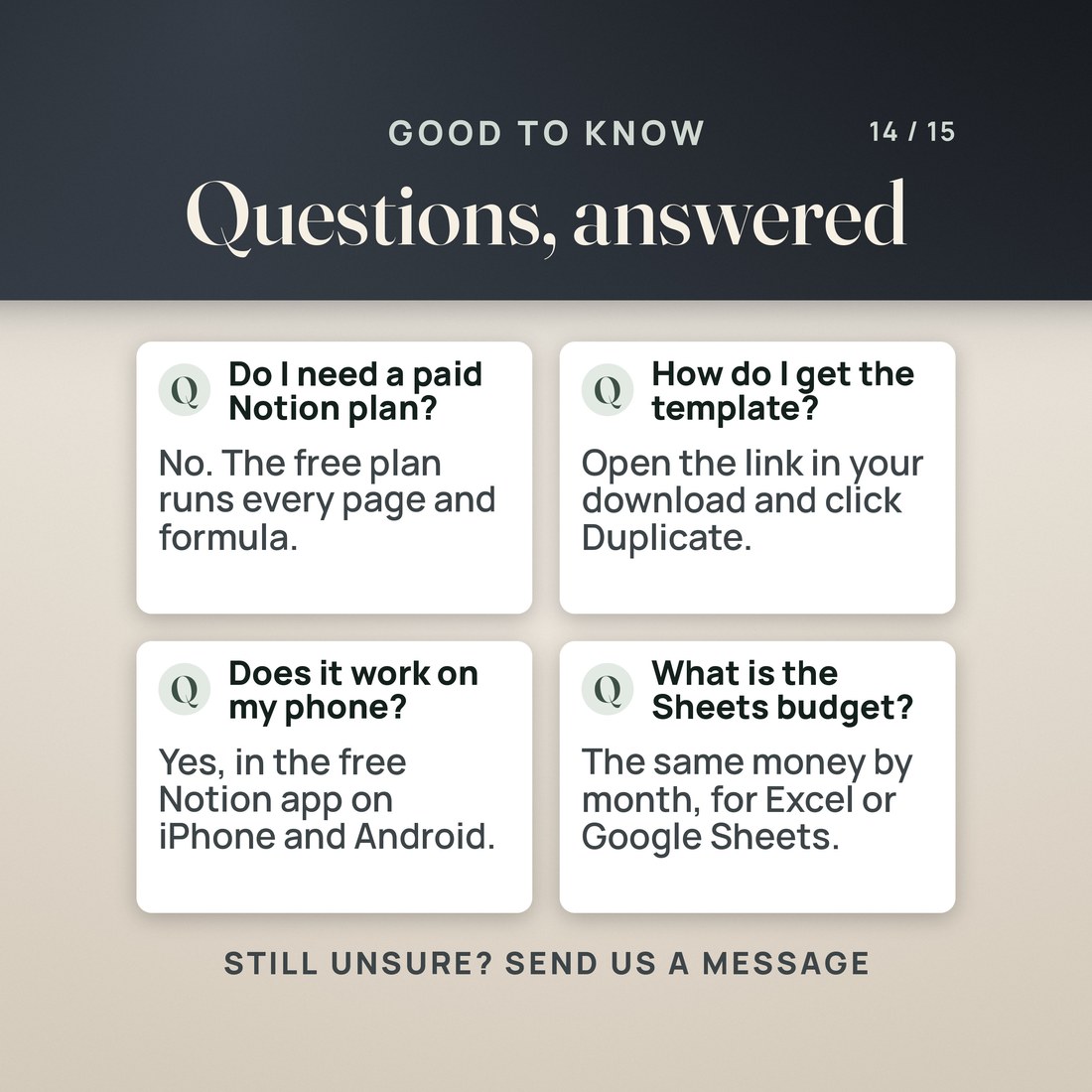
Open the link in ACCESS-YOUR-TEMPLATE.pdf, sign in to Notion (a free account is enough) and click Duplicate.
In Money Hub, change the Student loan bill on the Oct 16 paycheck from 180 to 240 and watch SAFE TO SPEND go from $412 to $352, then change it back.
Open Make It Yours in 20 Minutes and replace the sample paychecks, bills, habits, goals, projects and meals with your own.
Check off habits on the home page, work from Up next, and answer the six review questions on Sunday.
Why It's Different
Not another template
Many Notion life planners are a set of pages with a budget that does not know when you get paid. This one is built around the paycheck: every bill is assigned to the paycheck that pays it, SAFE TO SPEND is a real formula, and the home page rolls it up beside your habits, tasks and goals. It runs on the free Notion plan, it comes with a Google Sheets budget for the monthly view, and every sample figure is invented and says so.
Delivery & Compatibility
Instant, and it opens in what you already use
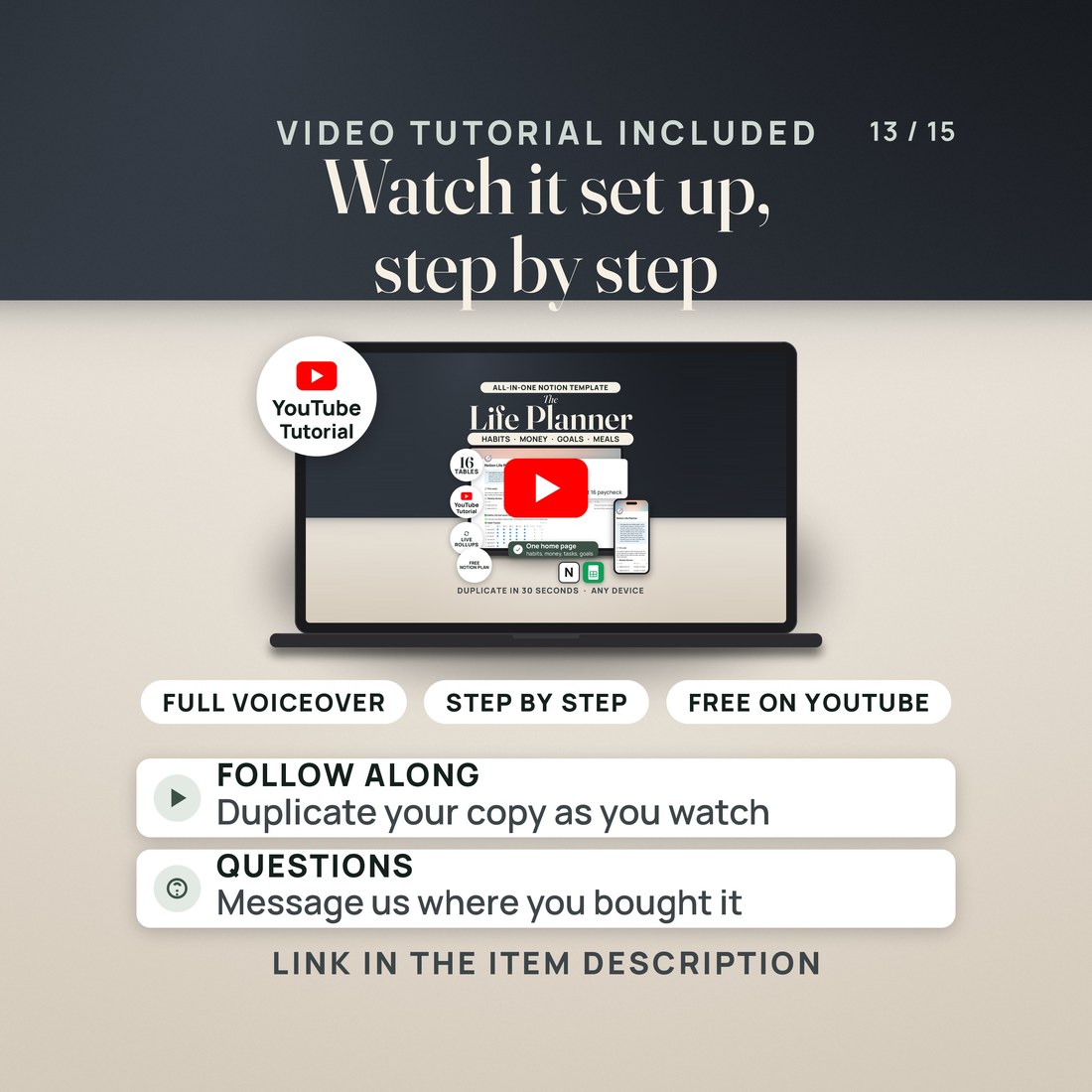
As soon as your order is complete you get instant access to download the ZIP: the access PDF with the Notion template link and the Google Sheets copy link, the budget workbook in four color editions, a two page Quick-Start PDF and a START-HERE file. Start with the Quick-Start guide and the free video walkthrough. Nothing ships and nothing installs.
One ZIP, instant download. The planner is a Notion template: open the link, sign in to Notion (free for personal use) and click Duplicate. It runs on the free Notion plan in the browser, the desktop app and the phone apps; no Notion paid plan and no Notion AI are needed. The budget workbook opens in Google Sheets through the copy link or in Excel 2016 or later. No Canva, no macros and nothing to install.
FAQ
Questions, answered
What format is this?
A Notion template you duplicate from a link, plus a budget workbook (.xlsx) in four color editions for Google Sheets and Excel, a quick-start PDF, a START-HERE file and the access PDF with both links. 6 files in one ZIP.
Do I need a paid Notion plan?
No. Notion is free for personal use, and everything in this planner (formulas, rollups, relations and the phone apps) runs on the Free plan. No Notion AI is needed.
Can I use it on my phone?
Yes. Install the free Notion app, sign in, and the planner is on your phone. Checking off a habit or logging a grocery run takes two taps.
How long does setup take?
The duplicate takes about 30 seconds. The Make It Yours in 20 Minutes page inside the template walks you through replacing the sample with your own paychecks, bills, habits and goals.
What does the Google Sheets budget do?
It shows the same money by month: every paycheck in the month, the bills each one pays, SAFE TO SPEND per paycheck and for the month, and spending by category from a pasted CSV export of your Notion transactions.
Does my copy change when the template is updated?
No. Your duplicate is yours and never changes when the published template does. You can duplicate it again from the same link at any time.
The planner is a Notion template that you duplicate into your own Notion workspace; it is not a file in the ZIP, and a free Notion account is needed. Notion is free for personal use, and nothing in the planner needs a paid Notion plan or Notion AI. The streak reads the day before through the Yesterday relation, sinking fund status is measured against Needed By and today's date, and months left on a debt ignores interest. The Google Sheets budget reads a pasted CSV export of the Transactions database, and the paycheck names must match. Every name and figure in the sample was invented for the example. The four color editions of the workbook are separate files. Digital product; because the files are delivered instantly, all sales are final.