 ▶
▶


 ▶
▶Tutor Expense & Mileage Tracker
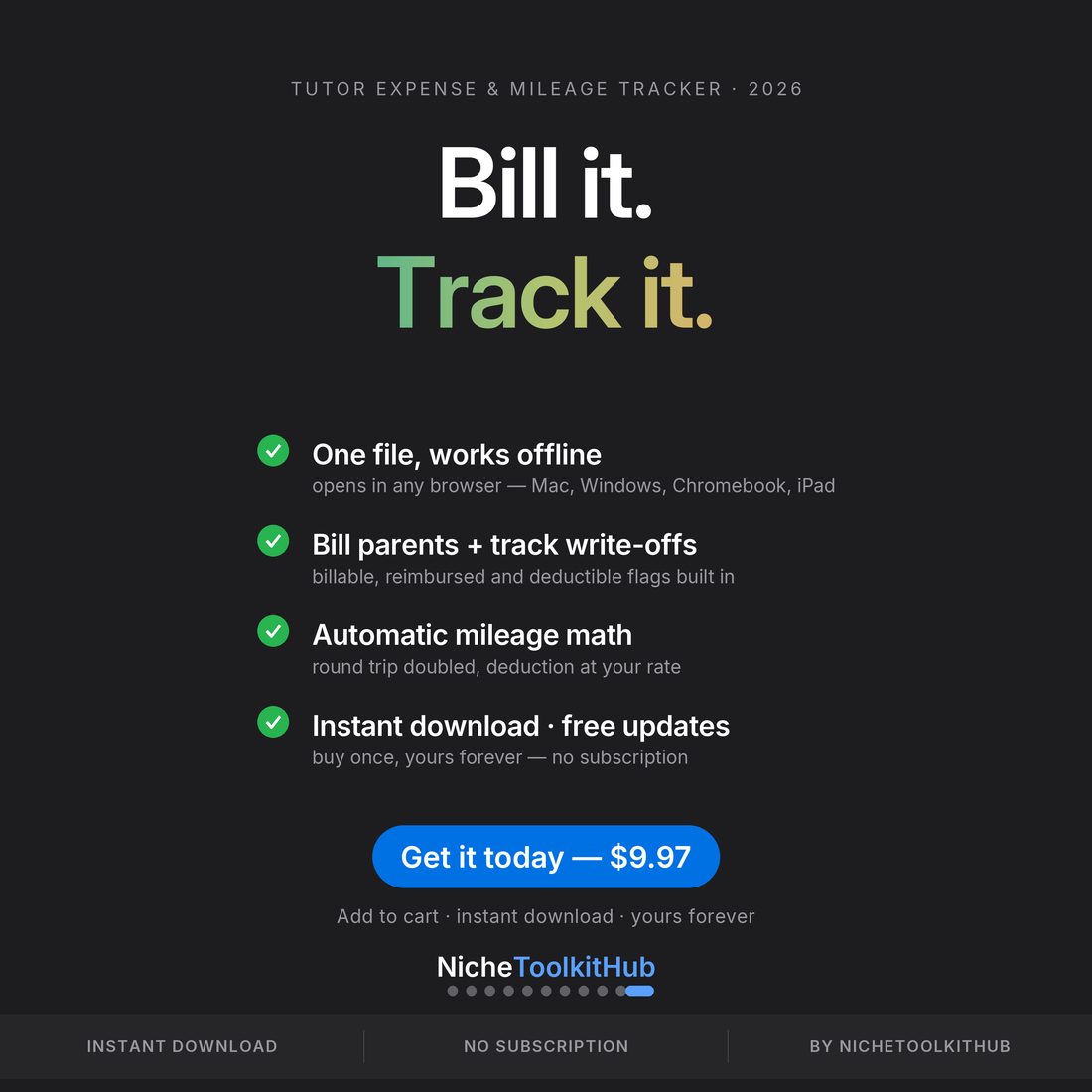
Bill it. Track it.
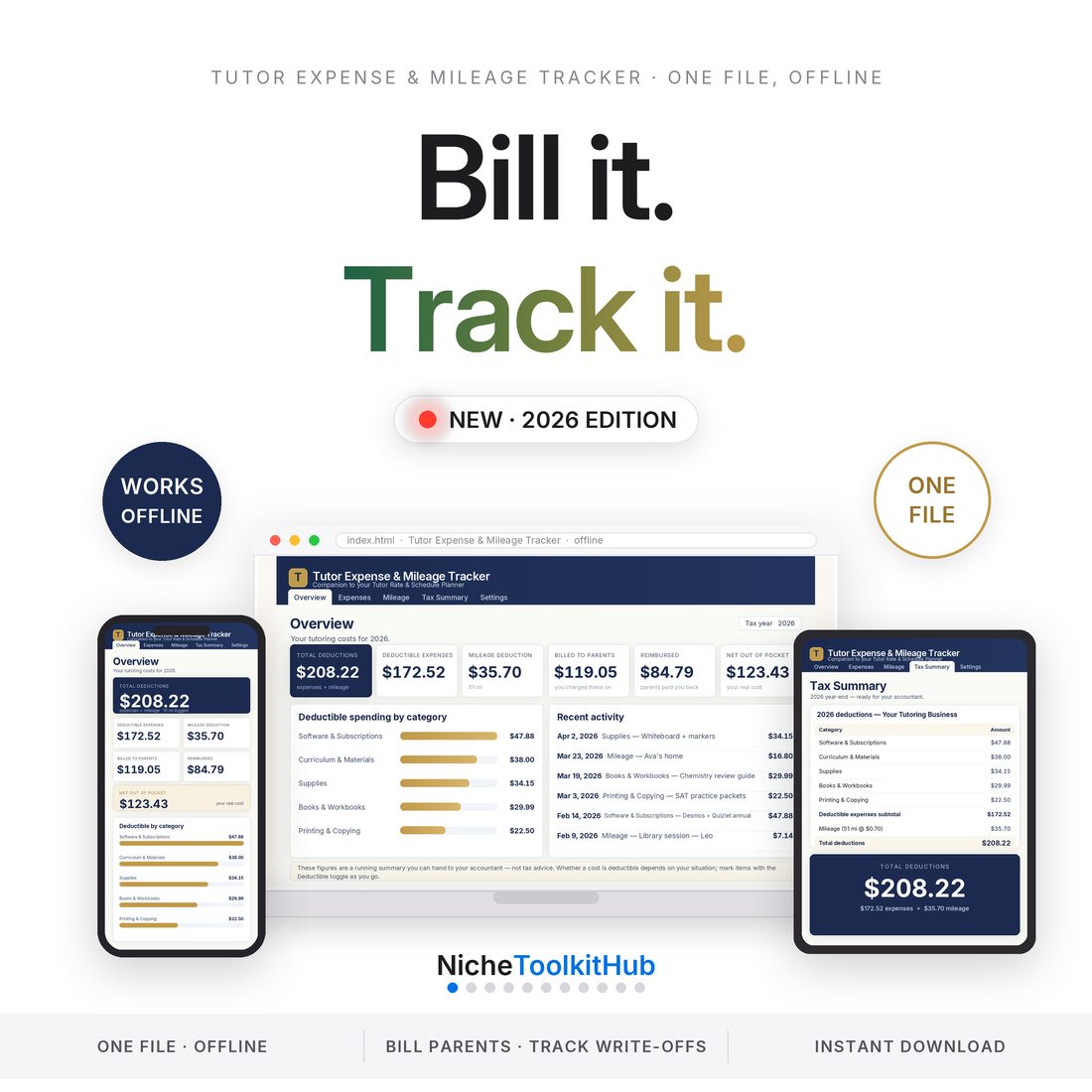
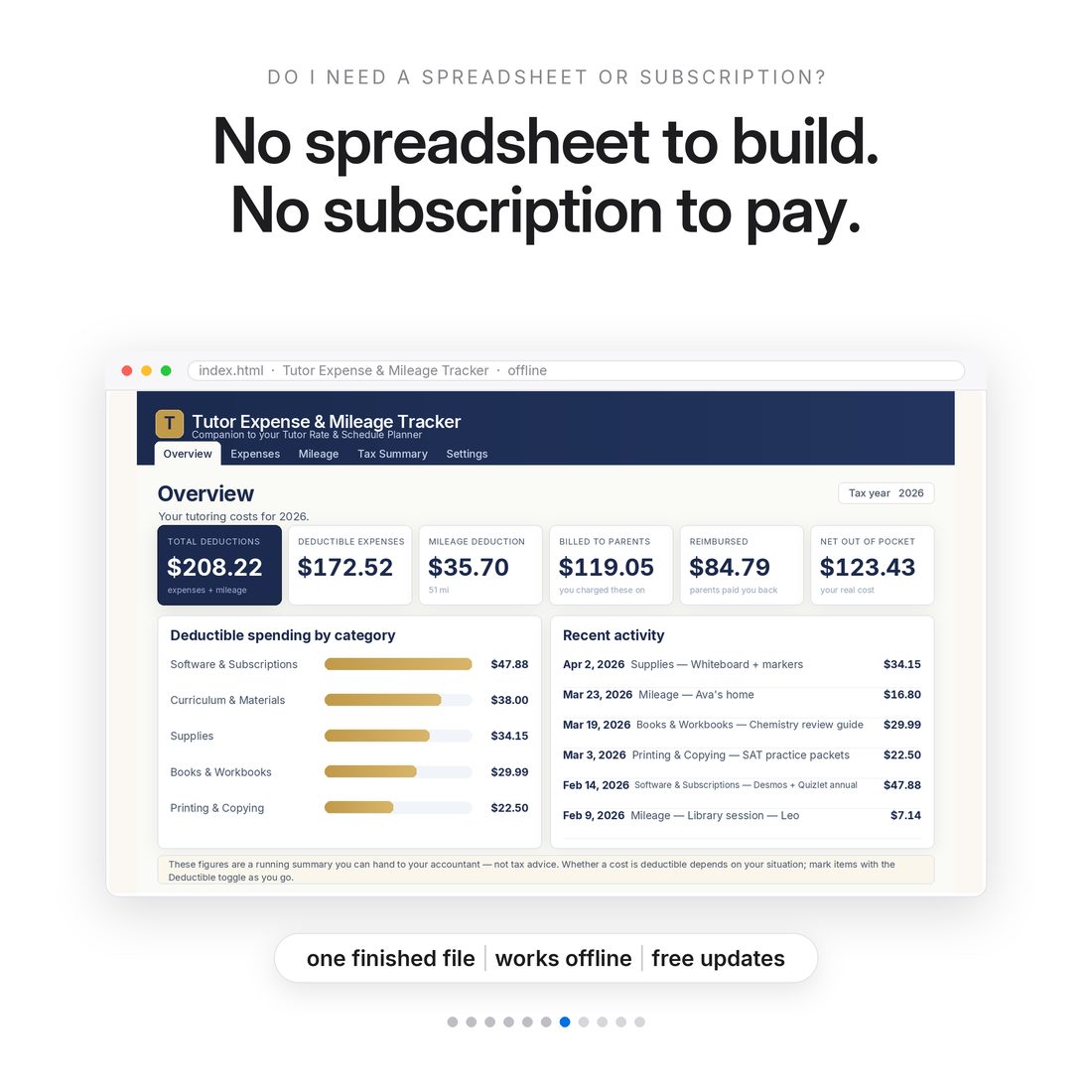
5.0shop rating · 6 Etsy reviewsOpen one file. Log the workbook you bought for a student, the miles you drove to their kitchen table, the software you pay for — and see in one place what to bill a parent, what you were reimbursed, and what you get to write off. No spreadsheet, no subscription, no signup: one HTML file that opens in any browser and keeps every number on your own computer.
- Two jobs, one app: bill parents for materials and travel, and keep tax-ready records
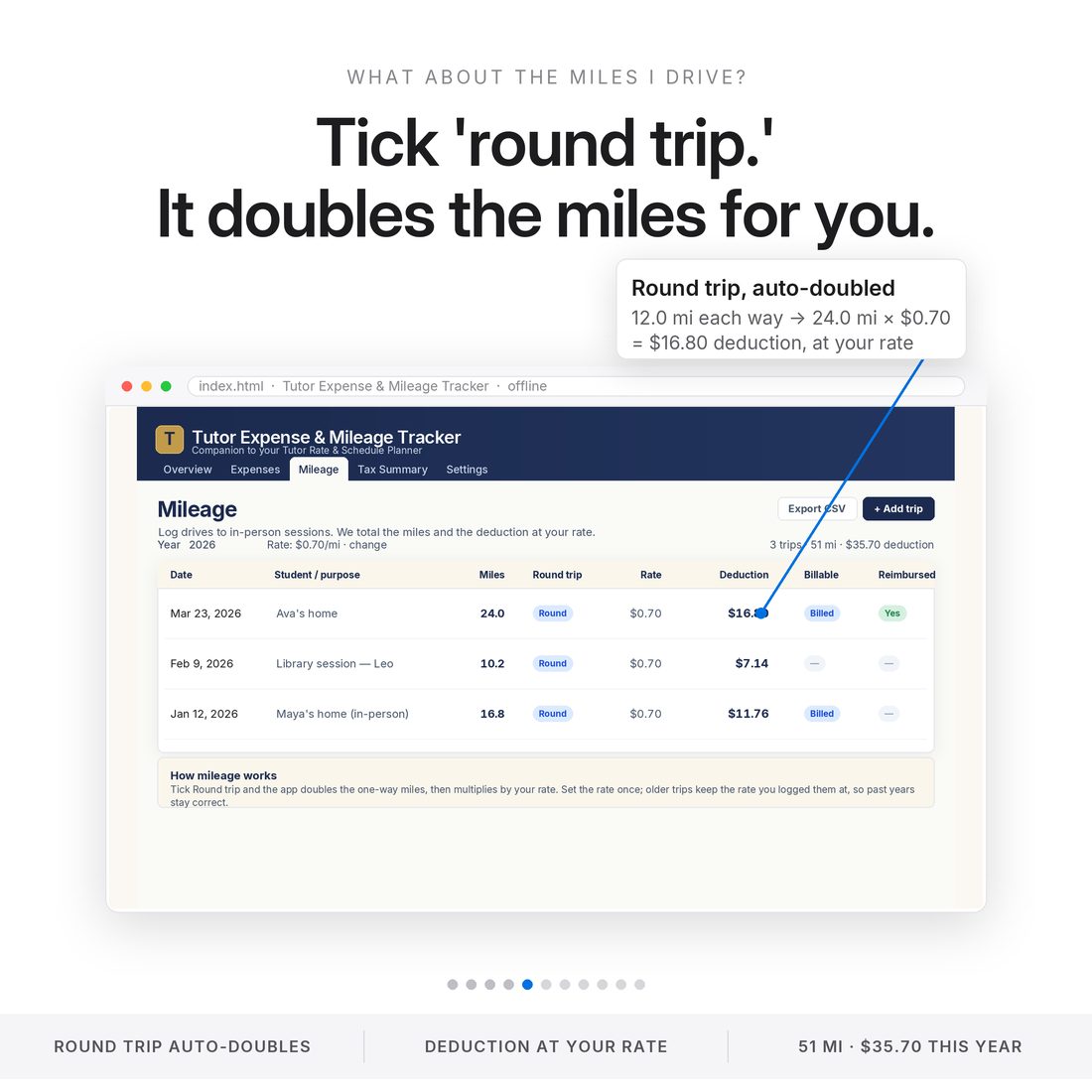
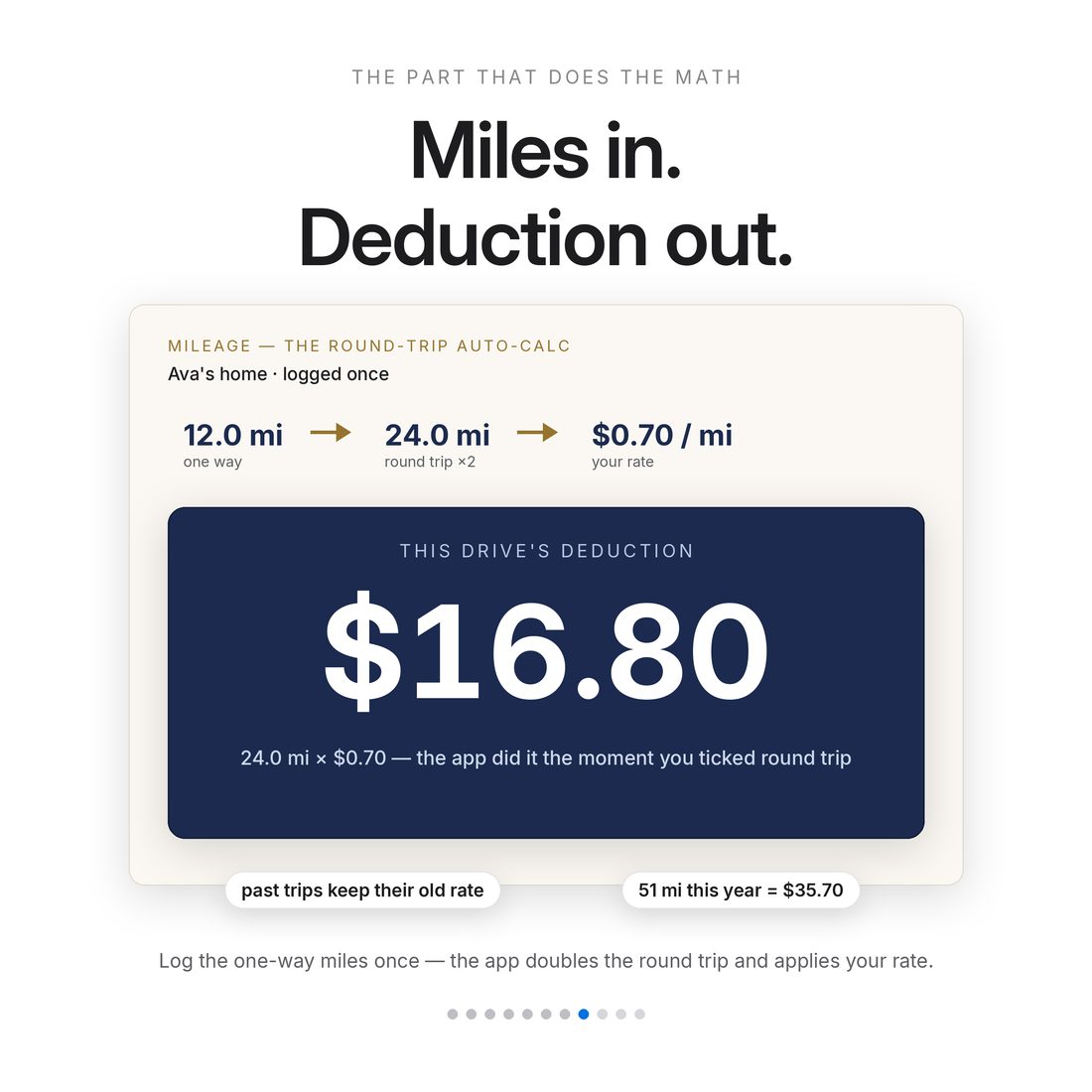
- Mileage math done for you — round-trip doubling and per-year mileage rates
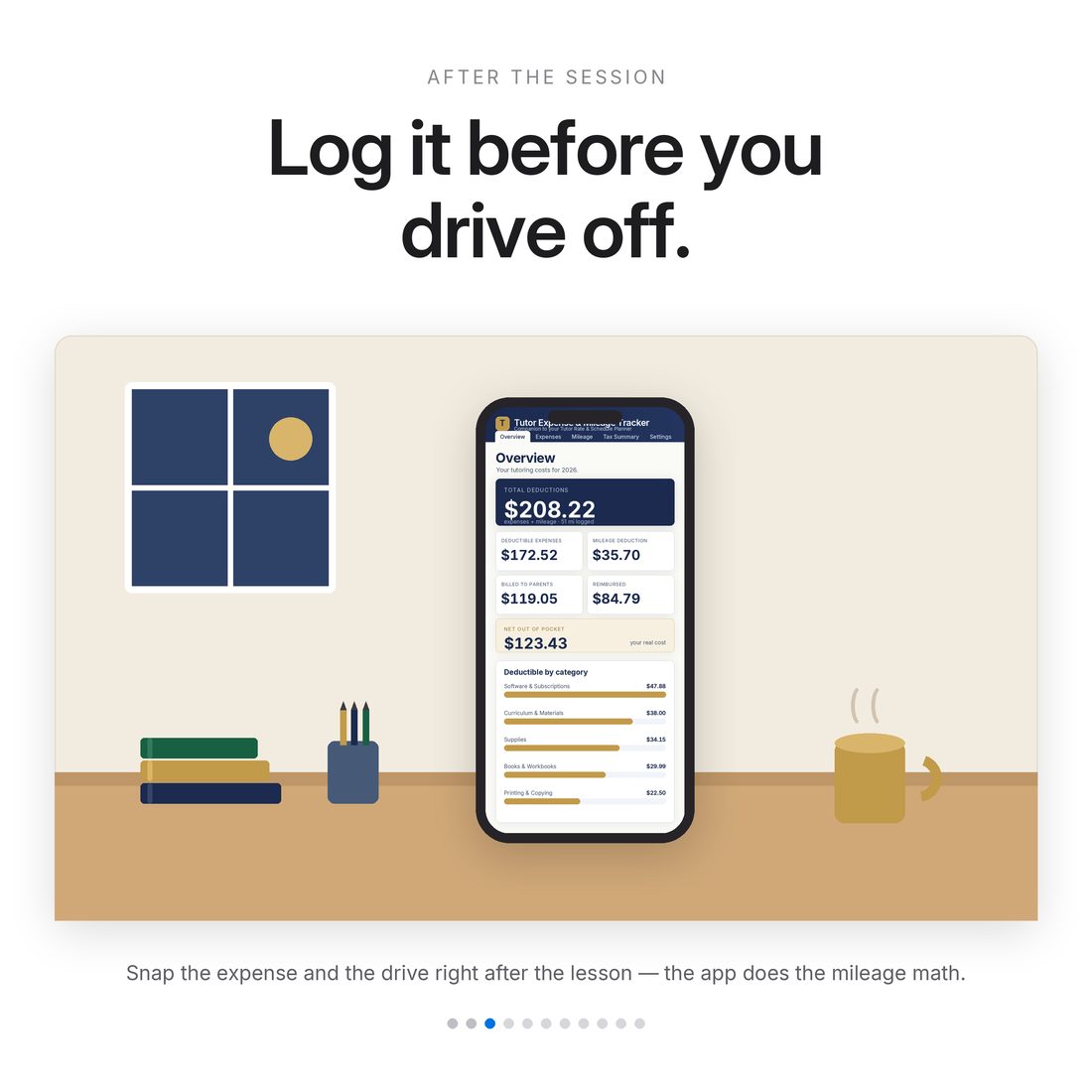
- Six Overview read-outs: deductions, billed, reimbursed and true out-of-pocket
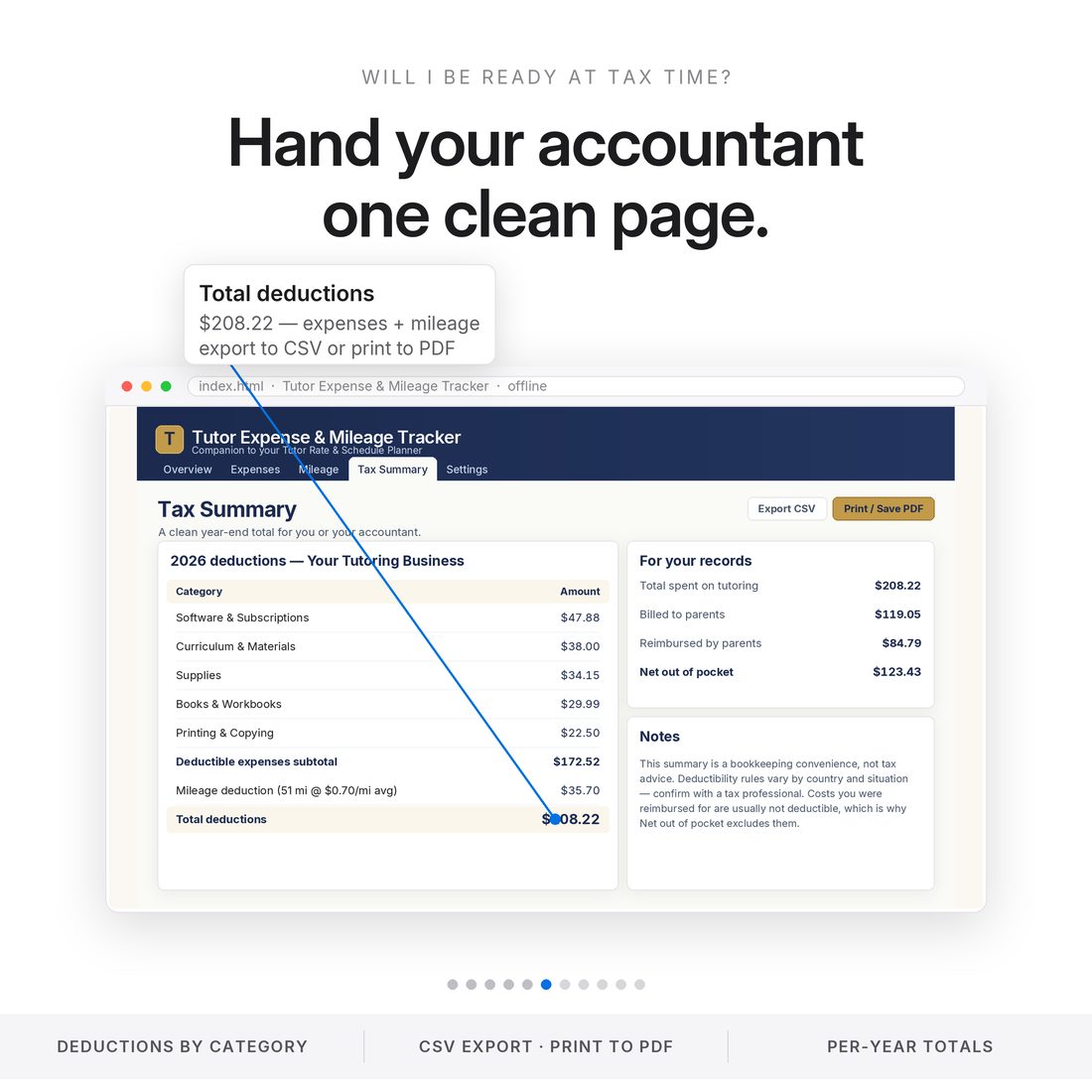
- Tax Summary exports to CSV or prints to PDF for your accountant
- One offline HTML file — no install, no subscription, data stays on your device
Overview
Bill it. Track it.
Open one file. Log the workbook you bought for a student, the miles you drove to their kitchen table, the software you pay for — and see in one place what to bill a parent, what you were reimbursed, and what you get to write off. No spreadsheet, no subscription, no signup: one HTML file that opens in any browser and keeps every number on your own computer.
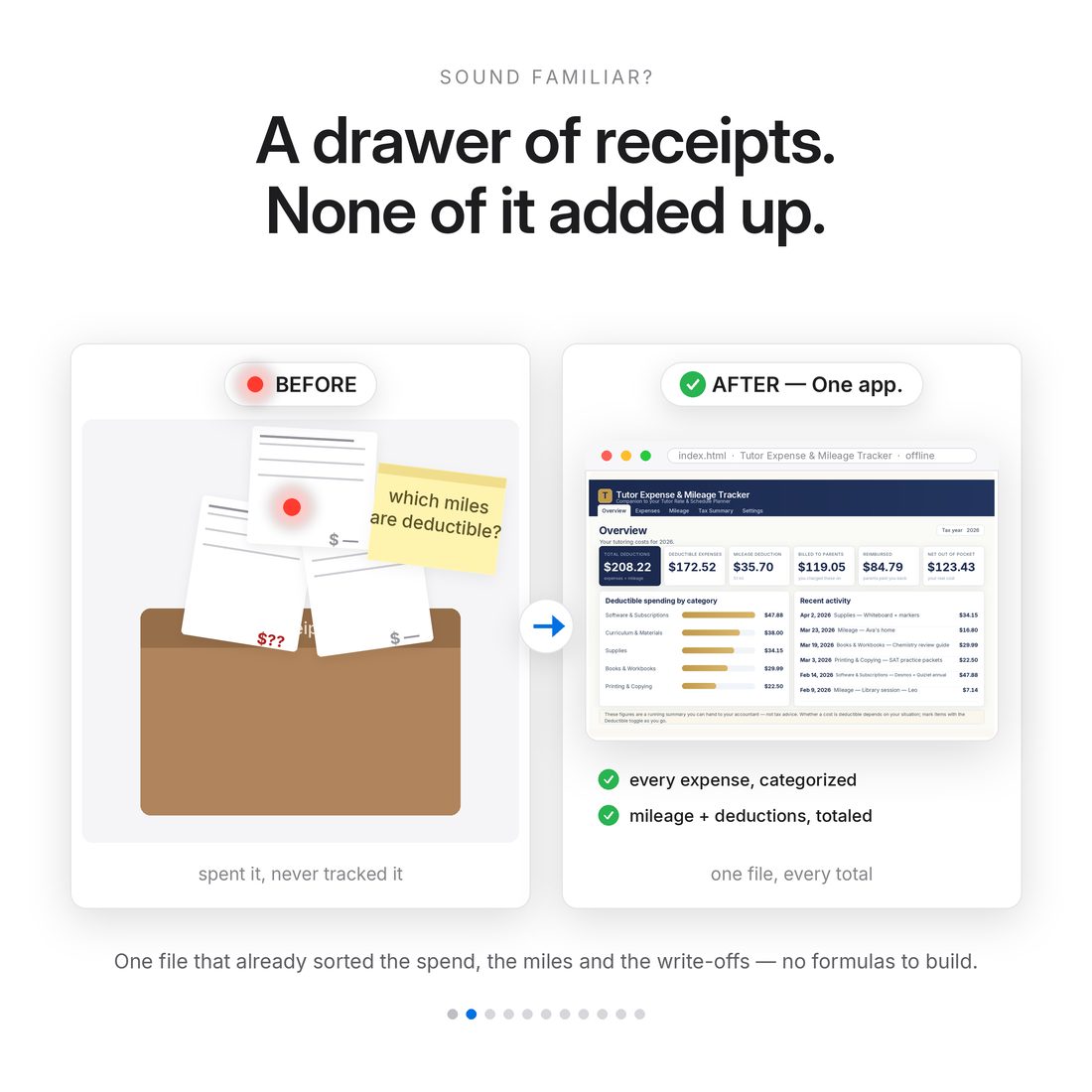
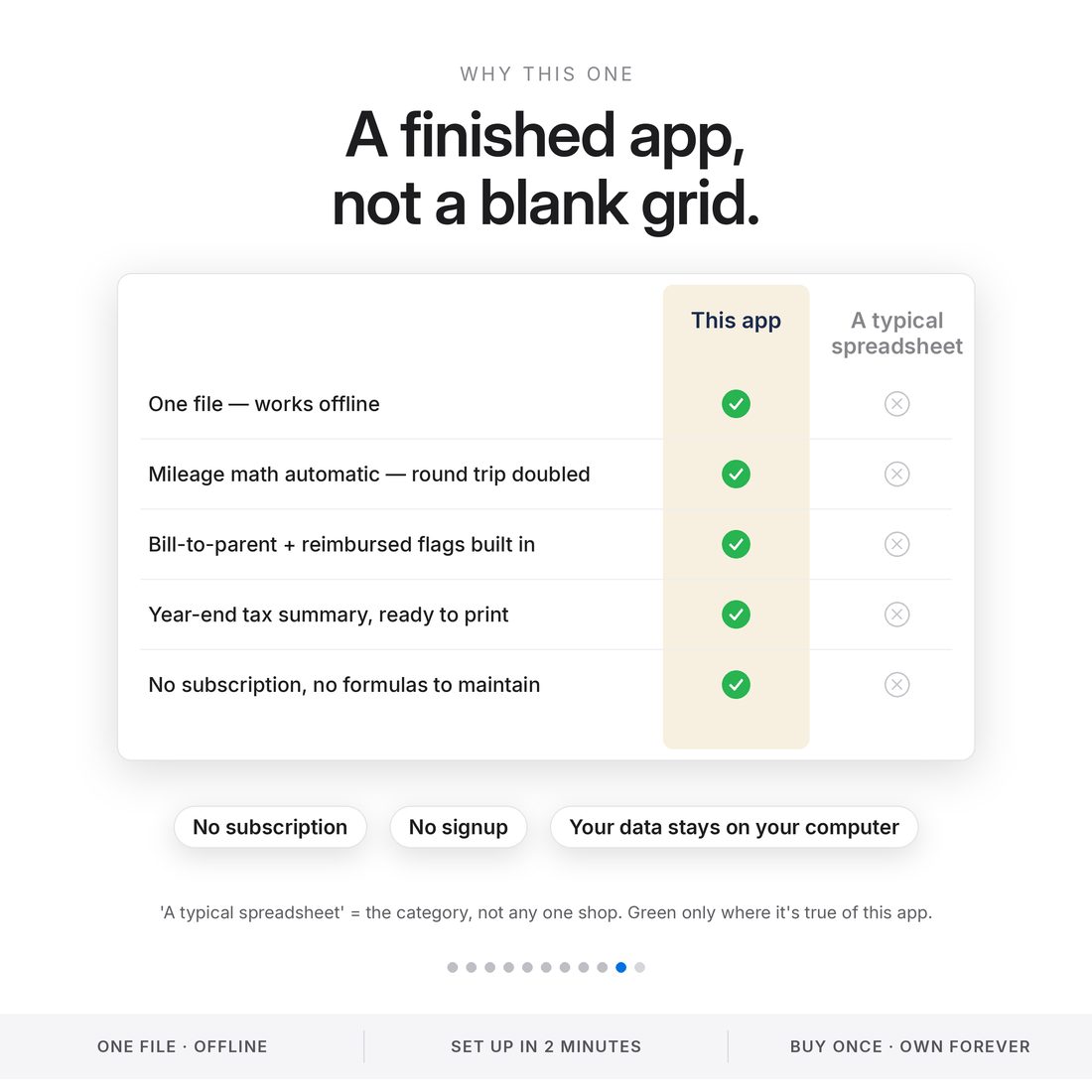
A spreadsheet makes you build the mileage math, the category totals and the year-end summary yourself — then maintain the formulas.
What's Included
Inside the app
- index.html — the entire app in one file; works offline in any browser
- README.txt — quick start (unzip, double-click, done)
- LICENSE.txt
- Delivered as one ZIP — instant download
Key Benefits
Why this one
Tag an expense billed-to-parent and it rolls into what a parent owes you — materials and travel stop coming out of your pocket.
Every expense and mile lands categorized, so tax time is an export, not an archaeology dig.
Round-trip doubling and your mileage rate are automatic — and past years keep the rates you logged them at.
Everything lives in your browser on your machine. JSON backup out, JSON backup in. Nothing is uploaded, ever.
No formulas to build or break — it's a finished app. Double-click index.html and start logging.
Who It's For
Built for
- Private and online tutors who buy materials for students
- Tutors doing in-person sessions and racking up miles
- Solo tutors who want tax-time totals without a bookkeeper
How It Works
Up and running in minutes
Unzip the download — there's no install
Double-click index.html; it opens in any browser on Mac, Windows, Chromebook, iPad or Android tablet
Set your mileage rate once in Settings
Log expenses and drives as they happen, tagging what's billed, reimbursed or deductible
At tax time, open Tax Summary and export CSV or print to PDF
Why It's Different
Not another template
A spreadsheet makes you build the mileage math, the category totals and the year-end summary yourself — then maintain the formulas. This is a finished app. It's also the designed companion to our Tutor Rate & Schedule Planner: bill the parent for materials and travel there, then track those same costs for your own taxes here — though it stands completely on its own.
Delivery & Compatibility
Instant, and works with what you use
As soon as your order is complete you get instant access to download the app — one HTML file that runs in any modern browser (Chrome, Safari, Edge, Firefox), on Mac or Windows, completely offline. No install, no login, no subscription; your data stays on your device.
Nothing to install and nothing to configure — double-click the file and it opens in your browser. Available in English.
It installs like a real app. Your download includes a private install link. Open it once on each device and it gets its own icon and its own window — in your Mac's Dock, or on your iPhone and iPad Home Screen, or installed straight from Chrome or Edge on Windows. Once installed it runs with no internet at all, and it updates itself when we improve it.
Because everything stays on your own device, each copy keeps its own data. The built-in Backup and Restore buttons move your work between devices whenever you want.
FAQ
Questions, answered
Do I need to install anything?
No. Unzip and double-click index.html — it opens in any browser on Mac, Windows, Chromebook, iPad or Android tablet.
Does it come in different colors?
Yes — the app has a built-in theme switch with Colorful, Light and Dark modes. Pick your look in one tap; it's remembered on your device.
Where does my data live?
In your browser, on your device. Nothing is uploaded. Export a JSON backup any time and import it on another computer.
Do I need the Tutor Rate & Schedule Planner to use this?
No — it stands on its own. It's designed as the planner's companion (bill in the planner, track for taxes here) if you have both.
Is this tax advice?
No — it's an organizing tool. Deduction rules vary by country and situation; confirm specifics with a qualified tax professional.
Is there a subscription?
No subscription, no account, no ads. One-time purchase; updates arrive as a download link, no re-purchasing.
Can I get a refund on a digital download?
Because delivery is instant, all sales are final — but message us with any issue and we'll make it right.
For personal use only. © 2026 NicheToolkitHub — no resale or redistribution.