 ▶
▶
 ▶
▶Craft Fair Vendor Kit
Price every piece with real costs, then see which markets paid you after the booth fee, the gas and your hours.
5.0shop rating · 6 Etsy reviewsA busy market can still lose money once the booth fee, the gas, the card fees and your hours come off.
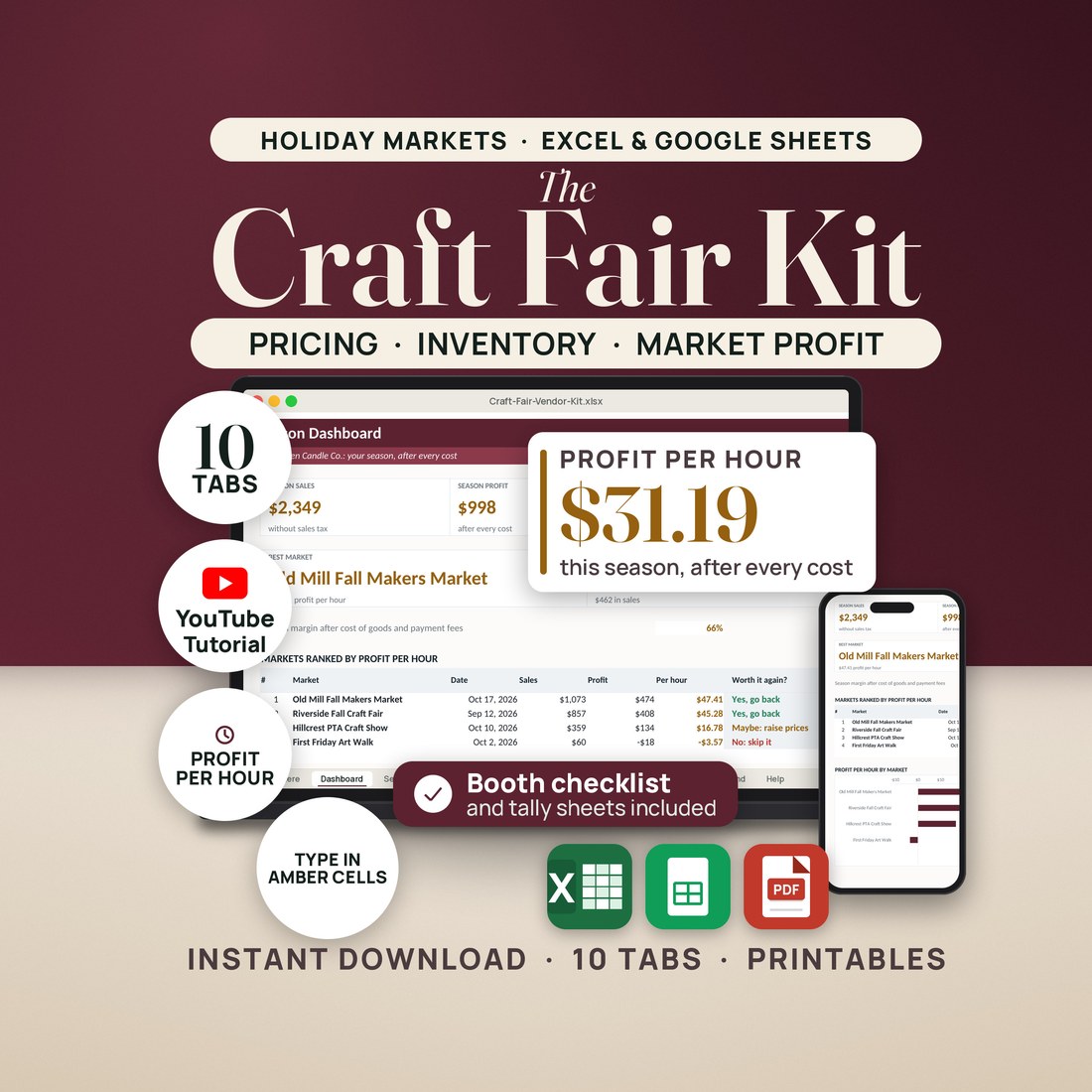
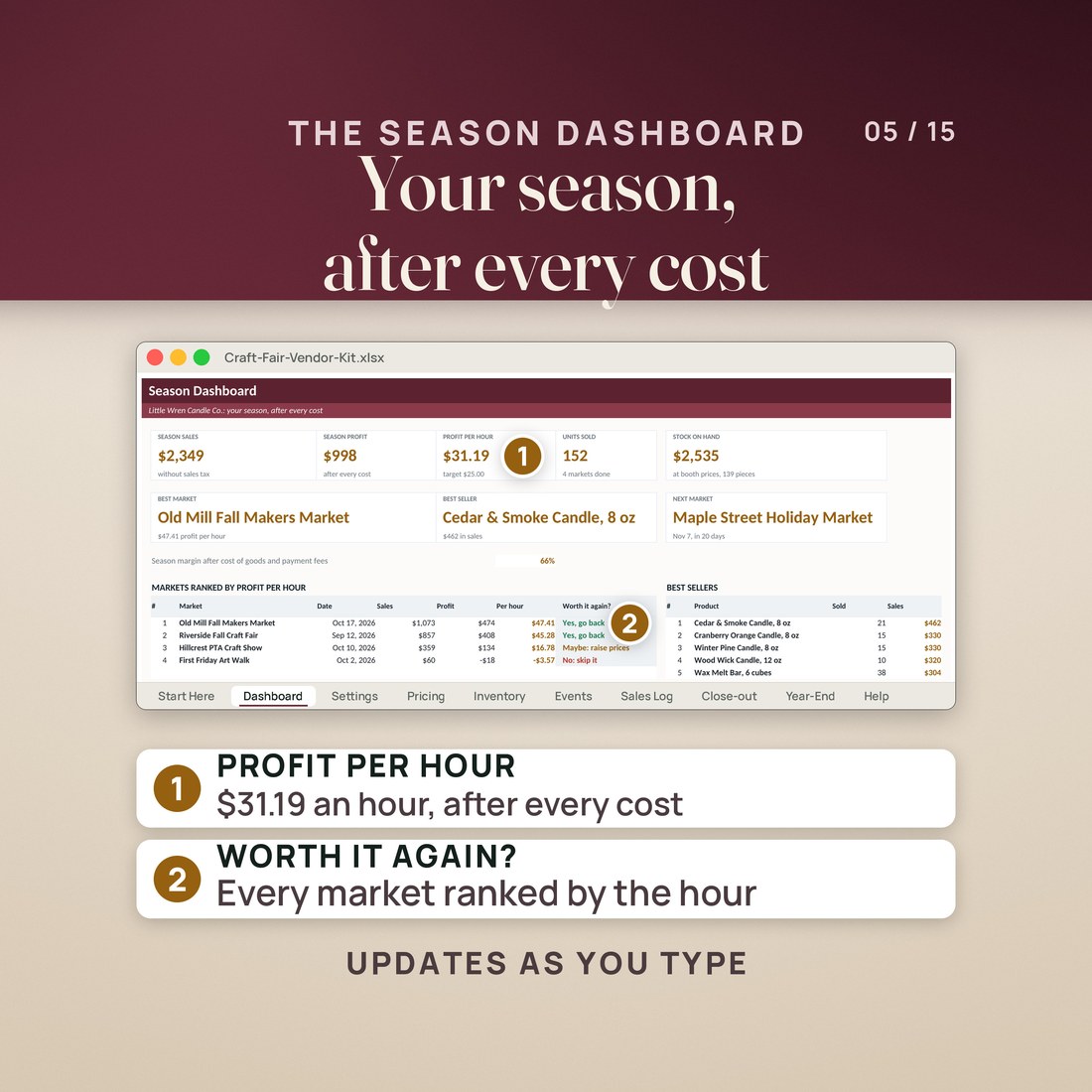
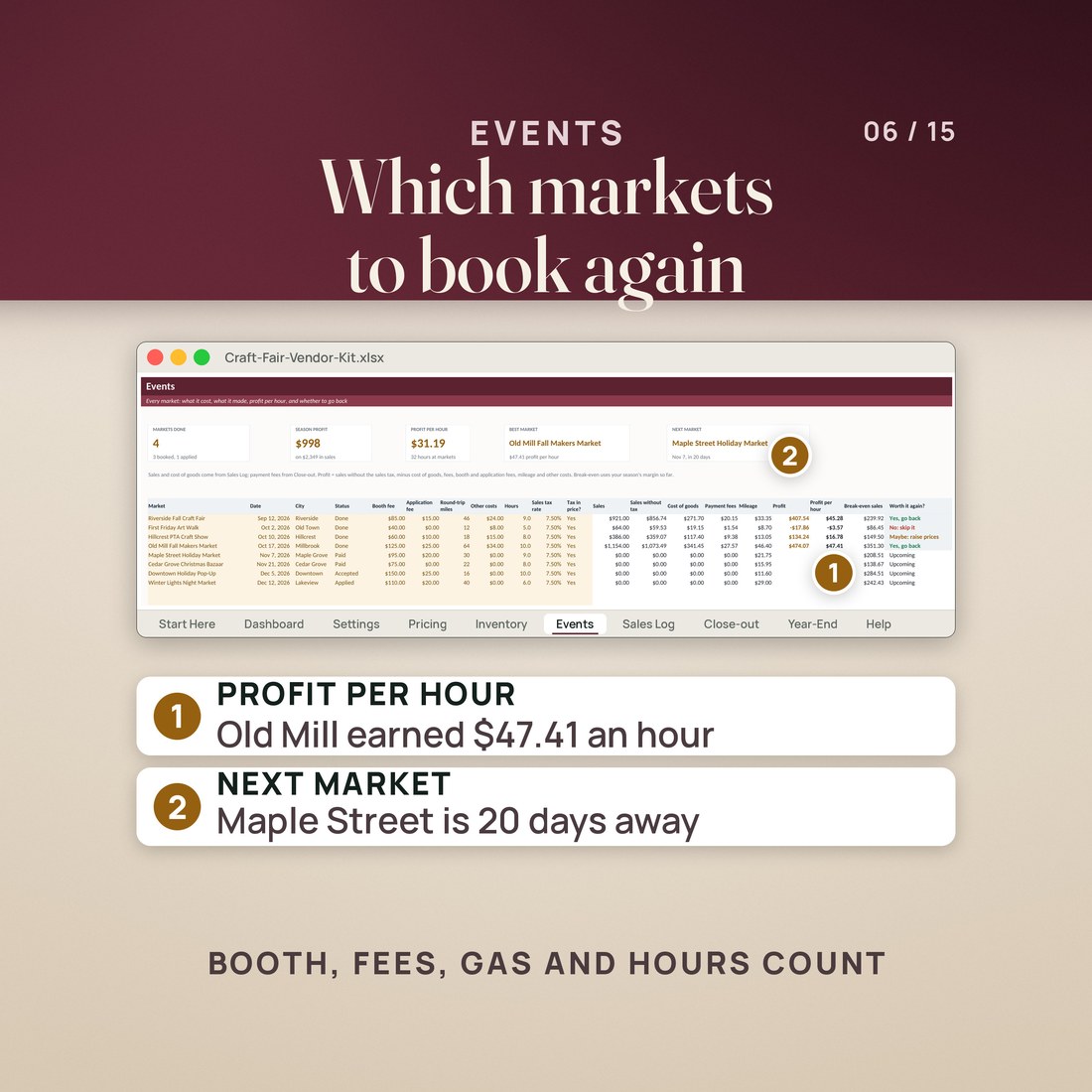
- Profit per hour for every market, after booth and application fees, gas at your mileage rate, parking, meals, cost of goods and payment fees
- A plain Worth it again? verdict on every market, measured against your own target profit per hour
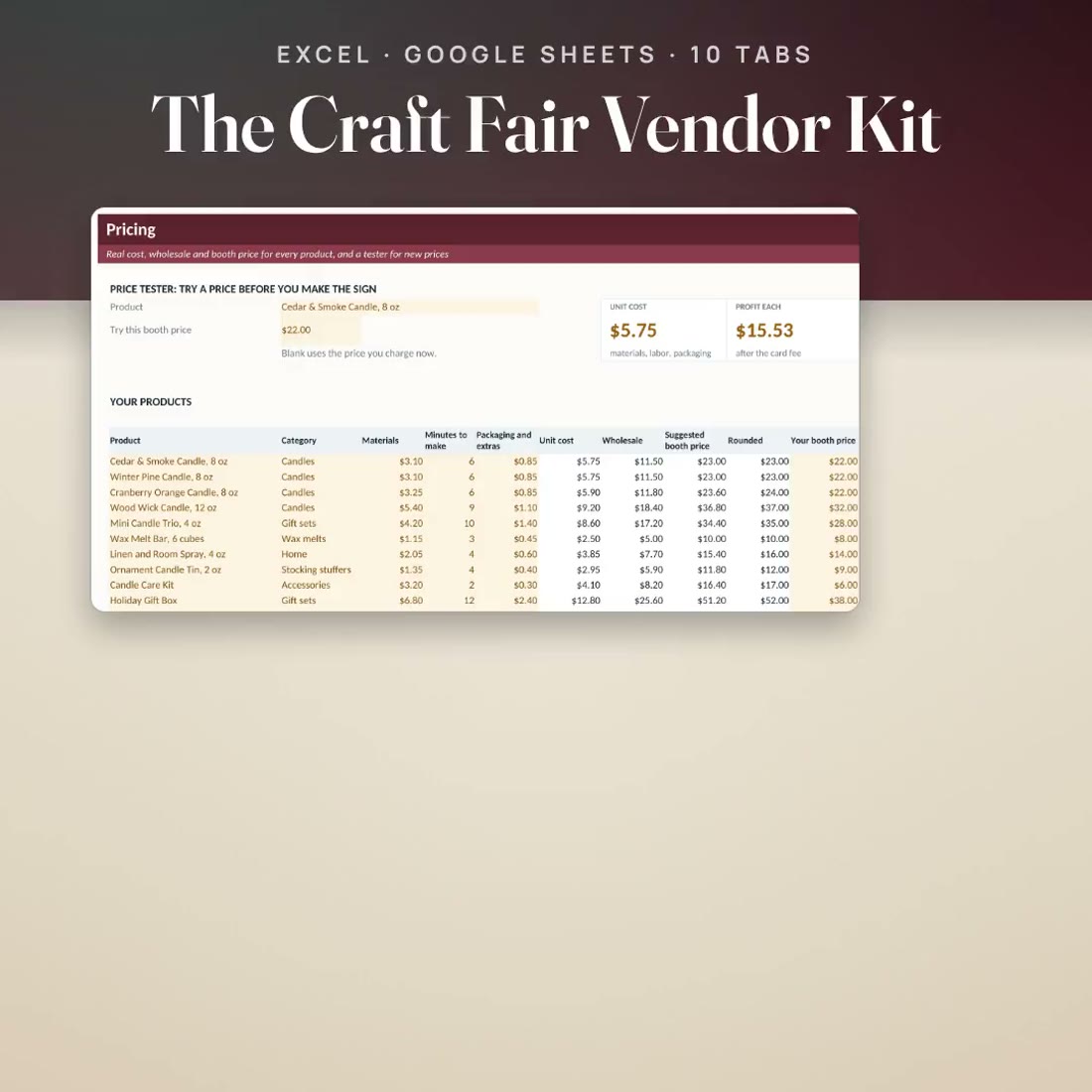
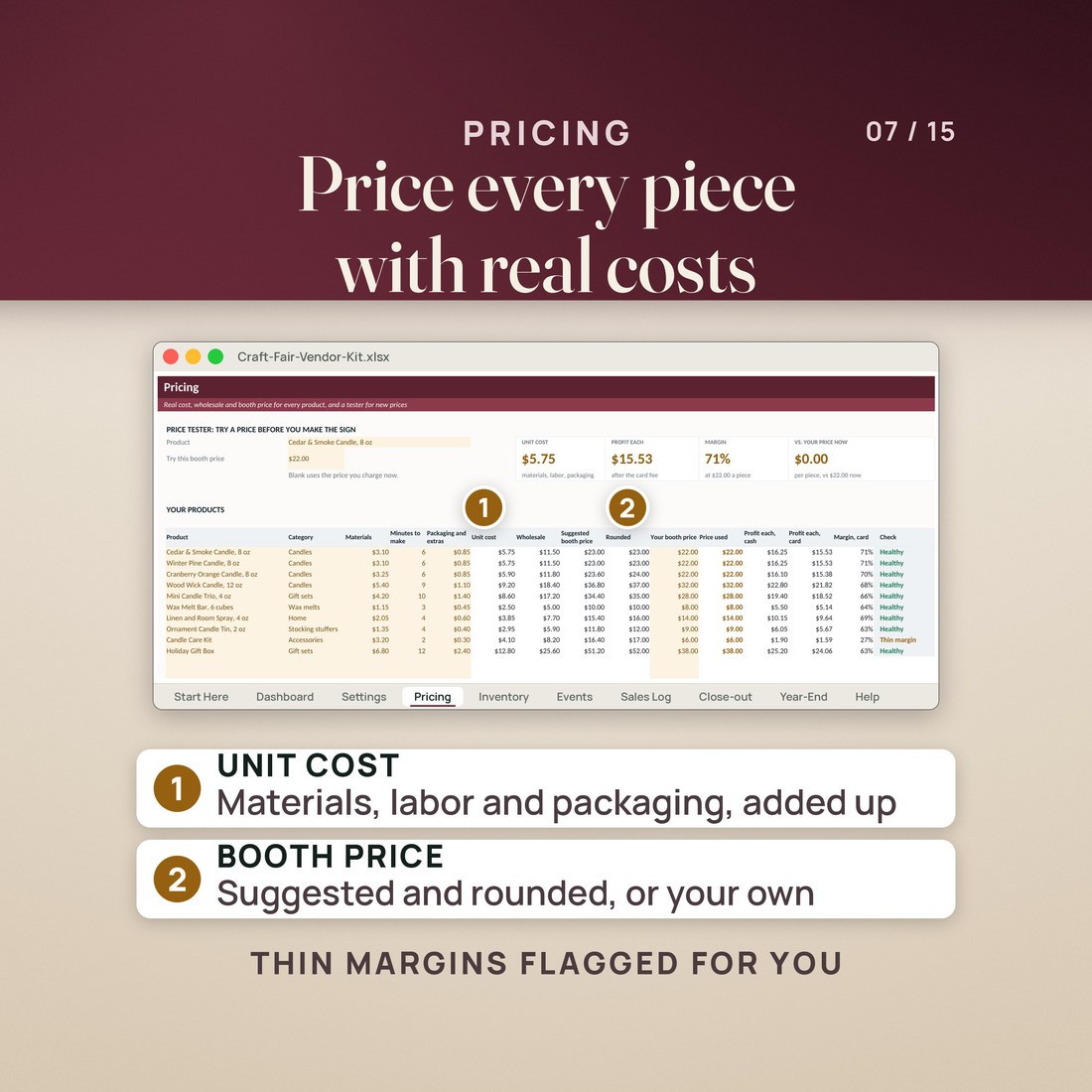
- A pricing calculator: unit cost from materials, your minutes at your hourly rate and packaging, then wholesale, suggested and rounded booth prices, with thin margins flagged
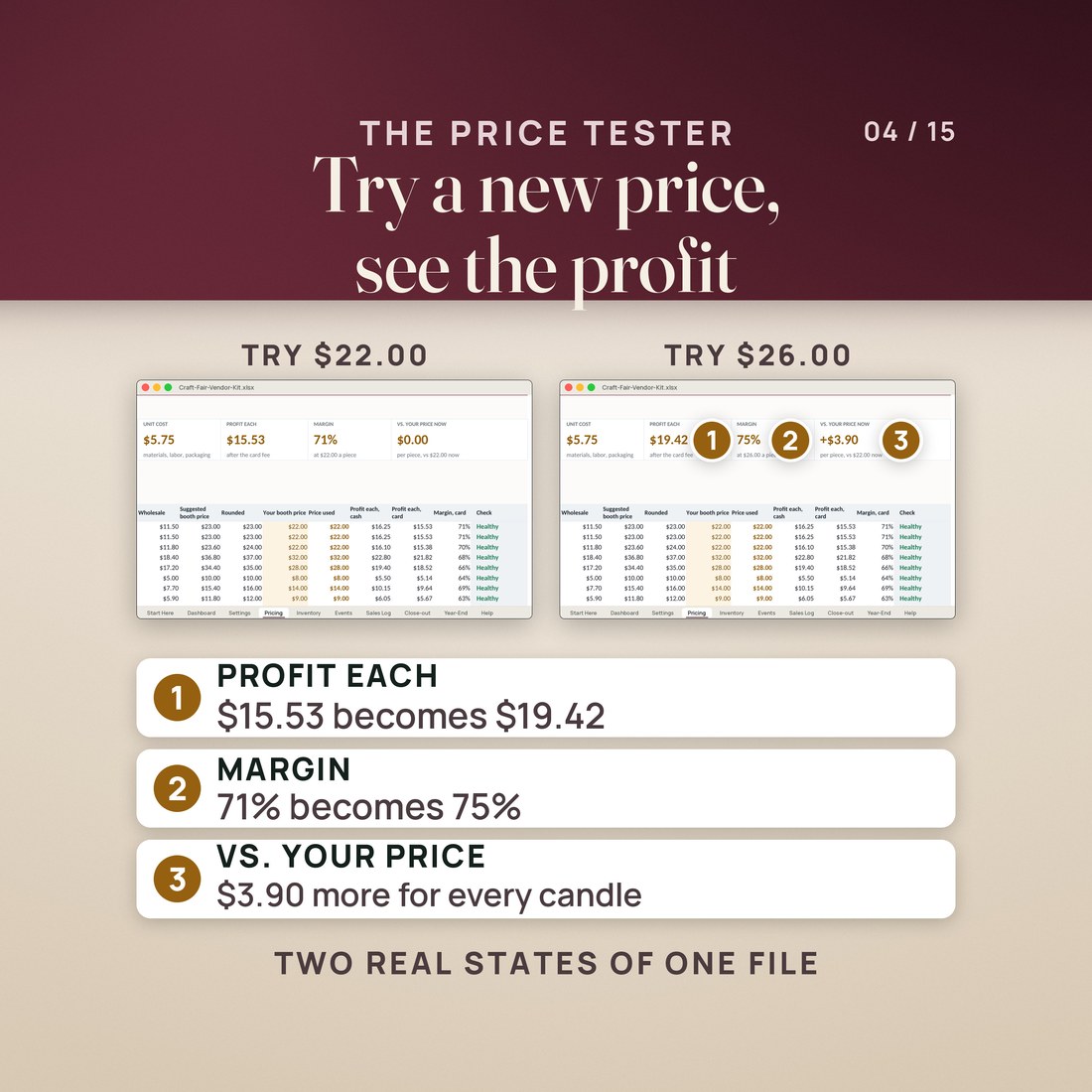
- A price tester that shows profit each and margin before you make the sign: in the sample, $26.00 instead of $22.00 turns $15.53 into $19.42 a candle
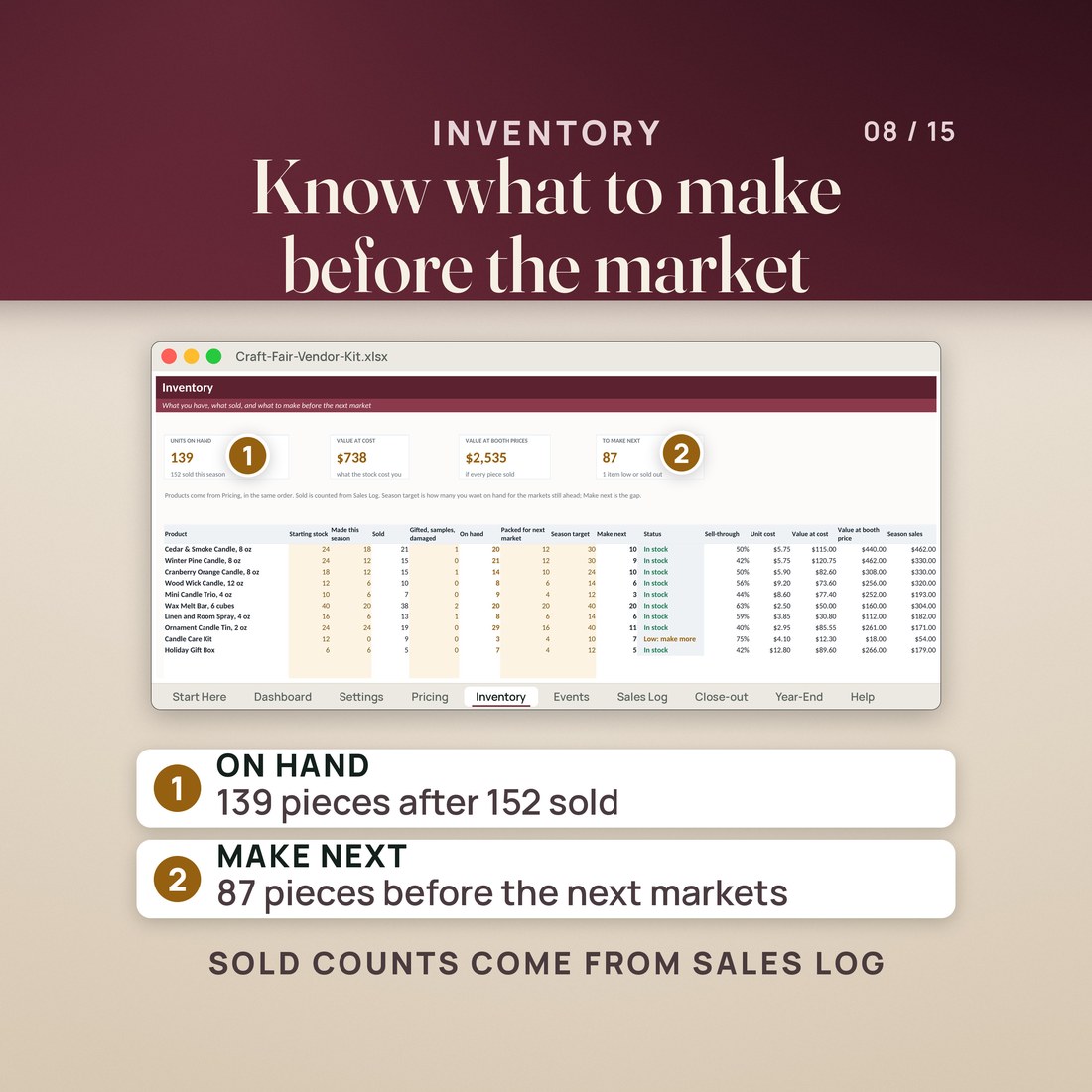
- Inventory that counts what sold from the Sales Log, values your stock and tells you what to make before the next market
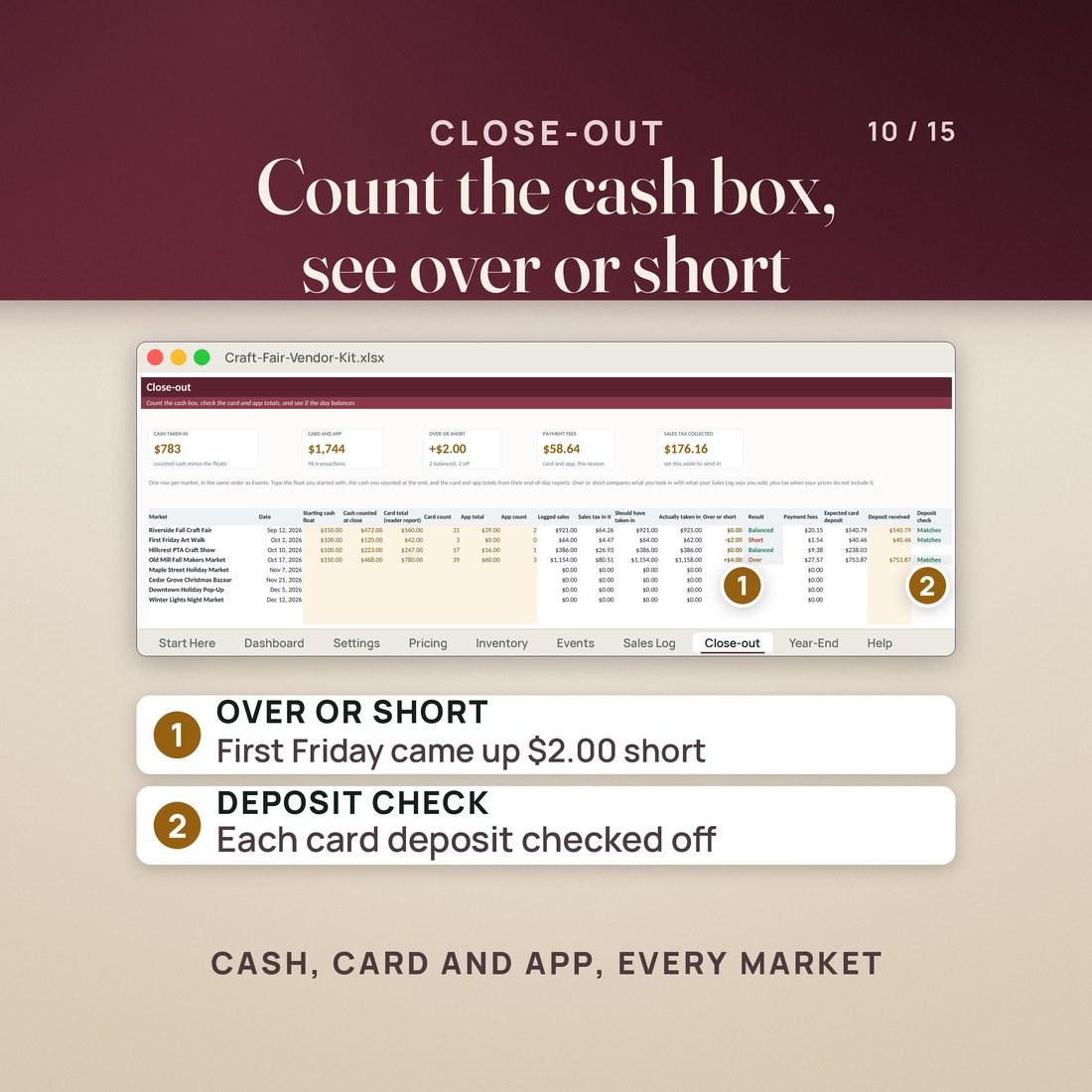
- A cash box close-out for every market, with over or short, payment fees, sales tax collected and a check that each card deposit matches
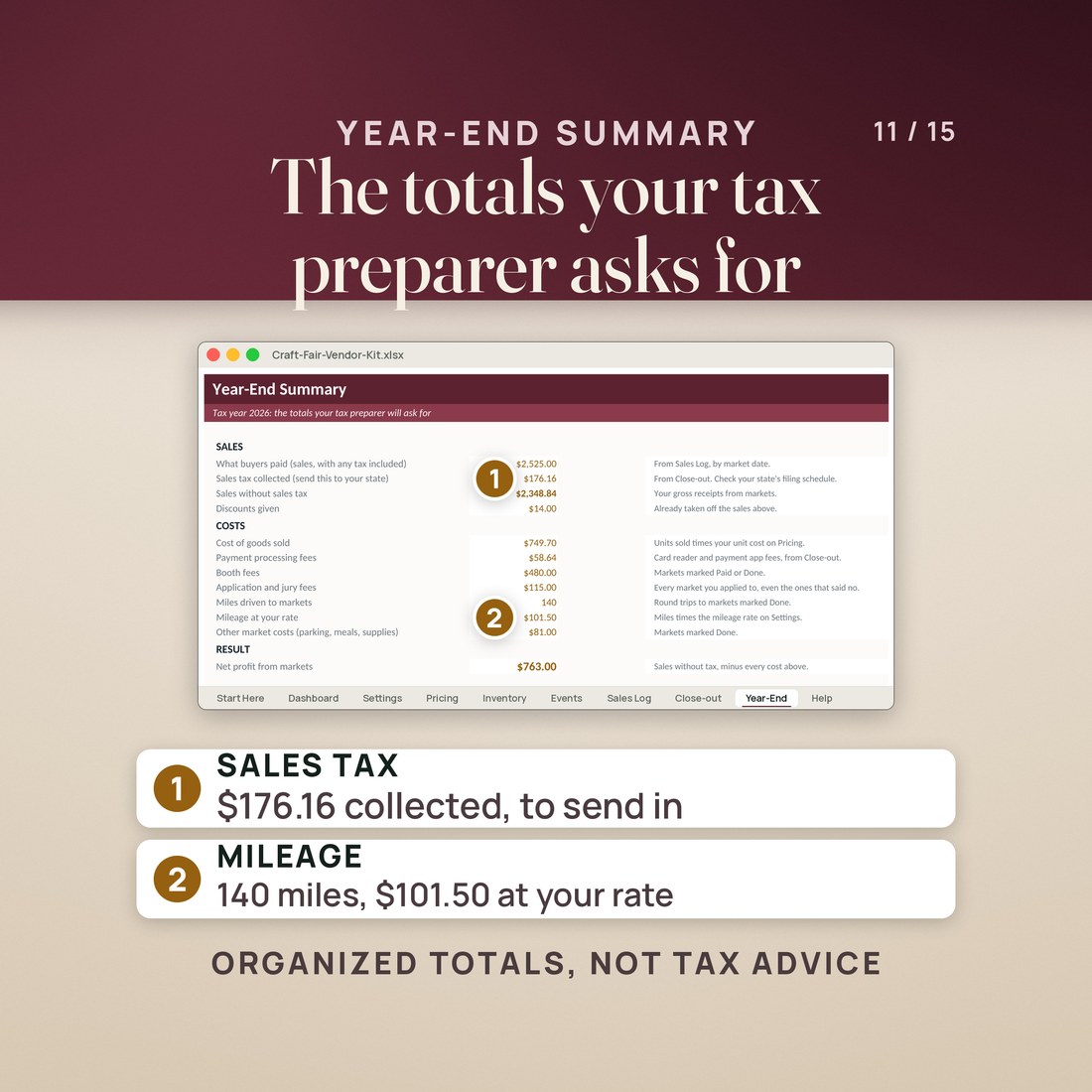
- Year-End totals for your tax preparer: sales, sales tax collected, cost of goods, fees, booth fees, miles and mileage, and net profit by month
- Four printables in US Letter and A4: booth packing checklist, market-day tally sheet, end-of-day close-out and event application tracker
Overview
Price every piece with real costs, then see which markets paid you after the booth fee, the gas and your hours.
A busy market can still lose money once the booth fee, the gas, the card fees and your hours come off.
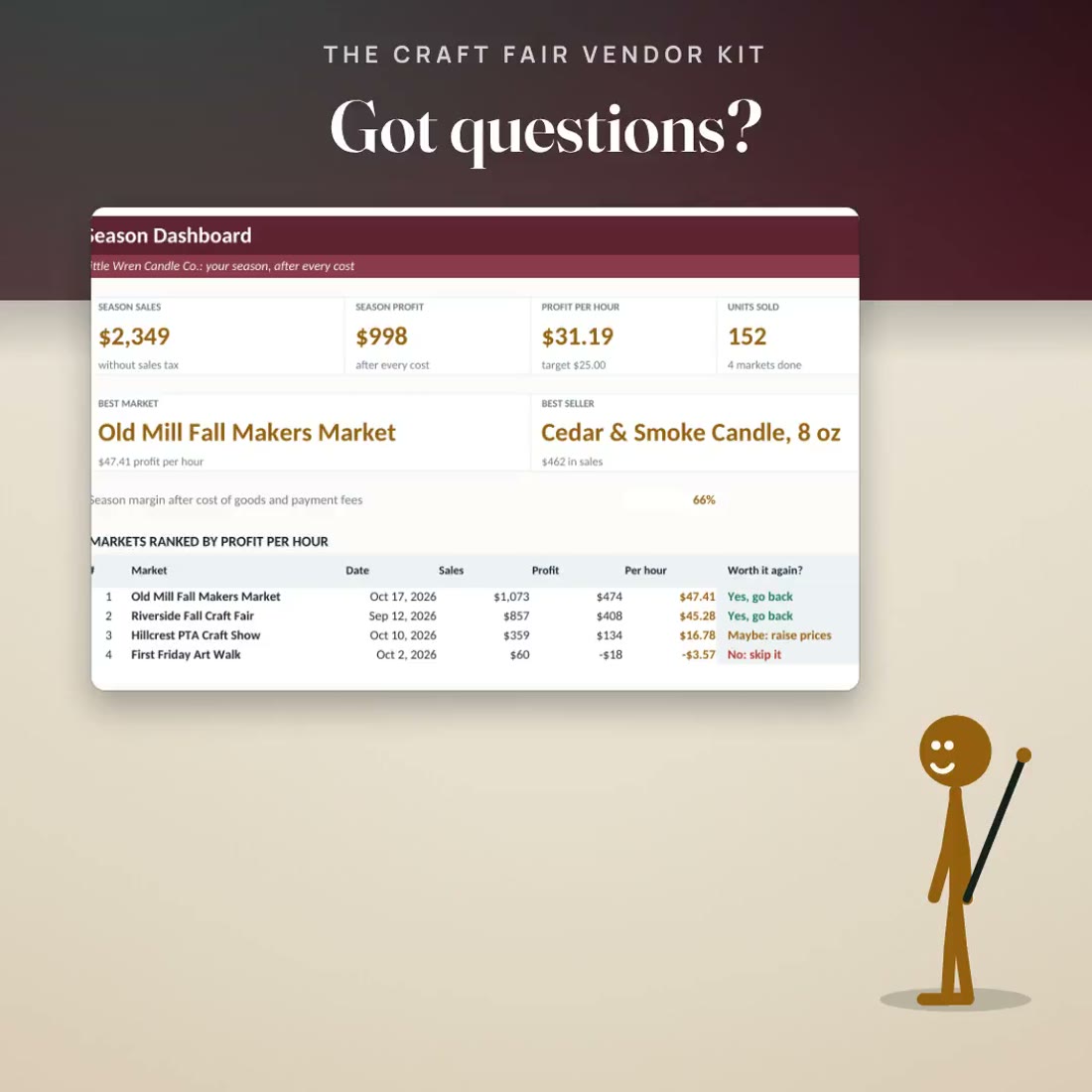
This workbook takes all of it off and ranks every market by profit per hour. In the invented sample, a small candle maker's four fall markets brought in $2,349 and kept $998 after every cost, $31.19 an hour. Old Mill Fall Makers Market kept $47.41 an hour and reads Yes, go back. First Friday Art Walk lost $3.57 an hour and reads No: skip it.
What's Included
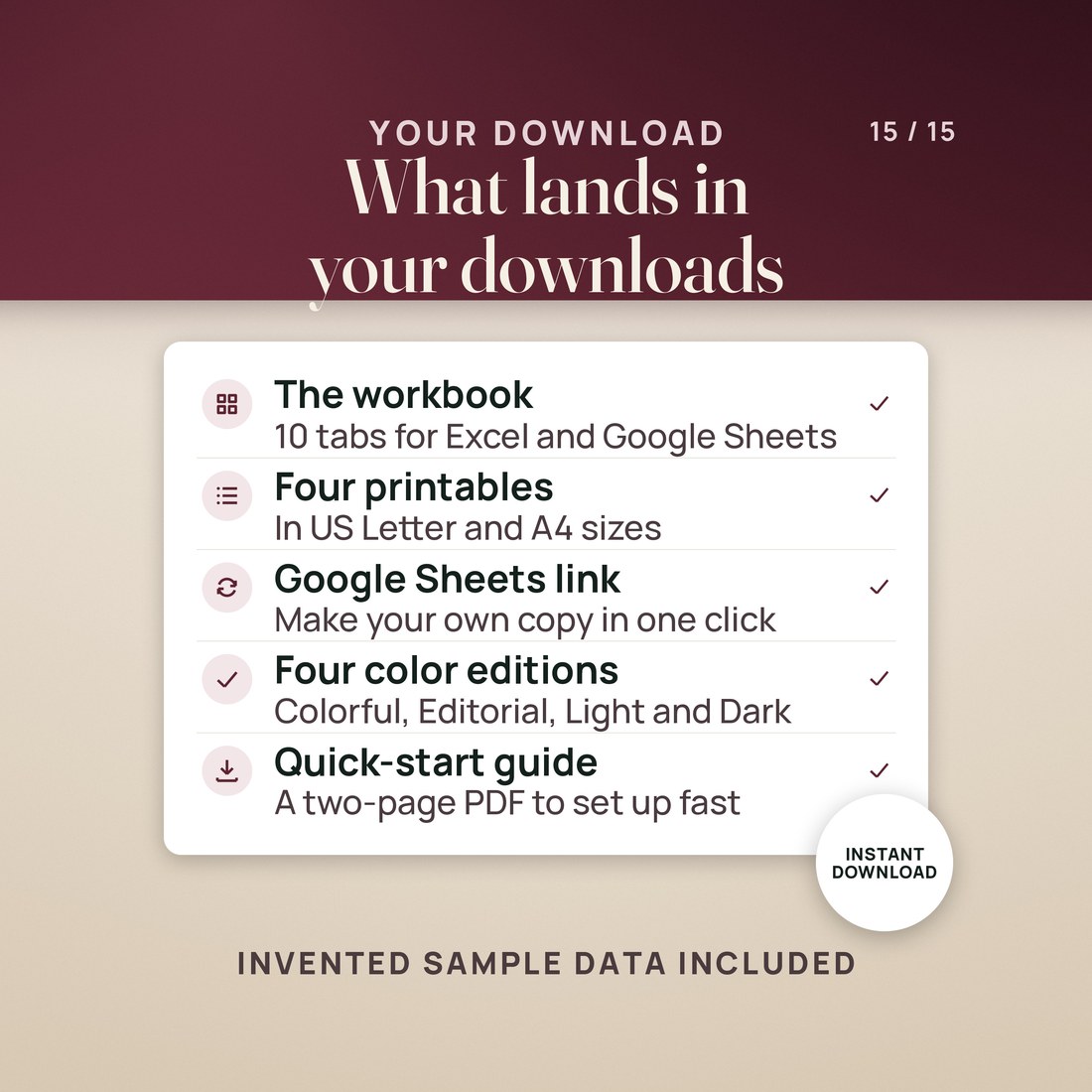
One ZIP, 14 files:
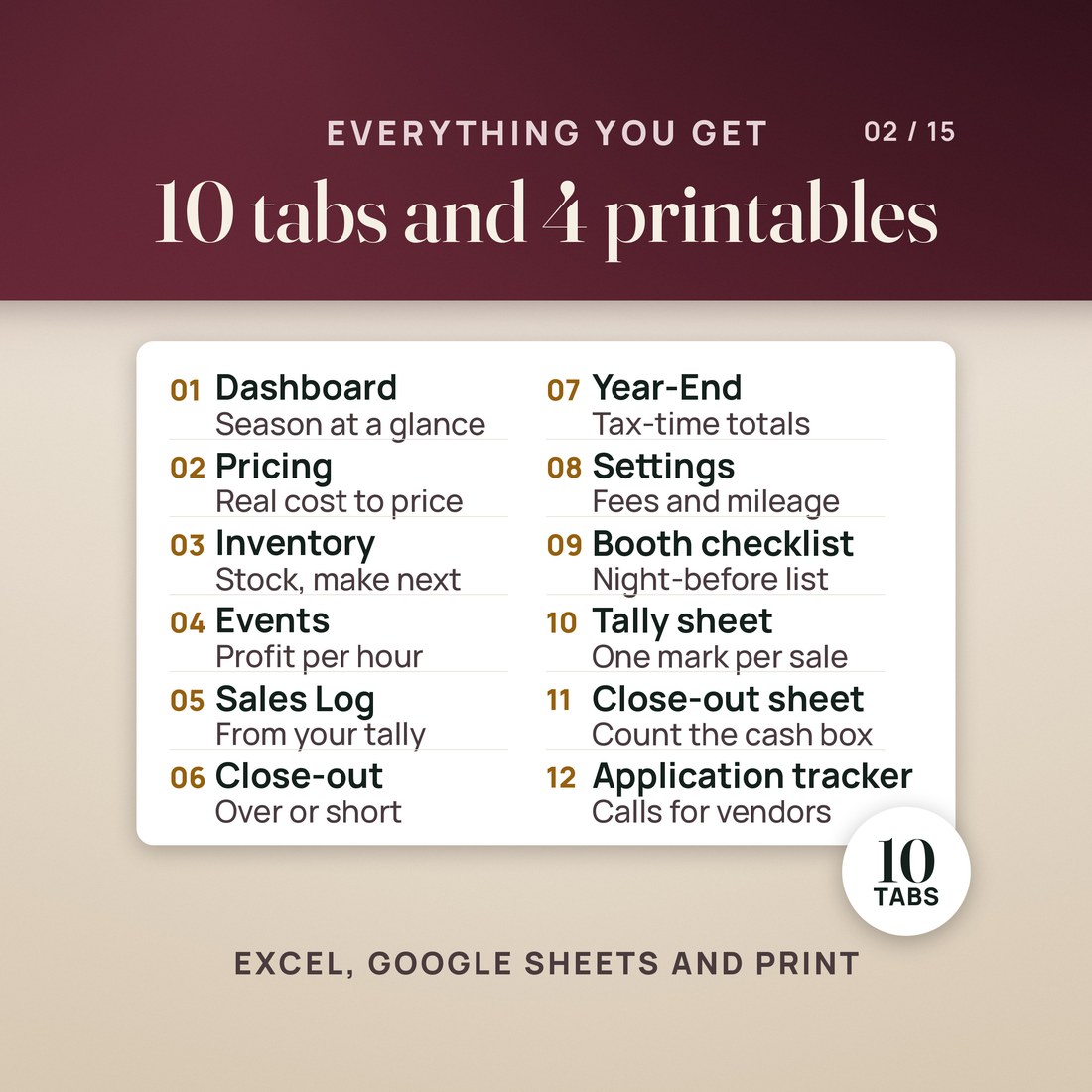
- The Craft Fair Vendor Kit workbook, Colorful edition, with ten tabs: Start Here, Dashboard, Settings, Pricing, Inventory, Events, Sales Log, Close-out, Year-End and Help
- The same workbook in the Editorial palette, and a zip holding the Colorful, Light and Dark editions
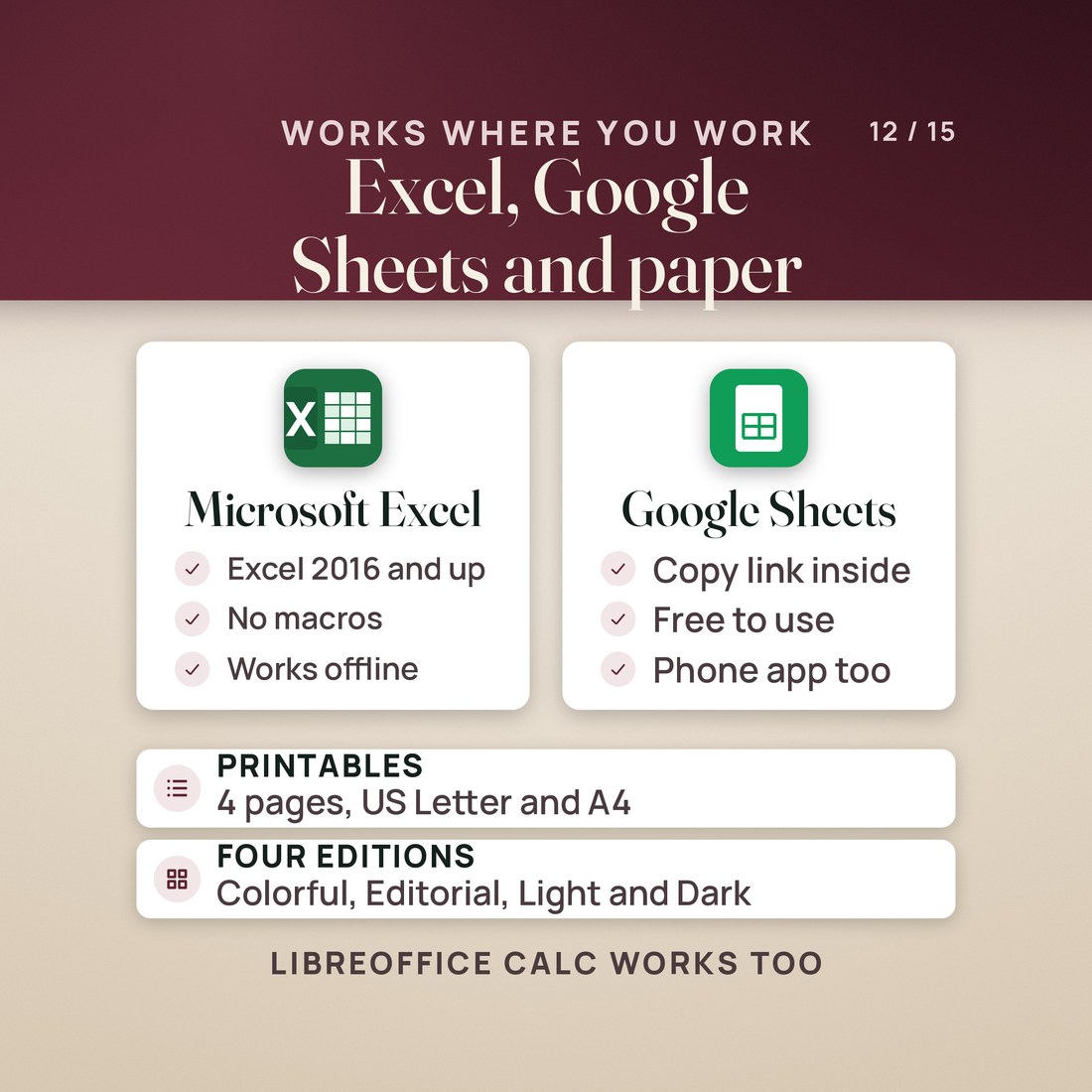
- Booth Packing Checklist, Market-Day Tally Sheet, End-of-Day Close-Out and Event Application Tracker, each as a US Letter PDF and an A4 PDF
- A PDF with the Google Sheets copy link
- A two page Quick-Start PDF and a START-HERE file that maps every file in the folder
Key Benefits
Why this one
Every market's sales come in from the Sales Log, and the booth fee, application fee, gas at your mileage rate, parking, meals, cost of goods and payment fees come off. Divide by the hours you were there and every market gets a profit per hour and a verdict.
Each product's unit cost adds materials, the minutes it takes at your hourly rate and packaging. The sheet suggests a booth price rounded up to a whole dollar, and you can type your own beside it.
Inventory counts what sold at each market from the Sales Log, values what is left at cost and at booth prices, and tells you how many of each piece to make before the next market. In the sample, that is 87 pieces.
Count the cash at the end of the day and Close-out shows whether it came up over or short, and checks the card deposit against the card sales. In the sample, First Friday came up $2.00 short.
Year-End Summary gathers sales with and without tax, $176.16 of sales tax collected in the sample, cost of goods, payment fees, booth fees, 140 miles and their mileage, and net profit by month.
Who It's For
Built for
- A maker who sells at craft fairs, holiday markets, art walks and pop-ups
- A seller who prices by feel and wants a real unit cost before the next market
- Anyone deciding which markets are worth the booth fee next season
- A maker who also sells online and wants the market side of the business in one file
How It Works
Up and running in minutes
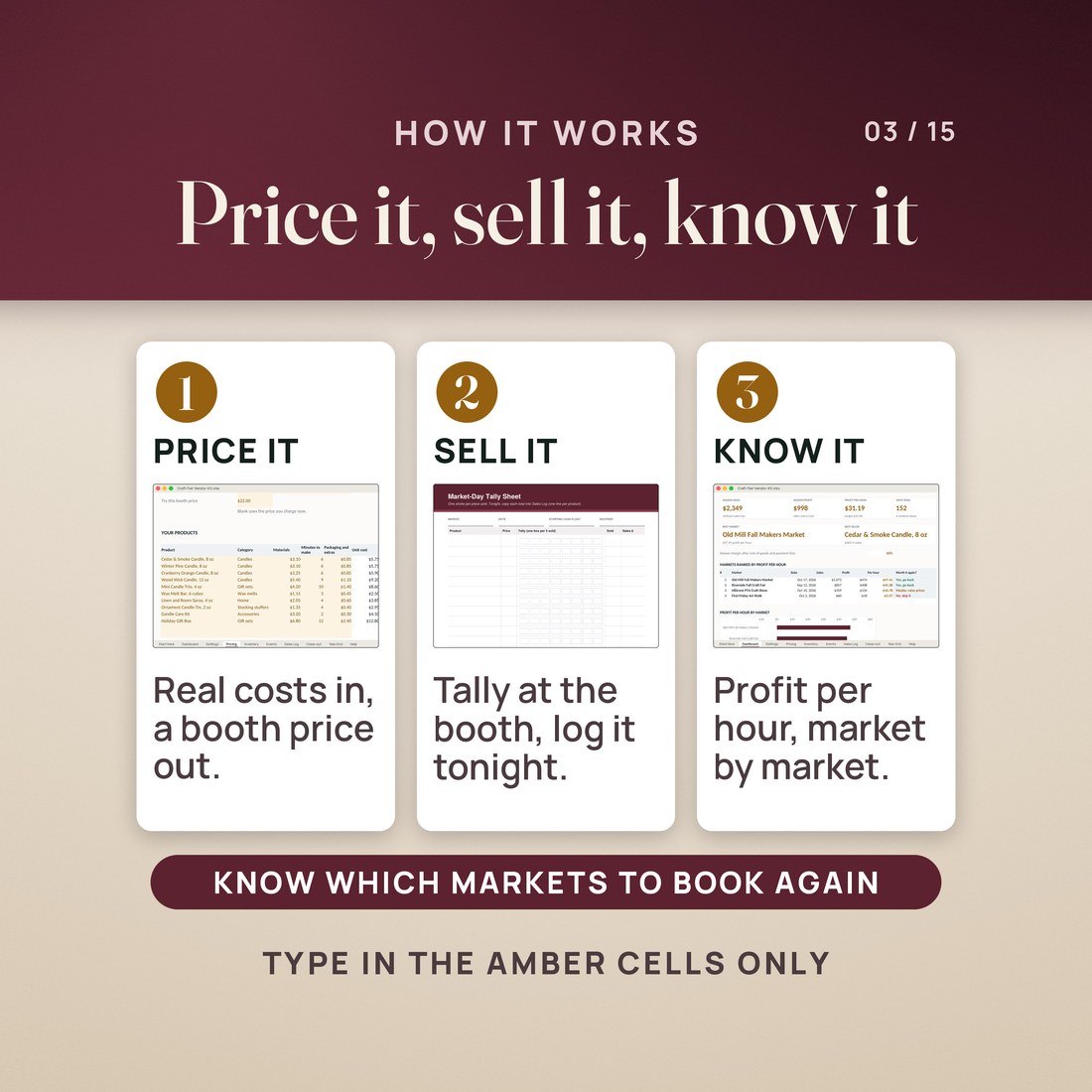
Type your hourly labor rate, price multipliers, card reader and payment app fees, your target profit per hour and your mileage rate. Two minutes, once.
One row per product on Pricing: materials, minutes to make and packaging. Read the suggested booth price, or type your own beside it.
Type your starting stock on Inventory and every market you applied to on Events, with its fees, miles, hours and status.
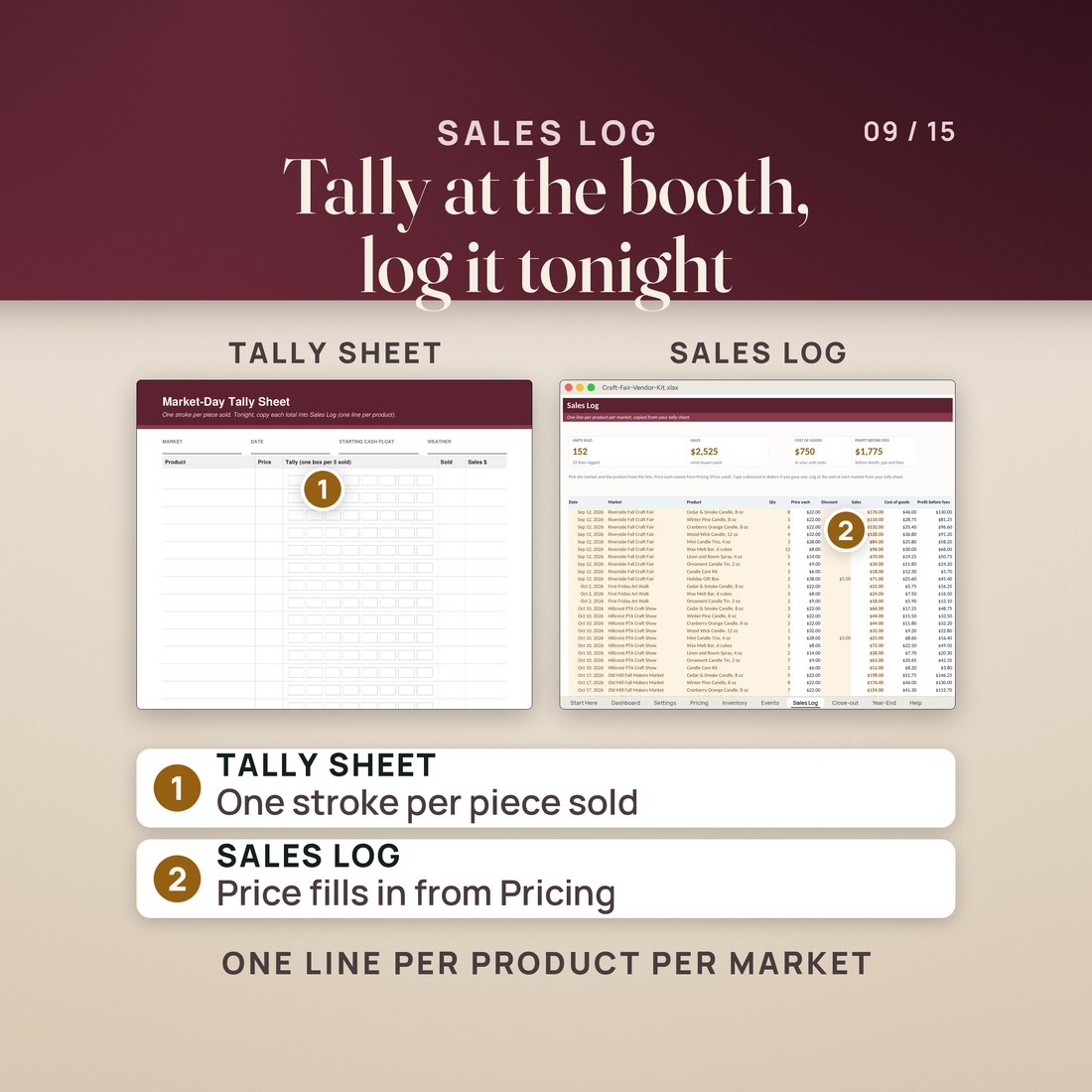
Tally sales on the printed sheet at the booth, copy the totals into Sales Log that night and count the cash box on Close-out. Dashboard, Events and Year-End update by themselves.
Why It's Different
Not another template
Most craft fair trackers stop at sales. This one takes every cost of a market off and divides by your hours, so a market with good sales but a high booth fee and a long drive can turn out to pay you less per hour than a small one close to home. The same file prices your pieces from real costs, counts your stock from what sold, balances the cash box and gathers your year-end totals. It works from your printed tally sheet and your card reader's end-of-day totals, so there is no point-of-sale system or app to set up.
Delivery & Compatibility
Instant, and it opens in what you already use
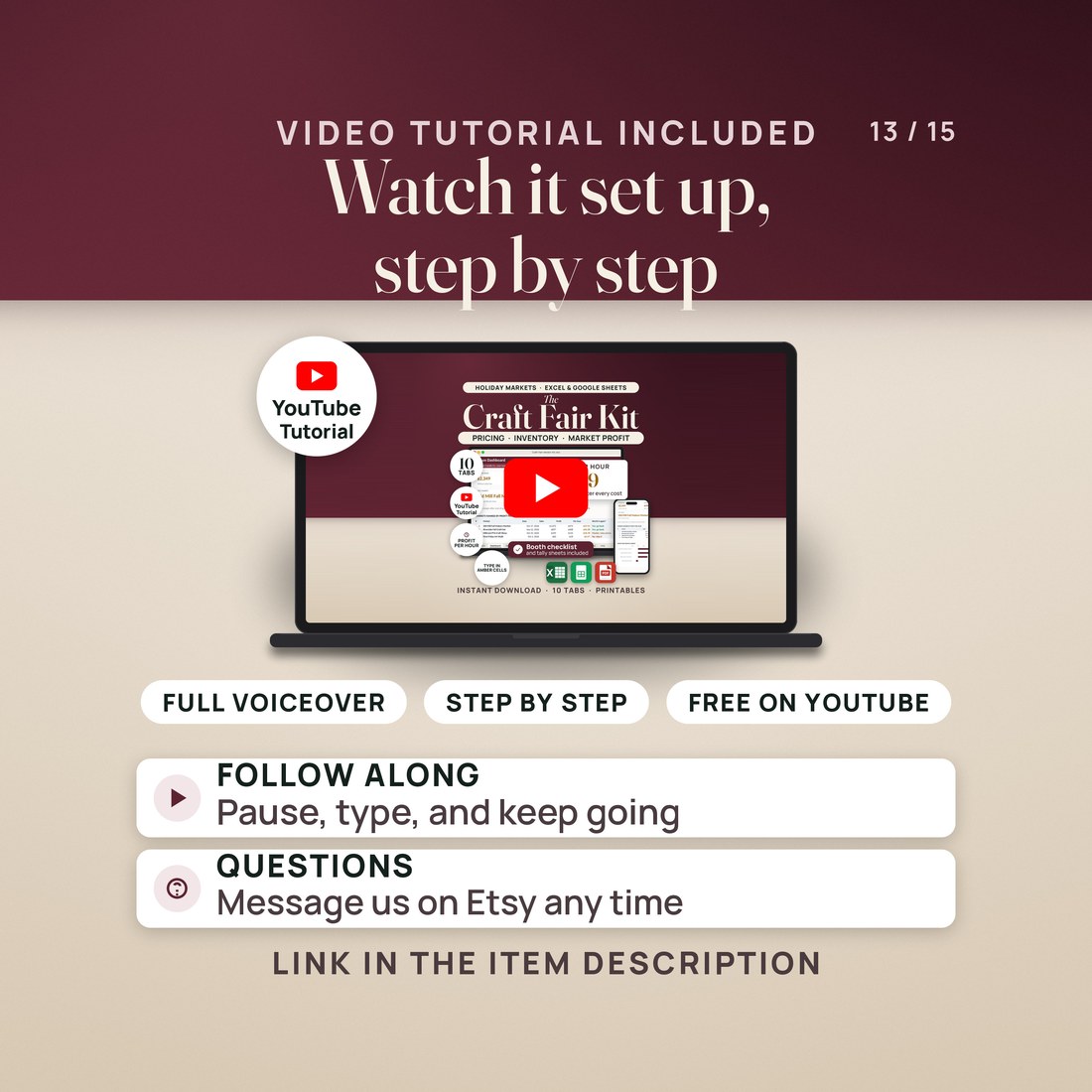
As soon as your order is complete you get instant access to download the ZIP: the workbook in four color editions, four printables in US Letter and A4, the Google Sheets copy link, a two page Quick-Start PDF and a START-HERE file. Start with the Quick-Start guide and the free video walkthrough. Nothing ships and nothing installs.
One ZIP, instant download. Built for Excel 2016 or later and for Google Sheets, through the copy link or File, Import, Upload. Every formula result ships saved, so the sample shows before anything recalculates. No macros, no account, no subscription and nothing to install.
FAQ
Questions, answered
What format is this?
One workbook (.xlsx) in four color editions (Colorful, Editorial, Light and Dark), four printables as US Letter and A4 PDFs, a Quick-Start PDF, a START-HERE file and the Google Sheets access PDF. 14 files in one ZIP, yours the moment payment clears.
Do I need Excel?
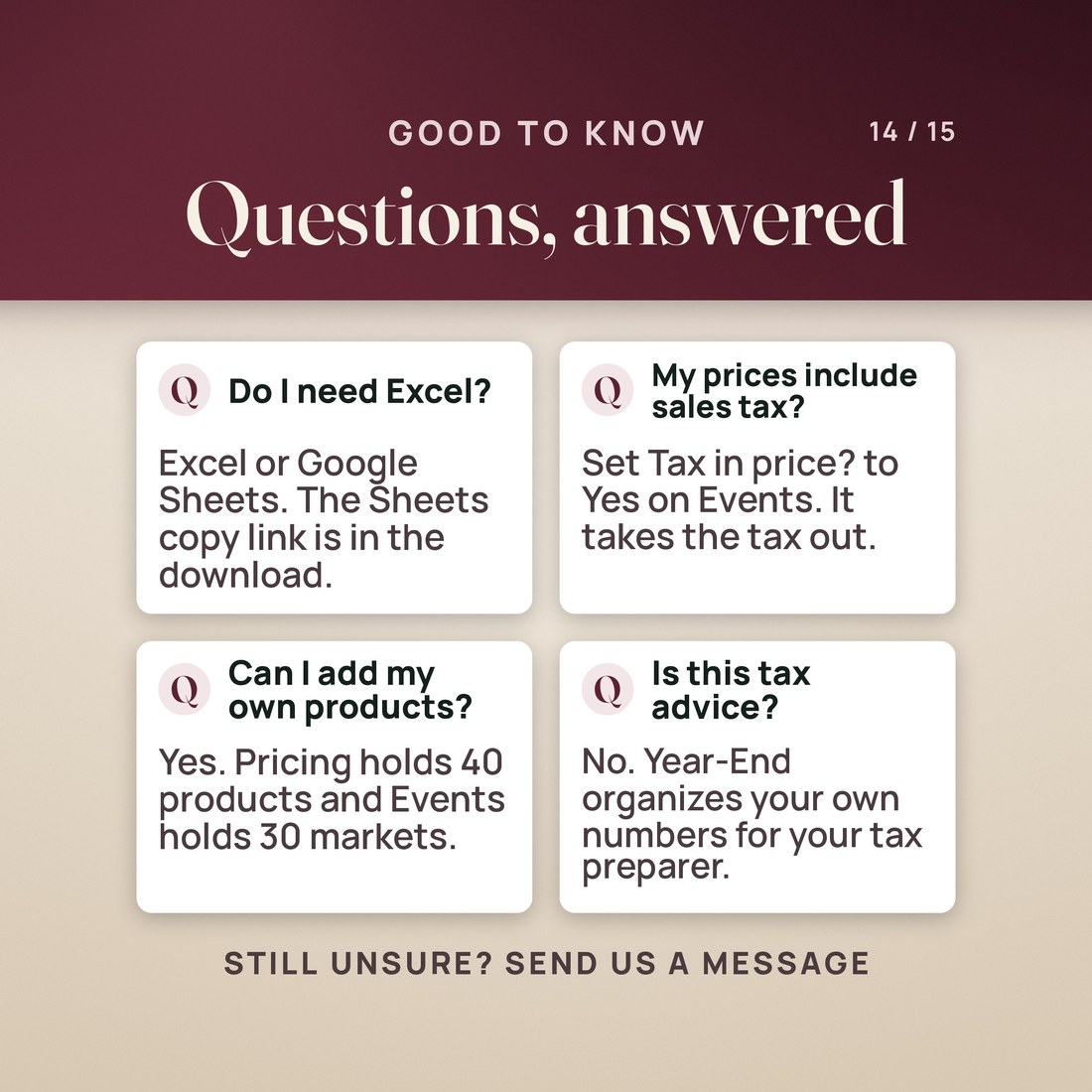
No. It works in Excel 2016 or later and in Google Sheets, which is free: open the copy link and click Make a copy. It also opens in LibreOffice Calc.
My prices include sales tax. Does that matter?
Set Tax in price? to Yes for that market on Events, and the sheet takes the tax out of your sales before it works out your profit.
How much does it hold?
40 products, 30 markets and 600 Sales Log lines. Start a fresh copy each year.
What mileage rate does it use?
The one you type on Settings. The sample uses the IRS 2026 business standard mileage rate, 72.5 cents a mile; check it each year.
Is this tax advice?
No. Year-End organizes the totals a tax preparer asks for, from your own numbers. It files nothing.
The sample maker, Little Wren Candle Co., and its products, markets and figures are invented; type over them. The payment fees on Settings are examples, so type in your own card reader and payment app rates. Year-End organizes your own numbers for your tax preparer and is not tax advice. AI disclosure: this item was created with the help of AI tools, which NicheToolkits uses to help design the files, write the copy and make the images and films.


