 ▶
▶
 ▶
▶Airbnb Welcome Book + House Manual Kit
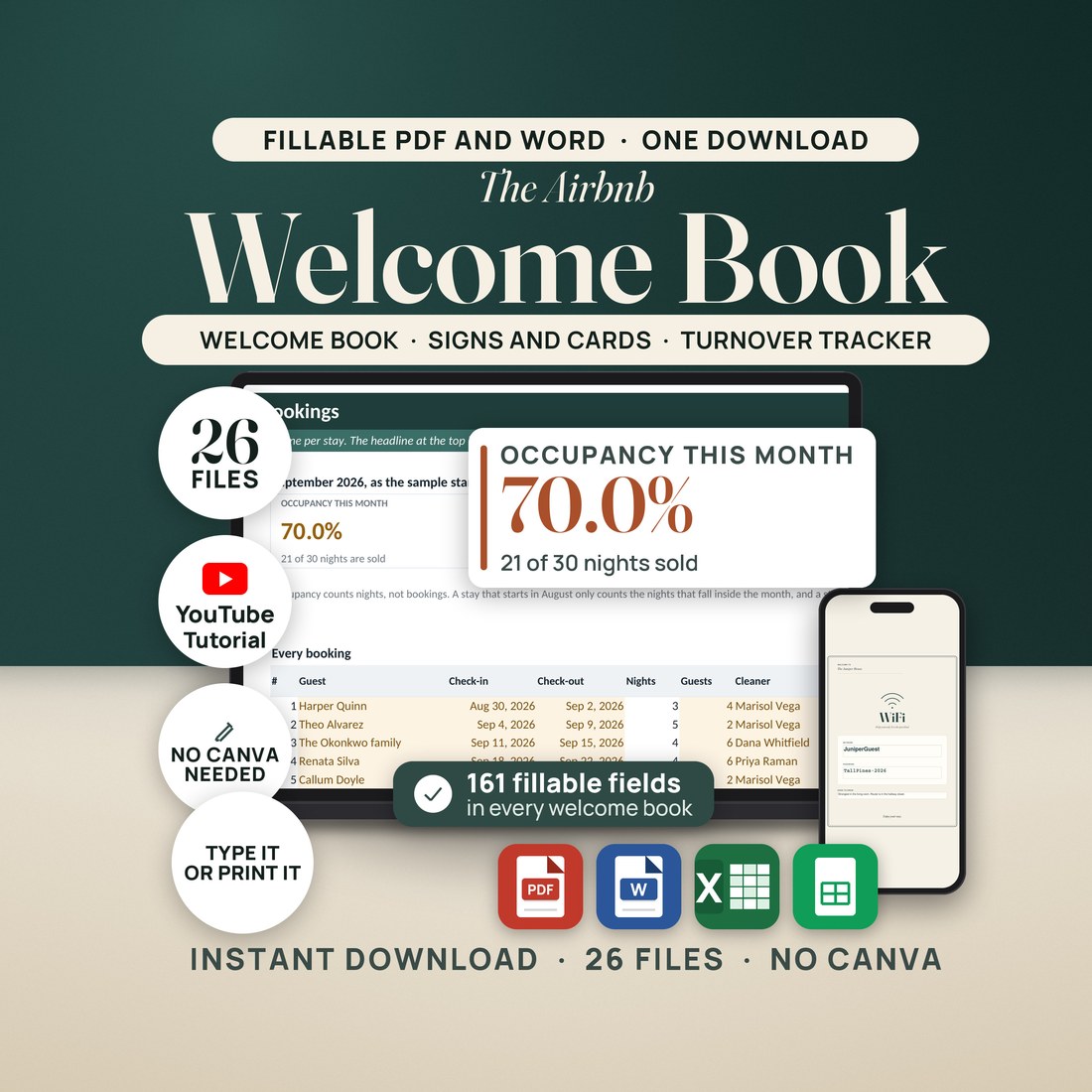
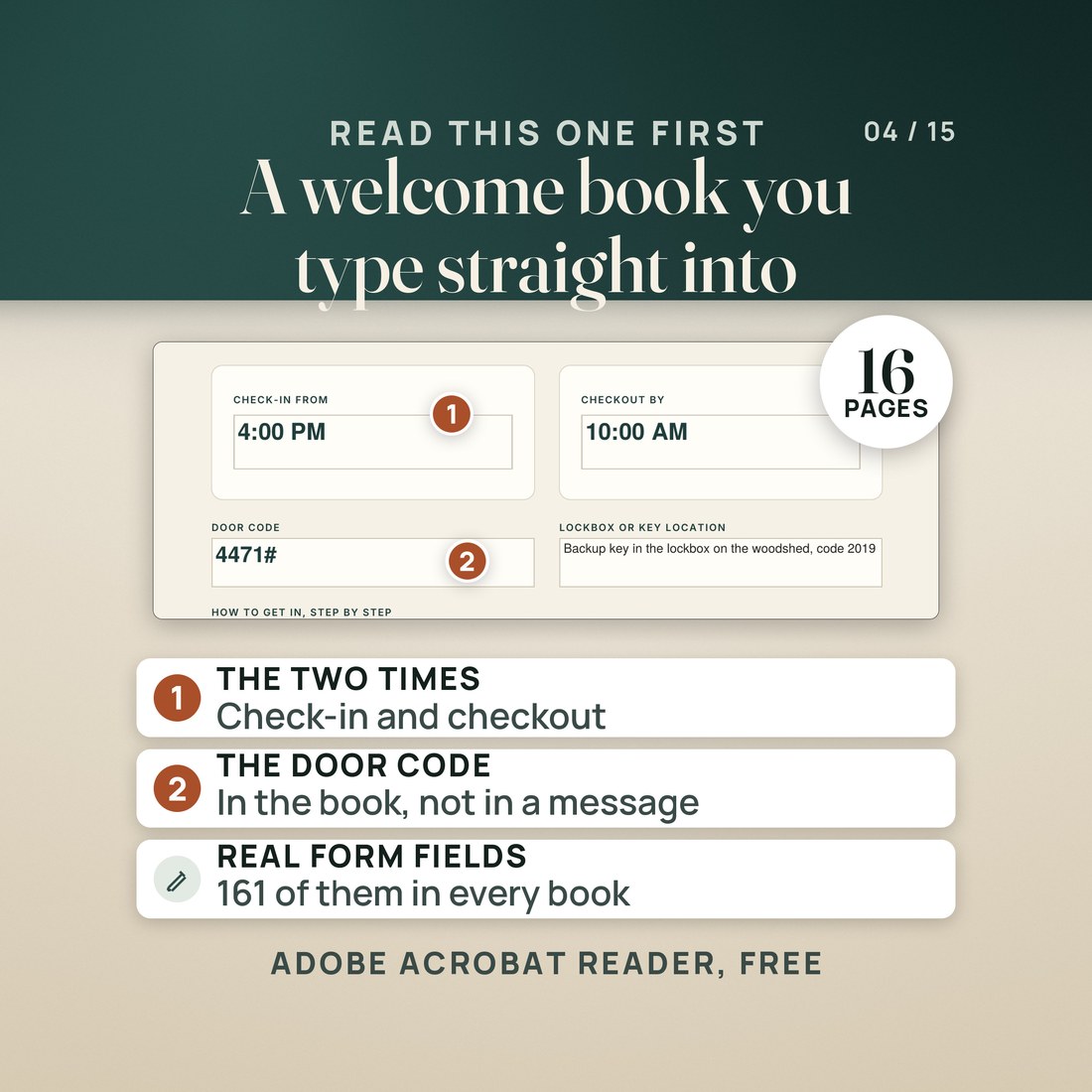
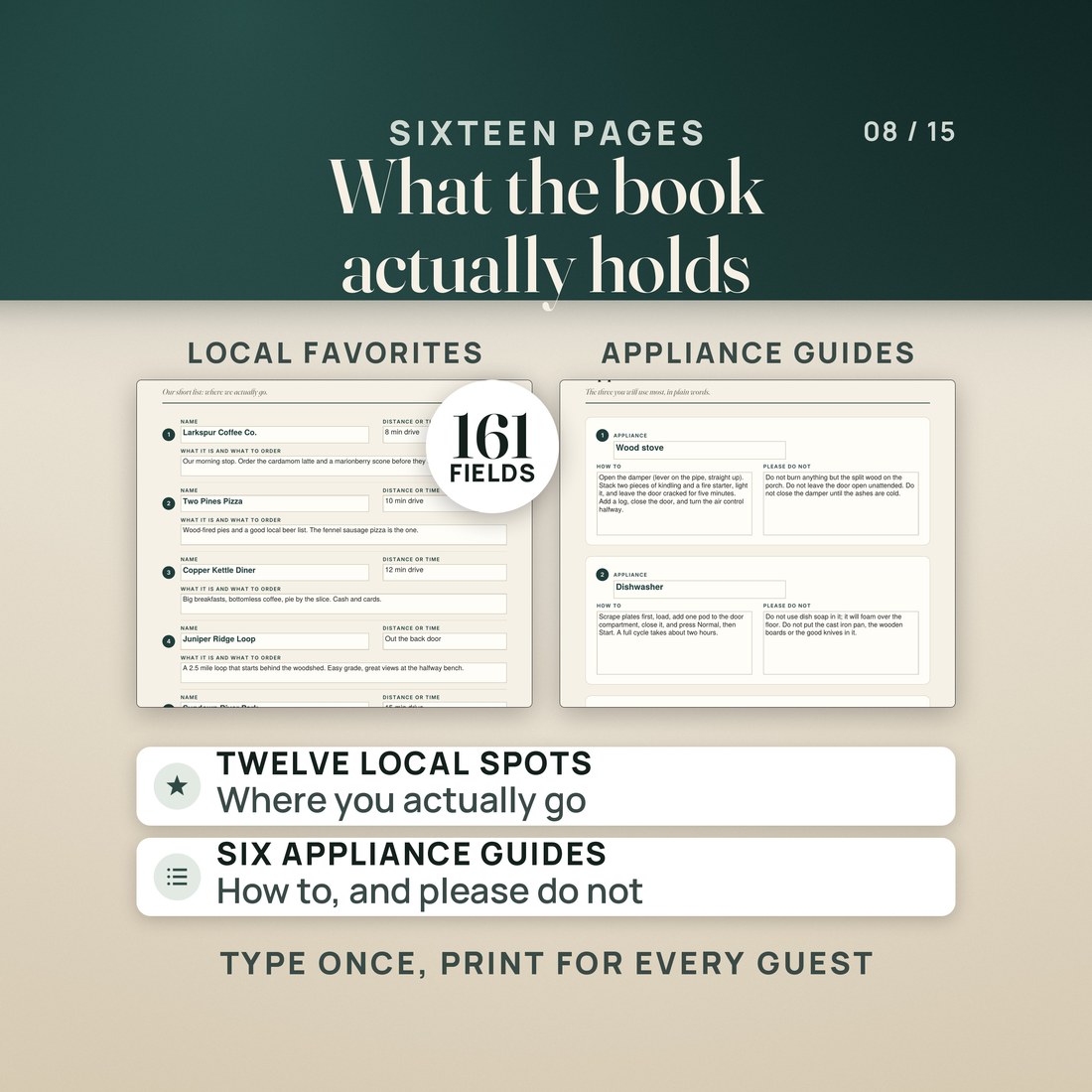
A sixteen page welcome book you type into, not a design file you sign in to edit. 161 fields, three palettes, Letter and A4, plus the signs for the walls and a turnover workbook.
5.0shop rating · 6 Etsy reviewsThree questions arrive every stay: what is the WiFi password, what time do we have to be out, and how does the coffee maker work.
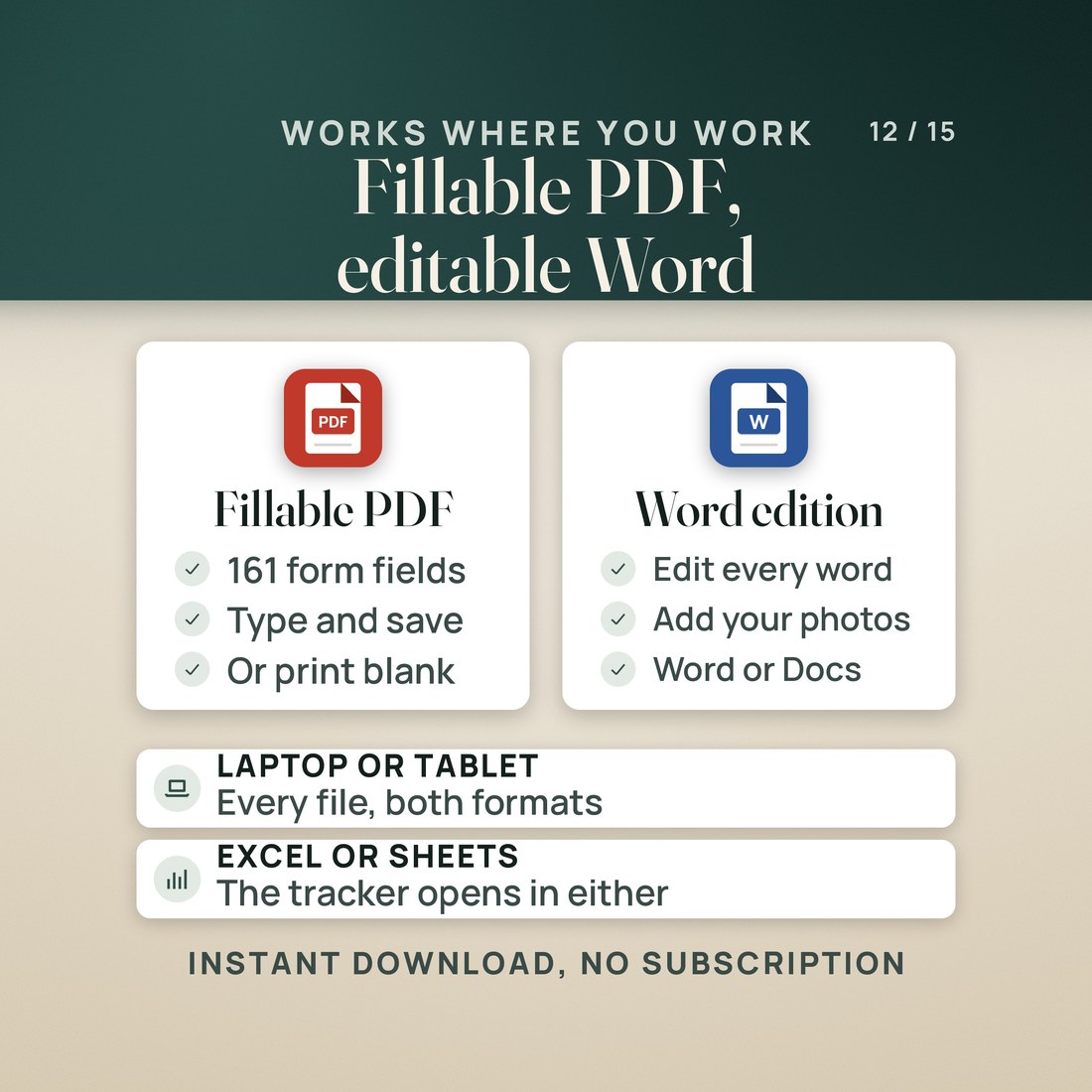
- 161 fillable fields in every welcome book, across sixteen pages: 129 text fields, 5 dropdowns, 22 check boxes and 5 photo boxes. No Canva, no account, nothing to install
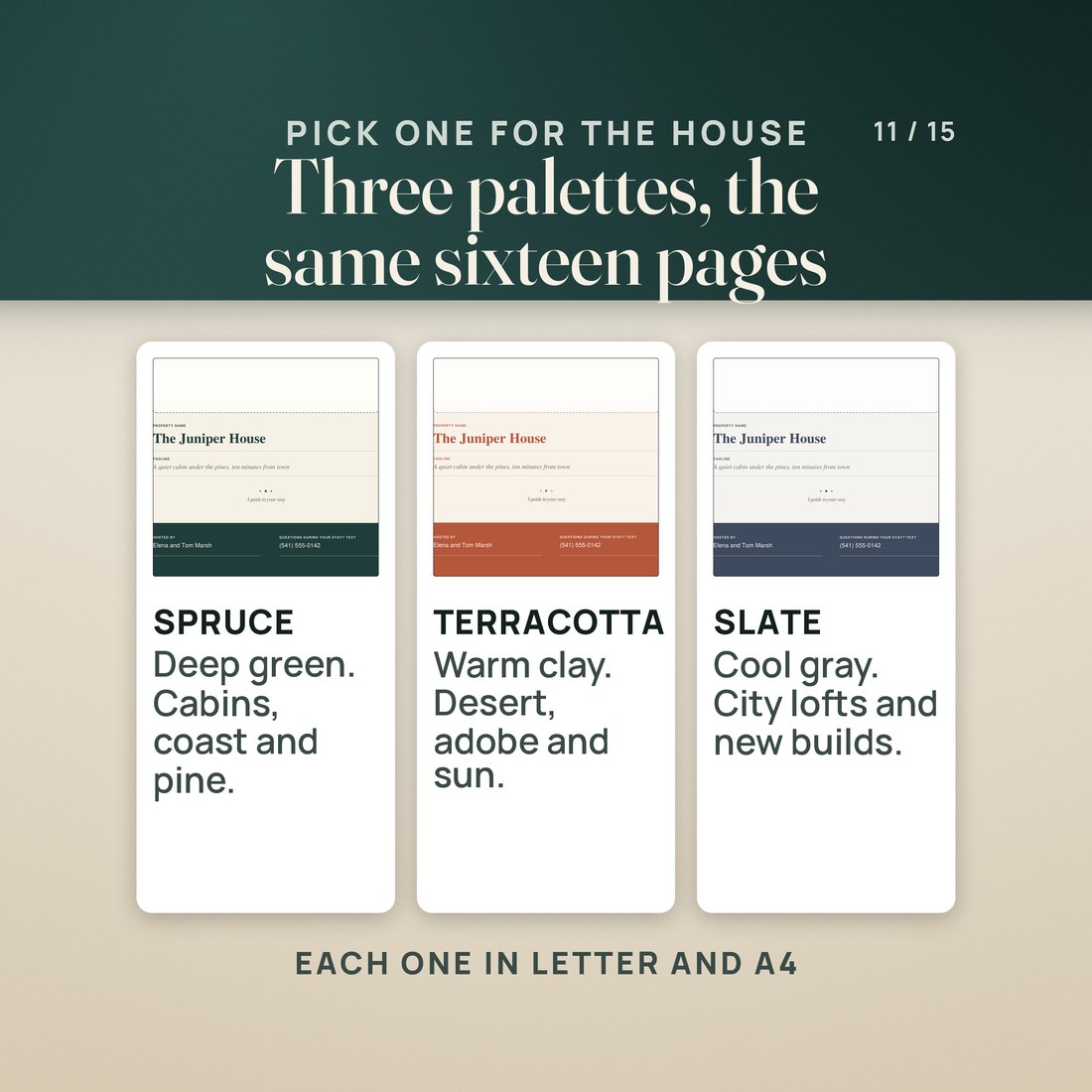
- Three palettes and two paper sizes, six PDFs of the same sixteen pages, so the book prints on US Letter or A4 without resizing anything
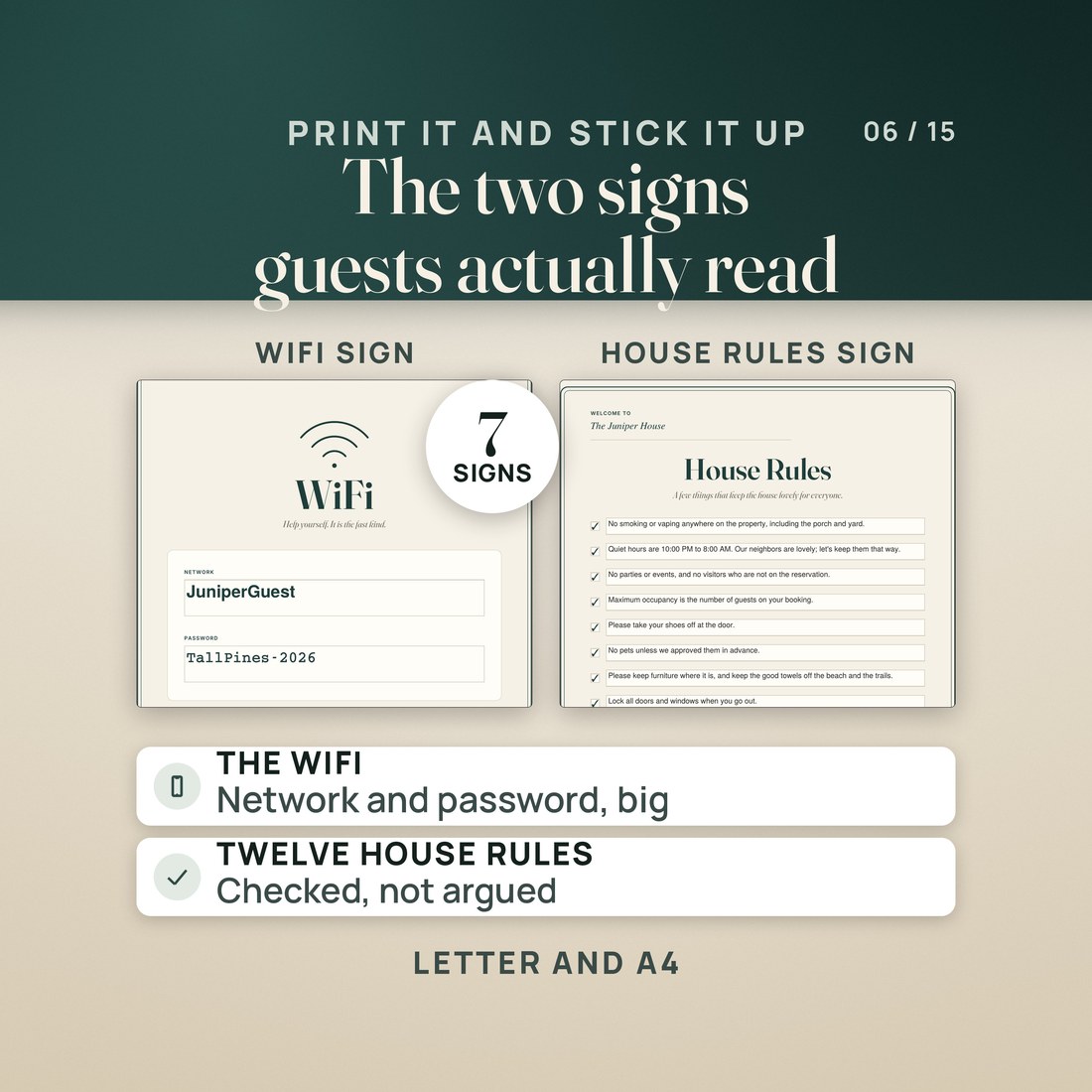
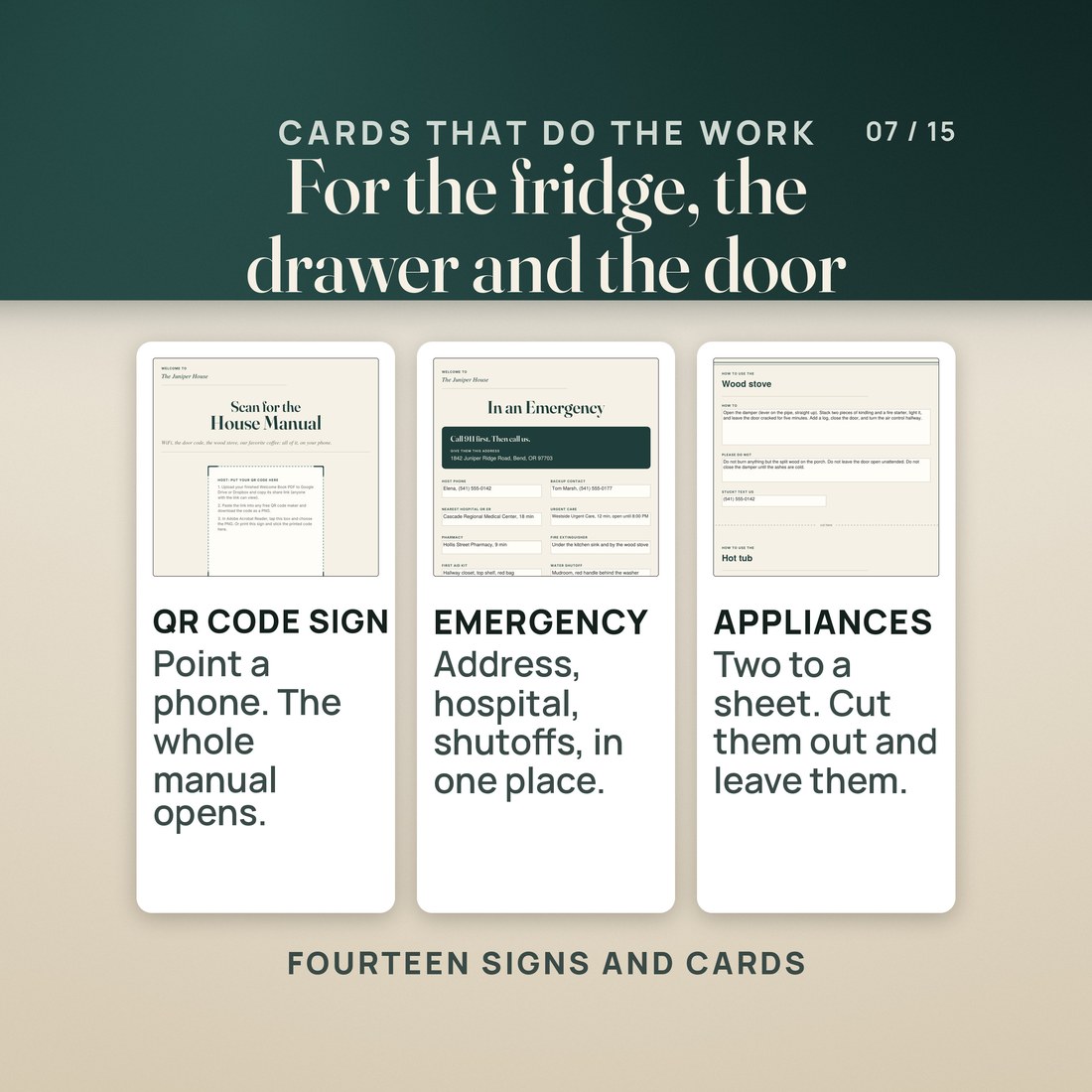
- Seven signs and cards, each in Letter and A4: fourteen PDFs carrying 166 fields, including twelve house rules already typed with a check box each, and a ten item checkout checklist for the fridge door
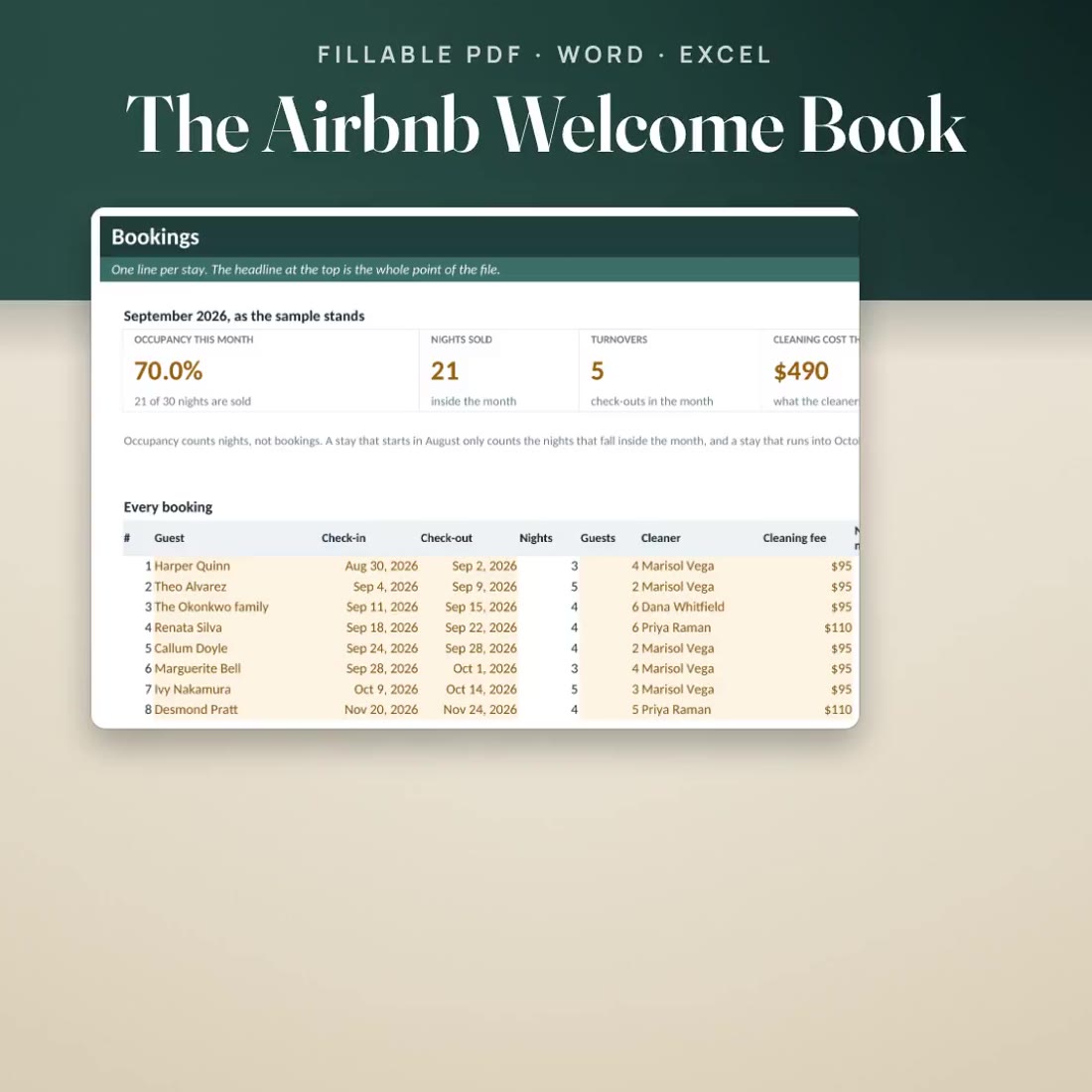
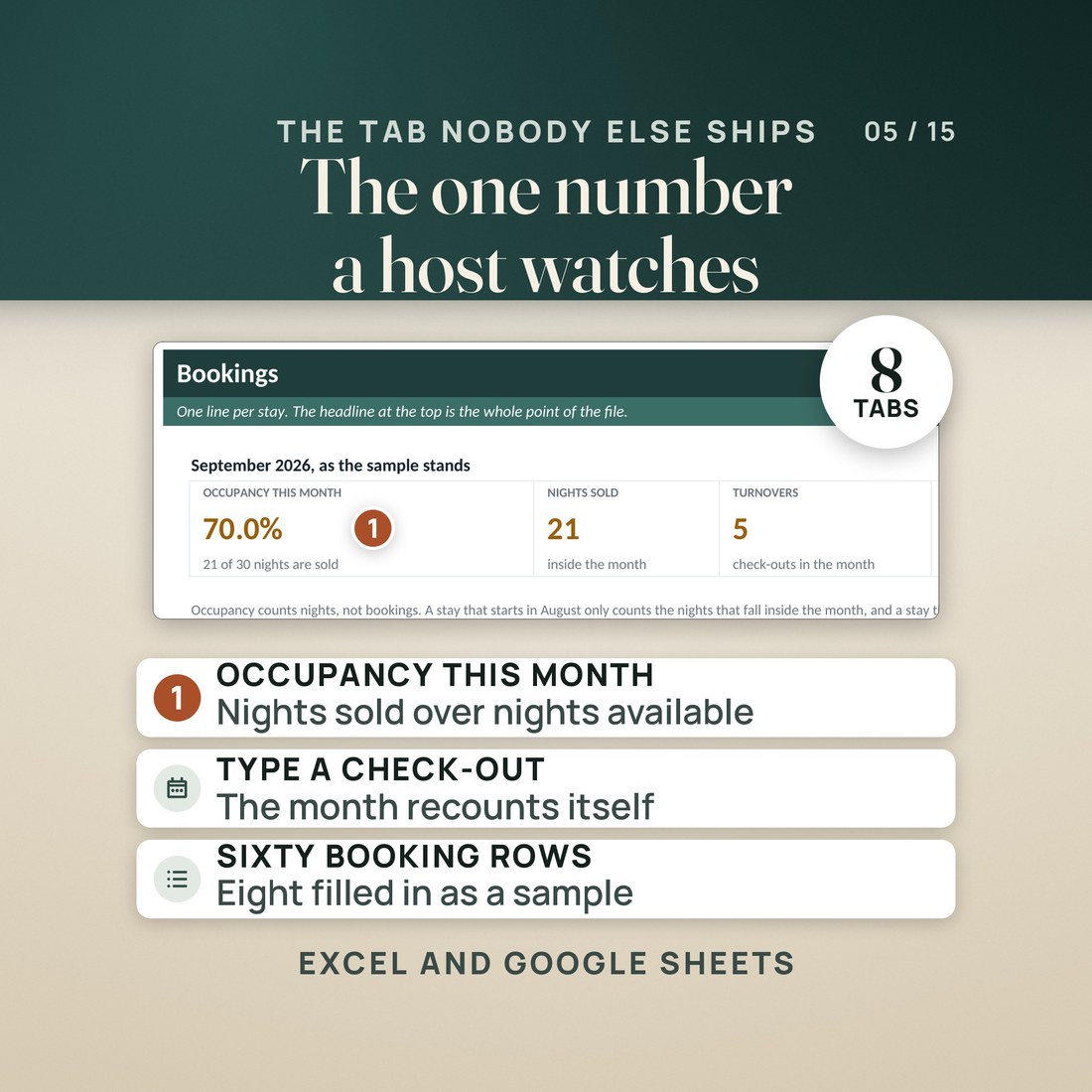
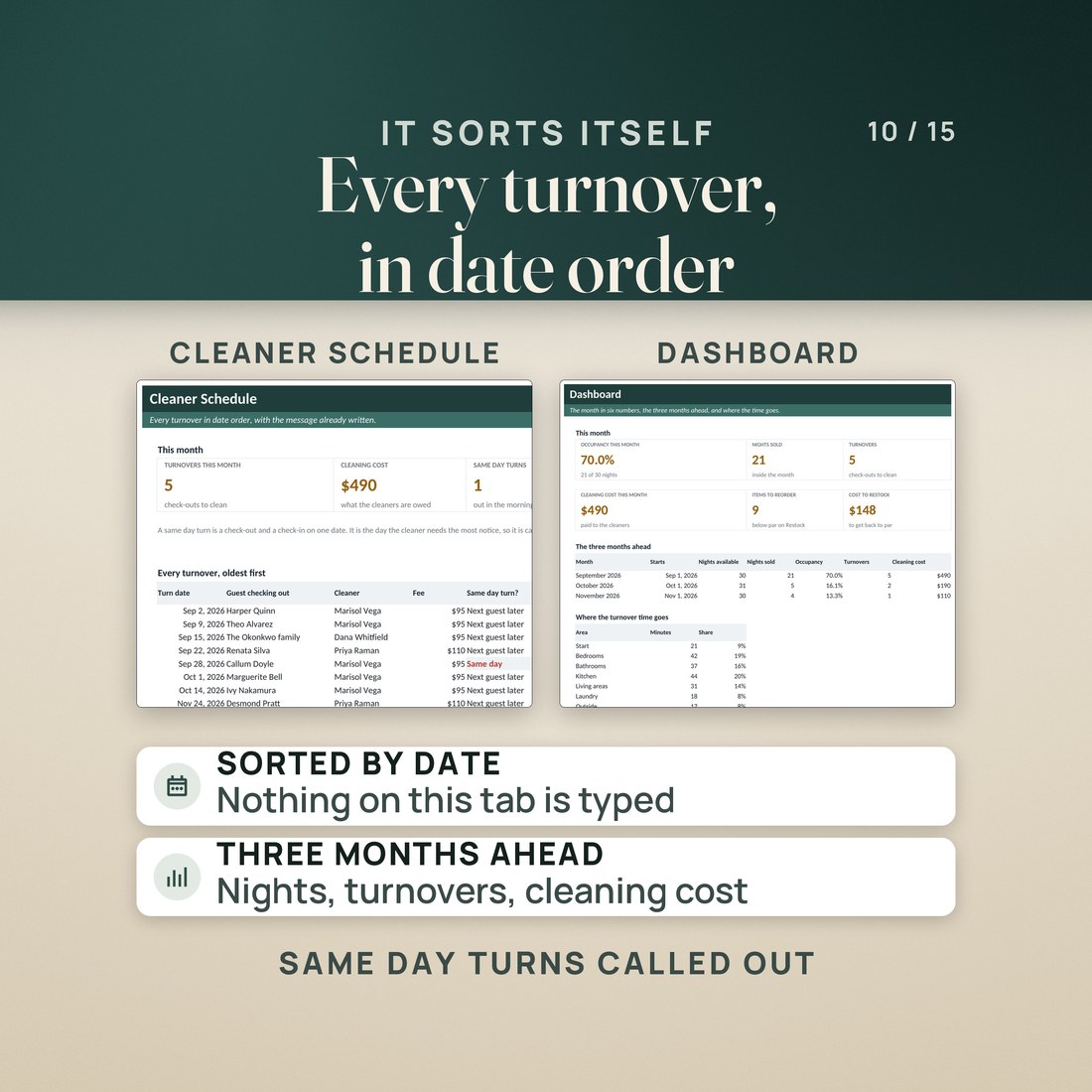
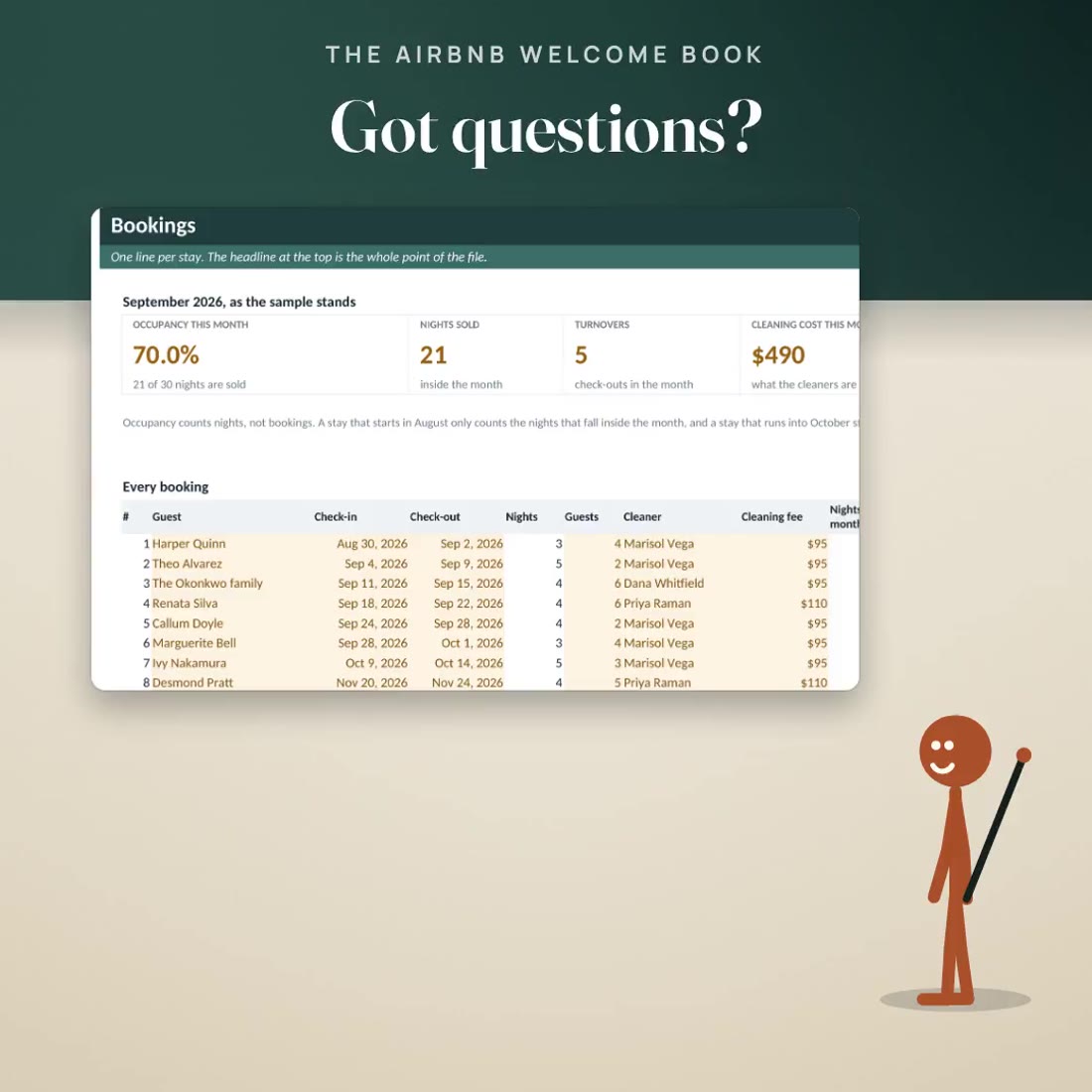
- A turnover workbook with 1,014 working formulas over eight tabs and 60 booking rows. The invented sample month sells 21 of 30 nights, so occupancy reads 70.0%, with 5 turnovers and $490 owed at $95 a turnover
- Move one guest's checkout two nights later and occupancy reads 76.7% on 23 of 30 nights while the 5 turnovers and the $490 stay exactly where they were, because those two nights were sold, not cleaned again
- A cleaner schedule that puts every turnover in date order, flags same day turns and writes the message to send
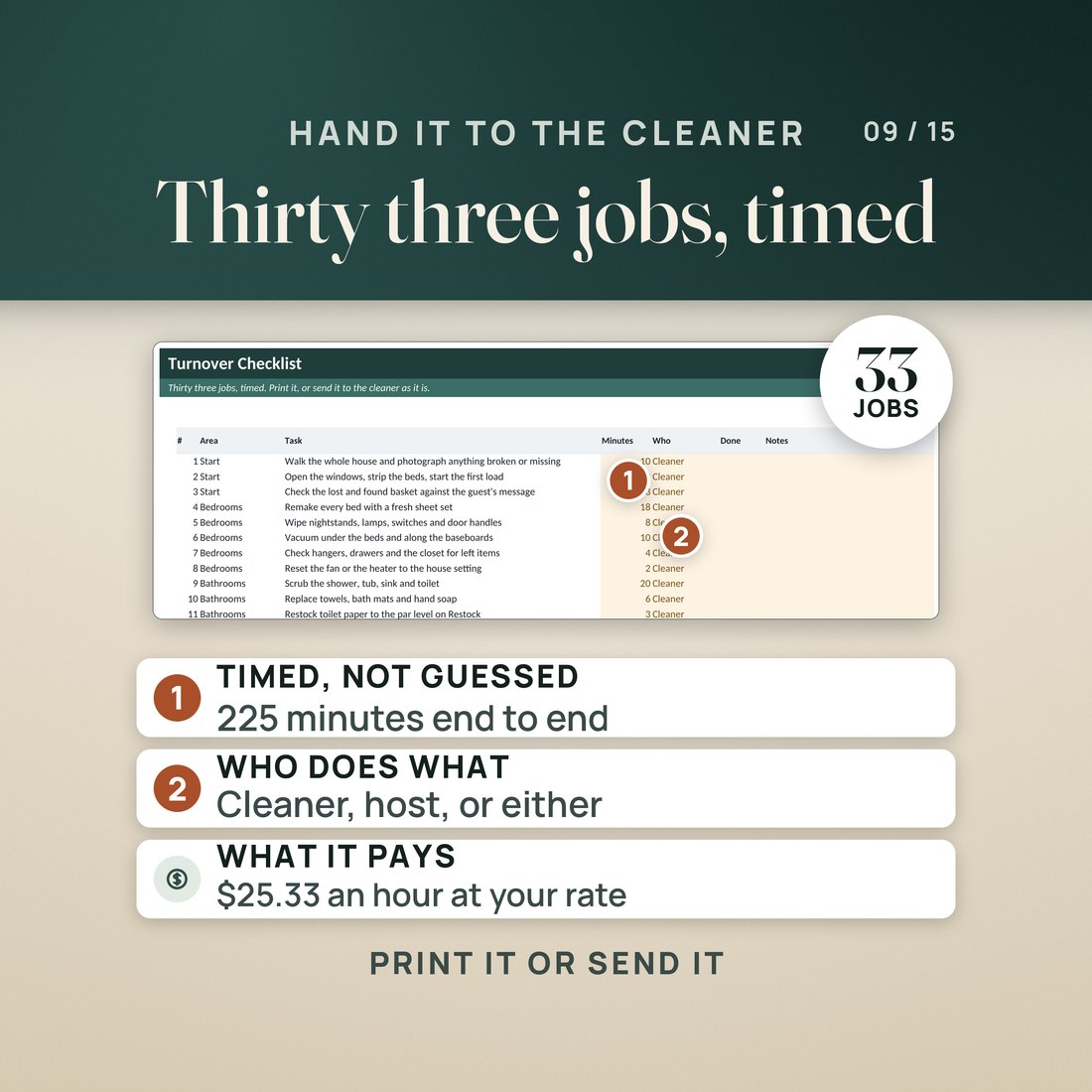
- A 33 job turnover checklist that adds up to 225 minutes, works your rate out to $25.33 an hour inside a six hour window, and can be handed to a cleaner as it is
- The whole welcome book again as an editable Word file, for a host who wants to change the fonts, the colors or the wording, or drop photos in from Word or Google Docs
Overview
A sixteen page welcome book you type into, not a design file you sign in to edit. 161 fields, three palettes, Letter and A4, plus the signs for the walls and a turnover workbook.
Three questions arrive every stay: what is the WiFi password, what time do we have to be out, and how does the coffee maker work.
The book that answers them before they are asked is the job every host means to finish and does not, because most welcome book templates open in a design app you have to sign into to change one line, and moving a checkout time means hunting for the right text box again. This one is a PDF. You open it, you type, and sixteen pages and 161 fields later it is your house, with the check-in time, the checkout time and the trash day picked from dropdowns instead of typed.
What's Included
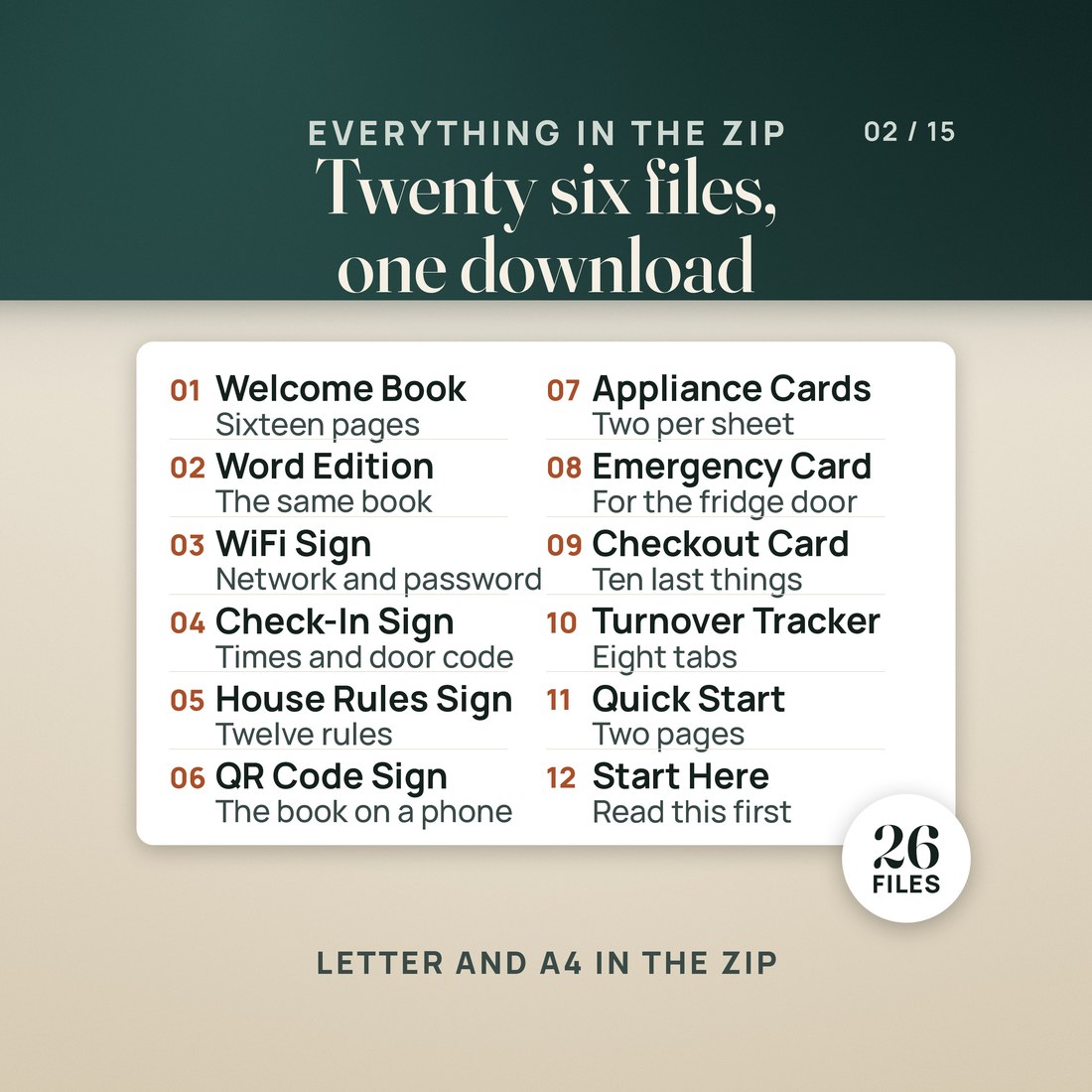
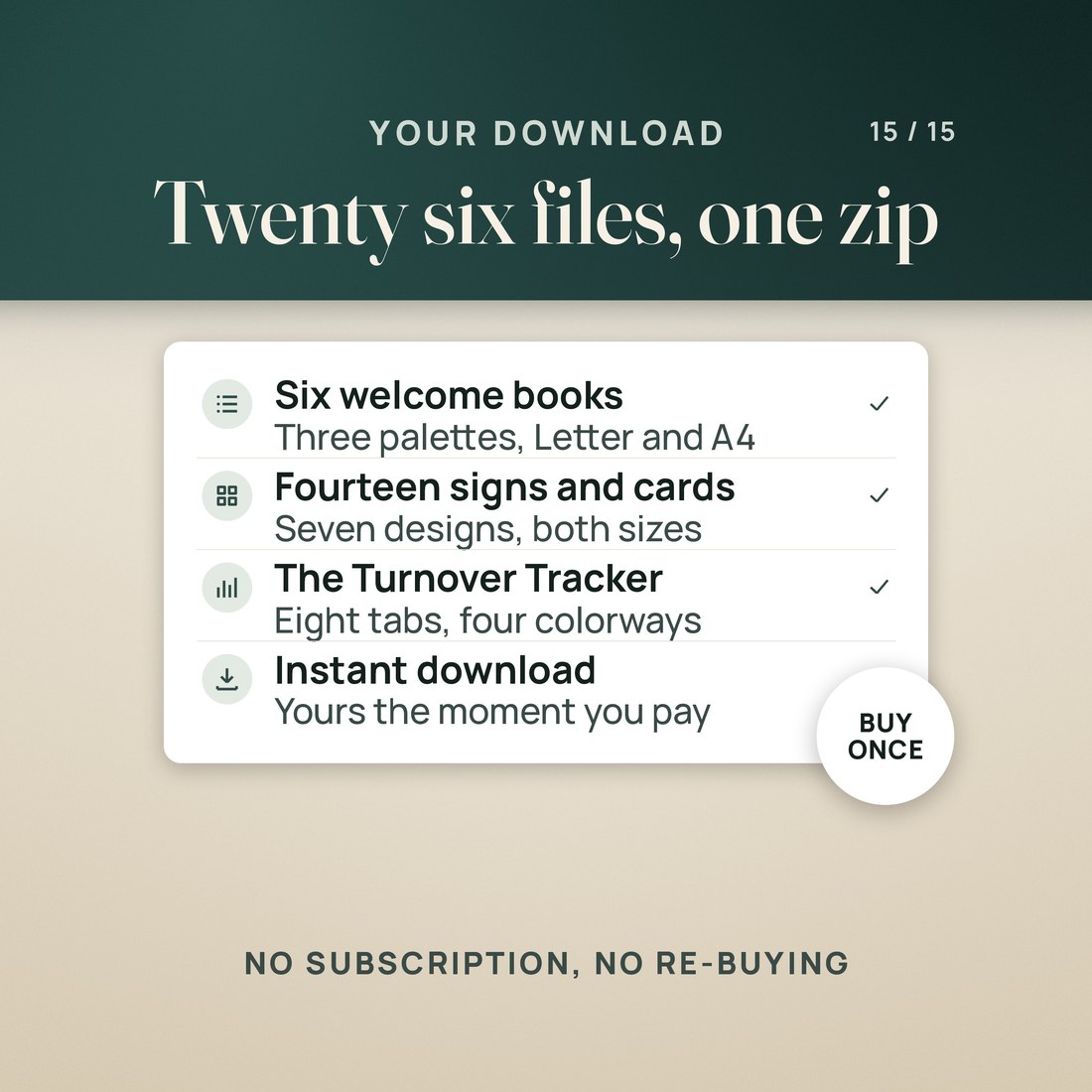
One ZIP, 26 files:
- Six fillable welcome books of sixteen pages each: three palettes, Spruce, Terracotta and Slate, each in US Letter and A4, with 161 form fields in every one
- The same sixteen pages again as an editable Word file, for restyling and for dropping photos in
- Fourteen printable signs and cards in Letter and A4: WiFi, check-in and checkout, house rules, a QR sign for the house manual, appliance guide cards, an emergency card and a checkout checklist
- The Airbnb Turnover Tracker workbook in four colorways with eight tabs: Start Here, Setup, Bookings, Turnover Checklist, Restock, Cleaner Schedule, Dashboard and Help
- A two page Quick-Start PDF and a START-HERE file that name every file and explain the photo boxes in plain terms
Key Benefits
Why this one
You open it in the free Adobe Acrobat Reader and type. No account, no sign-in, no hunting for the right text box. The check-in time, the checkout time and the trash day come from dropdowns, and the twelve house rules are already typed with a check box each.
The WiFi sign and the check-in sign are the two to print first, because between them they answer most of the messages a guest sends. There are seven signs and cards in all, each drawn for Letter and for A4.
The workbook reads 60 booking rows and works out the nights that fall inside the month, the turnovers, what the cleaners are owed at your own rate, and the same three figures for the three months ahead.
Every turnover in date order with same day turns flagged and the message already written, over a 33 job checklist that adds up to 225 minutes and prices your rate at $25.33 an hour, plus a restock list against par levels built from your bedrooms, bathrooms and how many the house sleeps.
The five photo boxes in the book and the QR box on the QR sign are Acrobat Reader buttons. They work in the free Acrobat Reader and in Foxit, and they do not work in Apple Preview or in the viewers built into Chrome, Edge and Safari, which leave the dashed placeholder empty. Text, dropdowns and check boxes type anywhere, and the Word edition is the route to photos if you do not use Acrobat Reader.
Who It's For
Built for
- A new Airbnb or VRBO host setting up the house who wants the welcome book, the signs for the walls and the turnover routine done in one evening instead of one weekend
- A host with one, two or three listings who is still answering the WiFi password and the checkout time by message at eleven at night
- A co-host or property manager who fills one book per property, saves it under the property name, and needs a cleaner schedule the cleaner can actually read
- A host who has been quoted for a custom guidebook and would rather type sixteen pages once and own the file
How It Works
Up and running in minutes
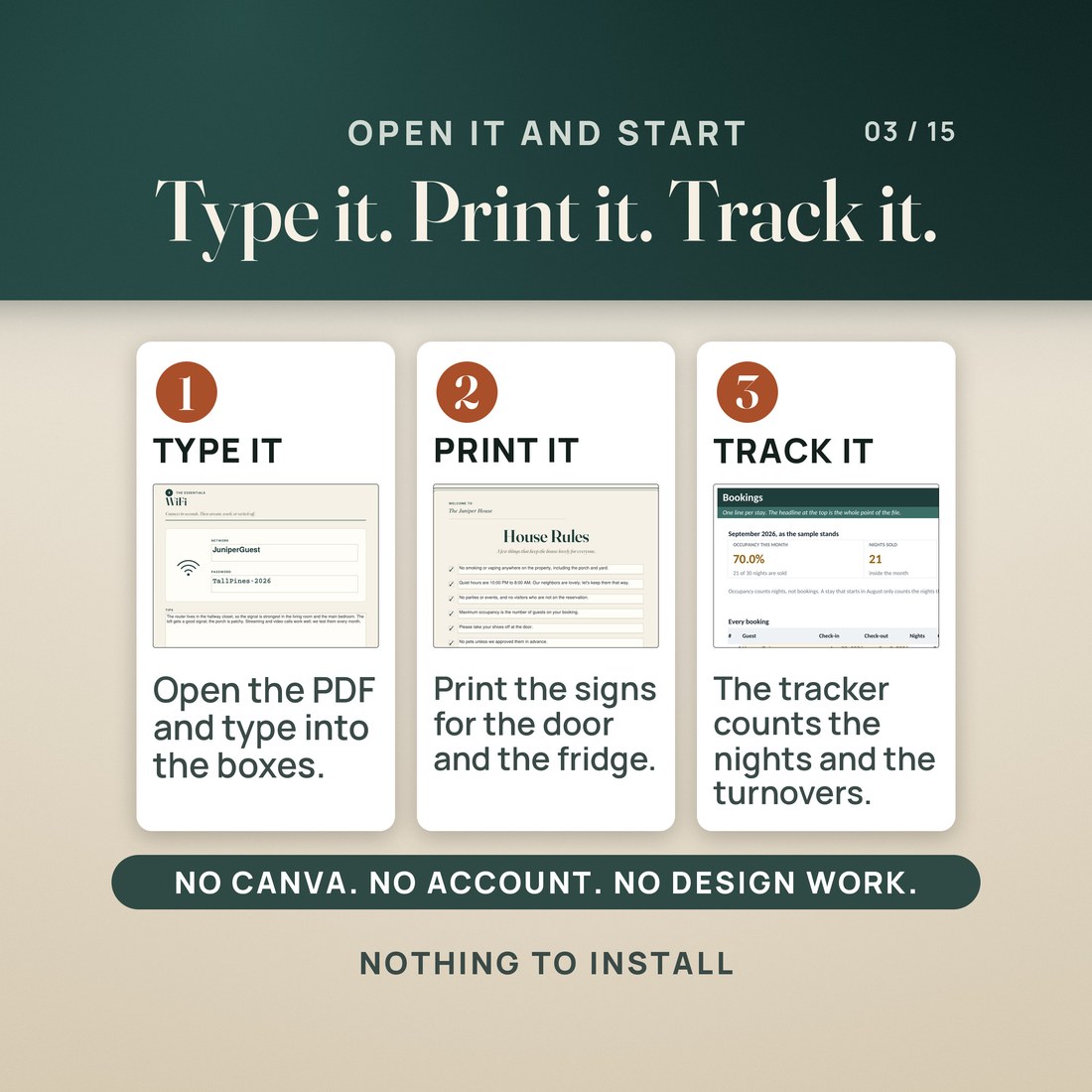
Open that welcome book in the free Adobe Acrobat Reader, work down the fields, take the check-in time, the checkout time and the trash day from the dropdowns, and save it under your property name.
The WiFi sign and the check-in and checkout sign, on card stock. Then the house rules, the emergency card, the appliance cards and the checkout checklist as you need them.
Type your property, your cleaner rate and your bookings into the amber cells. Occupancy, turnovers and what the cleaners are owed come straight off the bookings.
The Cleaner Schedule puts every turnover in date order and writes the message. The Turnover Checklist times the 33 jobs. Restock shows what is below par and what it costs to fill.
Why It's Different
Not another template
Search this lane and almost everything is a Canva template. A Canva template means an account, a sign-in, and a hunt for the right text box every time a checkout time changes, and it means the file is never really yours. This is a fillable PDF: you open it in a free reader and type, and the times and the trash day come from dropdowns so they cannot be typed wrong. It also ships the two halves a guidebook template leaves out. The signs that actually hang on the walls, drawn for Letter and for A4, and a turnover workbook that turns your bookings into occupancy, cleaner pay and a restock list. And it tells you before you buy exactly which PDF viewers run the photo buttons and which ones do not.
Delivery & Compatibility
Instant, and it opens in what you already use
As soon as your order is complete you get instant access to download the ZIP: six welcome books, the Word edition, fourteen signs and cards, the turnover workbook in four colorways, a two page Quick-Start PDF and a START-HERE file. Nothing ships and nothing installs.
One ZIP, instant download. Adobe Acrobat Reader, the free one, is the reader to use for the PDFs on a computer, tablet or phone; Apple Preview and the viewers built into Chrome, Edge and Safari type into the text fields too but do not run the photo buttons. The Word edition opens in Word 2016 or later, Pages or Google Docs, and the workbook in Excel 2016 or later, Google Sheets or Apple Numbers. No macros, no subscription, nothing to install.
FAQ
Questions, answered
What format is this?
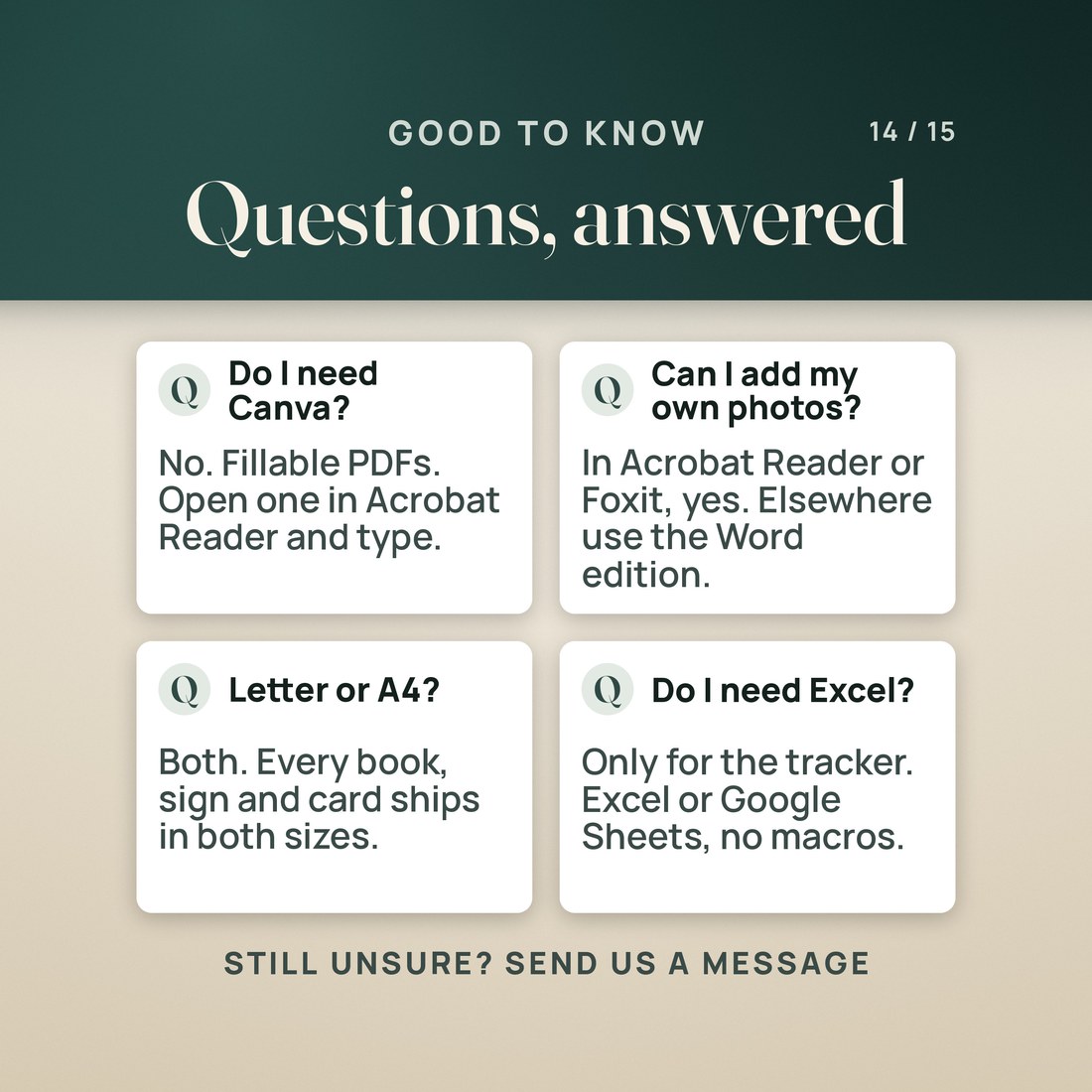
Twenty one PDFs, twenty of them fillable forms (six welcome books and fourteen signs and cards) plus a two page Quick-Start guide, the welcome book again as an editable Word (.docx) file, and one workbook (.xlsx) in four colorways. Twenty six files in one ZIP, yours the moment payment clears.
Do I need Canva?
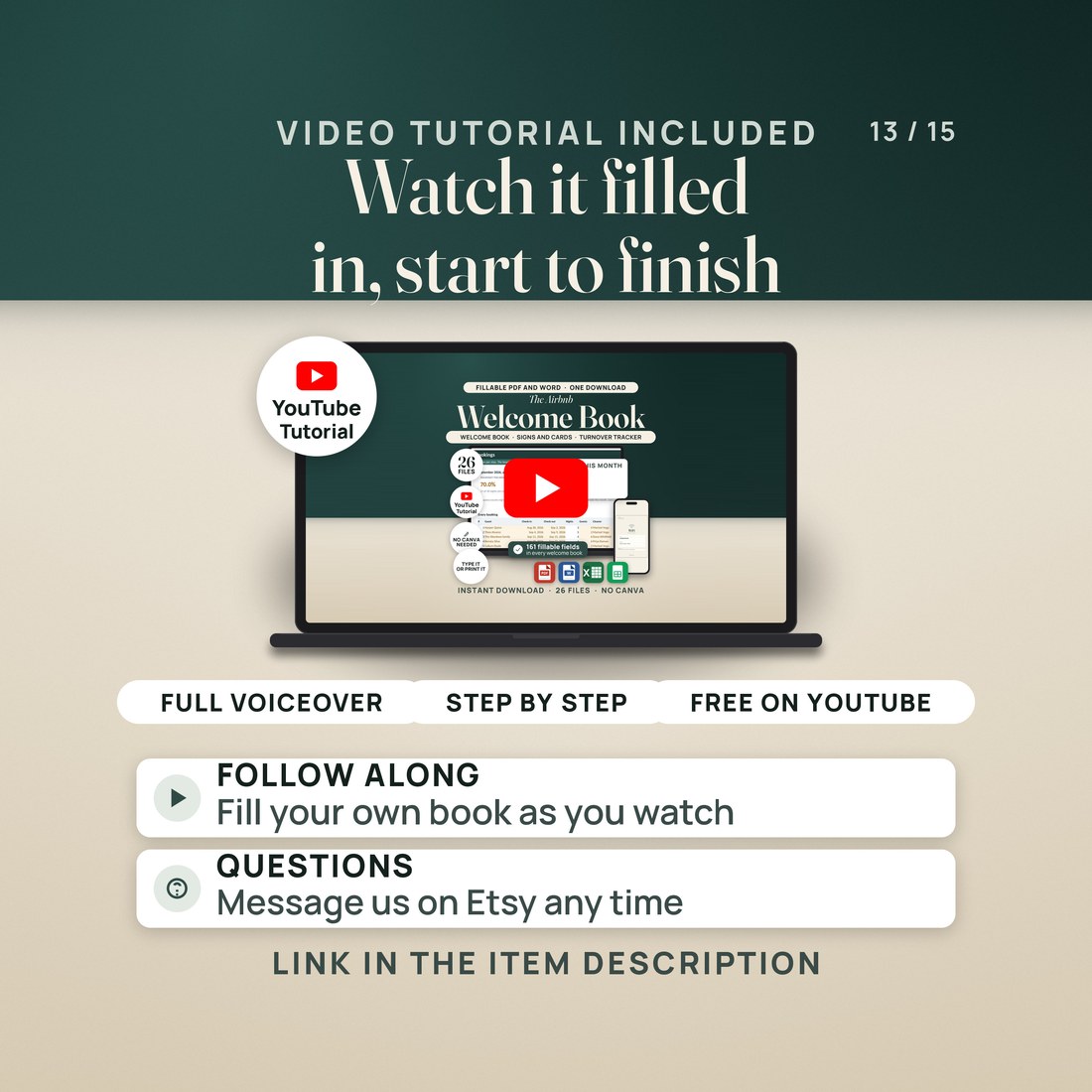
No. There is no Canva file in the download and no account of any kind. The welcome book, the signs and the cards are fillable PDFs you type straight into, and the Word edition is the route to restyling.
Can I add my own photos?
Yes, with one thing worth knowing first. The five photo boxes in the welcome book and the QR box on the QR sign are Adobe Acrobat Reader buttons: tap one in the free Acrobat Reader or in Foxit and it asks for an image file and drops it in. Apple Preview and the viewers built into Chrome, Edge and Safari do not run that button and leave the dashed placeholder empty. If you want photos and you do not use Acrobat Reader, build your book from the Word edition instead.
What does the workbook compute?
Occupancy for the month from the nights that fall inside it, nights sold against nights open, turnovers and what the cleaners are owed at your own rate, those same figures for the three months ahead, the review request date for every stay, every turnover in date order with same day turns flagged and the message already written, the minutes and the hourly rate behind a 33 job turnover, and a restock list against par levels.
Does it make the QR code for me?
No. The QR sign holds a box for a QR code you make yourself and prints the three steps to make one. The kit does not generate the code.
Is this legal, tax or insurance advice?
No. Short term rental permits, lodging tax, occupancy limits, smoke and carbon monoxide detector requirements and what you may promise a guest are set locally and differ from place to place. Nothing here states what your own city or county asks of you, and your insurer is the one to read your house rules.
This is a hosting kit, not legal, tax or insurance advice. The photo boxes and the QR box work in the free Adobe Acrobat Reader and in Foxit and do not work in Apple Preview or in the PDF viewers built into Chrome, Edge and Safari; that is a limit of those viewers, not of the file, and the Word edition is the route to photos. The four workbook colorways are one workbook in four coats of paint, so a booking typed into the Light copy does not appear in the Dark one. Occupancy counts nights rather than bookings, and only the nights inside the month on Setup, so a stay that crosses the end of a month is split between the two and your booking site may show a slightly different figure. The Juniper House, Elena Marsh, the guests, the cleaners and every phone number in the sample were invented for the example. Digital product; because the files are delivered instantly, all sales are final.


