 ▶
▶
 ▶
▶Wedding Day-Of Binder + Sunset Timeline Planner
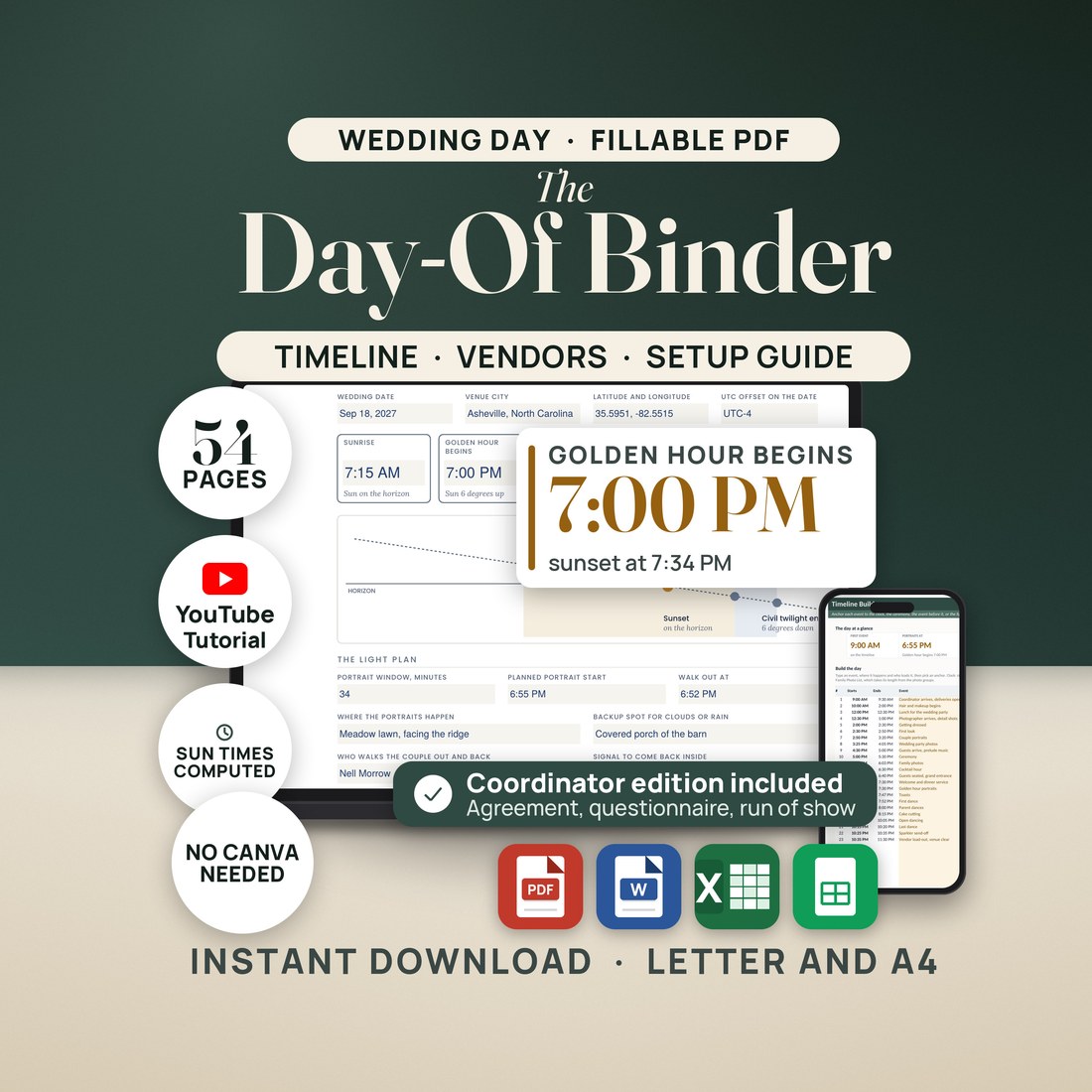
A day-of binder you type into, not a design file you sign in to edit. 3,675 fields across two editions, and a workbook that times the day around the real sunset.
Sunset is around 7:30, so the timeline says portraits at 6:30, and the couple stands in plain daylight while the golden light is still half an hour away.
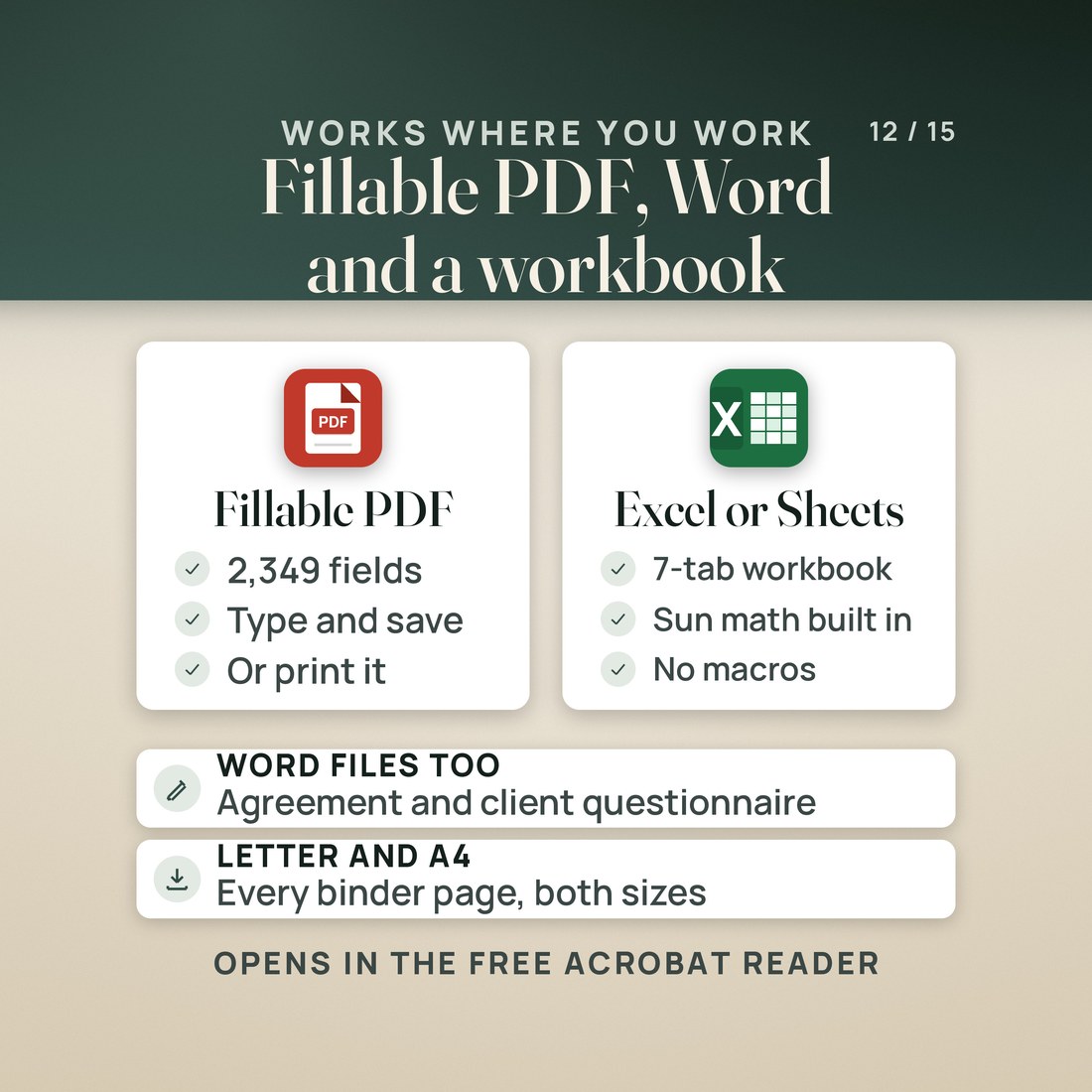
- 3,675 fillable fields across two editions: 2,349 in the couple's 54-page binder and 1,326 in the 29-page coordinator edition. No Canva, no account, nothing to install
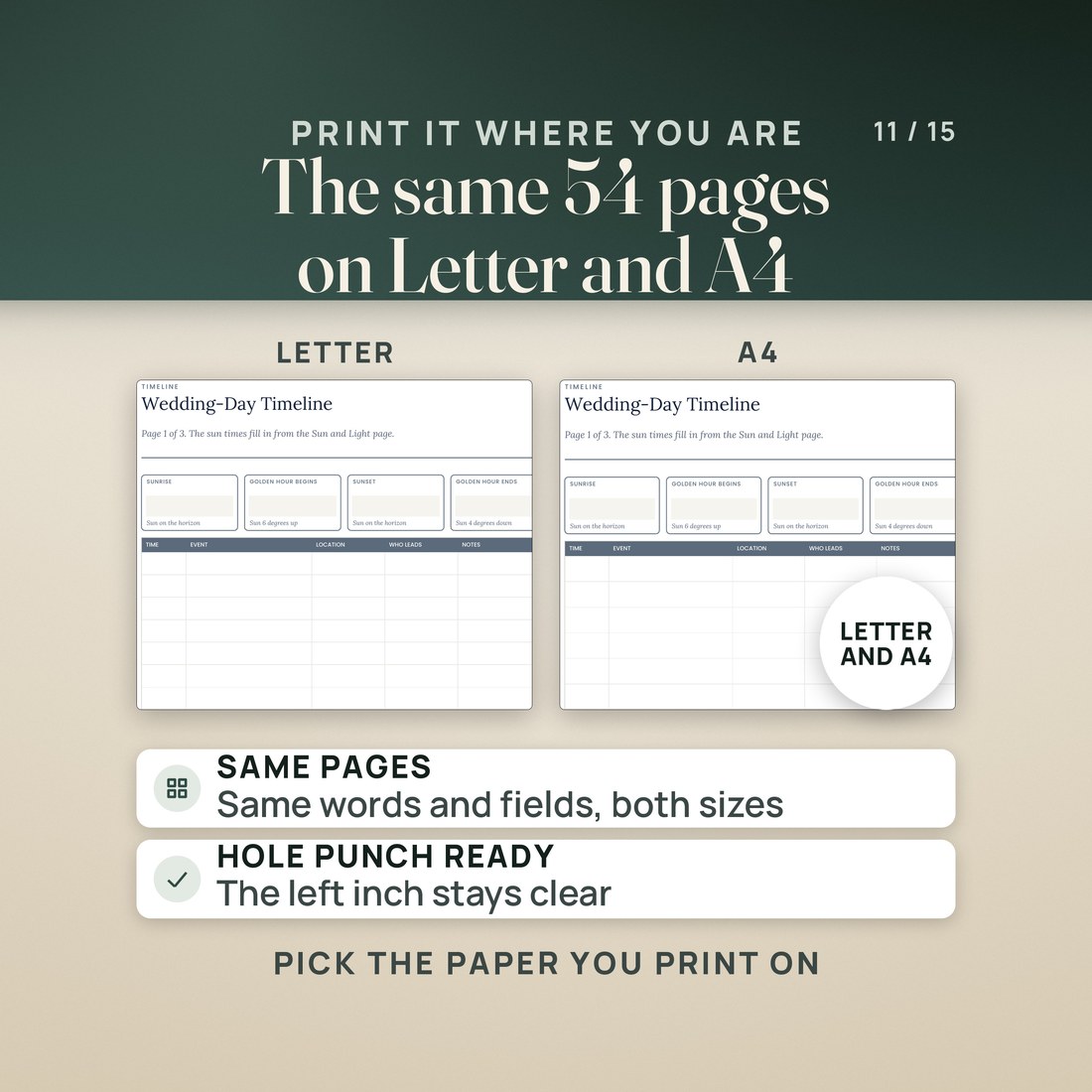
- US Letter and A4 with the same pages and the same words on every page, a clear left inch for a hole punch, and no full-page color backgrounds
- A timeline workbook that works out sunrise, golden hour, sunset and civil twilight from the NOAA solar equations, checked against a separate calculation in 12 test cases with no difference in any event time
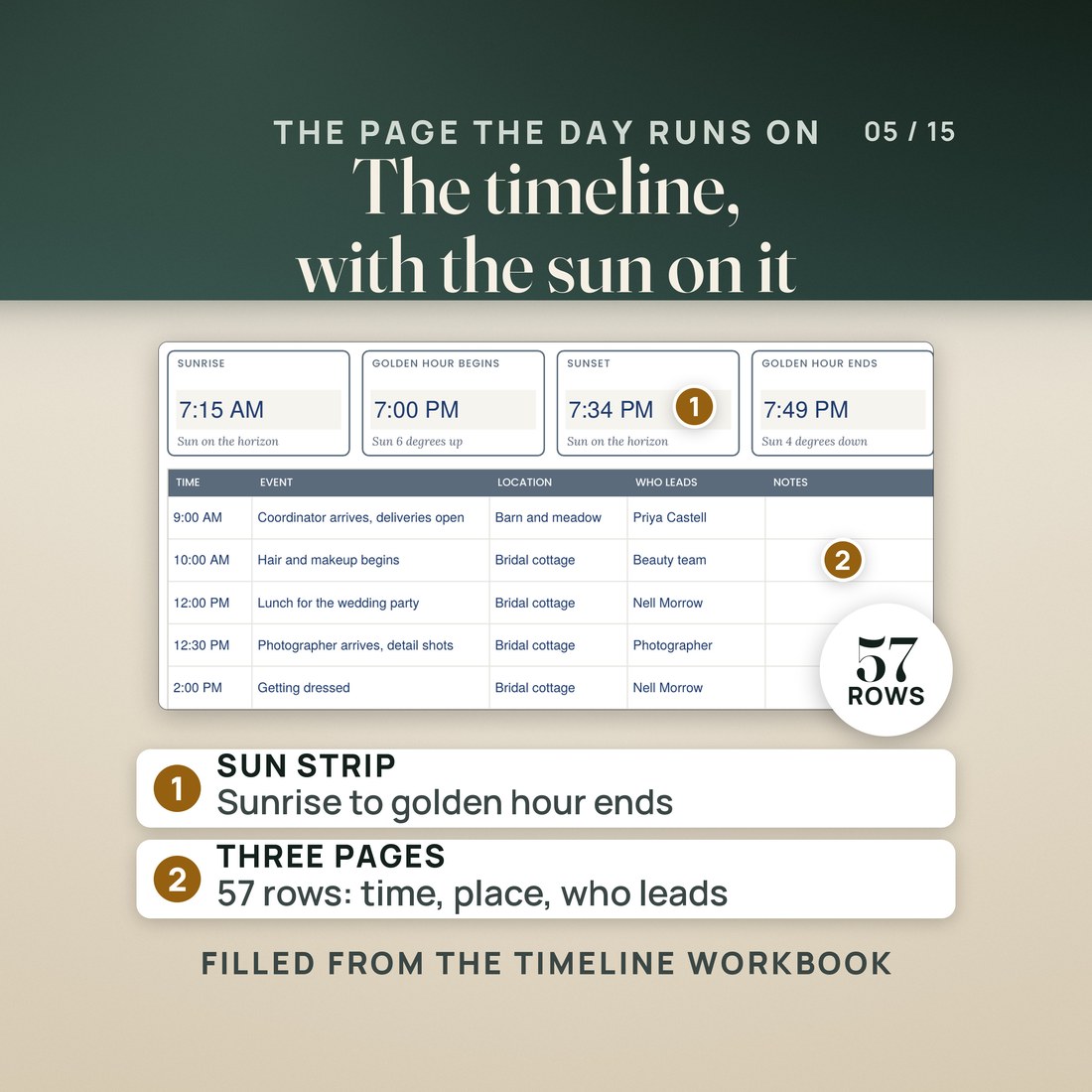
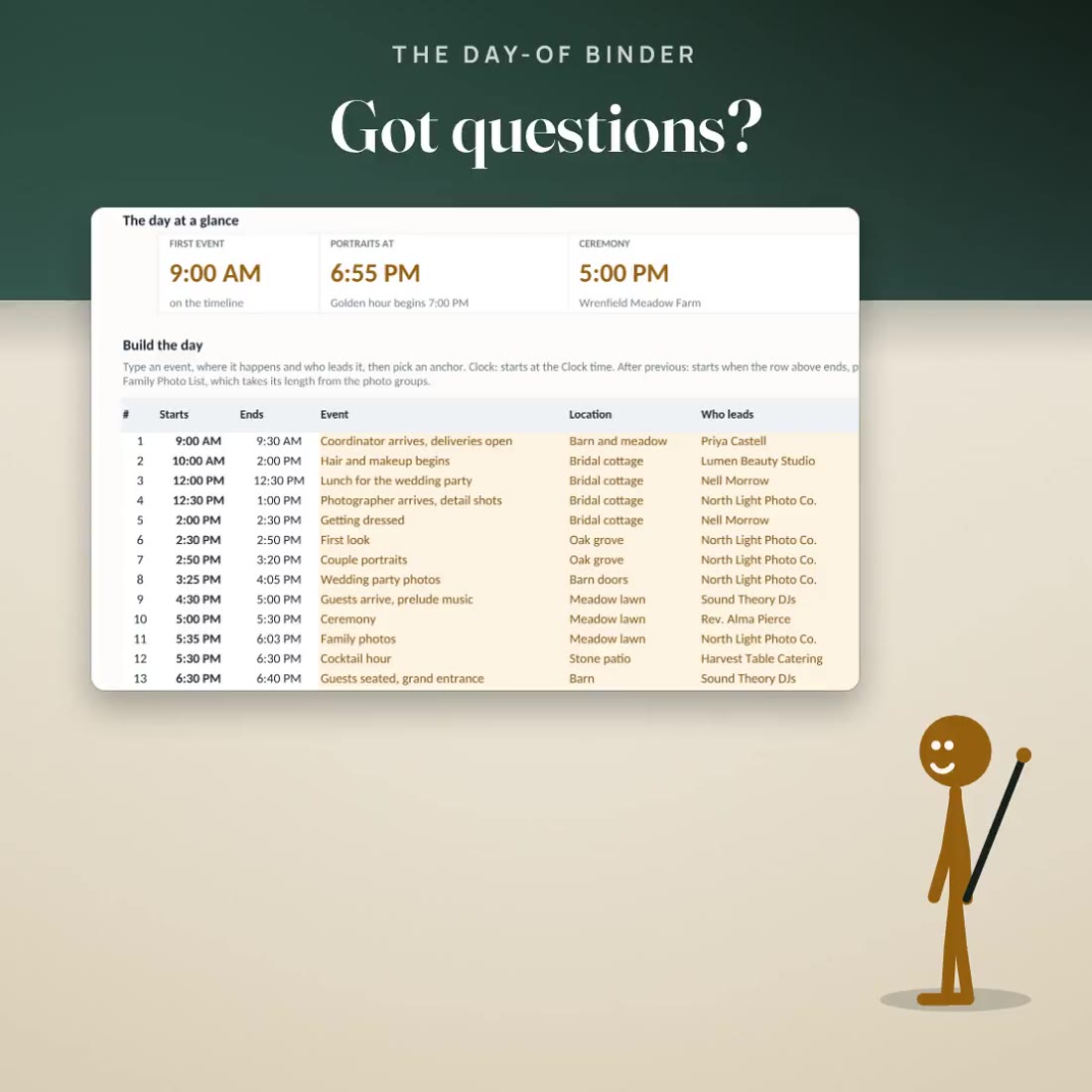
- A timeline builder with 30 event rows that anchor to a clock time, the ceremony, the event before, sunrise, golden hour or sunset, and label the light each event falls in
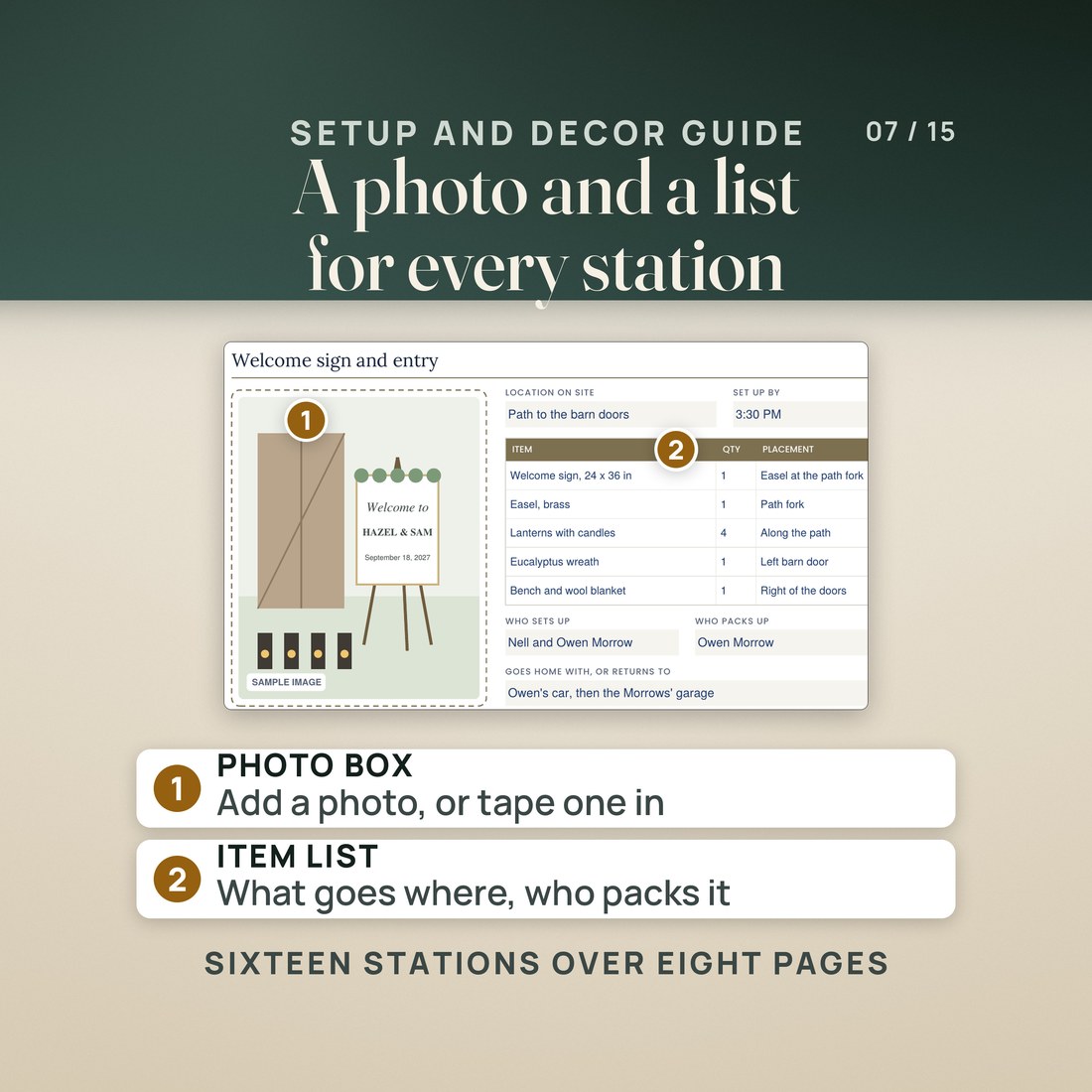
- Sixteen setup and decor stations, each with a photo box, five item rows with quantity and placement, who sets up, who packs up and what goes home with whom
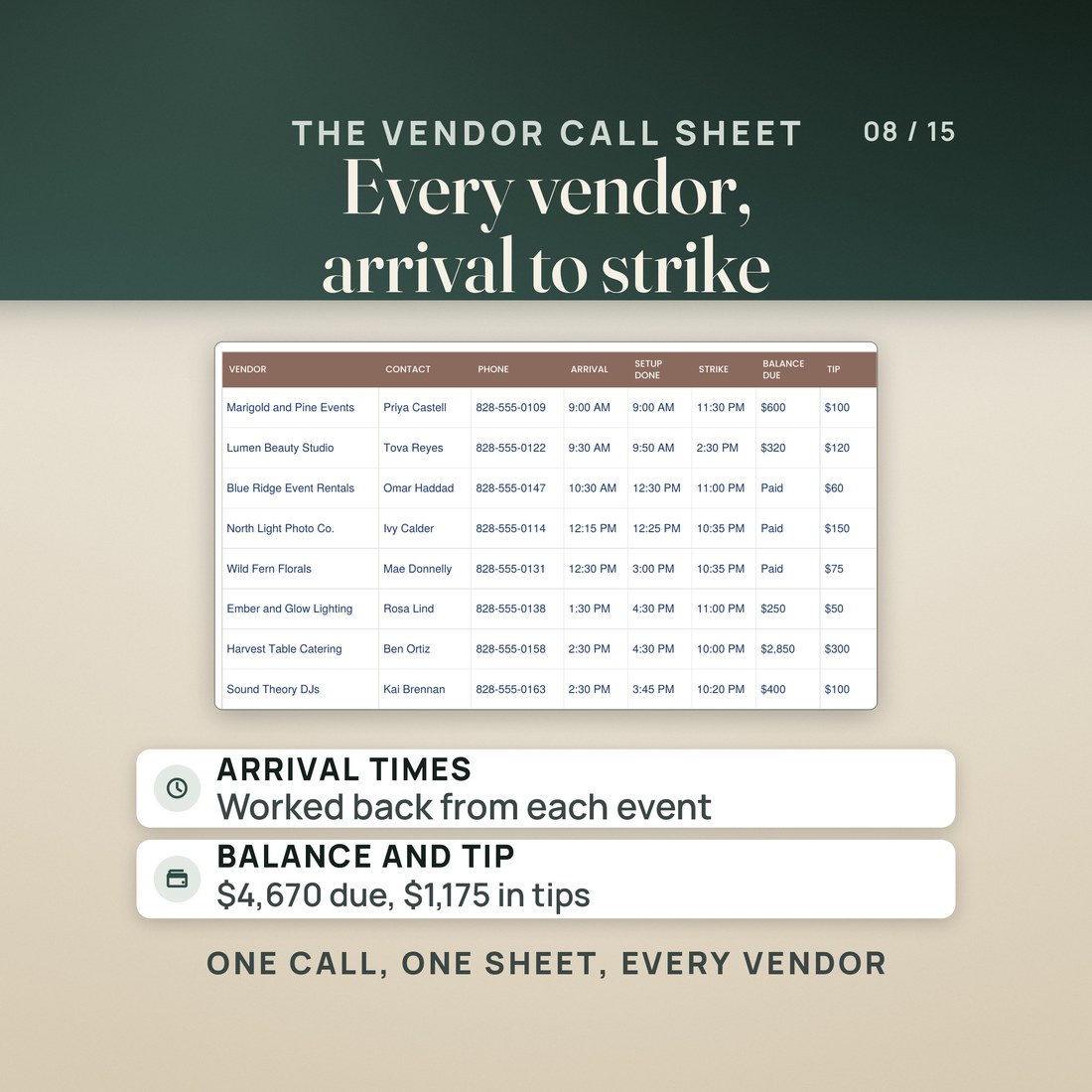
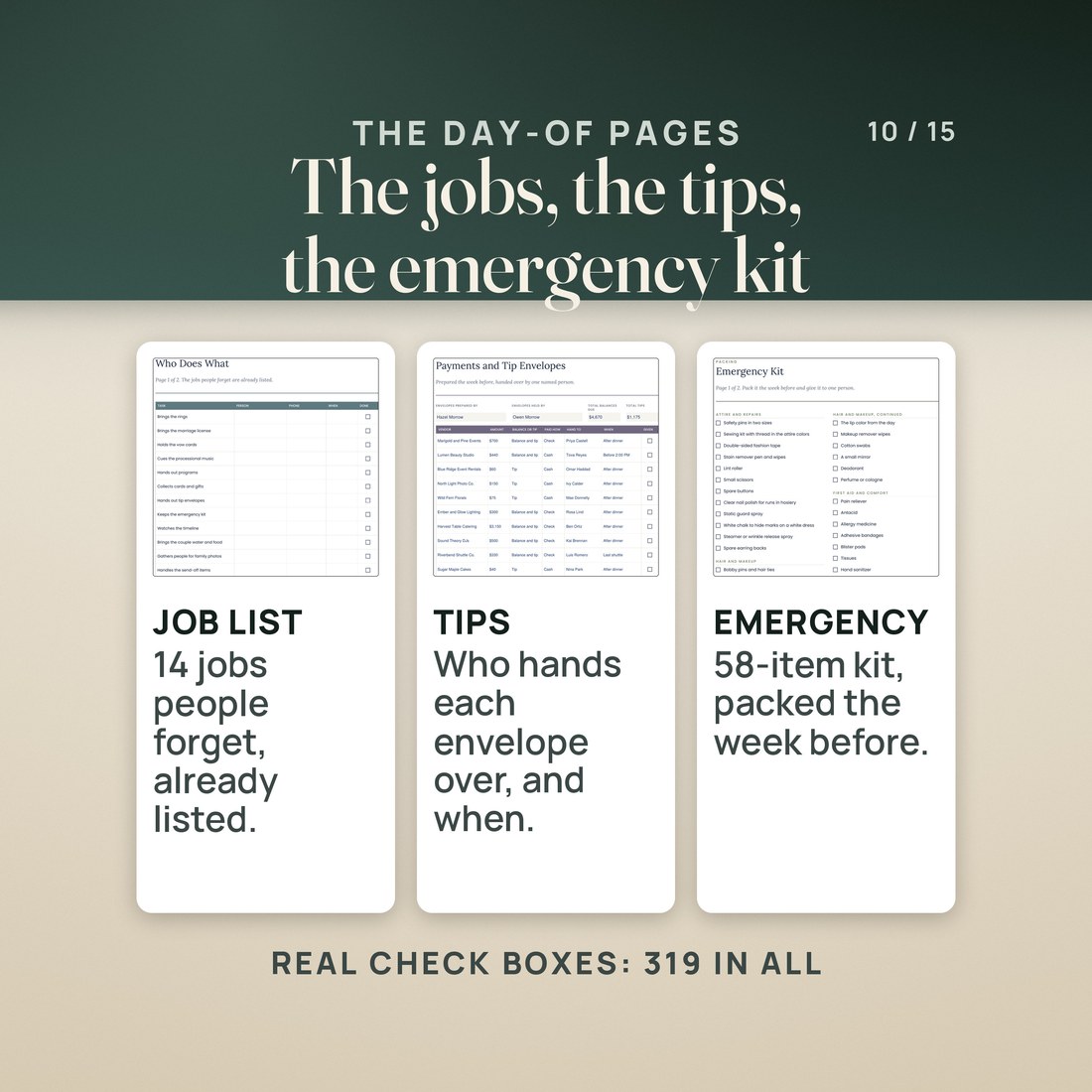
- An 18-row vendor call sheet, a vendor arrivals tab that works back from the event each vendor must be ready for, payments and tip envelopes, and a 58-item emergency kit
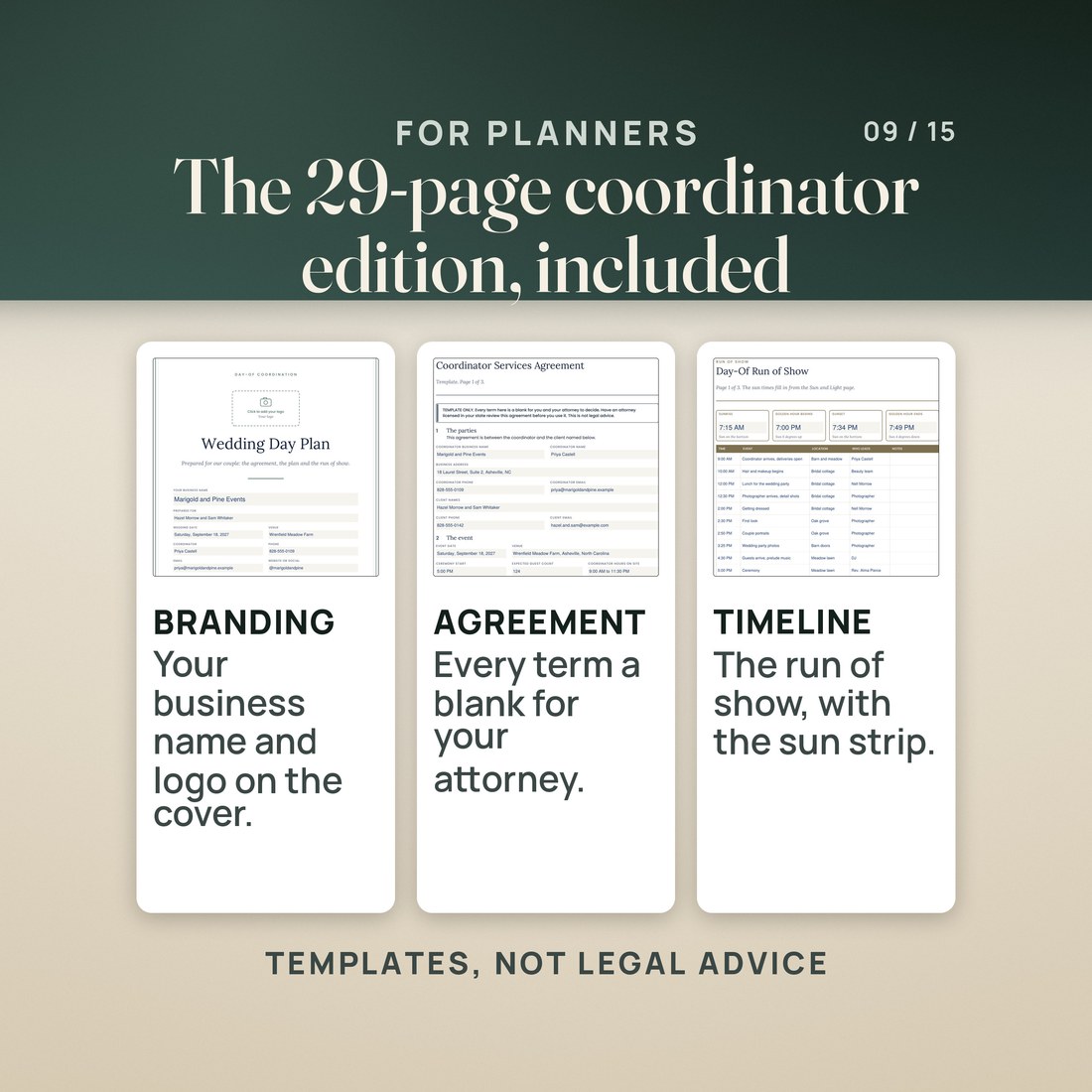
- A coordinator edition with a client-facing cover for your business name and logo, a three-page services agreement template and a three-page client questionnaire, both also in Word
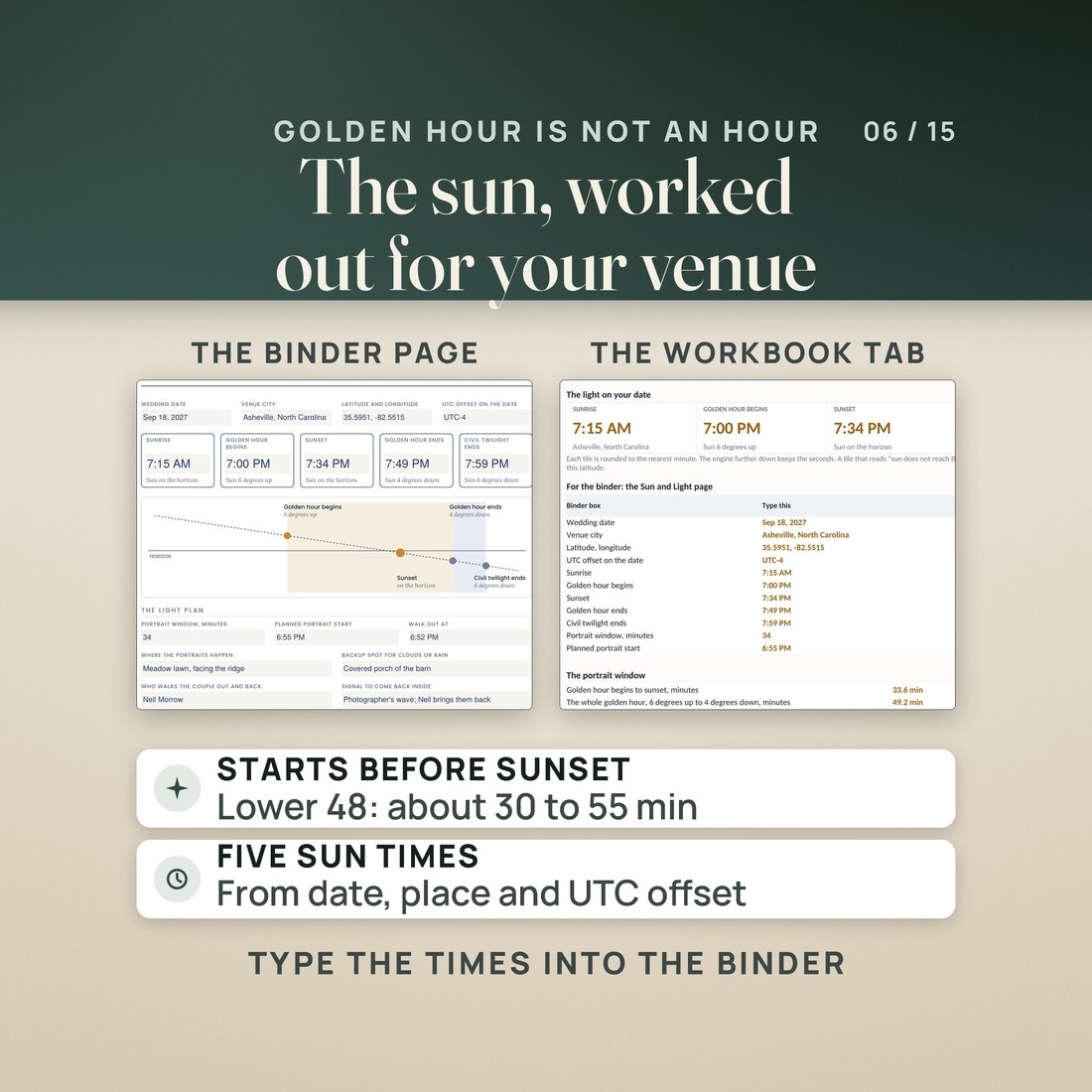
- Type the sun times once and they fill the Sun and Light page, the first timeline page and the day at a glance together
Overview
A day-of binder you type into, not a design file you sign in to edit. 3,675 fields across two editions, and a workbook that times the day around the real sunset.
Sunset is around 7:30, so the timeline says portraits at 6:30, and the couple stands in plain daylight while the golden light is still half an hour away.
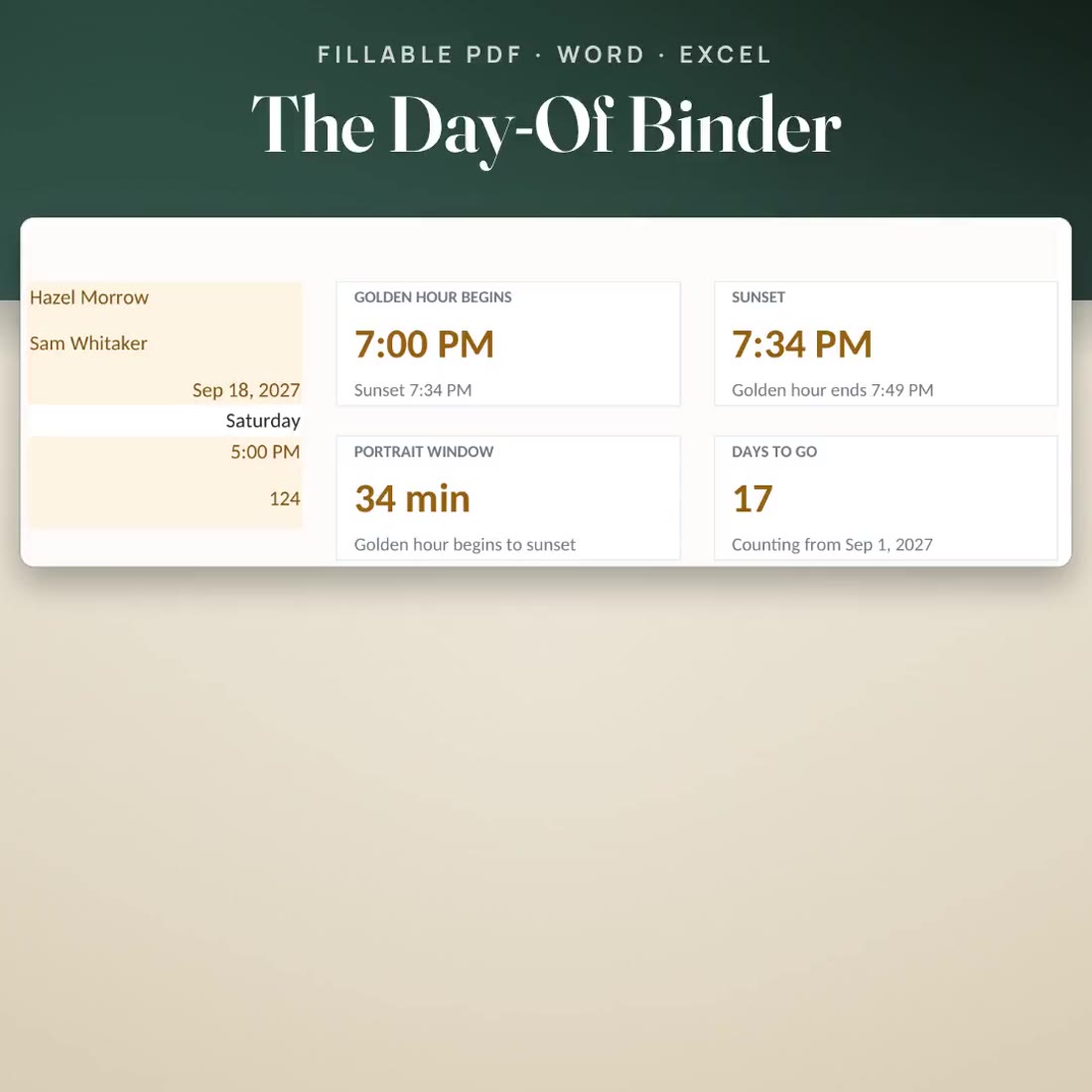
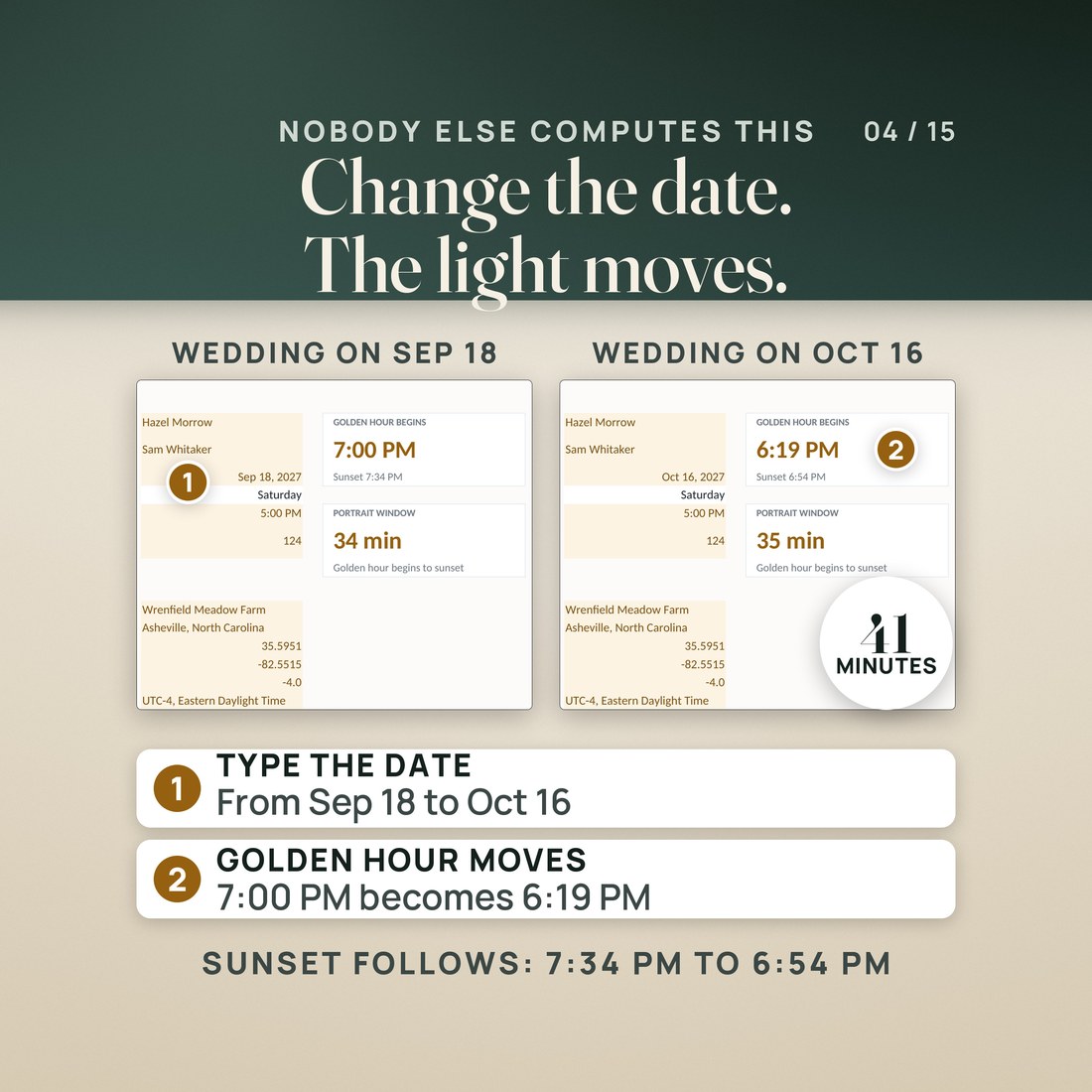
This binder builds the day around the real time. Type the wedding date and the venue's location into the timeline workbook and it works out sunrise, golden hour and sunset. In the invented sample, a Sep 18, 2027 wedding in Asheville, North Carolina, golden hour begins at 7:00 PM and sunset is at 7:34 PM, a 34-minute portrait window. Move the date to Oct 16, 2027 and golden hour begins at 6:19 PM.
What's Included
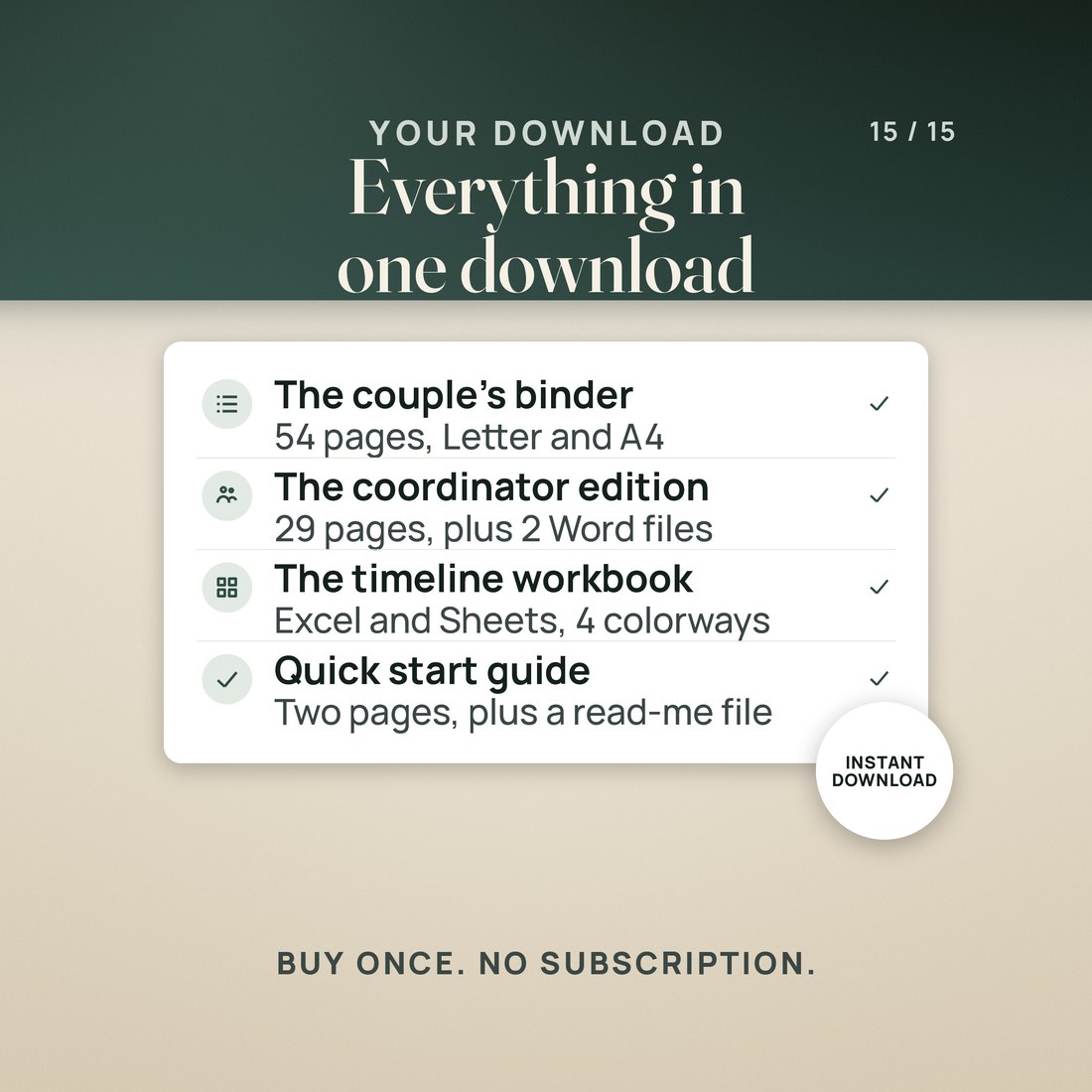
One ZIP, 12 files:
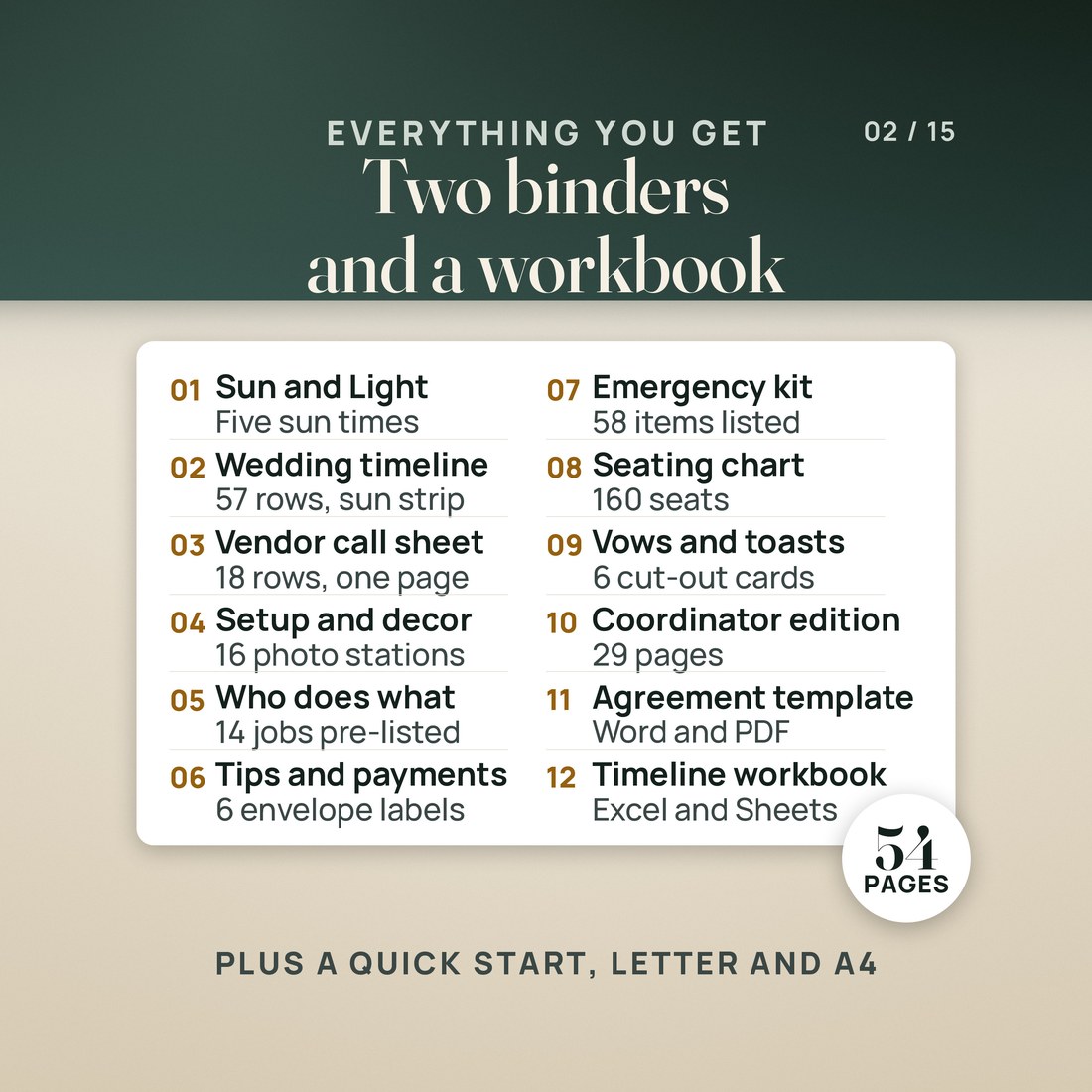
- The couple's Day-Of Binder as fillable PDFs on US Letter and A4: 54 pages in 10 tabbed sections with 2,349 fields
- The Coordinator Edition as fillable PDFs on US Letter and A4: 29 pages in 7 sections with 1,326 fields
- The Coordinator Services Agreement Template and the Client Questionnaire as editable Word files
- The Day-Of Timeline workbook in four color editions with seven tabs: Start Here, Setup, Sun and Light, Timeline Builder, Vendor Arrivals, Family Photo List and Help
- A two page Quick-Start PDF, a START-HERE file that names every file, and a PDF with the Google Sheets copy link
Key Benefits
Why this one
Open the binder in the free Adobe Acrobat Reader and type. No account and no sign-in. Save it, print it at actual size, or print blank pages and write by hand.
The workbook takes the wedding date, the venue's latitude and longitude and the UTC offset, and works out sunrise, golden hour, sunset and civil twilight. The invented sample reads golden hour at 7:00 PM and sunset at 7:34 PM, a 34-minute portrait window rather than an hour.
Sixteen stations, each with a photo box, the items, where they go, who sets up and who packs up, plus a decor inventory and a rentals list, so the person holding the binder does not have to ask.
A client-facing cover with your business name and a logo box, a services agreement template with every term left blank for your attorney, a client questionnaire, and the run of show and walkthrough pages.
The photo and logo boxes are image buttons that work in Adobe Acrobat Reader on a computer. Preview, phone viewers and the PDF viewers built into browsers show the dashed box but may not add a picture; on a phone, print the page and tape the photo in. Everything else types in any of them.
Who It's For
Built for
- A couple planning their own day who want the timeline, the vendors, the setup and the people in one binder someone else can pick up and run
- A day-of coordinator or wedding planner who wants a client-facing binder with their own business name on the cover
- A maid of honor, a family member or a venue coordinator who has been handed the day and needs to know who arrives when and what goes where
- A photographer or planner who wants the portraits scheduled against the real golden hour instead of a rule of thumb
How It Works
Up and running in minutes
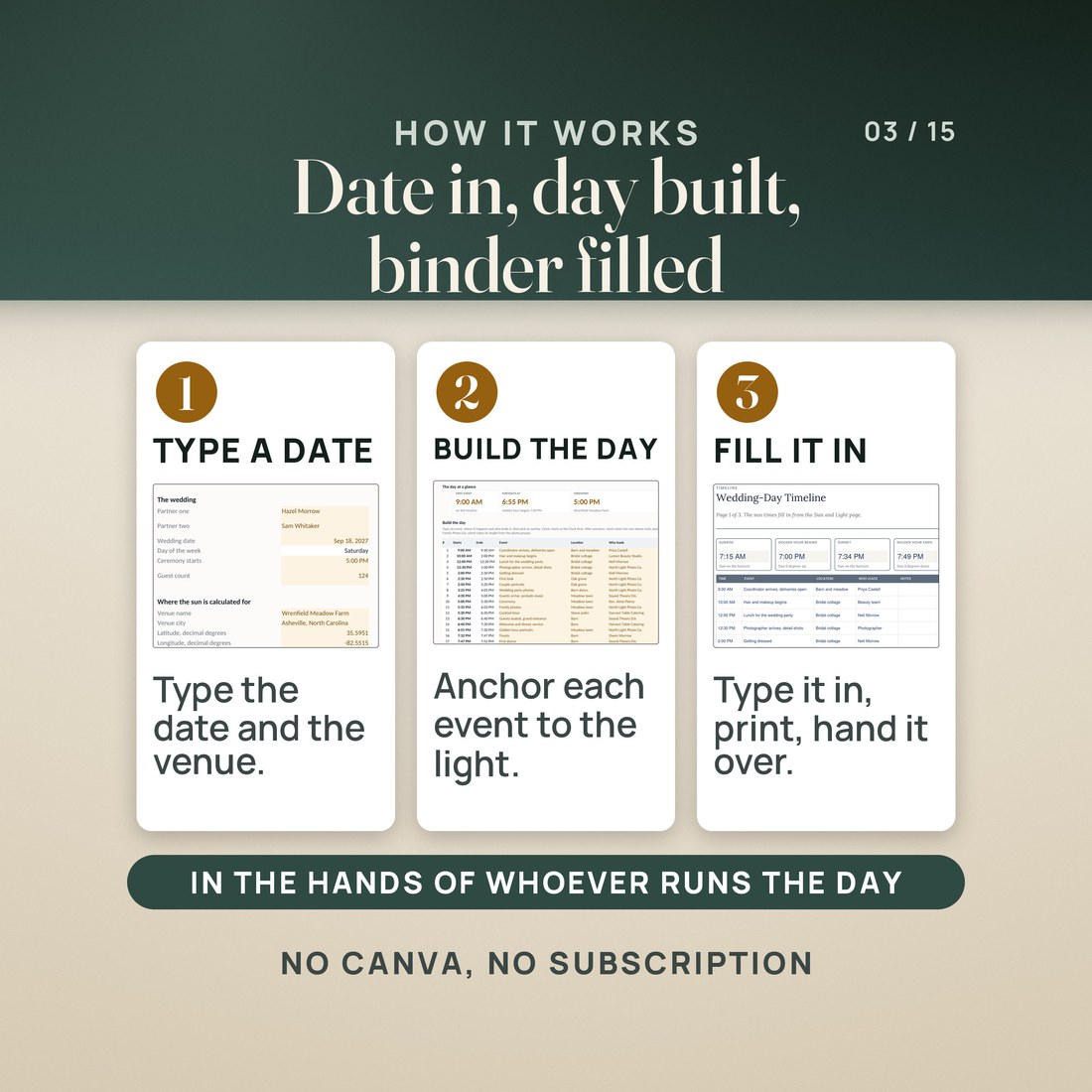
On the workbook's Setup tab, type the wedding date, the ceremony time, the venue's latitude and longitude, and the UTC offset in effect that day.
Sun and Light lists sunrise, golden hour, sunset and civil twilight in the same order as the binder's Sun and Light page.
Anchor each event to a clock time, the ceremony, the event before or the golden hour, then copy the time-ordered list into the binder.
Fill in the vendor call sheet, the setup stations, the payments and the people, save it, and give it to whoever runs the day.
Why It's Different
Not another template
Search for a wedding day binder and almost everything is a design template you edit in a design app, which means an account, a sign-in and a hunt for the right text box every time a time changes. This is a fillable PDF: open it in a free reader and type. It also carries the part a picture of a binder cannot, a workbook that works out when the light actually happens at your venue on your date, so the timeline is built around golden hour instead of a guess at an hour before sunset. And it comes in two editions, one for the couple and one with a client-facing cover and an agreement template for the coordinator who runs the day.
Delivery & Compatibility
Instant, and it opens in what you already use
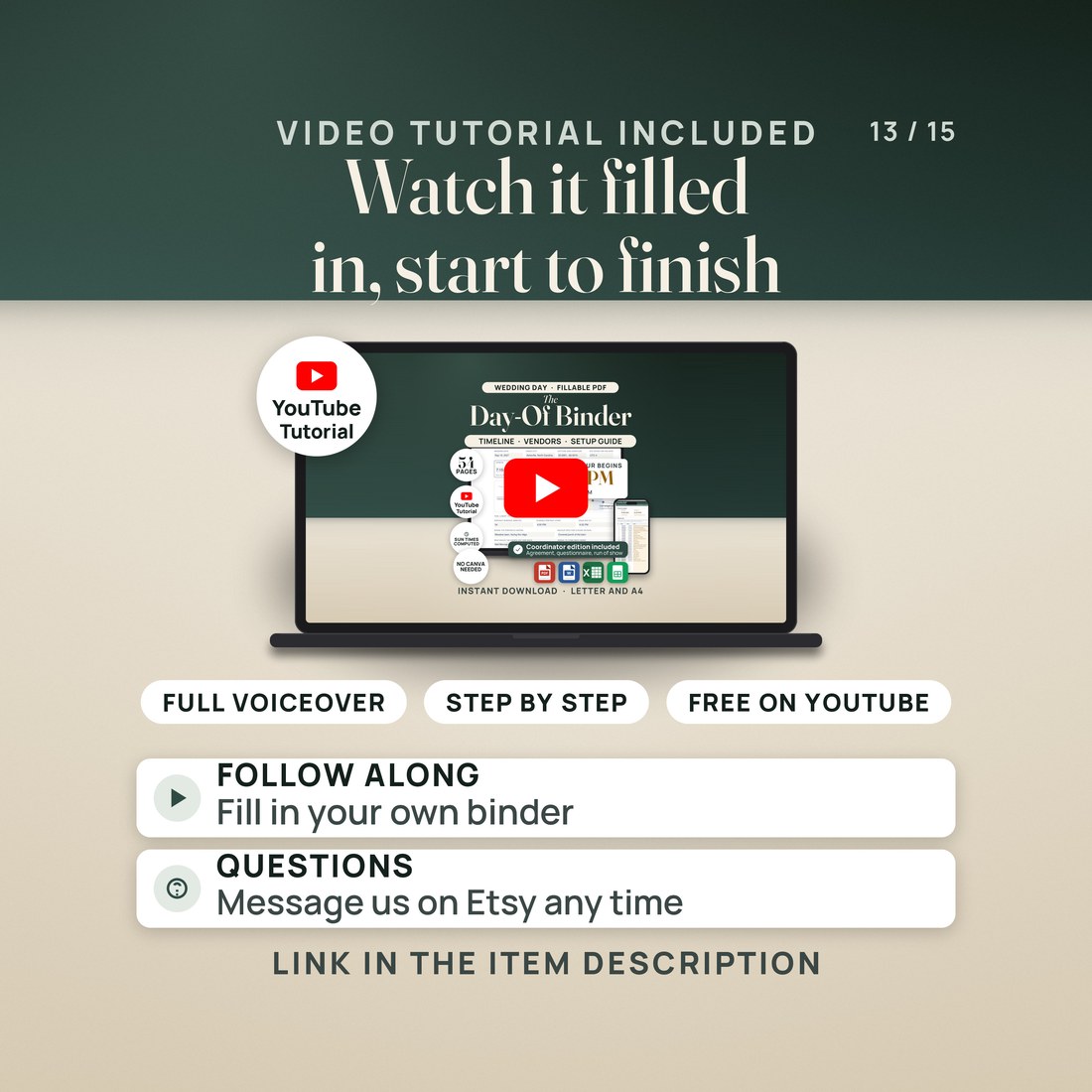
As soon as your order is complete you get instant access to download the ZIP: the couple's binder and the coordinator edition in Letter and A4, the two Word templates, the timeline workbook in four color editions, a two page Quick-Start PDF and a START-HERE file. Start with the Quick-Start guide and the free video walkthrough. Nothing ships.
One ZIP, instant download. The binders open in the free Adobe Acrobat Reader on a computer, tablet or phone; Preview and browser viewers type into the fields too but may not add pictures to the photo boxes. The Word files open in Word 2016 or later, Pages or Google Docs, and the workbook in Excel 2016 or later or Google Sheets. No macros, no subscription, no Canva file and nothing to install.
FAQ
Questions, answered
What format is this?
Four fillable PDF binders (the couple's binder and the coordinator edition, each on US Letter and A4), two Word files, and one timeline workbook (.xlsx) in four color editions, plus a quick-start PDF, a START-HERE file and the Google Sheets access PDF. 12 files in one ZIP, yours the moment payment clears.
Do I need Canva?
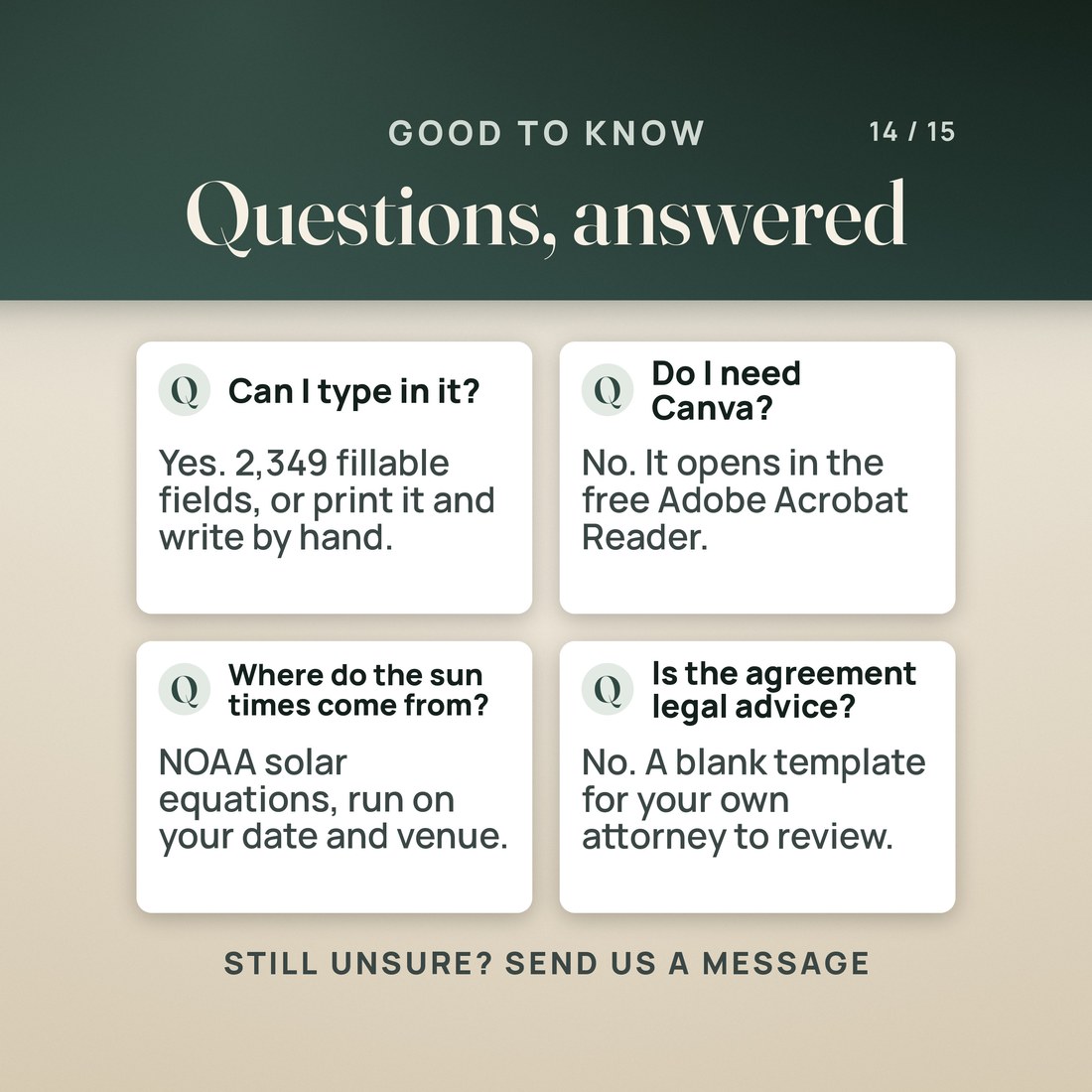
No. There is no Canva file in the download and no account of any kind. The binder is a fillable PDF you type straight into.
Does it work on my phone?
Yes for typing: open the PDF in the free Adobe Acrobat Reader app and fill the fields. The photo boxes may not add a picture on a phone, so print that page and tape the photo in, or add photos in Acrobat Reader on a computer.
How does the workbook know when golden hour is?
It uses the NOAA solar equations with your date, your venue's latitude and longitude and the UTC offset in effect that day. NOAA puts the method at about a minute of accuracy for an open, level horizon; hills, trees and buildings hide the sun sooner.
Can I put my own business name on the coordinator edition?
Yes. The cover has fields for your business name, the couple, the date, the venue and your contact details, and a logo box. The agreement template and the client questionnaire also come as Word files you can reword.
Is the services agreement ready to sign?
No. It is a template with every term left blank, and it is not legal advice. Have an attorney licensed in your state review it before you use it.
The photo boxes and the logo box are image buttons that work in Adobe Acrobat Reader on a computer; Preview, phone viewers and browser PDF viewers show the dashed box but may not add a picture, which is a limit of those viewers. Sun times follow the NOAA solar equations for an open, level horizon, and the UTC offset has to be the one in effect on the wedding date. The binder does no math: the times come from the workbook and are typed in once. The coordinator services agreement is a template, not legal advice; have an attorney licensed in your state review it. On A4, pages keep a deeper bottom margin because both papers share the same page breaks, and the Word files reflow. The binders ship blank, and the workbook's sample couple, venue, vendors and phone numbers were invented for the example. Digital product; because the files are delivered instantly, all sales are final.


