 ▶
▶
 ▶
▶Novel Planner, Foldable Edition
Close your phone and see today's words: your goal, what you have written and what is left. Open it and see the whole book.
5.0shop rating · 5 Etsy reviewsSee all iPhone Duo apps →How many words do you need to write today to finish your book on time?
- Works out today's word goal from your target, your deadline and your writing days
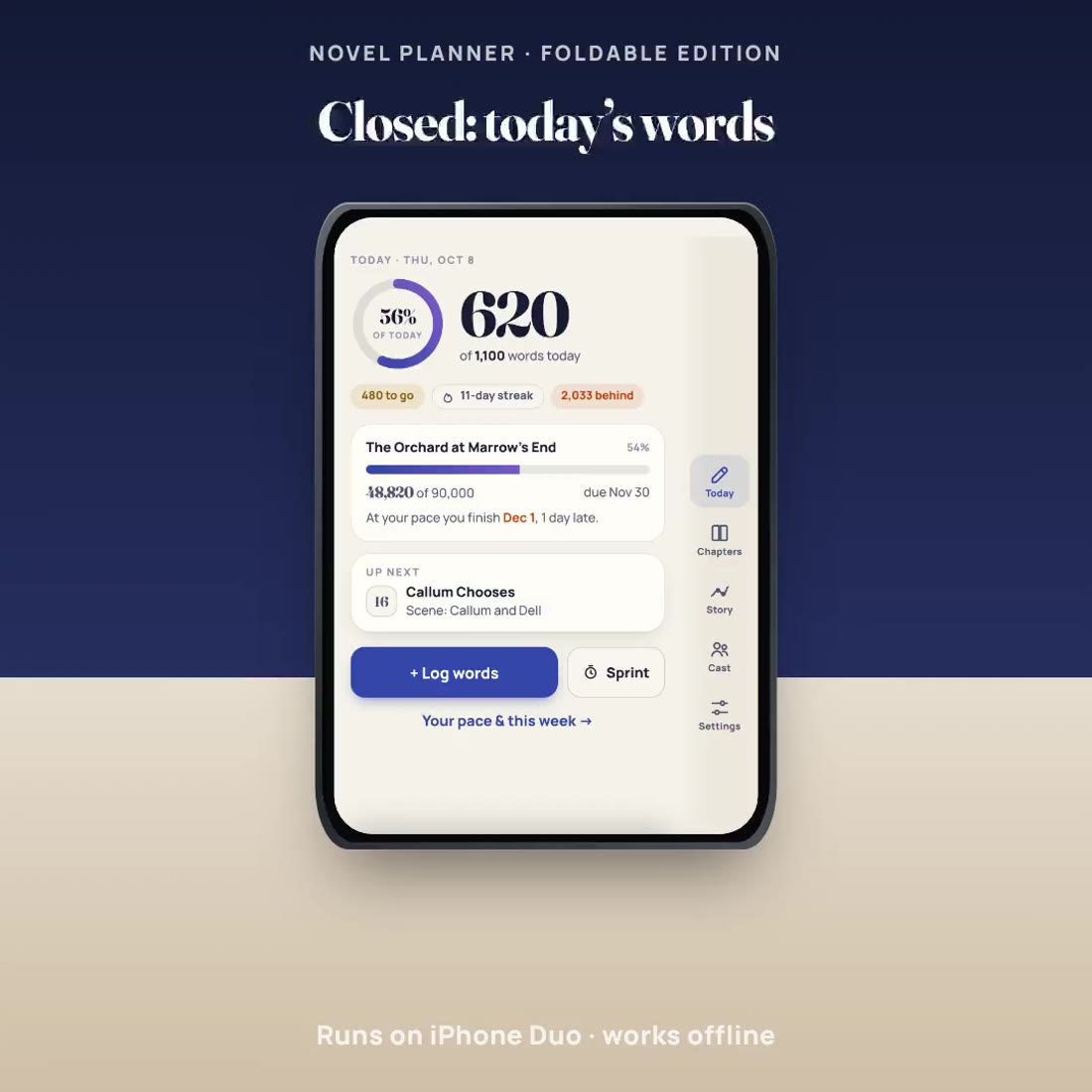
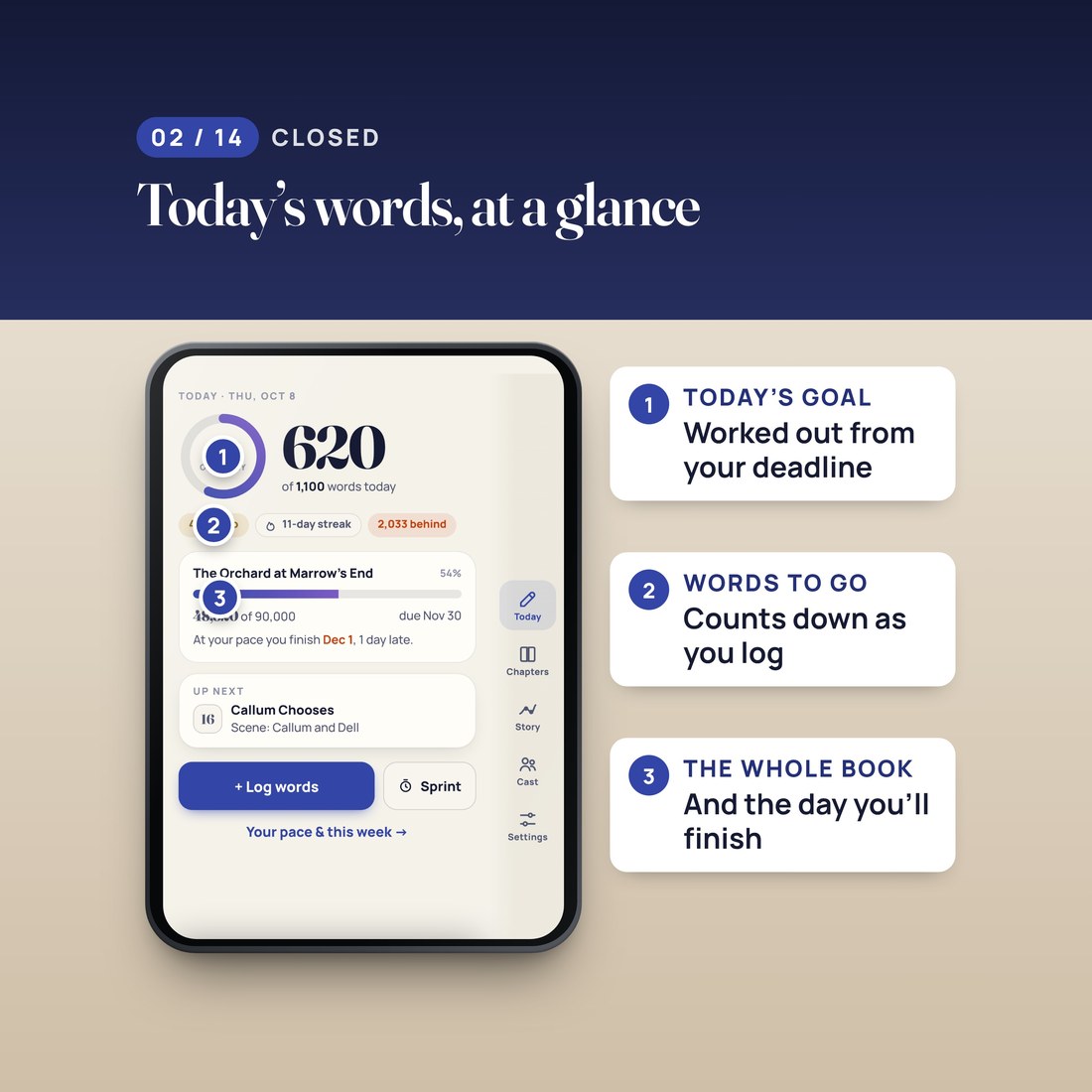
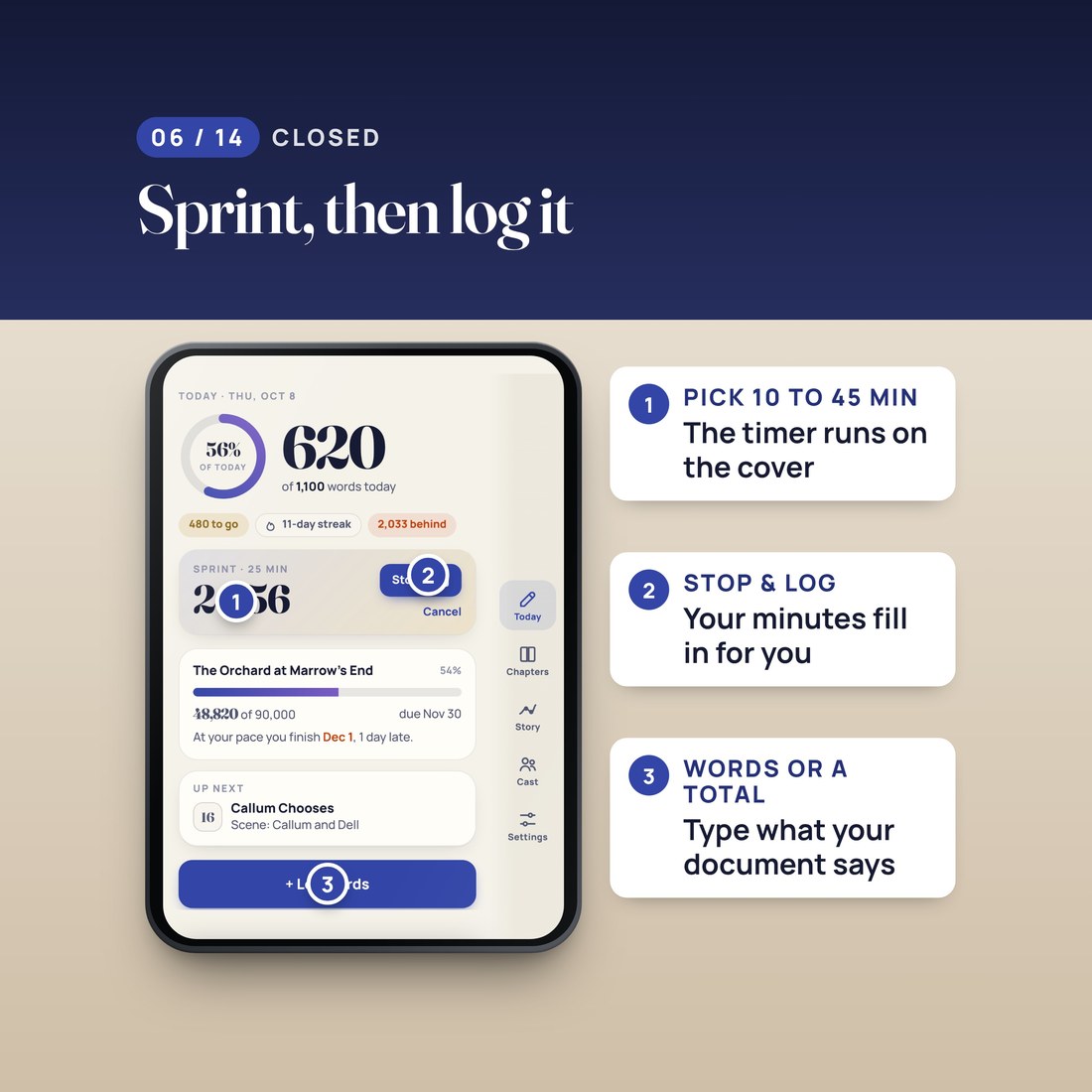
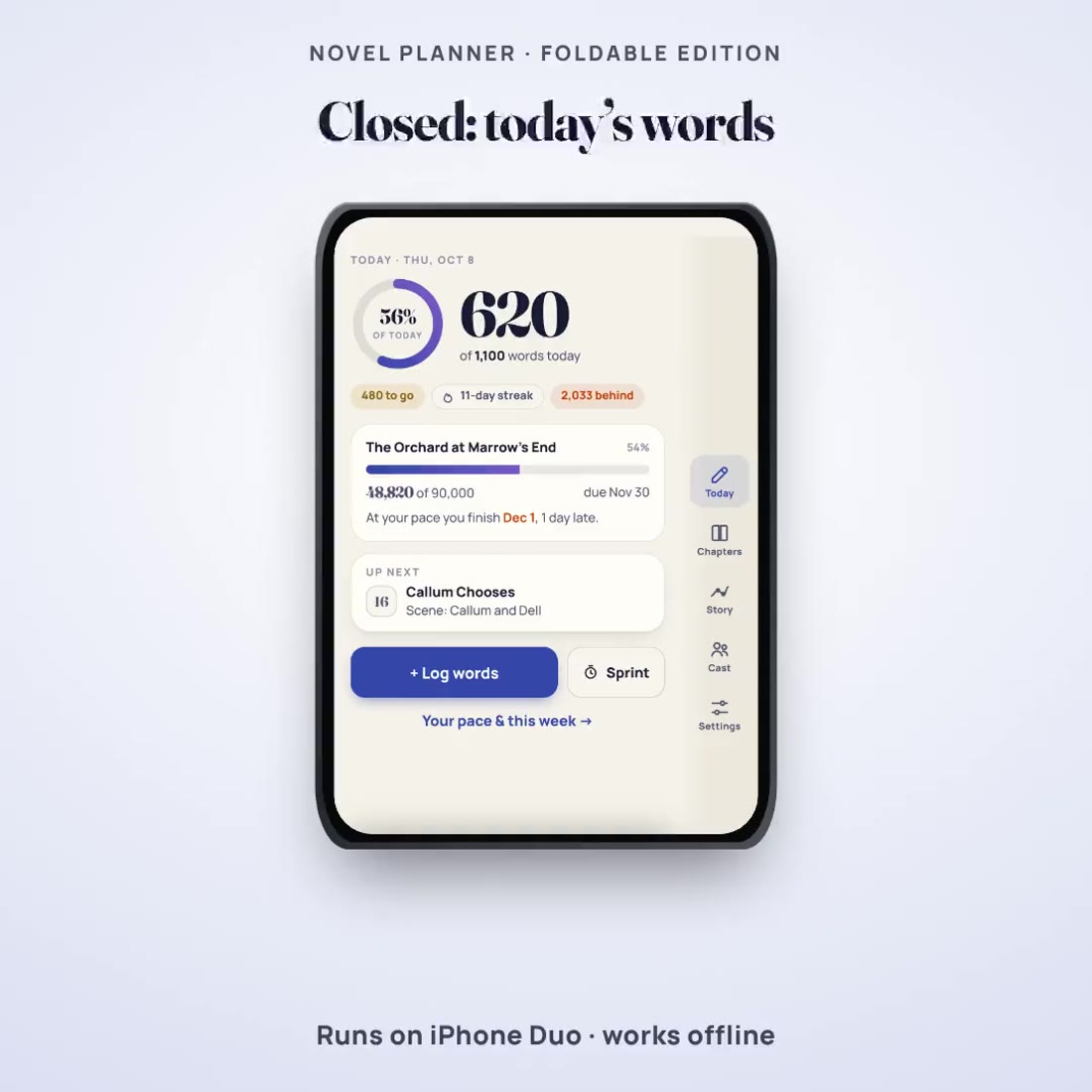
- A cover screen made for a glance: today's goal, the words written and the words to go
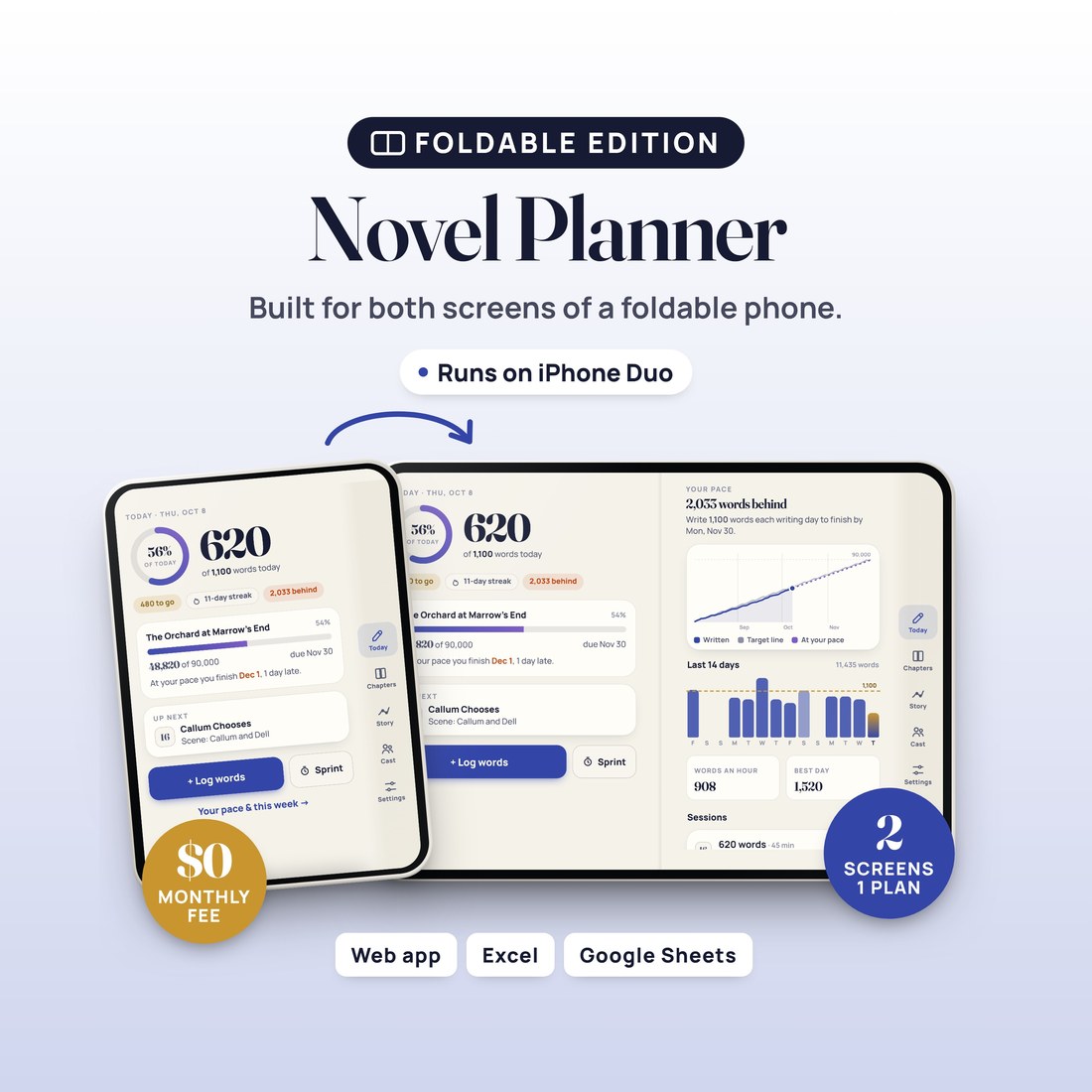
- An inner screen with two pages side by side: today on the left, your pace or your chapters on the right
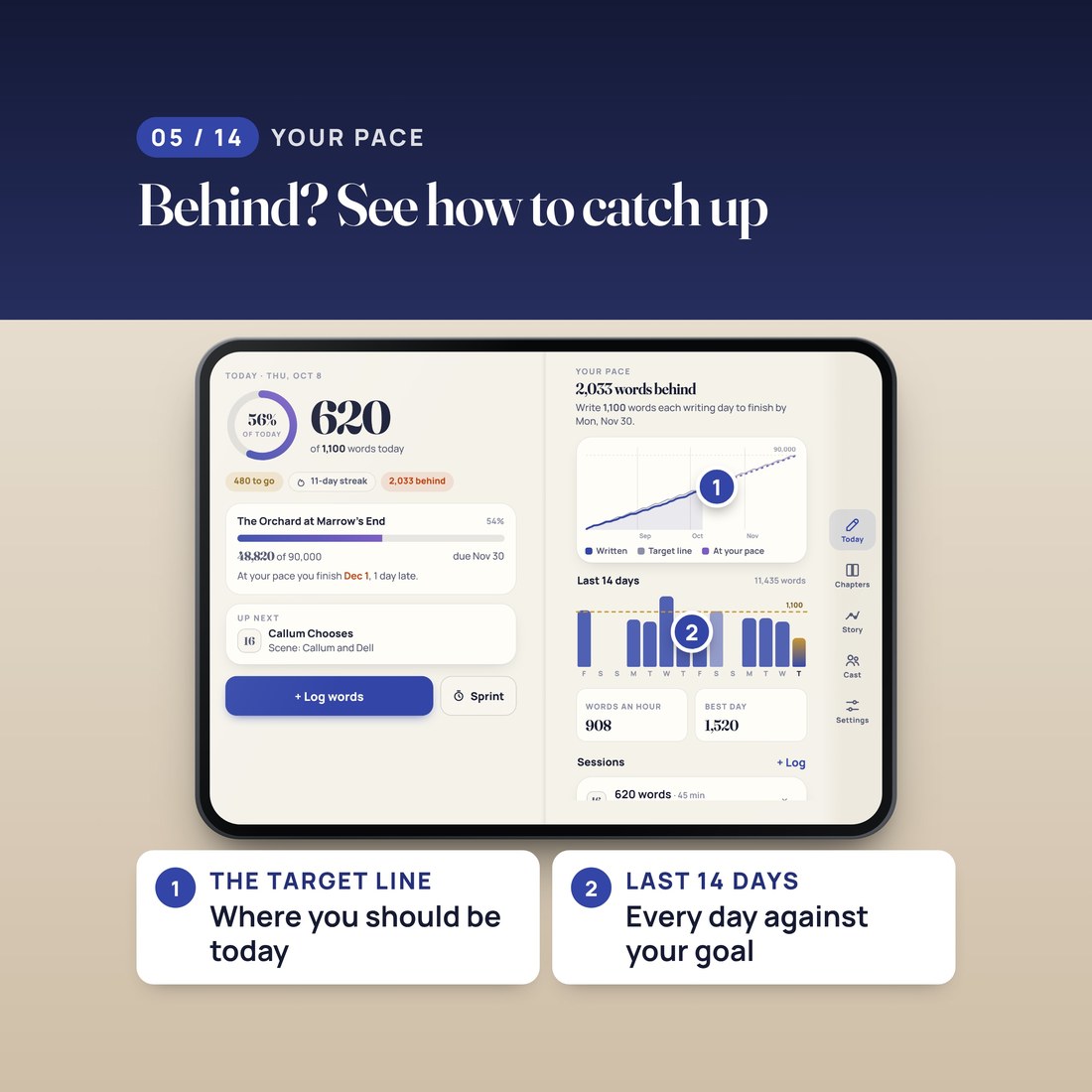
- Shows how far ahead or behind the schedule line you are, and the day you will finish at your real pace
- Logs words in two taps, as the words you added or your document's new total, with a sprint timer on the cover
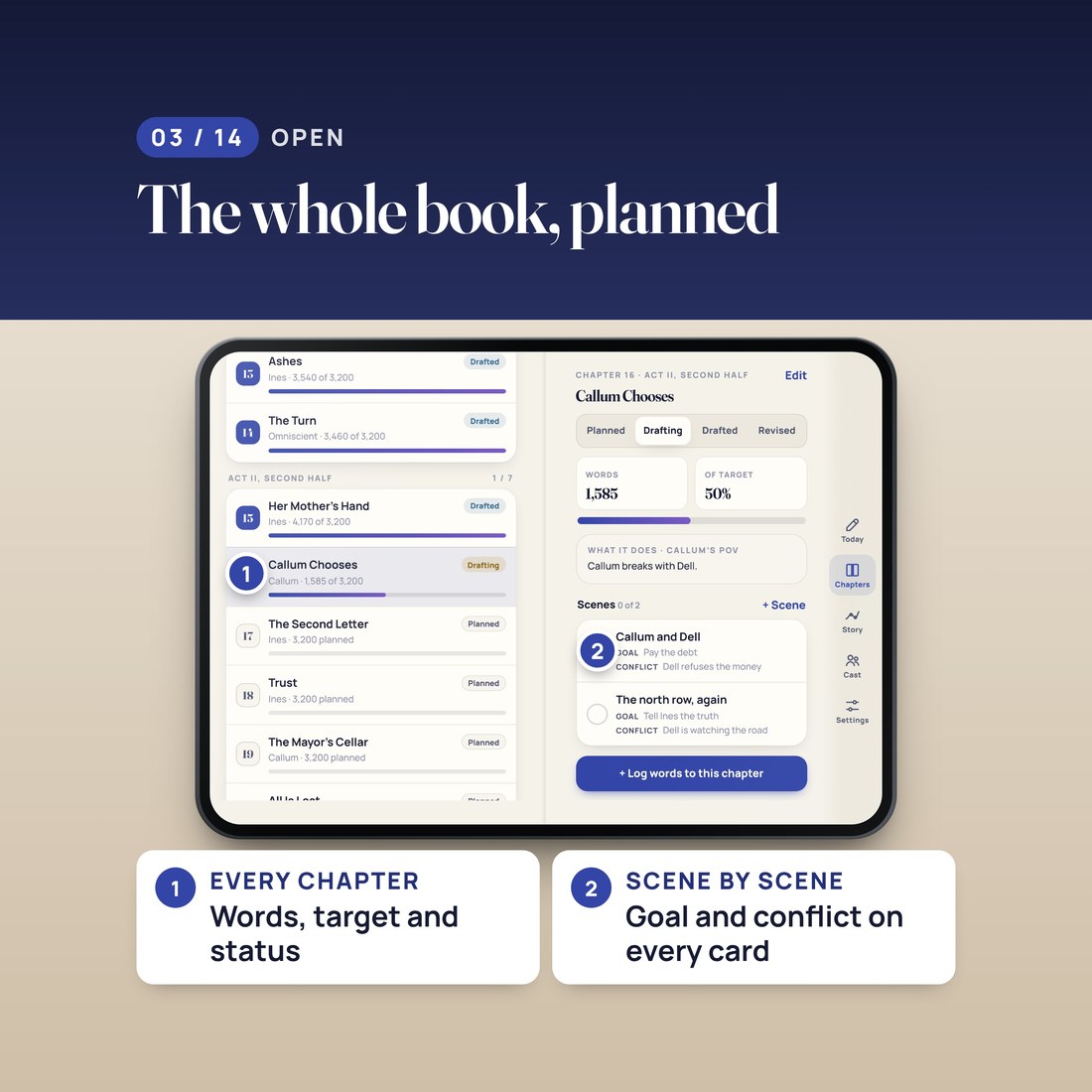
- Plans every chapter and every scene, with point of view, word targets, goals and conflicts
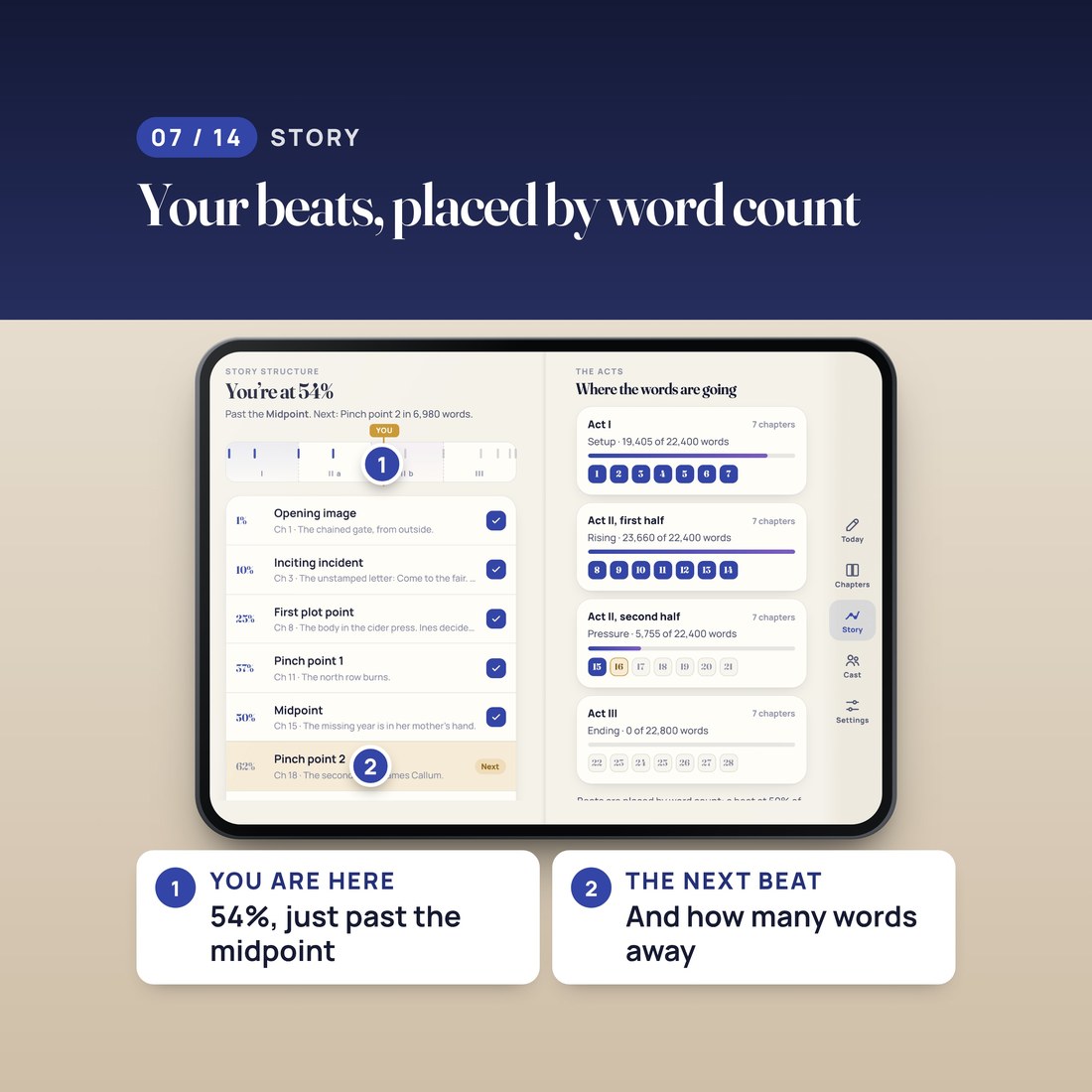
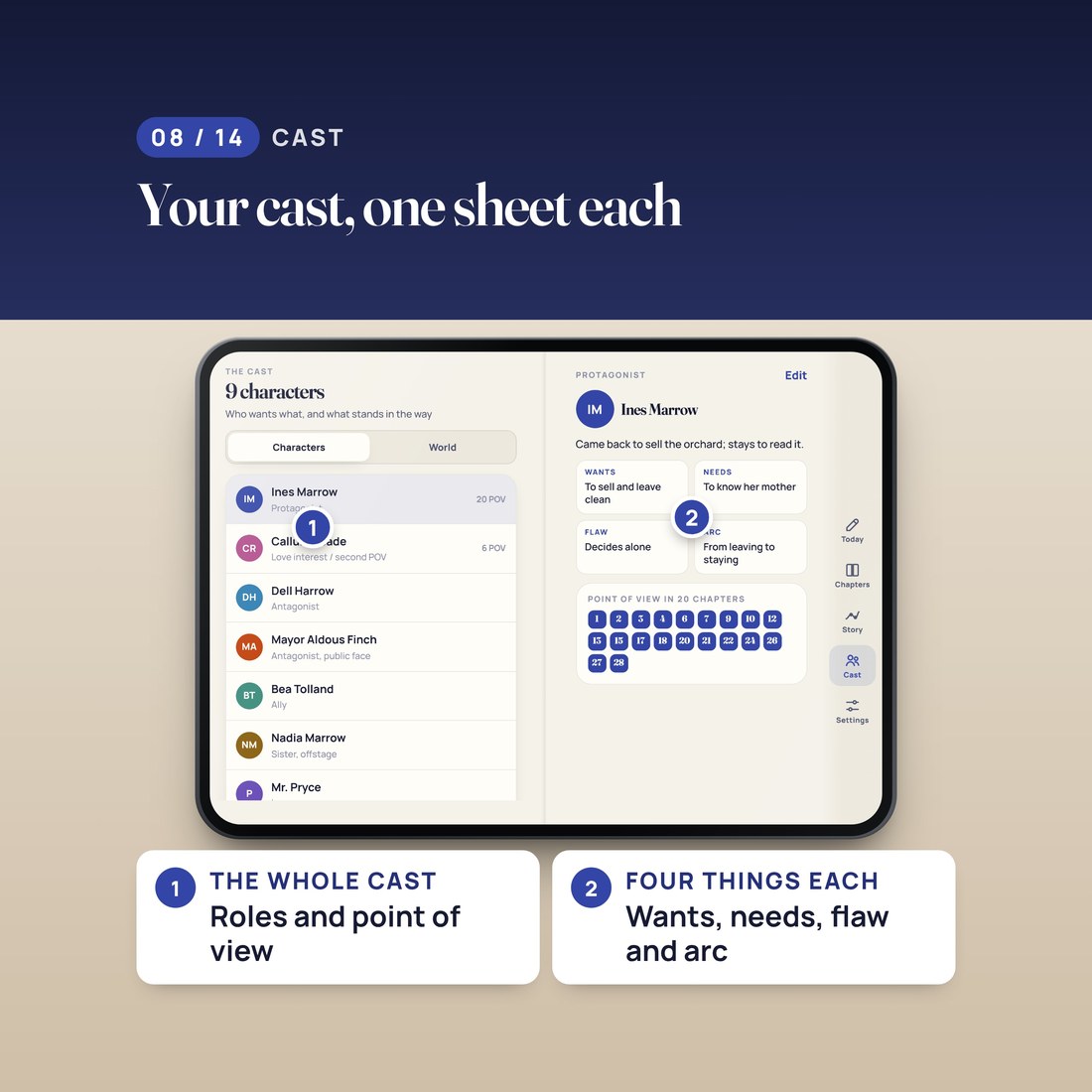
- Places your story beats by word count and keeps your cast and your world in one place
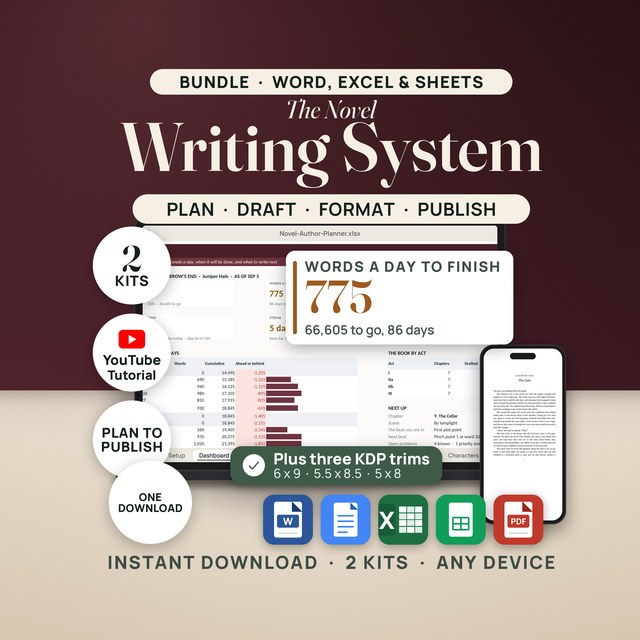
- Includes the Novel Author Planner spreadsheet for Excel and Google Sheets, in Colorful, Editorial, Light and Dark editions
Overview
Close your phone and see today's words: your goal, what you have written and what is left. Open it and see the whole book.
How many words do you need to write today to finish your book on time?
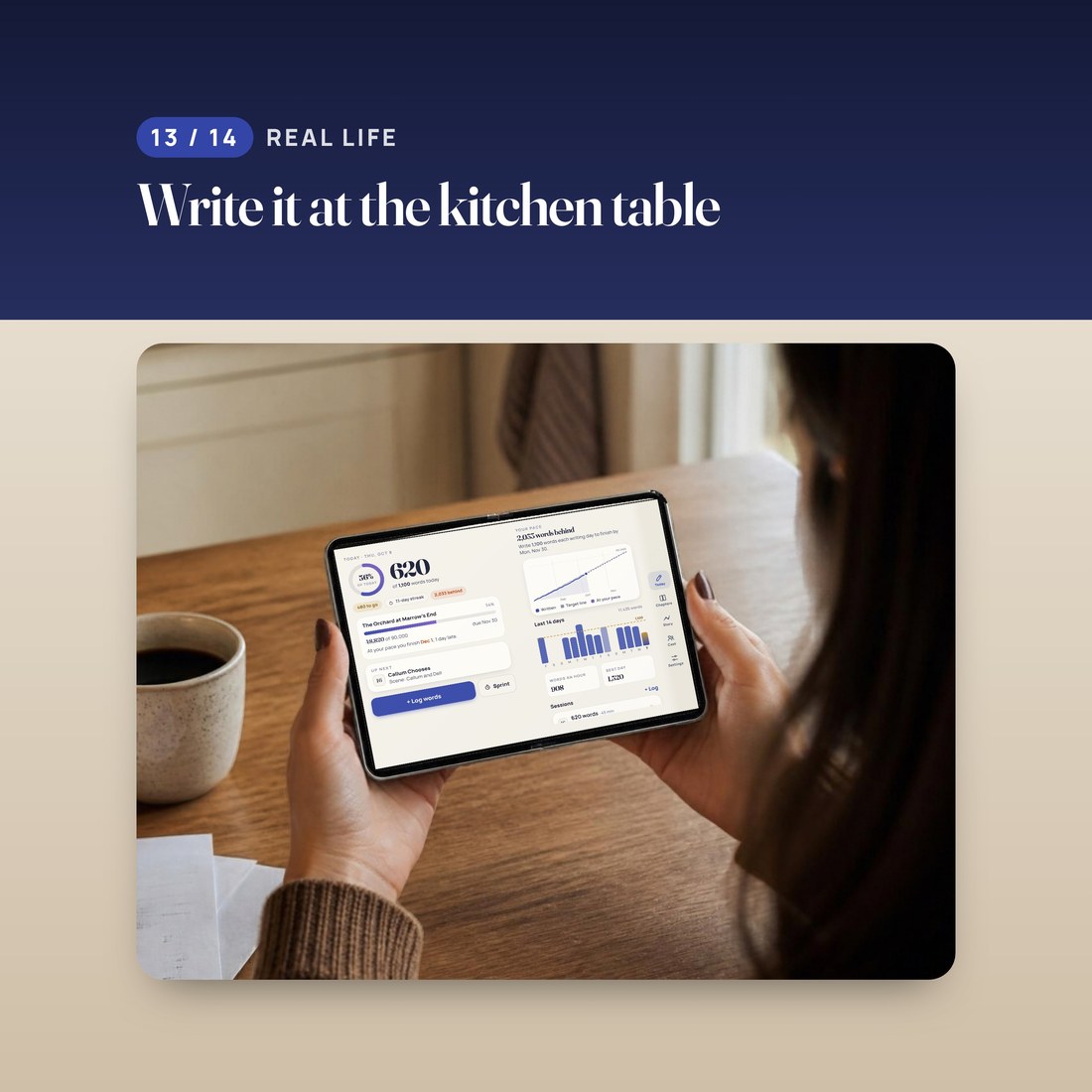
Novel Planner works out your daily goal with one rule: the words you have left, split across the writing days you have left. Skip a day and the other days share it, so you never do the math. In the worked example, the book is 90,000 words due November 30, written Monday to Friday. This morning 41,800 words were left across 38 writing days, so the cover screen reads 1,100 words today. With 620 written so far, 480 are to go: log them after a session, the ring fills and the book moves to 49,300. Open the phone and the pace page explains the goal. The book started the day 2,033 words behind the schedule line, and at the pace of the last two weeks it would finish December 1, one day late. So today's words count.
What's Included
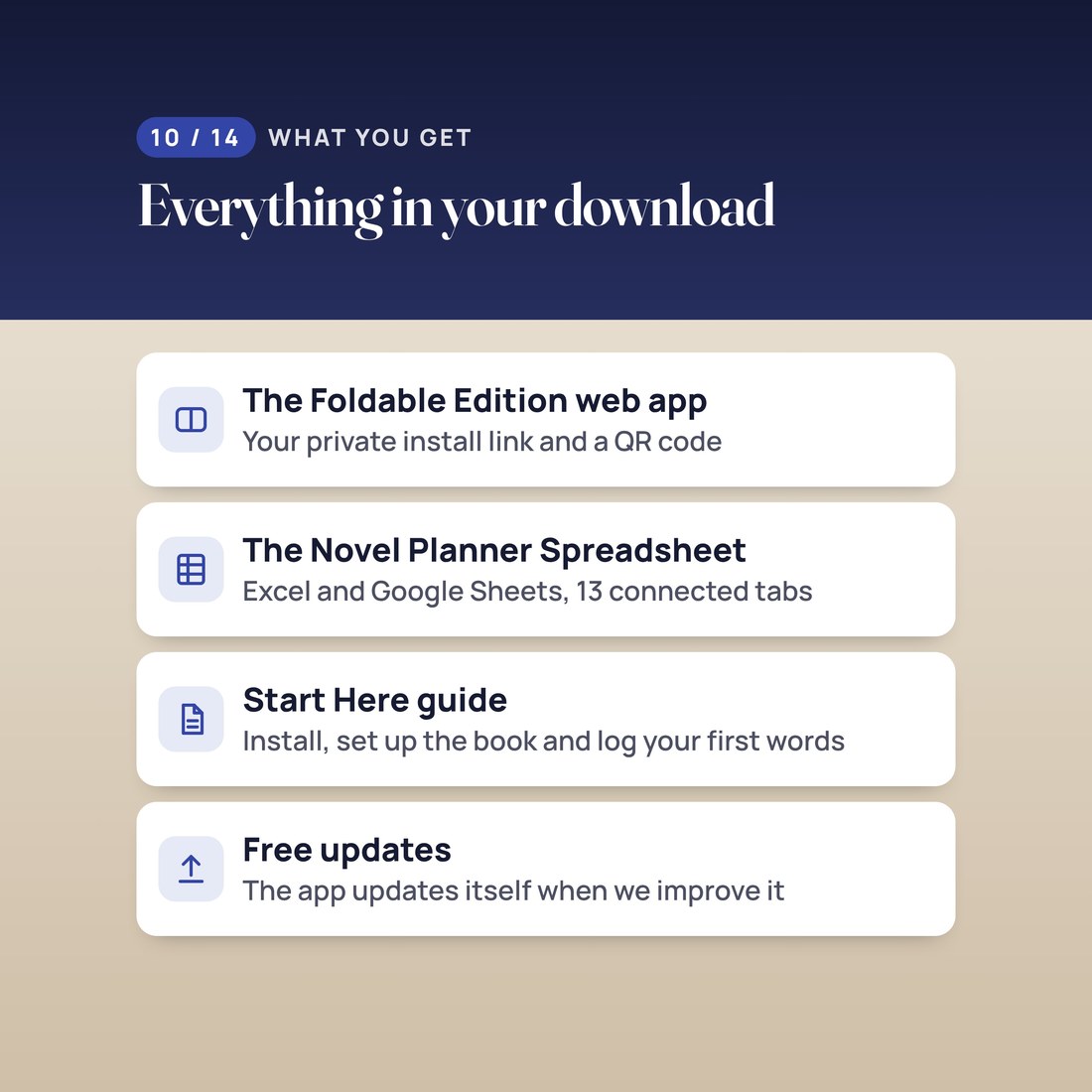
One ZIP: the web app, the spreadsheet and a Start Here guide
- START-HERE.pdf: your private install link and a QR code, the install steps and your first ten minutes, step by step
- INSTALL-AS-AN-APP.txt: the same link and install steps in plain text, with the link to the free video walkthrough
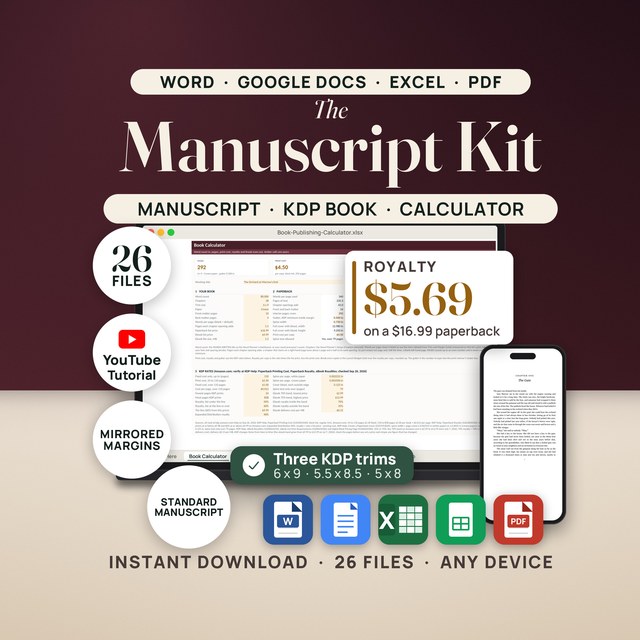
- Novel-Author-Planner-Spreadsheet: the spreadsheet for Excel and Google Sheets in Colorful, Editorial, Light and Dark editions, with a Quick Start guide
- LICENSE.txt: the personal-use terms
Key Benefits
Why this one
Close the phone and the cover screen shows today's goal, the words written and the words to go. In the example: 1,100 words today, 620 written, 480 to go.
Set your word target, your deadline and your writing days once. Each morning the words left are split across the writing days left, and if you skip a day the other days share it.
The pace page shows how far ahead or behind the schedule line you are, and the day you will finish at the pace you have actually been writing. In the example: 2,033 words behind, finishing December 1, one day late.
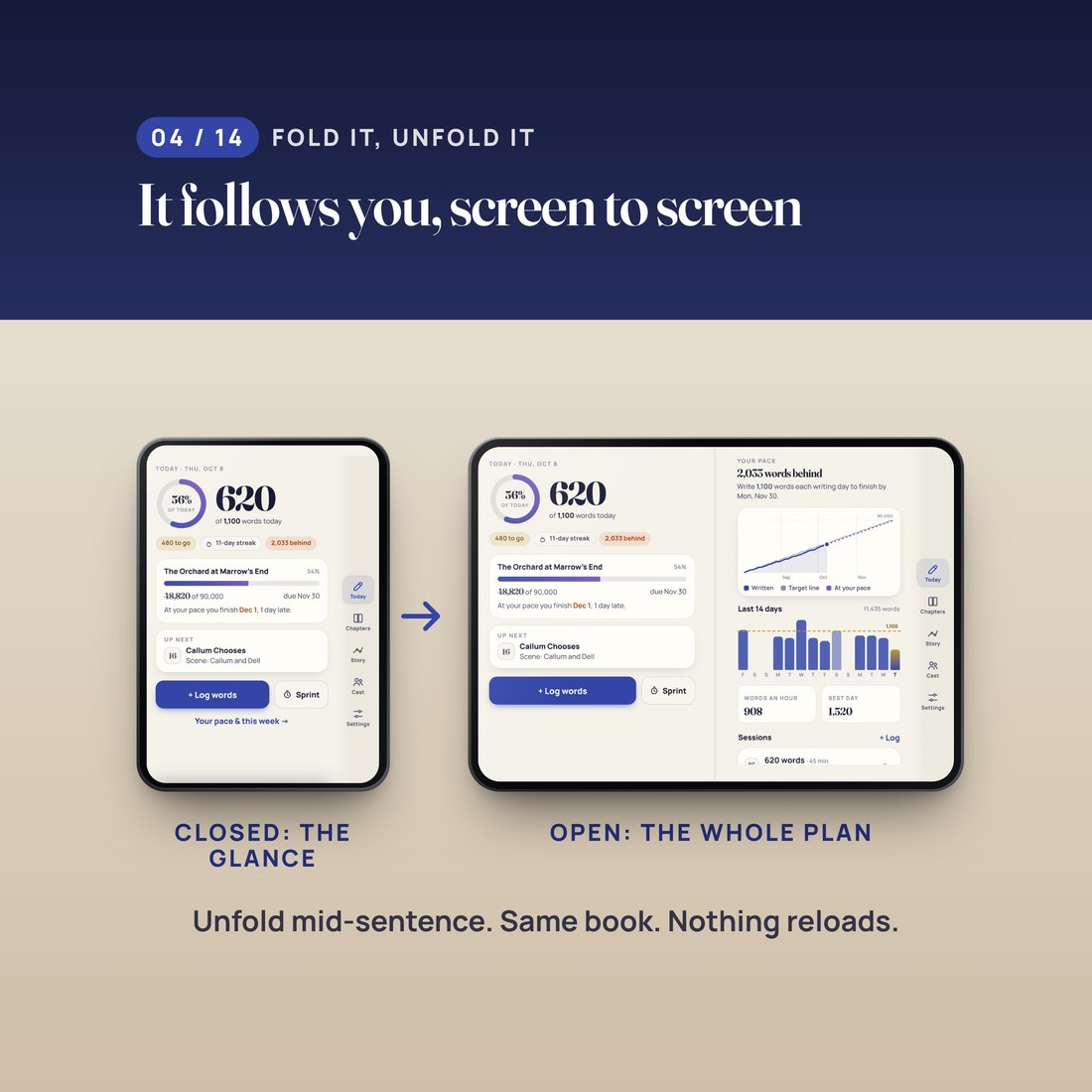
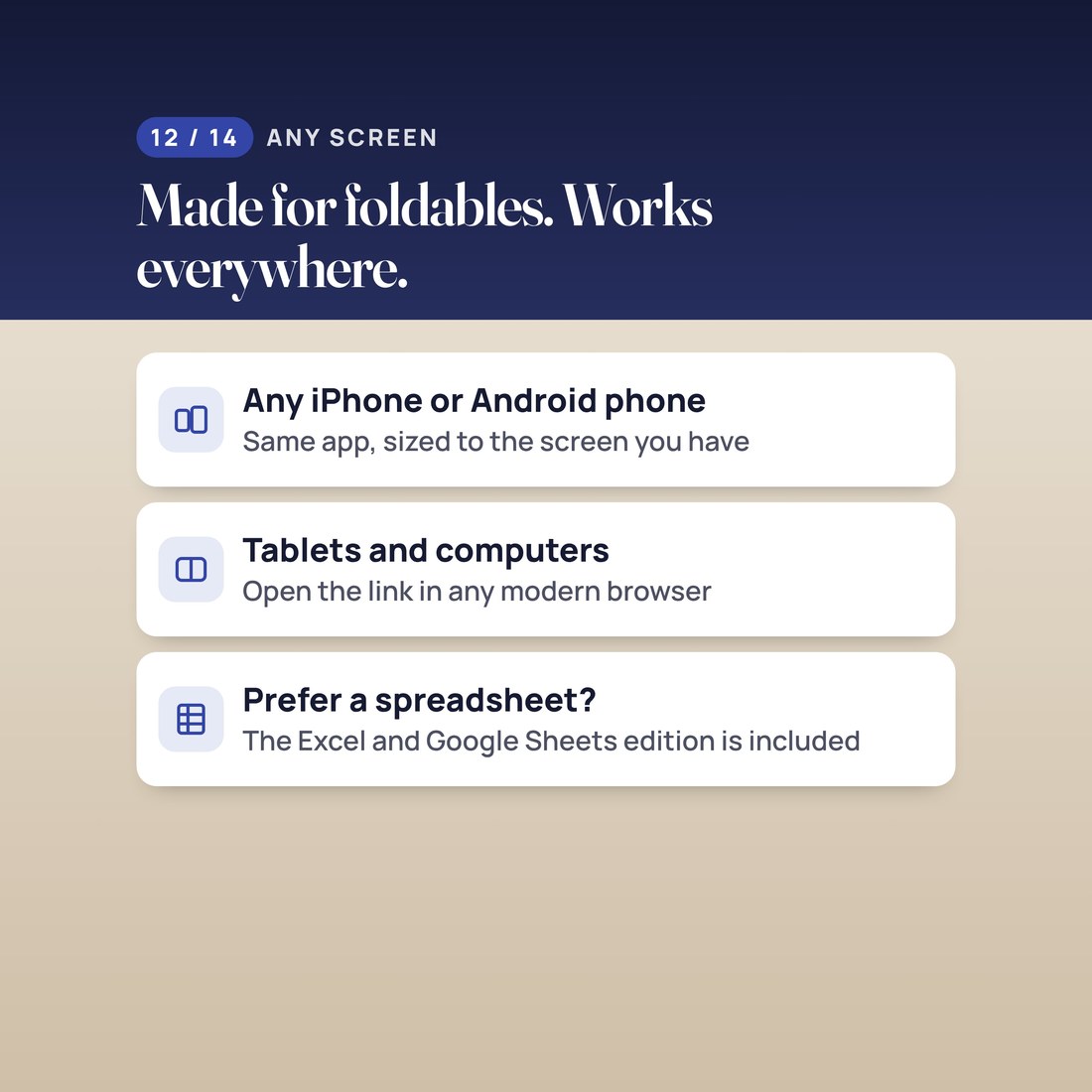
On a big foldable inner screen the app shows two pages side by side: today and your pace, or your chapters and a chapter's scenes. Fold or unfold any time; nothing reloads. Any other phone, tablet or computer gets the same app, sized to its screen.
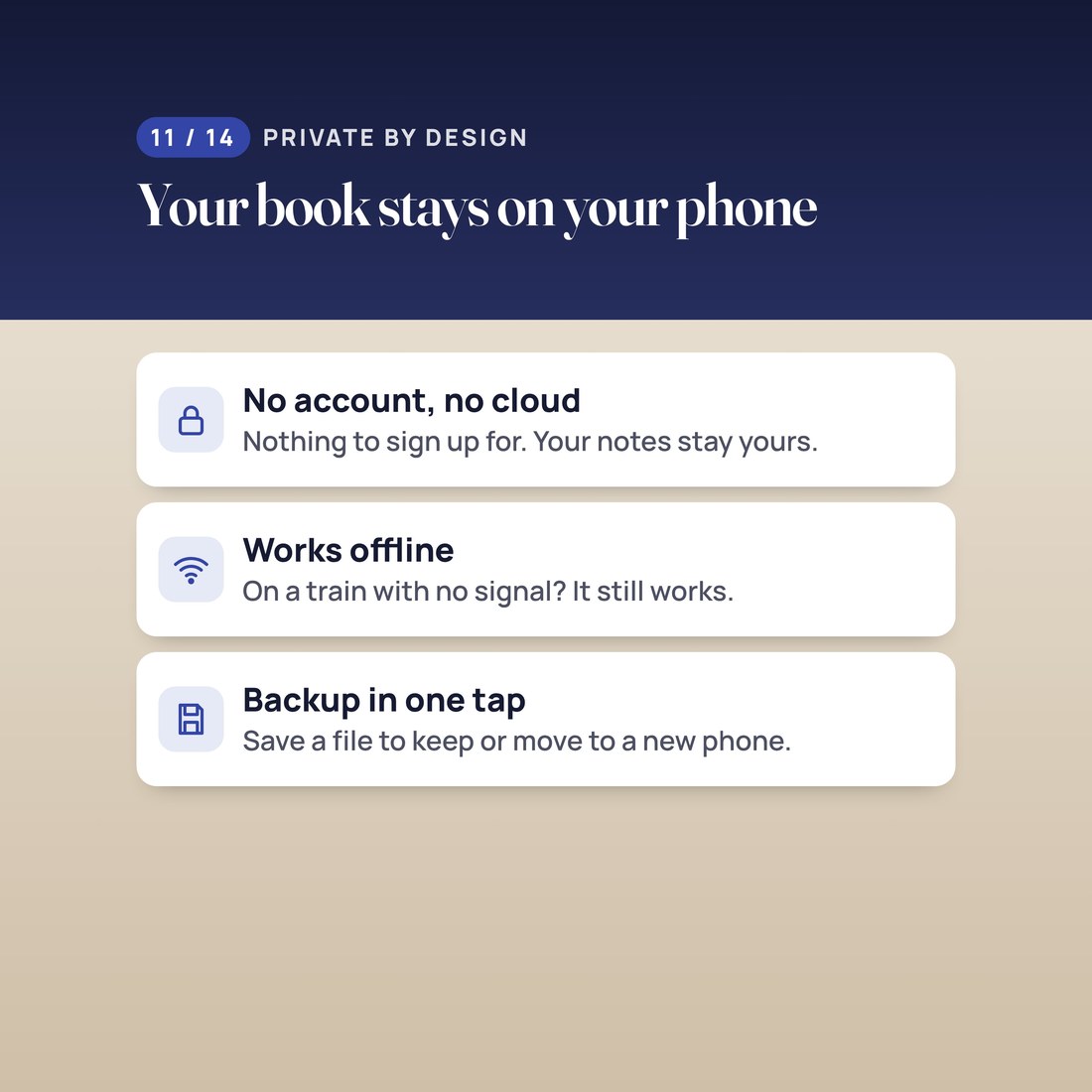
No account, no cloud and no subscription. Your planner is saved only on your device, the app works in airplane mode, and a backup file is one tap away.
Who It's For
Built for
- A novelist with a word target and a deadline who wants one number to hit every morning
- Anyone writing a November novel: 50,000 words in 30 days, set up in one tap
- A writer who plans chapter by chapter and scene by scene and wants the outline on their phone
- A new owner of a big foldable phone who wants a writing planner that uses both pages of the inner screen
How It Works
Up and running in minutes
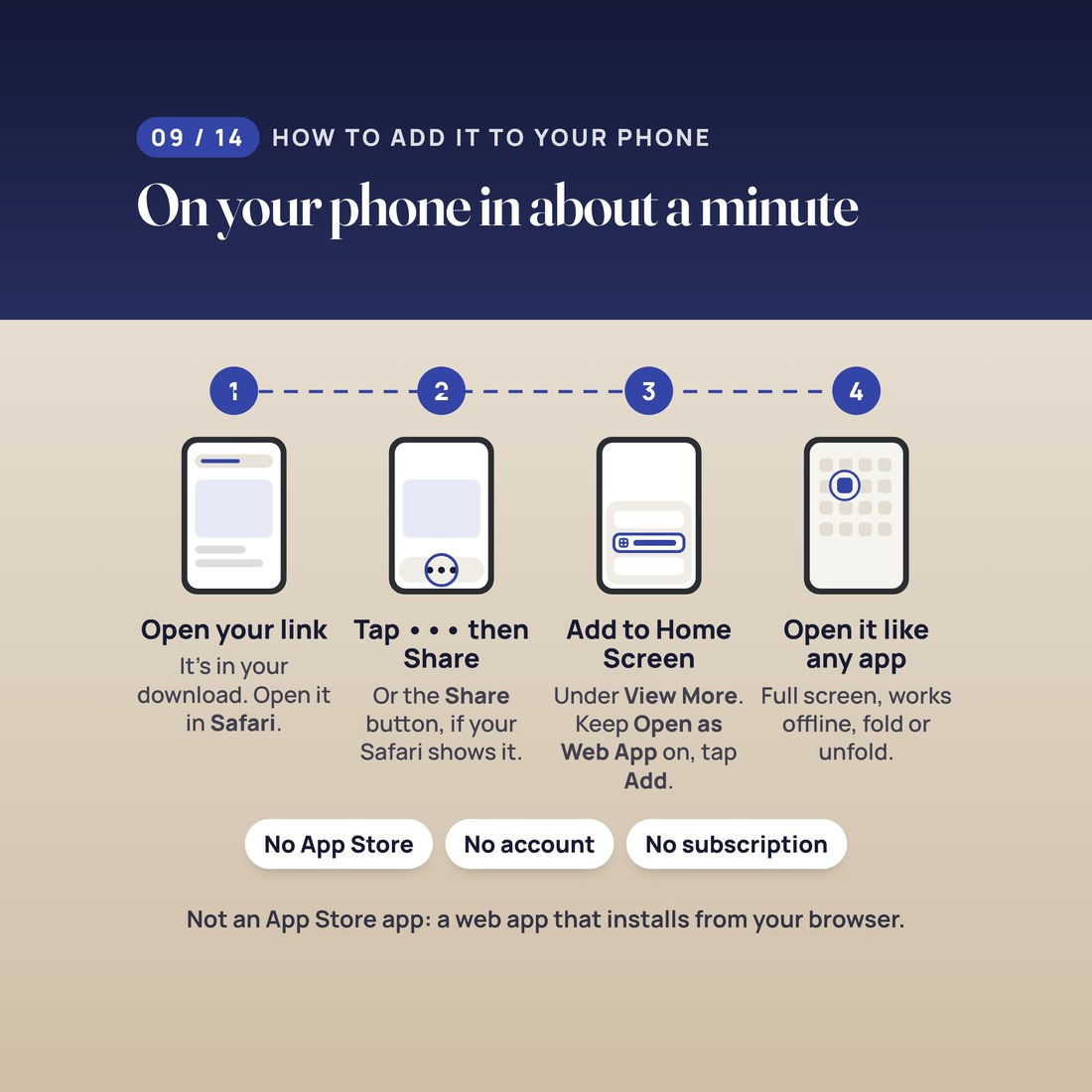
Open START-HERE.pdf and tap your private install link. In Safari, tap the Page Menu button (the three dots), then Share, then View More, then Add to Home Screen. Leave Open as Web App on and tap Add.
Give the book its working title, set your word target and your deadline, pick your writing days and add your chapters.
Close the phone to see today's words. Log a session in two taps, or run a sprint on the cover screen.
Unfold to check your pace, work through your chapters and scenes, see where you are in your story beats, and save a backup file once a month.
Why It's Different
Not another template
Most writing apps want an account and a monthly fee, and most writing spreadsheets are awkward on a phone. This one is a web app you keep: no subscription, no account, no cloud, and it works offline. It is laid out for two screens: closed, the one number to hit today; open, two pages side by side. And the goal moves with you: skip a day and the other days share it, so the number on the cover always adds up to your deadline. The Excel and Google Sheets spreadsheet comes with it for the days you would rather plan on a computer.
Delivery & Compatibility
Instant, and it opens in what you already use
As soon as your order is complete you can download the ZIP. Open START-HERE.pdf, tap your private install link or scan the QR code, and add the app to your Home Screen from Safari in about a minute. This is a web app that installs from Safari; it is not an App Store app. The free video walkthrough shows every step, and nothing ships.
Runs in Safari on iPhone Duo (iOS 27.1), tested in Apple's iPhone Duo simulator. Also runs on other iPhone models, iPad, Android phones in Chrome and computer browsers (Chrome, Edge and Safari). It works offline after the first open. The spreadsheet opens in Excel or Google Sheets. No account, no cloud and no subscription.
FAQ
Questions, answered
Is this an App Store app?
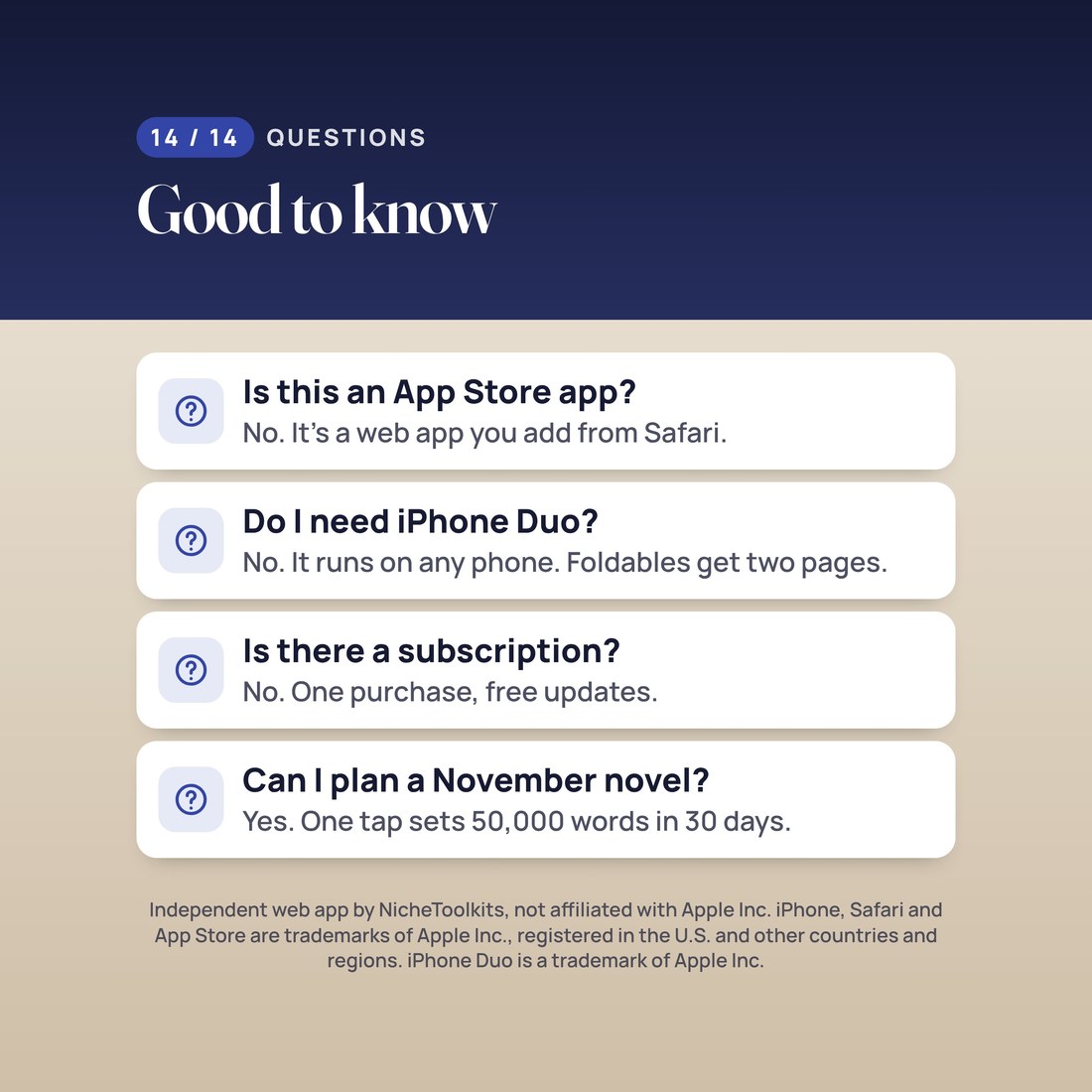
No. It is a web app that installs from Safari with Add to Home Screen, then opens from your Home Screen like any other app. There is nothing to download from an app store.
Do I need a foldable phone?
No. A big foldable inner screen gets the two-page layout, and any other iPhone, Android phone, iPad or computer gets the same app, sized to its screen. The Excel and Google Sheets spreadsheet is included too.
How is the daily goal worked out?
From your word target, your deadline and the writing days you pick: the words you have left, split across the writing days you have left. Skip a day and the other days share it.
Where is my data stored?
Only on your device, in the web app's storage. We never receive it. Deleting the web app or clearing Safari website data erases your entries, so save a backup file now and then; the same file moves your planner to a new phone.
Can I plan a November novel?
Yes. One tap sets 50,000 words in 30 days, which is 1,667 words a day.
Will it get updates?
Yes. The app updates itself when we improve it, and your entries stay on your device.
The figures shown are a worked example. The kitchen-table photo is an AI-generated illustration; the app screen in it is a real screenshot of this product. For personal use: please do not share your install link or resell the files. Digital product; because the files are delivered instantly, all sales are final. Independent web app by NicheToolkits, not affiliated with, sponsored, or approved by Apple Inc. iPhone, Safari and App Store are trademarks of Apple Inc., registered in the U.S. and other countries and regions. iPhone Duo is a trademark of Apple Inc.